Billetera Dash segura y protegida
Usa la seguridad de tu billetera física Trezor para gestionar de forma segura tu Dash.
- Protegido por tu billetera física
- Con la confianza de más de 2 millones de clientes
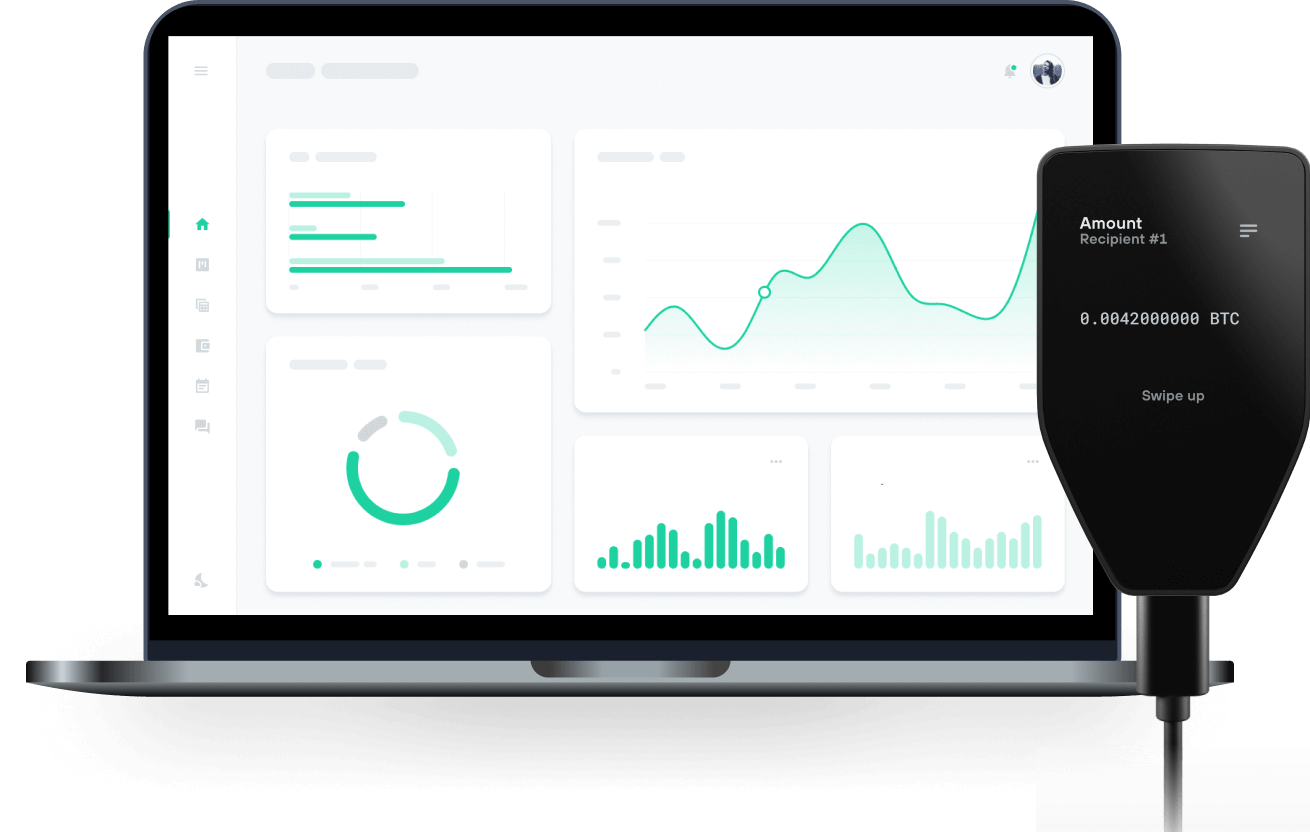
Envía y recibe tu Dash con las billeteras físicas de Trzor

Enviar y recibir

Comprar e intercambiar
Billeteras físicas Trezor compatibles con Dash
Sincroniza tu Trezor con apps de billeteras
Gestiona tus Dash con tu billetera física Trezor sincronizada con apps de billeteras.
Exodus
Red Dash Compatible
¿Por qué una billetera física?

Desconéctate con Trezor
- Tus monedas son 100% tuyas
- Tu billetera está 100% segura offline
- Tus datos son 100% anónimos
- Tus monedas no están atadas a una compañía
Exchanges en línea
- Si un exchange falla, pierdes tus monedas
- Los exchanges son blanco de los hackers
- Tu información personal puede ser expuesta
- Tus monedas no son realmente tuyas
¿Cómo usar DASH en Trezor?
Conecta tu Trezor
Abre una app de billetera de terceros
Gestiona tus activos
Aprovecha al máximo tus DASH
Trezor mantiene tus DASH seguros
 Protegido por Elemento Seguro
La mejor defensa contra amenazas tanto online como offline
 Tus tokens, bajo tu control
Control absoluto de cada transacción con confirmación directa en el dispositivo
 La seguridad empieza por código abierto
Un diseño de billetera de forma transparente hace que tu Trezor sea más seguro y confiable
 Copia de seguridad de billetera clara y sencilla
Recupera el acceso a tus activos digitales con nuevo estándar de copia de seguridad
 Confianza desde el primer día
El embalaje y los sellos de seguridad del dispositivo protegen la integridad de tu Trezor
Dash (DASH) es un efectivo digital diseñado para ofrecer libertad financiera a todos. Los pagos son instantáneos, fáciles y seguros, con comisiones casi nulas. Creado para situaciones de uso en la vida cotidiana, Dash es la solución líder de pagos descentralizados. Los usuarios pueden comprar productos en miles de comercios y hacer trading con él en exchanges y corredores importantes a nivel global. Desde su creación en 2014, Dash ha demostrado liderazgo en innovación y ha sido pionero en características revolucionarias como: -Red de dos niveles con nodos incentivados y gobernanza descentralizada de proyectos (Masternodes) -Pagos liquidados al instante (InstantSend) -Cadena de bloques instantáneamente inmutable (ChainLocks) -Privacidad opcional (PrivateSend)
Comunidades
Tus preguntas, respondidas
Dash se lanzó en 2014 bajo el nombre “Xcoin” por Evan Duffield como una bifurcación del protocolo Bitcoin. Posteriormente fue renombrado a “Darkcoin”, y luego pasó a llamarse “Dash” en marzo de 2015.
Primero, elige un exchange de criptomonedas adecuado para comprar Dash con moneda fiat. Probablemente tendrás que crear una cuenta en el exchange y verificar tu identidad. Una vez que configures tu cuenta y hagas un depósito, podrás cambiar tus fondos por Dash. Después de comprar Dash, asegúrate de mantenerlo seguro transfiriendo estos activos del exchange a tu Trezor.
Una billetera física Trezor ofrece un entorno muy seguro y fácil de usar para almacenar tus monedas Dash. Simplemente conecta tu dispositivo Trezor y utiliza Trezor Suite para gestionar tus Dash de forma segura y eficiente.
Nota: a partir de febrero de 2025, Dash dejará de estar soportado en Trezor Suite. Por favor, transfiere tus fondos antes de que este cambio entre en vigor.
Una billetera de Dash es básicamente tu herramienta personal para almacenar, enviar y recibir la criptomoneda Dash. Mantiene el acceso a tus activos seguro, fundamentales al gestionar tus fondos Dash.
Si utilizas una billetera física Trezor, como la Trezor Safe 3 o la Trezor Safe 5, ya disfrutas de máxima protección: estos dispositivos resguardan tus claves privadas offline, protegiéndote ante amenazas online como hackeos. Actualmente, Dash es compatible de forma nativa en la app Trezor Suite , por lo que puedes gestionar tu Dash fácilmente y aprovechar la reconocida seguridad de Trezor.
¡Importante! El soporte nativo de Dash en Trezor Suite finalizará en febrero de 2025. Después de esa fecha, aún podrás utilizar tu billetera física Trezor para Dash, pero deberás vincularla a una billetera de terceros. La buena noticia es que tu Trezor seguirá asegurando tus claves privadas offline, incluso si usas otra app.
Configurar una billetera Dash es facilísimo, sobre todo si usas una billetera física Trezor como la Trezor Safe 3 o la Trezor Safe 5.
Primero, descarga e instala la app Trezor Suite en tu computadora o usa la versión web. Luego conecta tu dispositivo Trezor y sigue los pasos de configuración. Si es tu primera vez, deberás crear una billetera nueva y una copia de seguridad. Recuerda anotar la copia de seguridad y guardarla en un lugar seguro.
En la app Trezor Suite, ve a "Configuración" y selecciona la pestaña "Monedas". Busca Dash en la lista de criptomonedas compatibles y haz clic para crear tu billetera Dash.
Para recibir Dash, genera una dirección Dash en la aplicación. Cuando te envíen Dash, llegará directamente a tu billetera Trezor. También puedes enviar Dash a otros fácilmente desde la app. Recuerda que tu Trezor mantiene tus claves privadas offline, protegiendo tus fondos frente a amenazas online; así que mantén tu dispositivo y copia de seguridad siempre a salvo.
¡Y listo! Ya puedes gestionar Dash de forma segura con tu billetera física Trezor y Trezor Suite, ¡disfruta tu billetera Dash!
Nota: a partir de febrero de 2025, Dash dejará de estar soportado en Trezor Suite. Transfiere tus fondos antes de dicho cambio.
Los usuarios de Trezor pueden comprar Dash de forma segura desde la pestaña "Comprar y vender" en Trezor Suite. Ingresa el monto (en fiat) que quieres gastar en Dash, selecciona un exchange compatible proporcionado por Invity.io y sigue los pasos para completar la compra.