Upozorňujeme, že naše články jsou momentálně dostupné pouze v angličtině.
Fix "Discovery error" or funds not loading in Trezor Suite
If your balances and transaction history don't load, or Trezor Suite shows "Discovery error," the app can't reach the servers it uses to read the blockchain. Your coins are unaffected. This is a connection problem, not a wallet problem.
Most cases come down to a VPN, a Tor connection, or a stale app state. Work through the steps below in order.
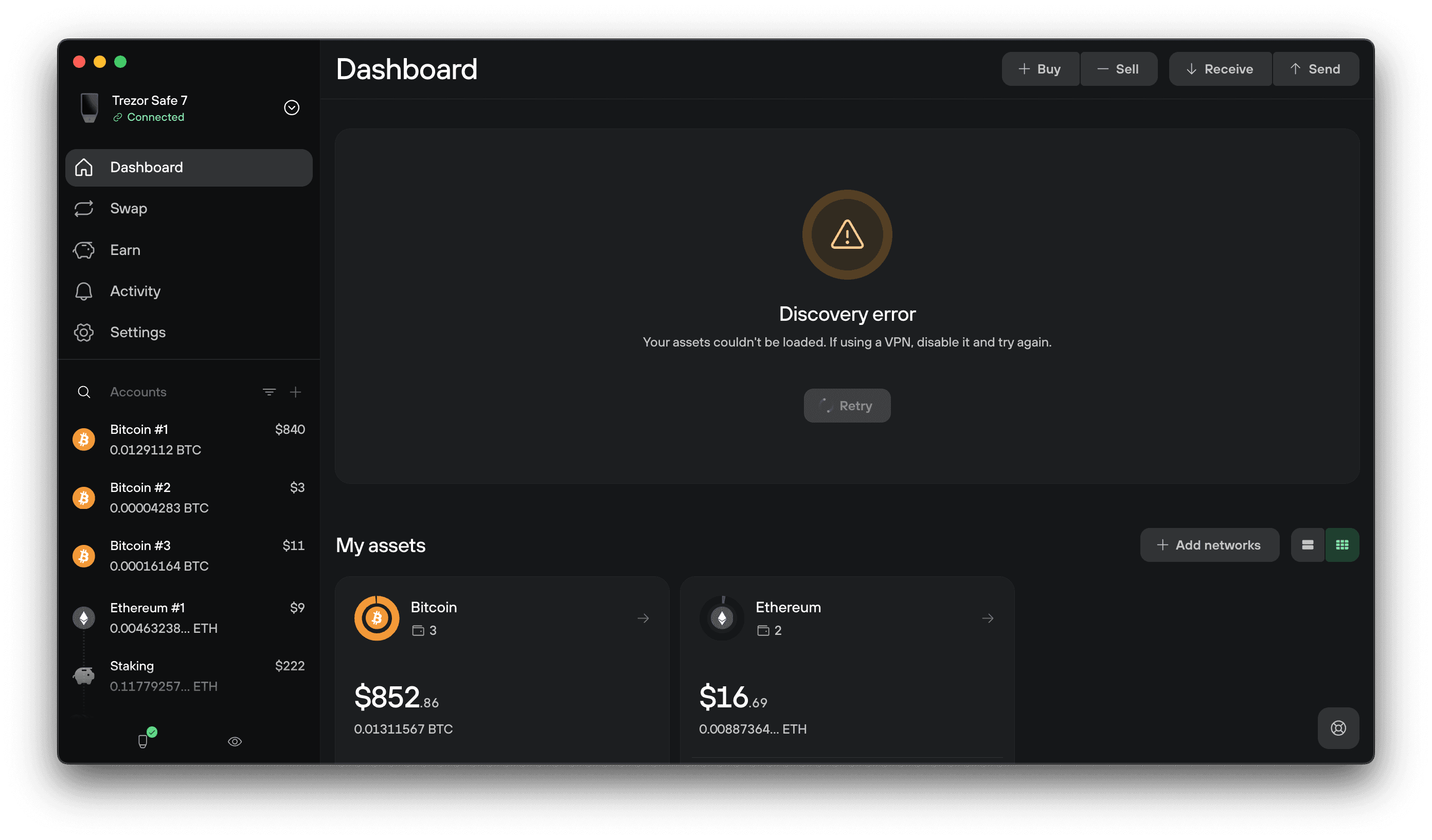
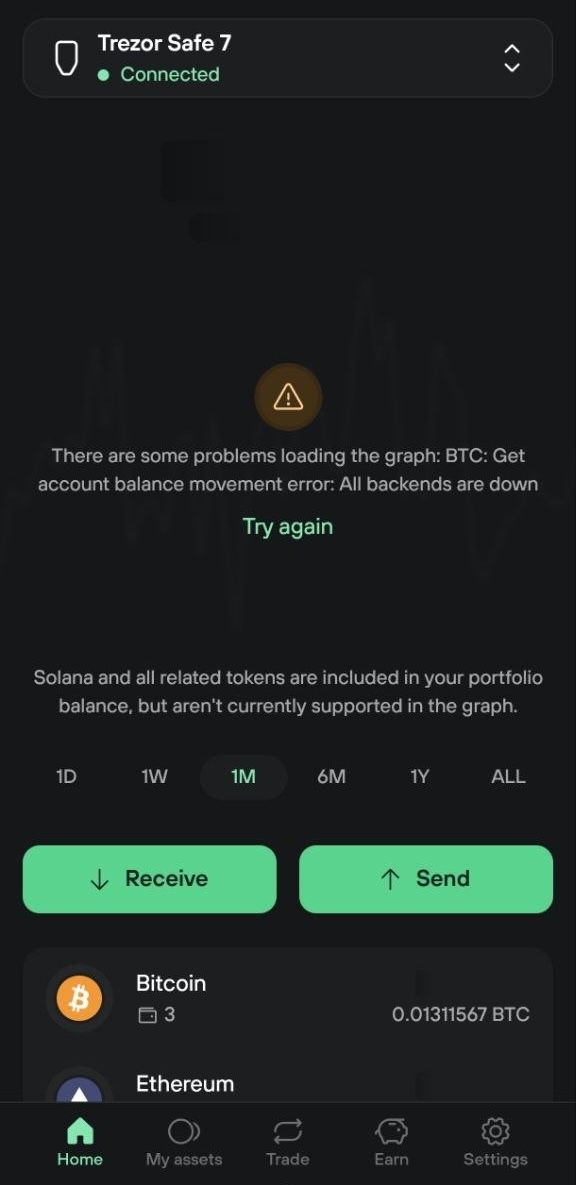
Check for an outage first
Before you change any settings, check whether the problem is on Trezor's side.
- Open status.trezor.io and check that Trezor Suite coin backends show as operational
- Open btc.trezor.io in your browser. This is the default server Trezor Suite uses for Bitcoin, so if the page loads, our servers are reachable from your network
If both pages load normally, continue with the steps below.
If you're connected to a VPN, these pages may be blocked too, so a failed check doesn't confirm an outage. Turn the VPN off and check again.
How to fix it
Choose Desktop or Mobile app below.
Desktop
Turn your VPN off
A VPN is the most common cause. Some VPN servers can't reach Trezor's servers at all.
Disconnect your VPN, then restart Trezor Suite and check your accounts again.
If you're on a network that blocks trezor.io, a VPN may help you reach it. VPN laws and restrictions vary by country, so check what applies where you are before using one.
Reset the app
Resetting clears your app settings and saved wallets, then reloads Trezor Suite with the defaults.
- Go to Settings → Application
- Scroll down to Reset app to default and select Reset app
- Your settings are erased and Trezor Suite reloads automatically

Once it reloads, you can reconnect your Trezor. You'll also need to re-enable the coins you use, since the reset turns them off.
Disable Tor and reset again
If your balances still don't load, check whether Tor is enabled. Tor routes your traffic through the Tor network, which is slower and sometimes blocked.
- Go to Settings → Application and scroll down to Privacy
- Toggle Tor off
- Reset the app again using the steps above
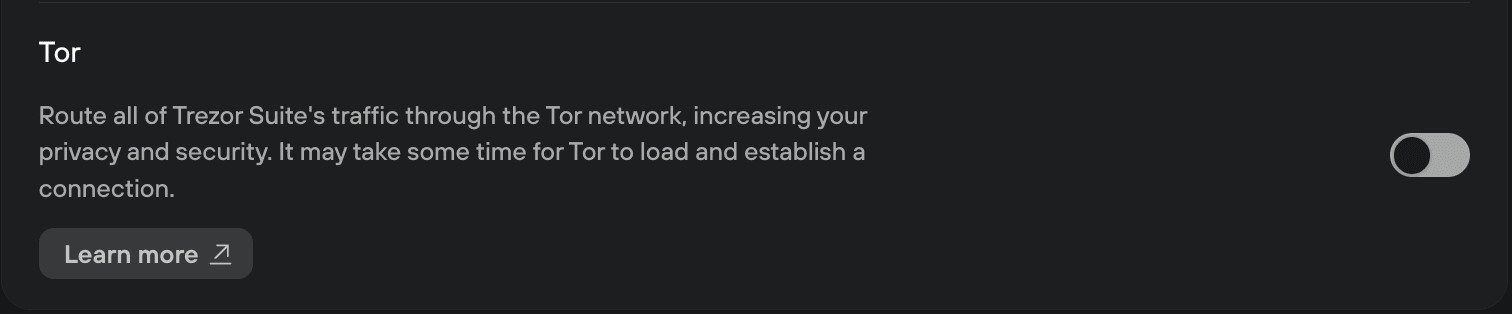
To learn what the setting does before you change it, see Using Tor in Trezor Suite to protect your privacy.
If you use a custom backend
If you pointed Trezor Suite at your own Blockbook or Electrum server, a discovery error usually means that server is unreachable or out of sync. Switch the affected coin back to Trezor (default) and check whether your balances load.
For the steps, see Connect Trezor Suite to your own node.
Still not loading
Contact our Chatbot Hal. Have this ready:
- Whether you're on desktop or mobile
- Your Trezor Suite version
- Which coins are affected