
收发您的 Mitosis 通过 Trezor Suite 应用
Trezor Suite 应用可用于管理 Mitosis,支持桌面端、网页版和移动端。

收发
轻松将您的 Mitosis 从任何钱包或交易所转移到您的 Trezor 硬件钱包。
兑换
使用 Trezor 硬件钱包转移、保存和管理您的资产。
支持 Mitosis 的 Trezor 硬件钱包
让您的 Trezor 同步至钱包应用
通过将 Trezor 硬件钱包与多个钱包应用同步,管理您的 Mitosis。
Trezor Suite
MetaMask
Rabby
支持的Mitosis网络
为什么要用硬件钱包?

离线安全保护,尽在 Trezor
- 您 100% 拥有您的加密货币
- 离线保护私钥,大幅降低在线攻击风险
- 您的数据 100% 匿名
- 您的加密货币不受任何公司控制
在线交易所
- 若交易所出现问题,您将失去加密货币
- 交易所是黑客攻击的目标
- 您的个人数据可能会被暴露
- 您并不真正拥有您的加密货币
如何在 Trezor 上使用MITO
1
请连接您的 Trezor 设备
将您的 Trezor 硬件钱包连接至电脑或移动设备。如果还没有,可以在这里购买。
2
安装 Trezor Suite 应用
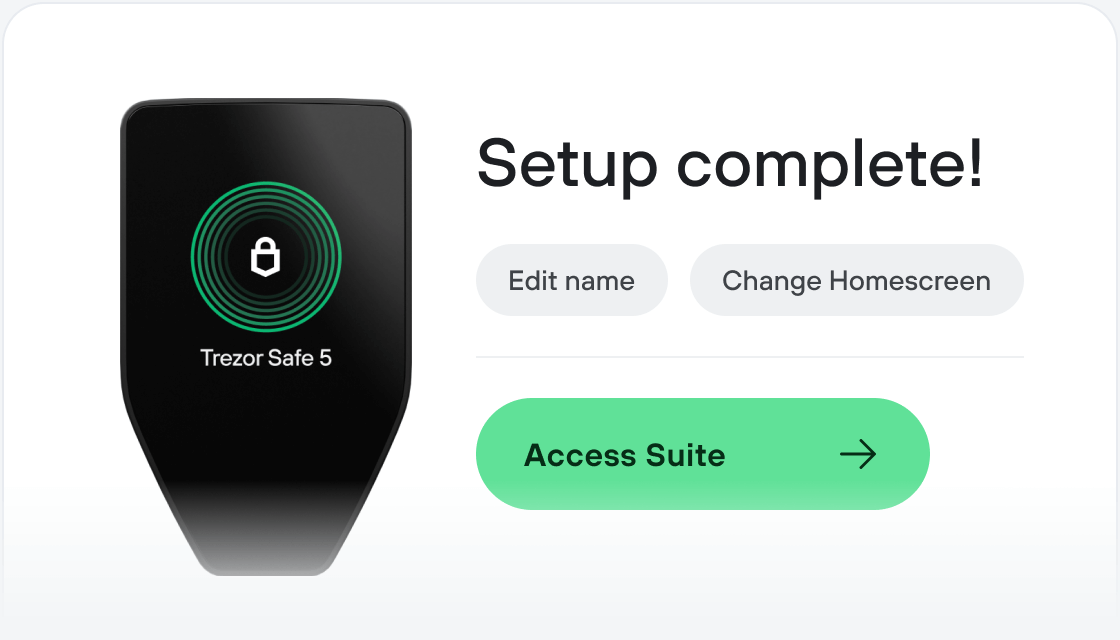
下载并安装 Trezor Suite 应用,获得最佳体验,或直接在浏览器中打开网页版应用。
3
转账您的 MITO
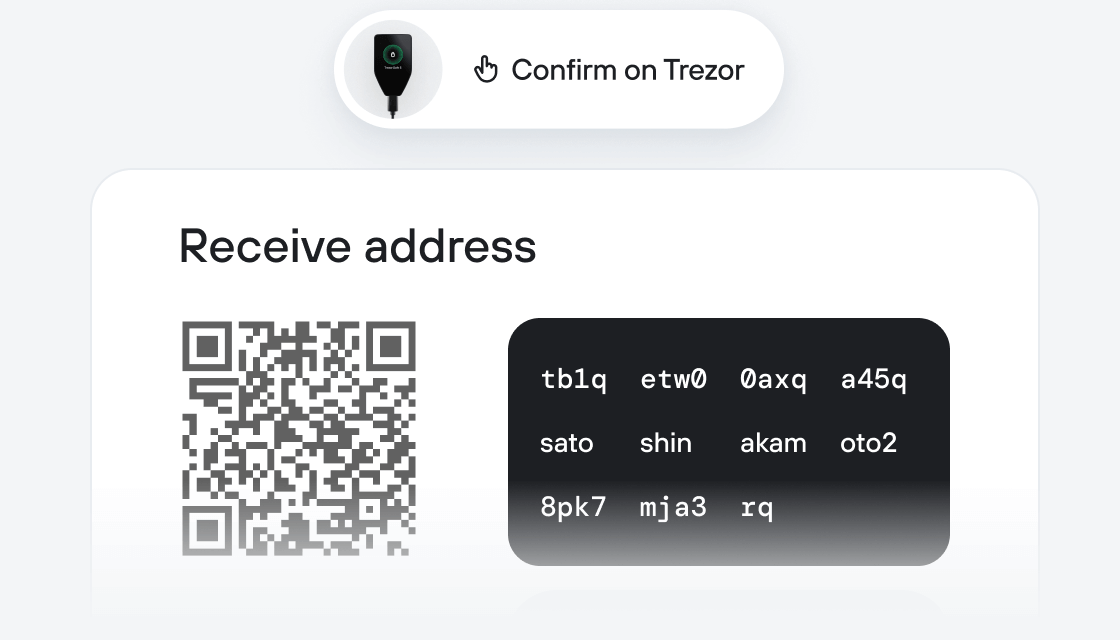
打开 Trezor Suite 应用,选择您的资产(如需先激活),点击“收款”,显示完整地址,在 Trezor 上核对,然后将地址粘贴到交易所的“发送至”字段中。完成!
4
充分利用您的 MITO
Mitosis 转账完成后,您可通过 Trezor Suite 应用,使用 Trezor 硬件钱包安全、轻松地管理 Mitosis。
Trezor 助您安心管理 MITO
 受安全芯片保护
对抗在线与离线威胁的可靠防线
 您的代币,您做主
通过设备确认,全面掌控每笔交易
 安全始于开源
透明钱包设计让您的 Trezor 更优更安全
 清晰简单的钱包备份
借助新一代备份标准恢复数字资产
 从第一天起就信心十足
包装与设备防拆封条共同保障 Trezor 设备完整性
Mitosis introduces a protocol that transforms DeFi liquidity positions into programmable components while solving fundamental market inefficiencies. In current DeFi systems, when users provide liquidity to protocols, they encounter two significant limitations. First, their positions become static and illiquid - once assets are committed, they can’t be effectively used elsewhere. Second, the most profitable opportunities remain exclusive to large investors who can negotiate private agreements, creating an uneven playing field that mirrors traditional finance systems.