
收发您的 HayCoin 通过 Trezor Suite 应用

收发
兑换
支持 HayCoin 的 Trezor 硬件钱包
让您的 Trezor 同步至钱包应用
通过将 Trezor 硬件钱包与多个钱包应用同步,管理您的 HayCoin。
Trezor Suite
MetaMask
Rabby
支持的HayCoin网络
为什么要用硬件钱包?

离线安全保护,尽在 Trezor
- 您 100% 拥有您的加密货币
- 离线保护私钥,大幅降低在线攻击风险
- 您的数据 100% 匿名
- 您的加密货币不受任何公司控制
在线交易所
- 若交易所出现问题,您将失去加密货币
- 交易所是黑客攻击的目标
- 您的个人数据可能会被暴露
- 您并不真正拥有您的加密货币
如何在 Trezor 上使用HAY
请连接您的 Trezor 设备
安装 Trezor Suite 应用
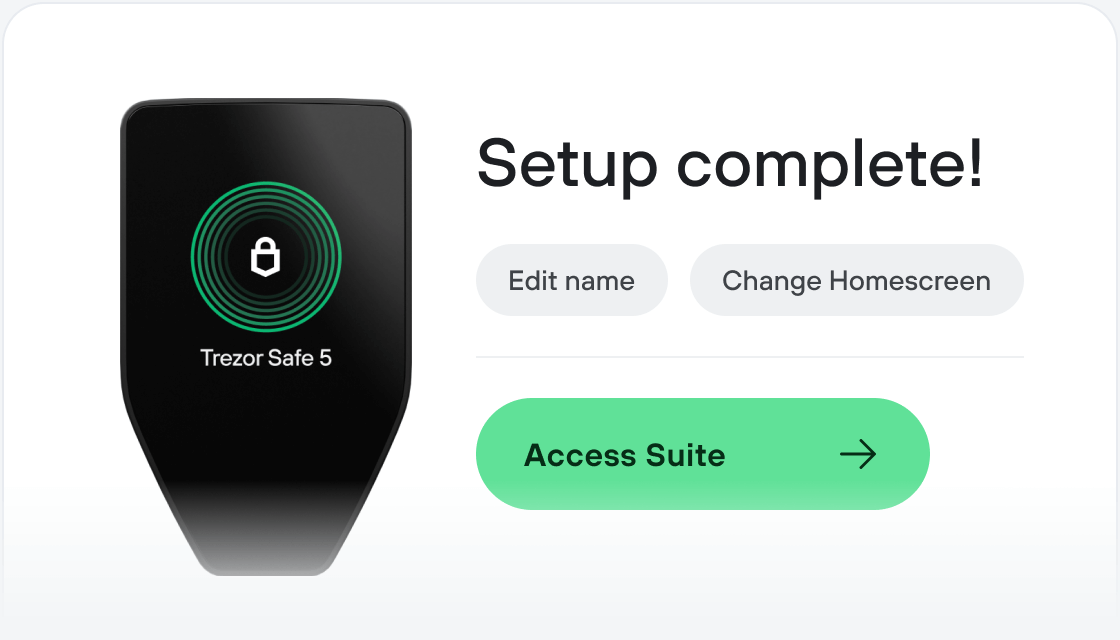
转账您的 HAY
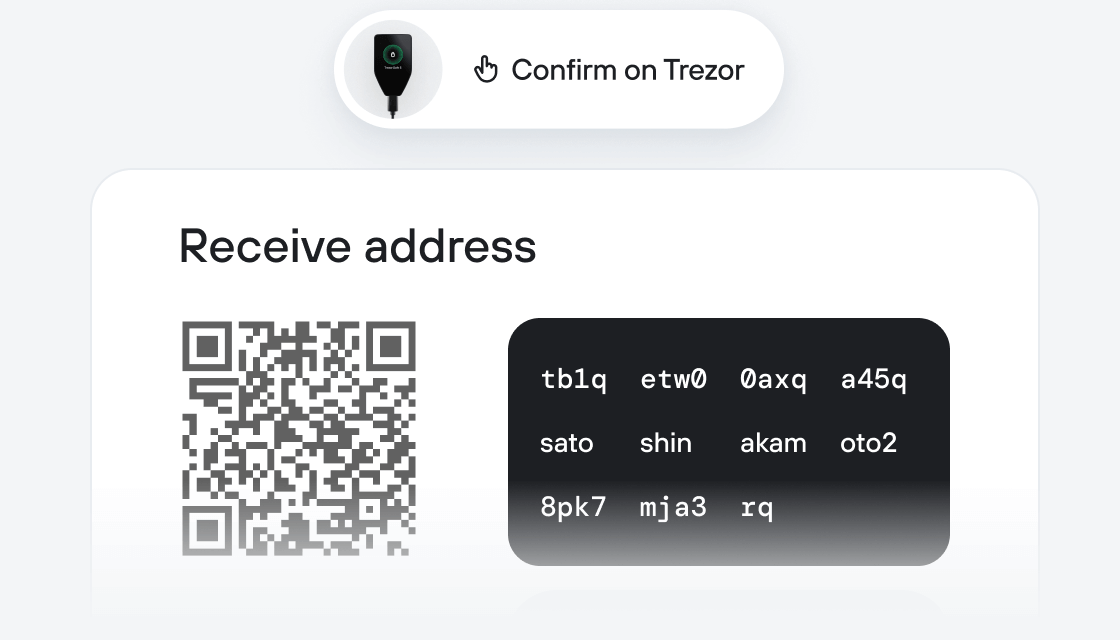
充分利用您的 HAY
Trezor 助您安心管理 HAY
 受安全芯片保护
对抗在线与离线威胁的可靠防线
 您的代币,您做主
通过设备确认,全面掌控每笔交易
 安全始于开源
透明钱包设计让您的 Trezor 更优更安全
 清晰简单的钱包备份
借助新一代备份标准恢复数字资产
 从第一天起就信心十足
包装与设备防拆封条共同保障 Trezor 设备完整性
A meme token, the first ever token deployed on Uniswap V1 that was originally deployed by the founder of uniswap in 2018, there was $50 in liquidity left on V1 so the community bought up the V1 Tokens and added Eth to the V3 uniswap pool to make the token tradeable, being the oldest token ever on Uniswap.
The meme itself is based around Hayden who is the founder and ceo of Uniswap, he created the coin probably for tesing purposes back in 2018. 99.9% of the supply is owned by the uniswap founder/uniswap labs wallet. 0.1 $HAY out of 1,000,000 Hay was supplied into the liquidity pool on V3 from getting those tokens from V1.