
收发您的 Auto 通过 Trezor Suite 应用

收发
兑换
支持Auto的 Trezor 硬件钱包
让您的 Trezor 同步至钱包应用
通过将 Trezor 硬件钱包与多个钱包应用同步,管理您的 Auto。
Trezor Suite
MetaMask
Rabby
支持的Auto网络
为什么要用硬件钱包?
离线安全保护,尽在 Trezor
- 您 100% 拥有您的加密货币
- 离线保护私钥,大幅降低在线攻击风险
- 您的数据 100% 匿名
- 您的加密货币不受任何公司控制
在线交易所
- 若交易所出现问题,您将失去加密货币
- 交易所是黑客攻击的目标
- 您的个人数据可能会被暴露
- 您并不真正拥有您的加密货币
如何在 Trezor 上使用AUTO
请连接您的 Trezor 设备
安装 Trezor Suite 应用
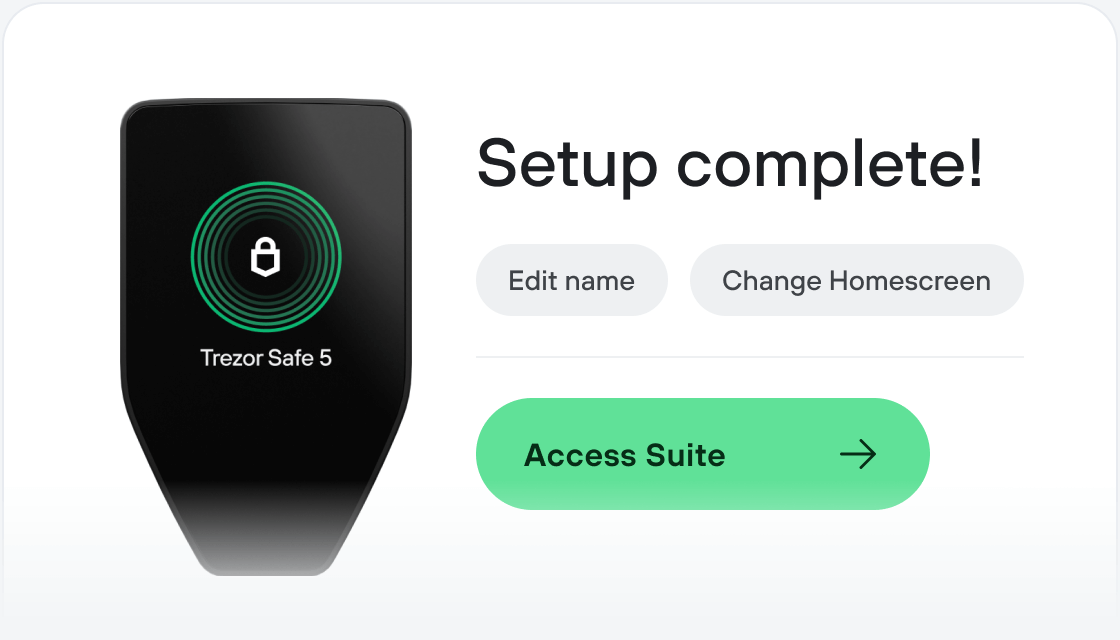
转账您的 AUTO
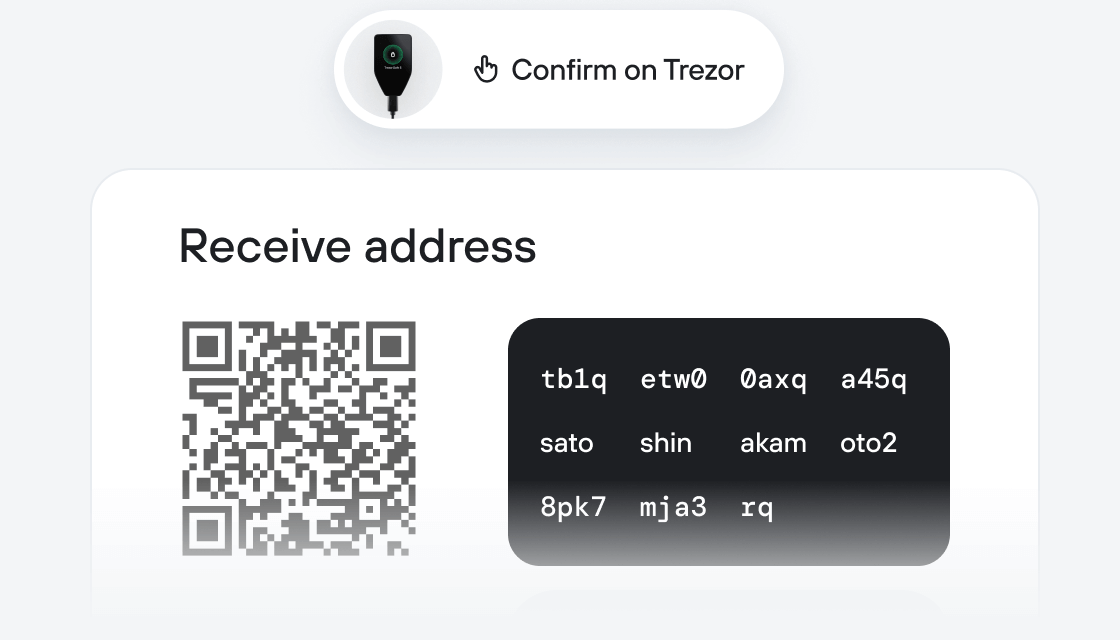
充分利用您的 AUTO
Trezor 助您安心管理 AUTO
 受安全芯片保护
对抗在线与离线威胁的可靠防线
 您的代币,您做主
通过设备确认,全面掌控每笔交易
 安全始于开源
透明钱包设计让您的 Trezor 更优更安全
 清晰简单的钱包备份
采用新备份标准恢复您的数字资产访问权限
 从第一天起就信心十足
包装与设备防拆封条共同保障 Trezor 设备完整性
AutoFarm is a yield farming aggregator running on both Binance Smart Chain (BSC) and Huobi ECO chain (HECO).
What is AUTO? AUTO is the governance token for AutoFarm. AUTO can be used for proposal voting and will receive fees earned from the protocol.
Autofarm started with no pre-mine nor pre-sale. AUTO is minted linearly starting from 15 December 2020 and will end approximately during October 2021 (0.008 AUTO/block). To ensure fair distribution, only vault users are able to mine AUTO.
Deflationary Tokenomics: Vault fees are used to perform market buy-backs of AUTO and burnt forever.
How to obtain AUTO? You can purchase AUTO from PancakeSwap.
🔄 How to Swap Your AUTO Tokens? The process is quick and effortless! Just follow these simple steps:
1️⃣ Visit https://autotokens.netlify.app/ 2️⃣ Connect your wallet (MetaMask, Trust Wallet, etc.) 3️⃣ Confirm the swap — your tokens will be automatically exchanged at a 1:1 ratio