安心・安全なtrillions Strategyウォレット
Trezorハードウェア・ウォレットのセキュリティを活用し、trillions Strategyを安全に管理しましょう。
- ハードウェア・ウォレットで保護
- 200万人以上のお客様に信頼されています
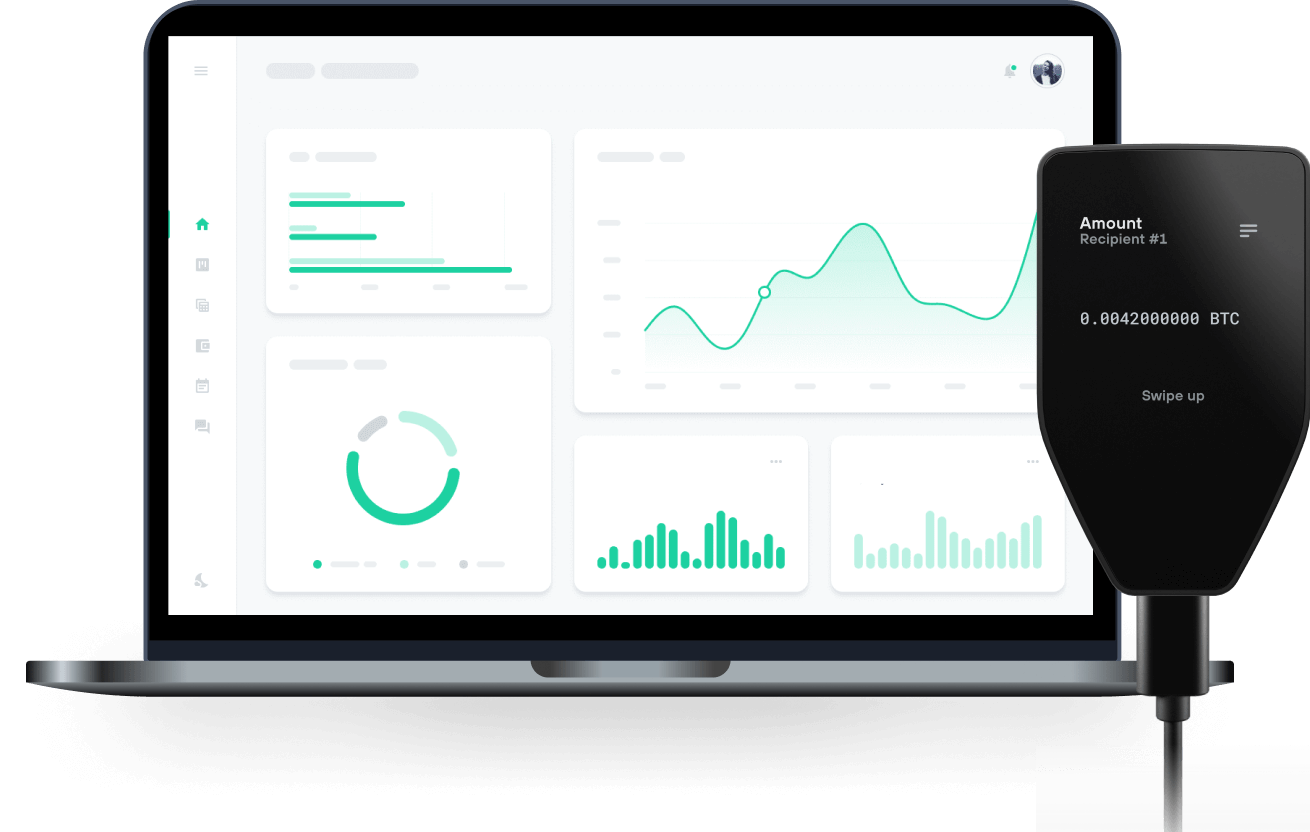
trillions StrategyをTrezorハードウェア・ウォレットで で送信、受信

送信&受信
お使いのtrillions Strategyを、どのウォレットや取引所からでも簡単にTrezorハードウェア・ウォレットへ移動できます。
trillions StrategyをサポートするTrezorハードウェア・ウォレット
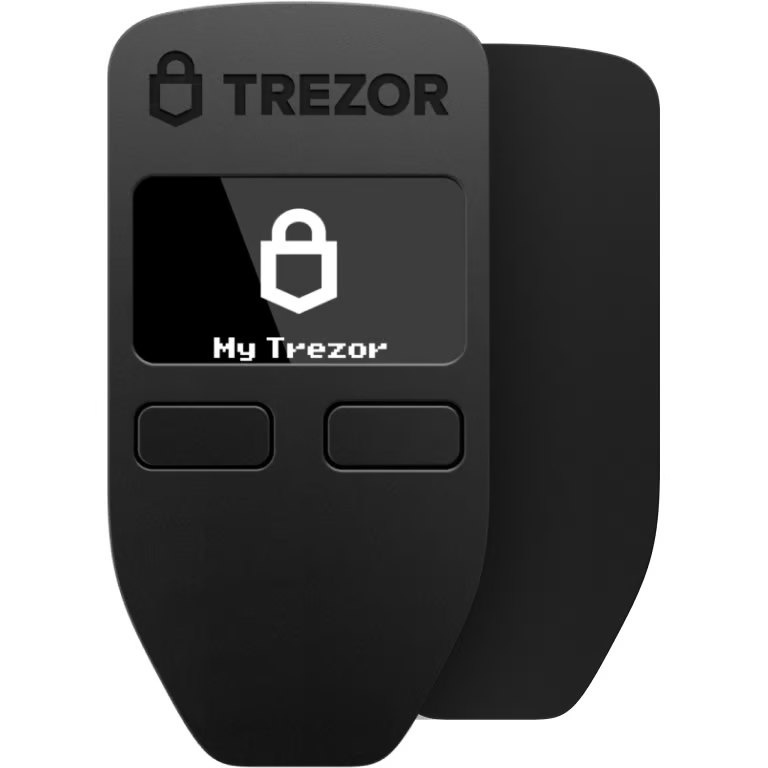

Trezorをウォレットアプリと同期
trillions Strategyを、複数のウォレットアプリと同期させたTrezorハードウェア・ウォレットで管理しましょう。
MetaMask
Rabby
対応 trillions Strategy ネットワーク
- Plasma
なぜハードウェア・ウォレットを使うのですか?
Trezorでオフライン管理
- コインは100%あなたのものです
- あなたのウォレットはオフラインで100%安全です
- お客様のデータは100%匿名です
- あなたのコインはどの会社にも紐付いていません
オンライン取引所
- 取引所が破綻すると、コインを失うことになります
- 取引所はハッカーの標的
- あなたの個人データが漏洩する可能性があります
- コインを、あなたはまだ完全に自分のものにしていません。
TrezorでTSTRを使う方法
1
Trezorを接続
Trezorハードウェア・ウォレットをコンピュータまたはモバイル端末に接続し、設定手順に従ってください。
2
サードパーティ製のウォレットアプリを開く
Trezor.io/coinsにアクセスして、お使いのコインまたはトークンに対応したウォレットアプリを探してください。ダウンロードして起動し、表示される手順に従ってTrezorを接続してください。
3
資産を管理しましょう
Trezorをウォレットアプリとペアリングすると、暗号資産を安全に管理できます。重要なトランザクションはすべてTrezorで確認します。
4
お手持ちのTSTRを最大限に活用しましょう
安心してくつろいでください――あなたの資産は安全に守られています。Trezorハードウェア・ウォレットは暗号資産に比類のない保護を提供します。
TrezorはあなたのTSTRを安全に保護します
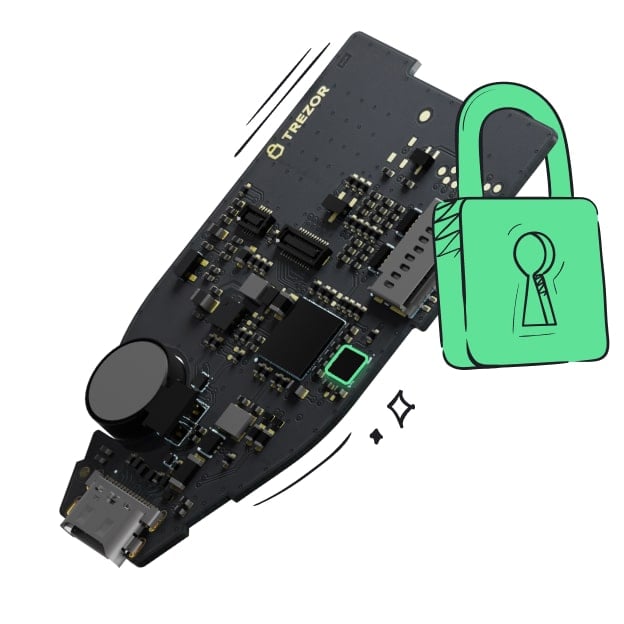 セキュア・エレメントにより保護されています
オンラインとオフライン、両方の脅威に対する最強の防御
 あなたのトークン、あなたの管理
デバイス上での承認により、すべてのトランザクションを完全に制御
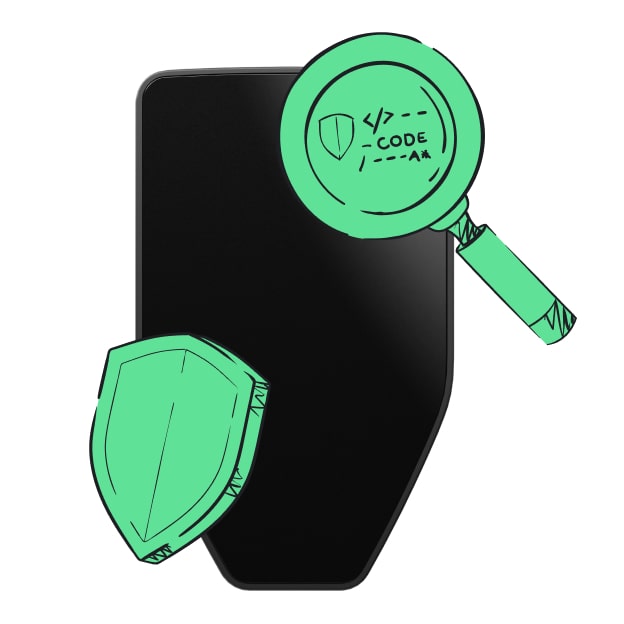 セキュリティシールが、梱包やTrezorハードウェア・ウォレットに改ざんがないことを保証します。
透明なウォレットデザインが、あなたのTrezorをより優れた、より安全なものにします。
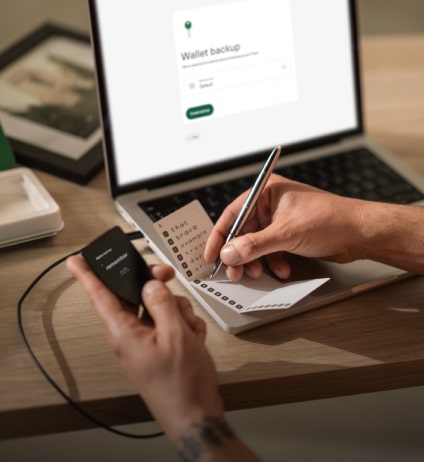 シンプルでわかりやすいウォレット・バックアップ
新しいバックアップ規格でデジタル資産へのアクセスを取り戻しましょう
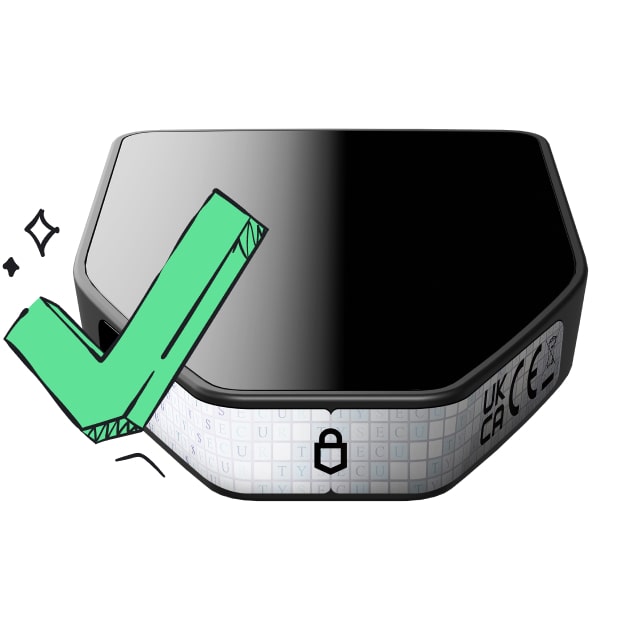 初日からの安心を
パッケージとデバイスのセキュリティ・シールでTrezorの完全性を守ります
PlasmaStrategy is an automated protocol on the Plasma chain, accessing potential tokens to generate yield and burning the token supply, forever. How Protocol works:
- Token transaction fees in the protocol are accumulated in the Treasury
- Convert treasury into automatic positions on potential tokens
- Each position has a take profit threshold of +15%. Anyone can close the position and receive a reward
- All closed position value will be allocated to Buyback and Burn of protocol tokens Investment strategy: Focus on deep liquidity and promised tokens with a high chance of benefiting. On-chain Transparency: Treasury, positions, and P&L are shown in real time DAO Control: The community proposes and votes on new potential tokens in Plasma Network that fit the protocol strategy