安心・安全なShrepeウォレット
Trezorエコシステムで、Shrepe資産を完全に安心して管理できます。
- ハードウェア・ウォレットで保護
- 互換性のあるホットウォレットと使う
- 200万人以上のお客様に信頼されています
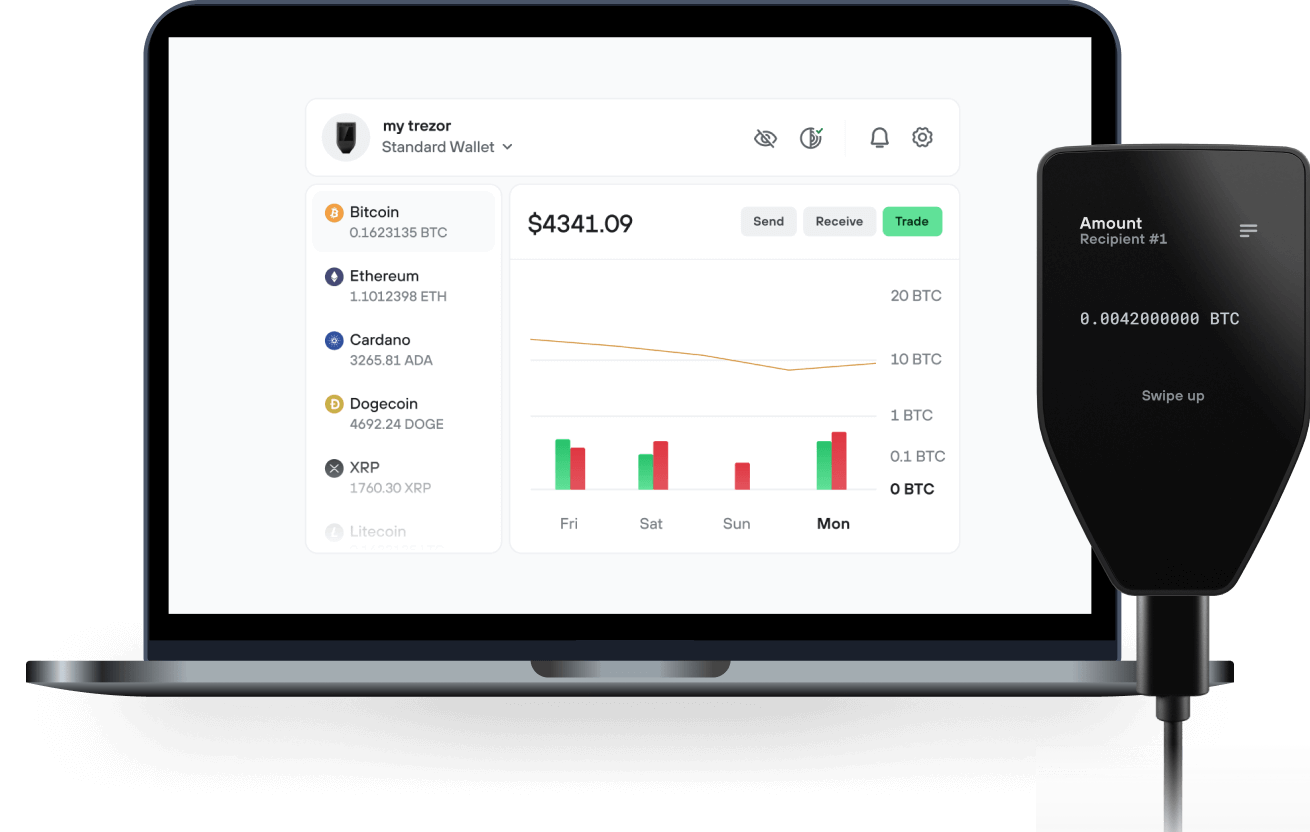
ShrepeをTrezor Suiteアプリでで送信、受信

送信&受信
ShrepeをサポートするTrezorハードウェア・ウォレット

Trezorをウォレットアプリと同期
Shrepeを、複数のウォレットアプリと同期させたTrezorハードウェア・ウォレットで管理しましょう。
Trezor Suite
Backpack
NuFi
対応 Shrepe ネットワーク
- Solana
なぜハードウェア・ウォレットを使うのですか?
Trezorでオフライン管理
- コインは100%あなたのものです
- あなたのウォレットはオフラインで100%安全です
- お客様のデータは100%匿名です
- あなたのコインはどの会社にも紐付いていません
オンライン取引所
- 取引所が破綻すると、コインを失うことになります
- 取引所はハッカーの標的
- あなたの個人データが漏洩する可能性があります
- コインを、あなたはまだ完全に自分のものにしていません。
TrezorでSHREPEを使う方法
Trezorを接続
サードパーティ製のウォレットアプリを開く
資産を管理しましょう
お手持ちのSHREPEを最大限に活用しよう
TrezorはあなたのSHREPEを安全に保護します
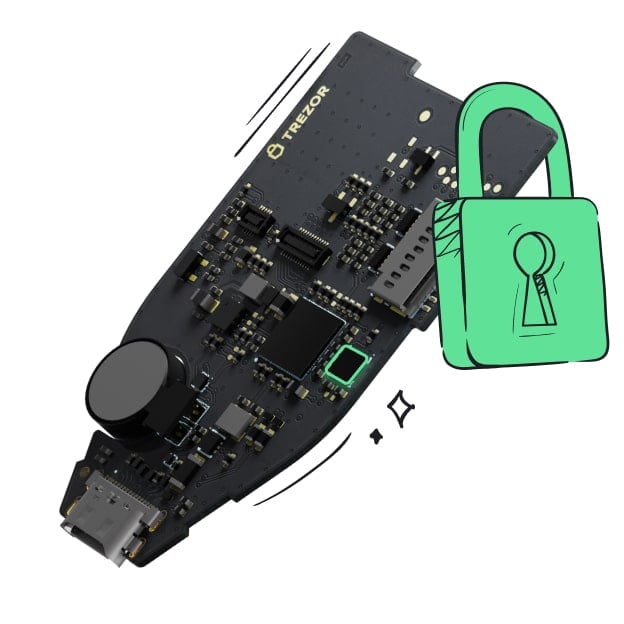 セキュア・エレメントにより保護されています
オンラインとオフライン、両方の脅威に対する最強の防御
 あなたのトークン、あなたの管理
デバイス上での承認により、すべてのトランザクションを完全に制御
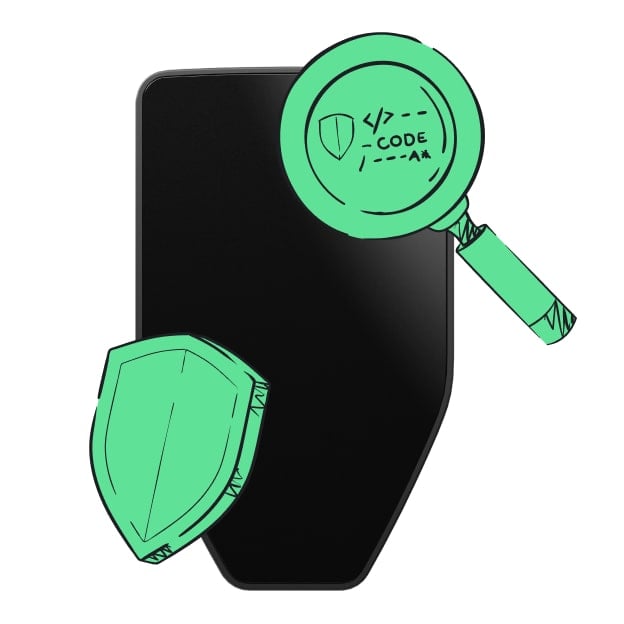 セキュリティシールが、梱包やTrezorハードウェア・ウォレットに改ざんがないことを保証します。
透明なウォレットデザインが、あなたのTrezorをより優れた、より安全なものにします。
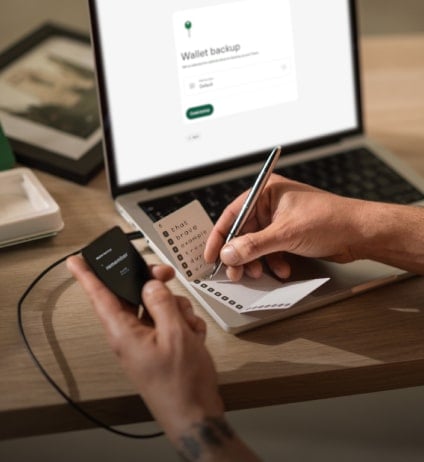 シンプルでわかりやすいウォレット・バックアップ
新しいバックアップ規格でデジタル資産へのアクセスを取り戻しましょう
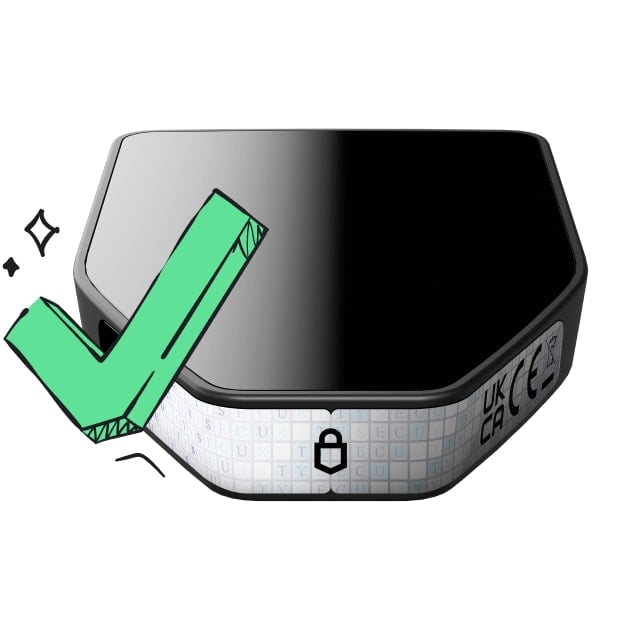 初日からの安心を
パッケージとデバイスのセキュリティ・シールでTrezorの完全性を守ります
The dogs have barked, the frogs have croaked. It's time for the ogre- lord of all memecoins to take over. This is our swamp now.
Most memecoins are one-dimensional. $SHREPE is different. It has layers. Like an onion. Or an ogre. tired of the fleeting hype and the shallow trends. It's time for a coin with substance, with story, with SWAMP. ca:BiGwCbrNetFGJYZMRJiPMEo3vf5XnLp7ibc1CtmuQGW4 Shrepe is the misunderstood hero of the blockchain, here to protect his territory and reward his loyal followers. Somebody once told me this was the coin to rule them all.
How To Buy
- Set Up Your Wallet Download Phantom or your wallet of choice from the app store or Google Play. For desktop users, get the Phantom Google Chrome extension from Phantom.com.
- Get Some SOL You'll need SOL in your wallet to swap for $SHREPE. You can buy SOL directly on Phantom, transfer it from another wallet, or buy on an exchange and send it to your new wallet address.
- Go to Raydium Connect to Raydium by going to Raydium.io in your browser or within the Phantom app's browser. Connect your wallet. Paste the $SHREPE contract address into the swap form, select $SHREPE, and confirm. When Phantom prompts you for a signature, sign the transaction.
- Swap SOL for $SHREPE Swap your SOL for $SHREPE. We've made it simple. No complex fairy tales here, just a straight path to the swamp.
Tokenomics Ticker SHREPE Supply 1,000,000,000 100% Liquidity Pool 0% Team Tokens It's all ogre now.