Billetera Suzaku Token segura y protegida
Toma el control de tus Suzaku Token activos con total confianza en el ecosistema de Trezor.
- Protegido por tu billetera física
- Usa con billeteras digitales compatibles
- Con la confianza de más de 2 millones de clientes

Envía y recibe tu Suzaku Token con la app Trezor Suite

Enviar y recibir

Intercambiar
Billeteras físicas Trezor compatibles con Suzaku Token
Sincroniza tu Trezor con apps de billeteras
Gestiona tus Suzaku Token con tu billetera física Trezor sincronizada con apps de billeteras.
Trezor Suite
MetaMask
Rabby
Red Suzaku Token Compatible
¿Por qué una billetera física?

Desconéctate con Trezor
- Tus monedas son 100% tuyas
- Tu billetera está 100% segura offline
- Tus datos son 100% anónimos
- Tus monedas no están atadas a una compañía
Exchanges en línea
- Si un exchange falla, pierdes tus monedas
- Los exchanges son blanco de los hackers
- Tu información personal puede ser expuesta
- Tus monedas no son realmente tuyas
¿Cómo usar SUZ en Trezor?
Conecta tu Trezor
Instala la app Trezor Suite
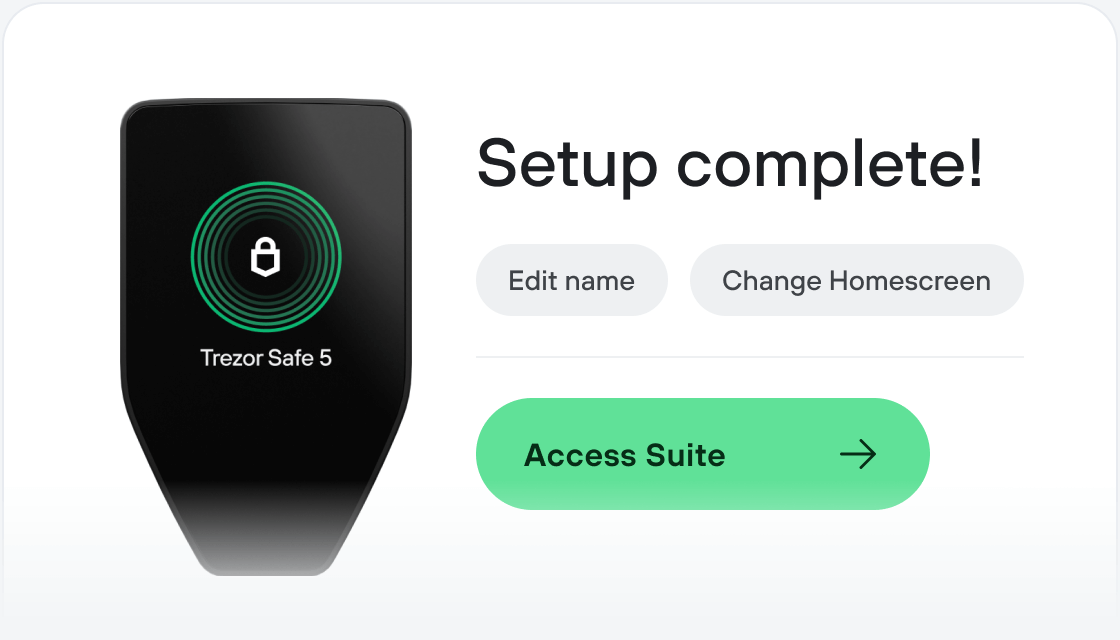
Transfiere tus SUZ
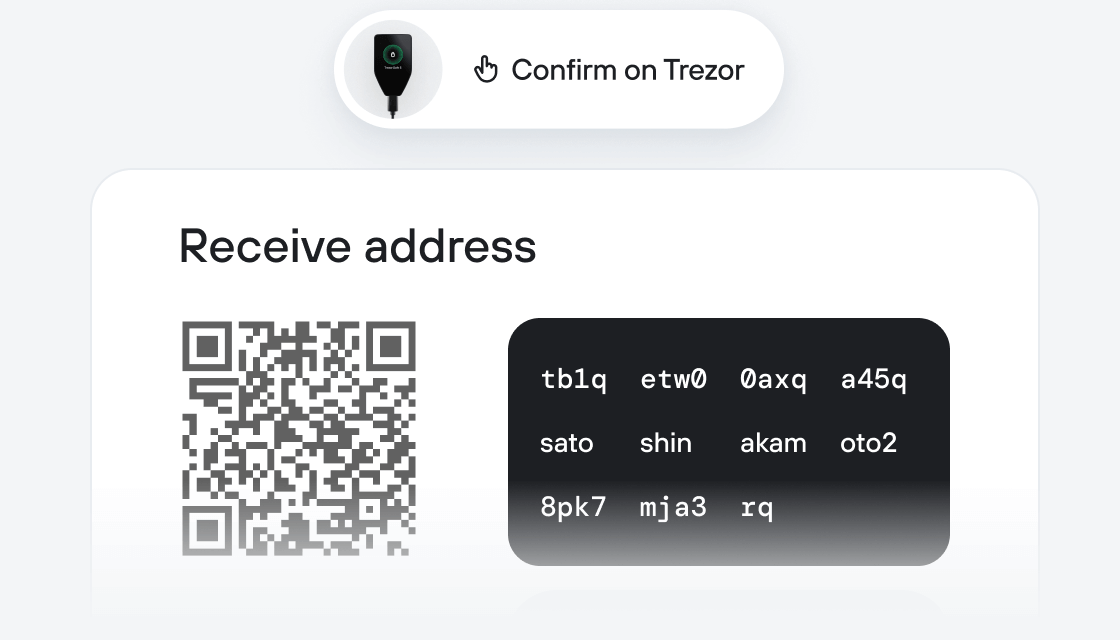
Aprovecha al máximo tus SUZ
Trezor mantiene tus SUZ seguros
 Protegido por Elemento Seguro
La mejor defensa contra amenazas tanto online como offline
 Tus tokens, bajo tu control
Control absoluto de cada transacción con confirmación directa en el dispositivo
 La seguridad empieza por código abierto
Un diseño de billetera de forma transparente hace que tu Trezor sea más seguro y confiable
 Copia de seguridad de billetera clara y sencilla
Recupera el acceso a tus activos digitales con nuevo estándar de copia de seguridad
 Confianza desde el primer día
El embalaje y los sellos de seguridad del dispositivo protegen la integridad de tu Trezor
Suzaku is the Decentralization Hub for Avalanche L1s.
It is a permissionless protocol allowing:
- Anyone to (re)stake their assets to provide cryptoeconomic security
- Anyone to curate (re)staking strategies for their delegators
- Anyone to operate infrastructure to decentralize L1 blockchains
- Anyone to create their L1 and secure their decentralization journey
Avalanche is a network of blockchains known for its flexibility and scalability, with a focus on Web3 gaming and other resource-demanding endeavours. Avalanche also caters to developers who wish to build their own blockchain networks for scalability, sovereignty, or regulatory reasons.
Each Avalanche chain (simply called “Avalanche L1”) is fully sovereign with its independent consensus and data layers, and specific security model, while remaining natively interoperable with other L1s of the Avalanche ecosystem.
Suzaku positions itself as the go-to protocol to help new L1s with all these challenging questions. In order to understand what they do, we should first briefly touch upon liquid staking through LSTs (Liquid Staking Tokens) and restaking.
In a simplified version, restaking is a powerful concept, where new L1s can “borrow” security from established networks in exchange for some rewards for validators. For L1s launching on Suzaku, this means the following benefits:
- Solving the cold-start problem. New projects will struggle to attract enough validators to secure their network at launch. Restaking allows them to leverage existing stake on other networks. This provides them with immediate cryptoeconomic security without needing to bootstrap their own from scratch.
- Increased gains for (re)stakers. Users can restake their tokens to secure multiple L1s, earning an APY from each of these. This increases the % amount one can make from their assets.
LSTs are tokenised representations of staked assets. You can think of them as tokenised receipts that confirm your stake, but also allow you to further use this receipt in DeFi. And besides the better capital efficiency, there’s another important aspect - simplicity. Staking itself is usually somewhat of a complex process for beginners, but getting your hands on an LST is as easy as buying any other token.
The new L1 benefits from this service in multiple ways. The fact that the LSTs allow for much greater capital efficiency, they act as a powerful catalyst for broader participation. This indirectly supports decentralization by encouraging broader participation in staking. If there is also sufficient liquidity on the LST, users can also efficiently exit their position instantaneously on the secondary markets, further increasing their appeal.
In essence, Suzaku is an automated marketplace to connect Avalanche validators with new Avalanche sovereign L1s, while boosting yields for stakers.