Sichere & geschützte Shrepe Wallet
Übernimm die Kontrolle über deine Shrepe Assets mit vollem Vertrauen in das Trezor Ökosystem.
- Gesichert durch deine Hardware-Wallet
- Nutze ihn mit kompatiblen Hot-Wallets
- Über 2 Millionen Kunden vertrauen uns
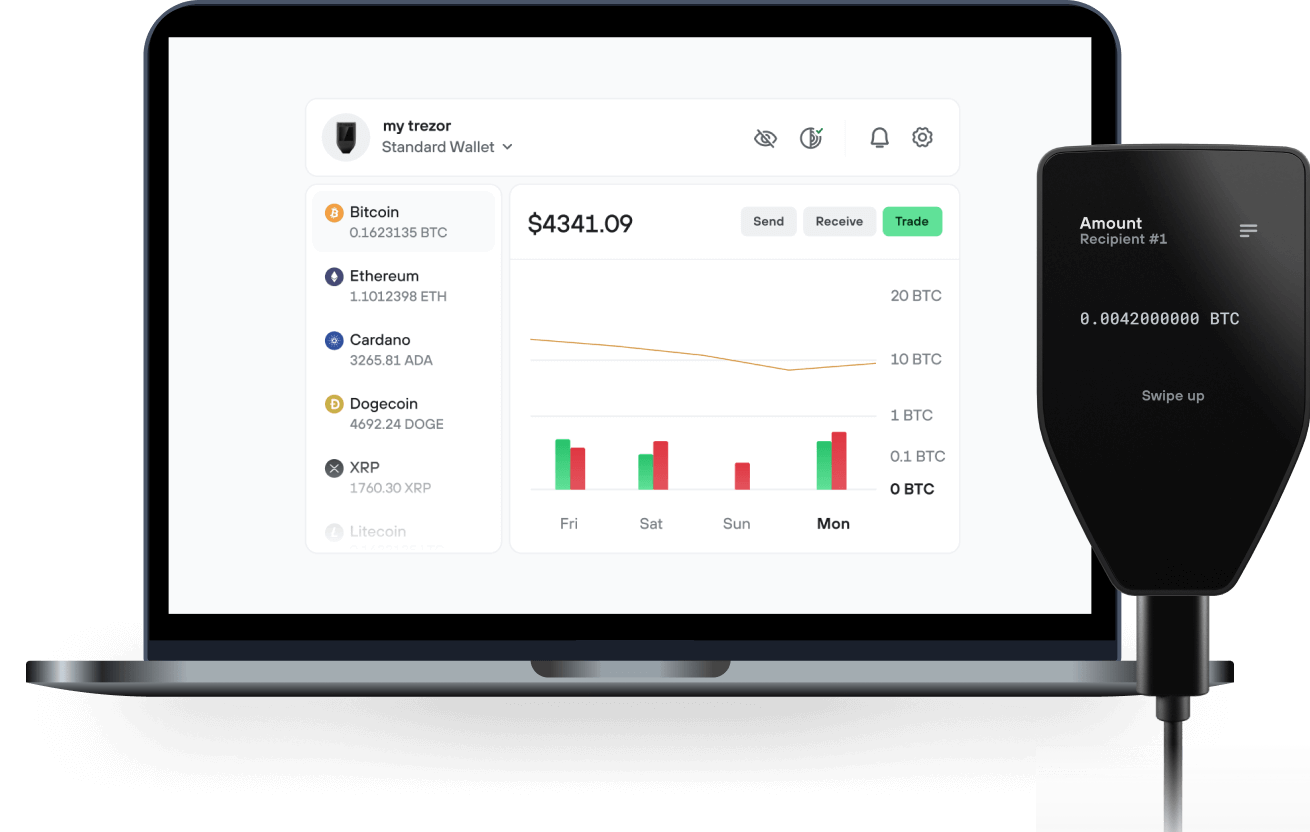
Sende & empfange deinen Shrepe mit der Trezor Suite App

Sende & empfange
Trezor Hardware-Wallet, die Shrepe unterstützen

Synchronisiere Trezor mit Wallet-Apps
Verwalte deine Shrepe mit deiner Trezor Hardware-Wallet, die mit mehreren Wallet-Apps synchronisiert ist.
Trezor Suite
Backpack
NuFi
Unterstütztes Shrepe Netzwerk
- Solana
Warum eine Hardware-Wallet?
Gehe offline mit Trezor
- Du besitzt 100 % deiner Coins
- Deine Wallet ist offline zu 100 % sicher
- Deine Daten sind zu 100 % anonym
- Deine Coins sind an keine Firma gebunden
Online-Börsen
- Wenn ein Umtausch fehlschlägt, verlierst du deine Coins
- Börsen sind Ziele von Hackern
- Deine persönlichen Daten könnten offengelegt werden
- Du besitzt deine Coins nicht wirklich
Wie man SHREPE auf Trezor
Verbinde deinen Trezor
Öffne eine Drittanbieter-Wallet-App
Verwalte dein Vermögen
Mache das Beste aus deinen SHREPE
Trezor hält dein SHREPE sicher
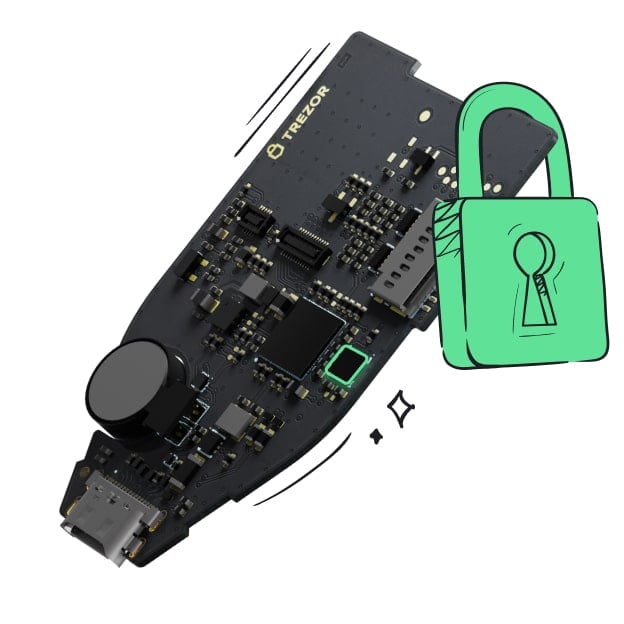 Geschützt durch Secure Element
Die beste Verteidigung gegen beides, online und offline Bedrohungen
 Deine Token, deine Kontrolle
Absolute Kontrolle über jede Transaktion mit Bestätigung auf dem Gerät
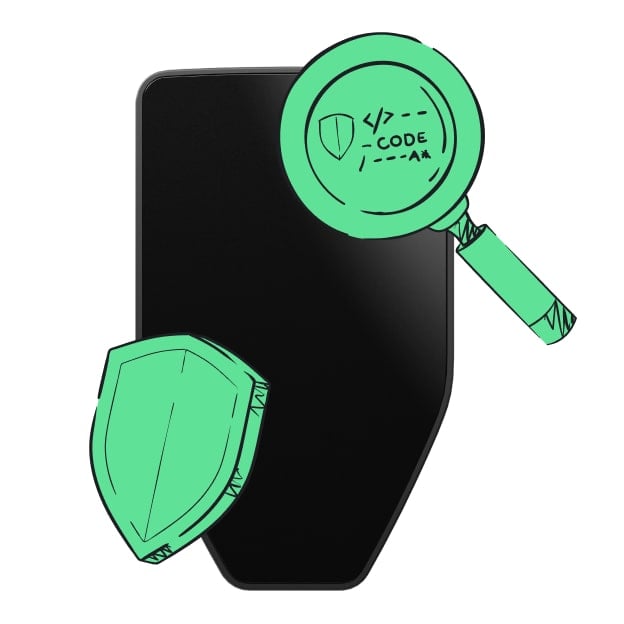 Sicherheit beginnt mit Open-Source
Das transparente Wallet-Design macht deinen Trezor besser und sicherer
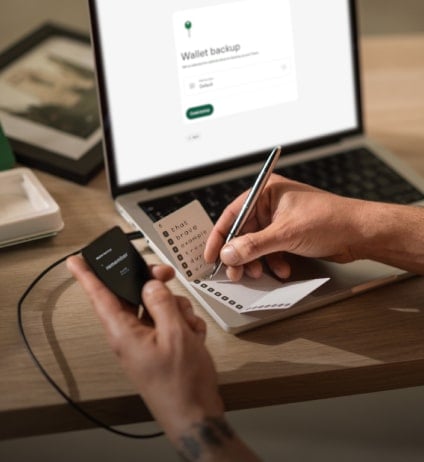 Übersichtliches & einfaches Wallet-Backup
Stelle deinen Zugriff auf deine digitalen Assets wieder her mit einem neuen Backup-Standard
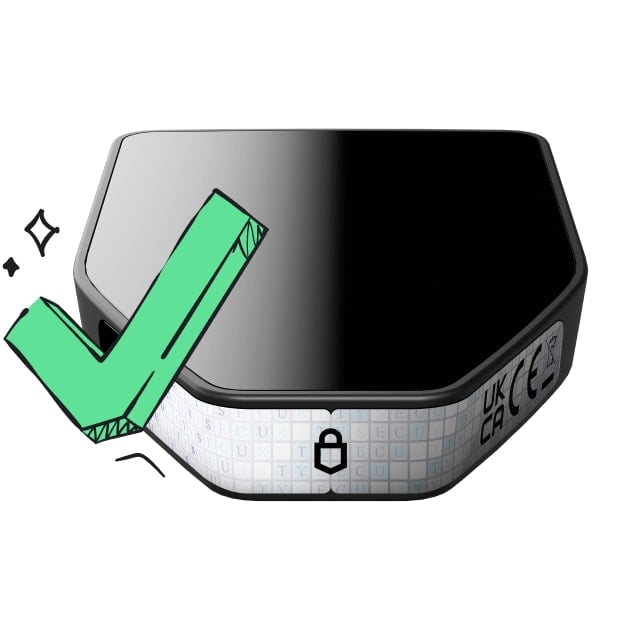 Vertrauen vom ersten Tag an
Verpackungs- & Gerätesicherheitssiegel schützen die Integrität deines Trezors
The dogs have barked, the frogs have croaked. It's time for the ogre- lord of all memecoins to take over. This is our swamp now.
Most memecoins are one-dimensional. $SHREPE is different. It has layers. Like an onion. Or an ogre. tired of the fleeting hype and the shallow trends. It's time for a coin with substance, with story, with SWAMP. ca:BiGwCbrNetFGJYZMRJiPMEo3vf5XnLp7ibc1CtmuQGW4 Shrepe is the misunderstood hero of the blockchain, here to protect his territory and reward his loyal followers. Somebody once told me this was the coin to rule them all.
How To Buy
- Set Up Your Wallet Download Phantom or your wallet of choice from the app store or Google Play. For desktop users, get the Phantom Google Chrome extension from Phantom.com.
- Get Some SOL You'll need SOL in your wallet to swap for $SHREPE. You can buy SOL directly on Phantom, transfer it from another wallet, or buy on an exchange and send it to your new wallet address.
- Go to Raydium Connect to Raydium by going to Raydium.io in your browser or within the Phantom app's browser. Connect your wallet. Paste the $SHREPE contract address into the swap form, select $SHREPE, and confirm. When Phantom prompts you for a signature, sign the transaction.
- Swap SOL for $SHREPE Swap your SOL for $SHREPE. We've made it simple. No complex fairy tales here, just a straight path to the swamp.
Tokenomics Ticker SHREPE Supply 1,000,000,000 100% Liquidity Pool 0% Team Tokens It's all ogre now.