Sichere & geschützte RocketSloth Wallet
Übernimm die Kontrolle über deine RocketSloth Assets mit vollem Vertrauen in das Trezor Ökosystem.
- Gesichert durch deine Hardware-Wallet
- Nutze ihn mit kompatiblen Hot-Wallets
- Über 2 Millionen Kunden vertrauen uns
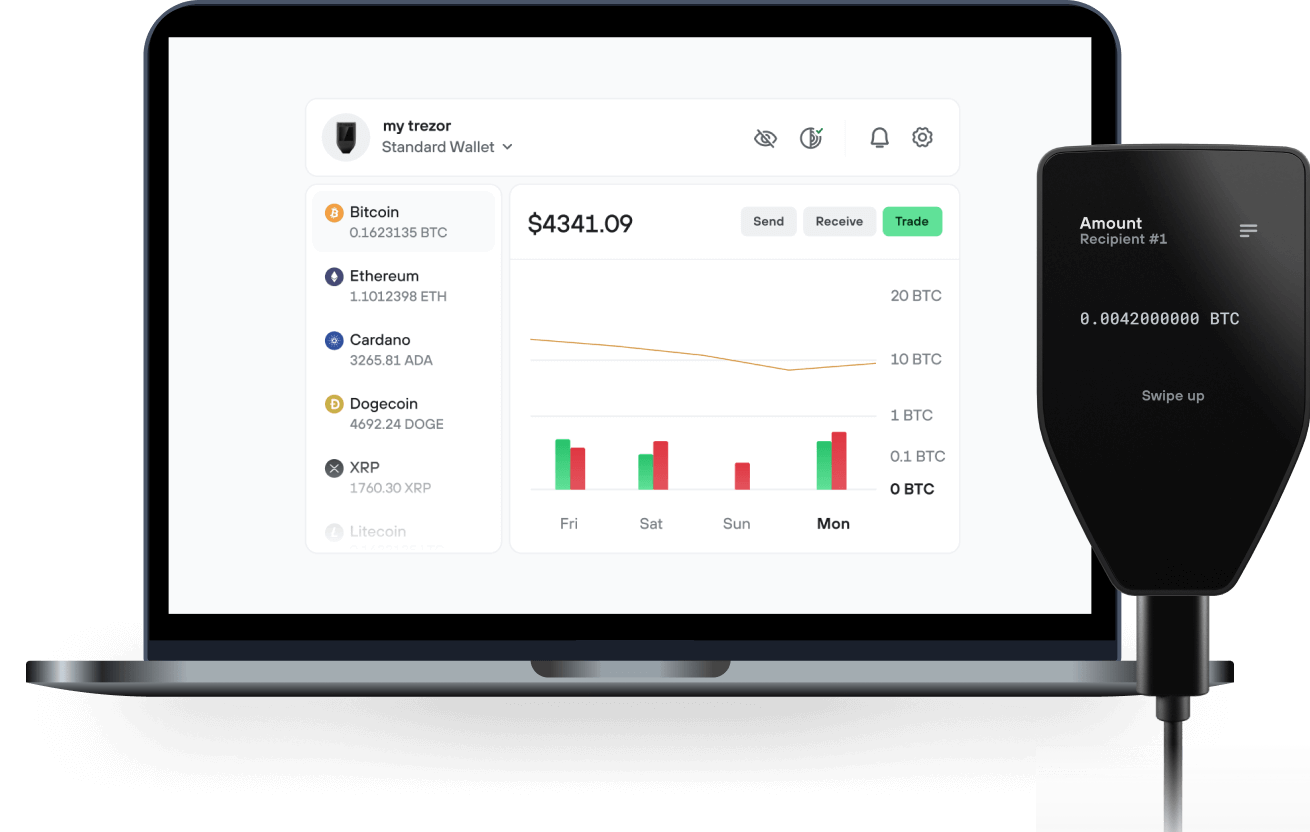
Sende & empfange deinen RocketSloth mit der Trezor Suite App

Sende & empfange
Trezor Hardware-Wallet, die RocketSloth unterstützen

Synchronisiere Trezor mit Wallet-Apps
Verwalte deine RocketSloth mit deiner Trezor Hardware-Wallet, die mit mehreren Wallet-Apps synchronisiert ist.
Trezor Suite
Backpack
NuFi
Unterstütztes RocketSloth Netzwerk
- Solana
Warum eine Hardware-Wallet?
Gehe offline mit Trezor
- Du besitzt 100 % deiner Coins
- Deine Wallet ist offline zu 100 % sicher
- Deine Daten sind zu 100 % anonym
- Deine Coins sind an keine Firma gebunden
Online-Börsen
- Wenn ein Umtausch fehlschlägt, verlierst du deine Coins
- Börsen sind Ziele von Hackern
- Deine persönlichen Daten könnten offengelegt werden
- Du besitzt deine Coins nicht wirklich
Wie man RSLT auf Trezor
Verbinde deinen Trezor
Öffne eine Drittanbieter-Wallet-App
Verwalte dein Vermögen
Mache das Beste aus deinen RSLT
Trezor hält dein RSLT sicher
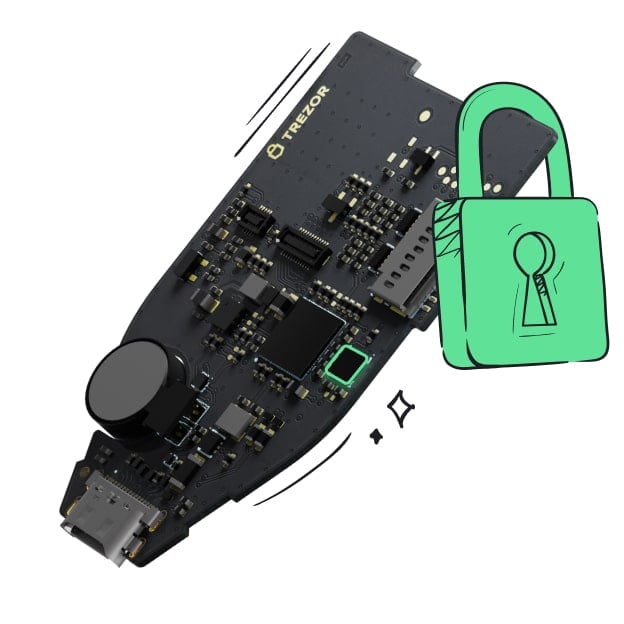 Geschützt durch Secure Element
Die beste Verteidigung gegen beides, online und offline Bedrohungen
 Deine Token, deine Kontrolle
Absolute Kontrolle über jede Transaktion mit Bestätigung auf dem Gerät
 Sicherheit beginnt mit Open-Source
Das transparente Wallet-Design macht deinen Trezor besser und sicherer
 Übersichtliches & einfaches Wallet-Backup
Stelle deinen Zugriff auf deine digitalen Assets wieder her mit einem neuen Backup-Standard
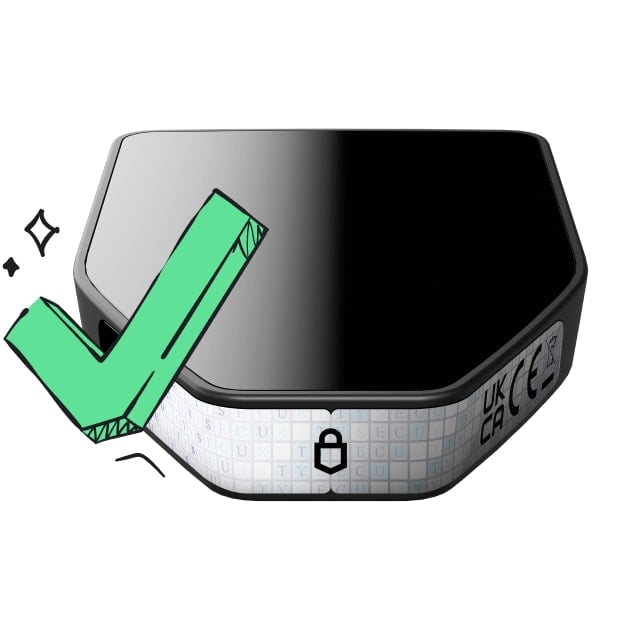 Vertrauen vom ersten Tag an
Verpackungs- & Gerätesicherheitssiegel schützen die Integrität deines Trezors
RocketSloth (RSLT) is a community-driven meme coin built on the Solana blockchain that combines humor, transparency, and a fair distribution model. Its entire supply—18.4 quadrillion RSLT—is owned by the community; the initial liquidity is permanently locked across several decentralized exchanges (Raydium, Orca, Meteora), and the mint authority has been renounced.
The tokenomics allocate 35 % of the supply to liquidity, 20 % to airdrops, 15 % to marketing, 10 % to the team and 20 % to a burn reserve ,ensuring no single party controls the supply or can inflate it.
What makes RocketSloth unique is its interactive airdrop and deflationary system. Anyone with a Solana wallet can claim a base reward of 3 000 RSLT and earn an extra 250 RSLT per referral through a form on the official site
A real-time dashboard shows the number of participants and tokens distributed, encouraging organic growth and transparency. On the other side, RocketSloth is programmed to shrink its supply: an automatic burn mechanism destroys small amounts of RSLT continuously (tracked on a public “burn tracker” page) with the goal of burning 20 % of the supply
Each burn transaction is visible on Solscan, and thousands of micro-burns are carried out over time to reduce the circulating supply.
The project’s roadmap reflects its ambition to evolve from a fun meme coin into a credible community asset. Following the launch phase—deployment on Solana, liquidity lock, mint renunciation, community airdrop and burn activation—it plans progressive burns, community growth campaigns, strategic partnerships and major listings on CoinGecko, CoinMarketCap and centralized exchanges.
Ultimately, RocketSloth seeks to prove that even the laziest rocket can reach the moon through collective effort, humor and transparent token economics.