Sichere & geschützte Laura AI Wallet
Übernimm die Kontrolle über deine Laura AI Assets mit vollem Vertrauen in das Trezor Ökosystem.
- Gesichert durch deine Hardware-Wallet
- Nutze ihn mit kompatiblen Hot-Wallets
- Über 2 Millionen Kunden vertrauen uns
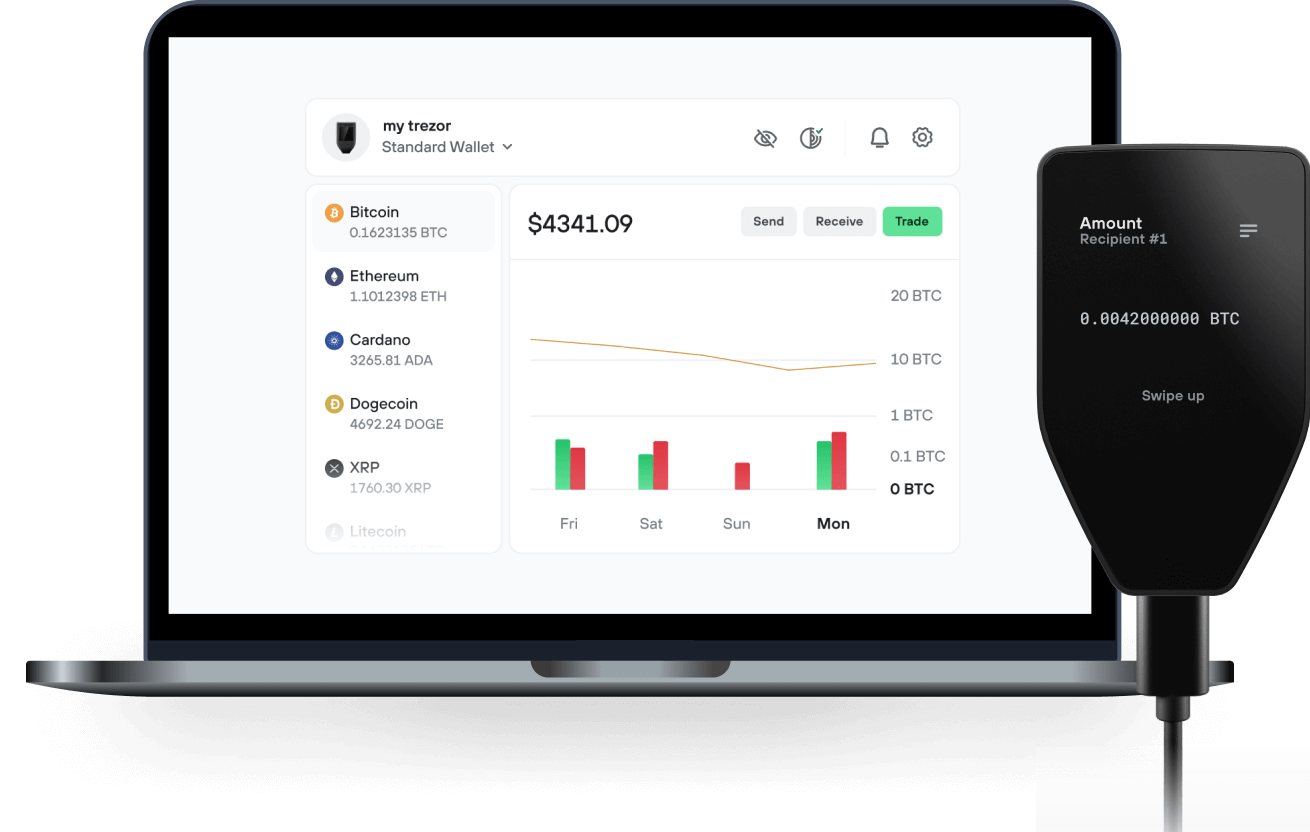
Sende & empfange deinen Laura AI mit der Trezor Suite App

Sende & empfange
Trezor Hardware-Wallet, die Laura AI unterstützen

Synchronisiere Trezor mit Wallet-Apps
Verwalte deine Laura AI mit deiner Trezor Hardware-Wallet, die mit mehreren Wallet-Apps synchronisiert ist.
Trezor Suite
MetaMask
Rabby
Unterstütztes Laura AI Netzwerk
- Ethereum
Warum eine Hardware-Wallet?
Gehe offline mit Trezor
- Du besitzt 100 % deiner Coins
- Deine Wallet ist offline zu 100 % sicher
- Deine Daten sind zu 100 % anonym
- Deine Coins sind an keine Firma gebunden
Online-Börsen
- Wenn ein Umtausch fehlschlägt, verlierst du deine Coins
- Börsen sind Ziele von Hackern
- Deine persönlichen Daten könnten offengelegt werden
- Du besitzt deine Coins nicht wirklich
Wie man LAURA auf Trezor
Verbinde deinen Trezor
Öffne eine Drittanbieter-Wallet-App
Verwalte dein Vermögen
Mache das Beste aus deinen LAURA
Trezor hält dein LAURA sicher
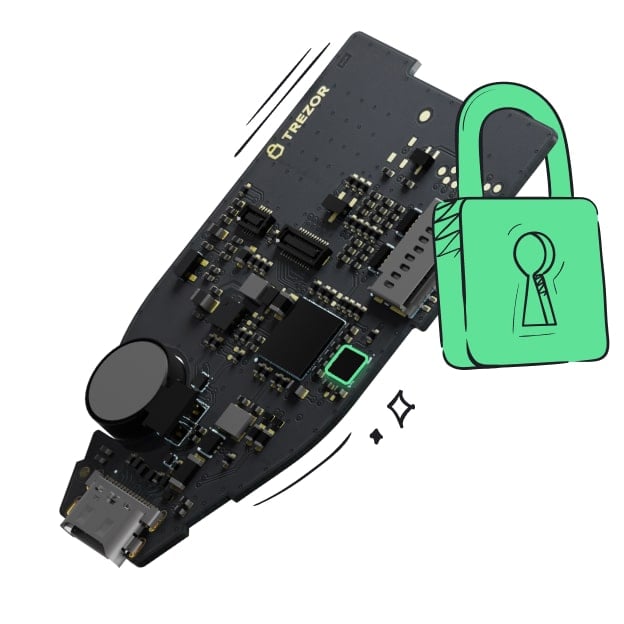 Geschützt durch Secure Element
Die beste Verteidigung gegen beides, online und offline Bedrohungen
 Deine Token, deine Kontrolle
Absolute Kontrolle über jede Transaktion mit Bestätigung auf dem Gerät
 Sicherheit beginnt mit Open-Source
Das transparente Wallet-Design macht deinen Trezor besser und sicherer
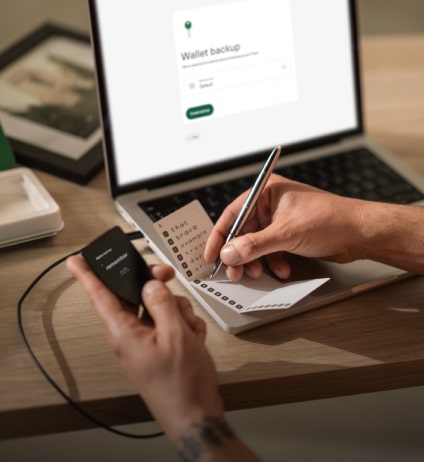 Übersichtliches & einfaches Wallet-Backup
Stelle deinen Zugriff auf deine digitalen Assets wieder her mit einem neuen Backup-Standard
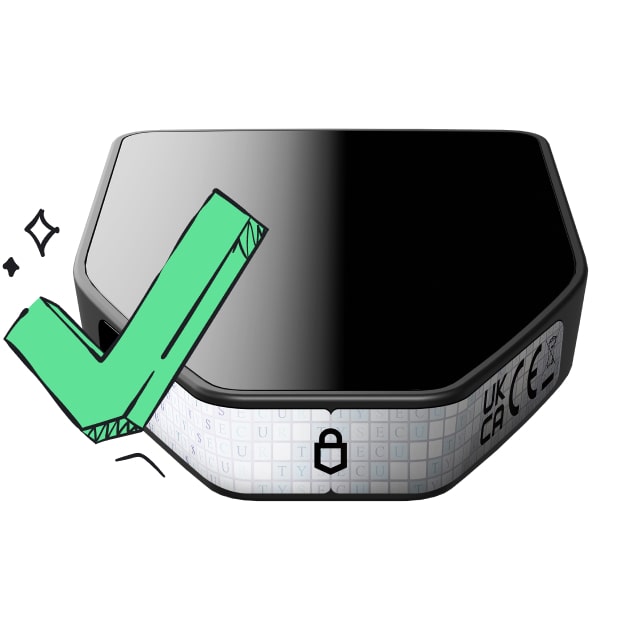 Vertrauen vom ersten Tag an
Verpackungs- & Gerätesicherheitssiegel schützen die Integrität deines Trezors
AI Powered Pathfinder Find the best route with | Ai Powered Pathfinder
Laura Aggregator is built on a unique architecture with a pathfinder algorithm. Our unique algorithm's structure can be developed, re-programmed, and has self-learning capabilities.
Pathfinder Structure: 01. Max Output Equation
A mathematical equation is created to get the maximum output from the integrated liquidity providers. The result of this equation gives the best received amount.
It creates an equation in accordance with the pathfinder route finding structure by controlling all liquidity pools. This equation is not fixed, it changes itself according to the terms and conditions. Therefore, it uses many data types as input.
- HCA Data Processing
All required data is instantly accessed and converted to High Conversion Argument (HCA). This converted data is sent to the max output equation.
The data needed to solve the equation are provided. It is then finalized using the HCA module powered by artificial intelligence. It is then forwarded to the next step to find the max output figure.
- Find All Paths
It searches and finds all possible routes between two tokens and filters out unnecessary routes by filtering within certain criteria.
Pathfinder, which is prepared to take a maximum of 5 tokens between the input token and the output token, performs a filtering to reduce the almost infinite number of outputs. It eliminates very low liquidity pools, identifies tokens that can be matched between them, and prepares them to offer a multiple path.
- Laura Pathfinder: Assemble
All obtained data and formulas are sent to AI powered pathfinder algorithm.
All data is assembled at this stage. After many calculations and formula analysis, it brings together the scattered data and creates the data needed to confirm the swap transaction.