Sichere & geschützte Feathercoin Wallet
Nutze die Sicherheit deiner Trezor Hardware-Wallet zur sicheren Verwaltung deiner Feathercoin.
- Gesichert durch deine Hardware-Wallet
- Über 2 Millionen Kunden vertrauen uns
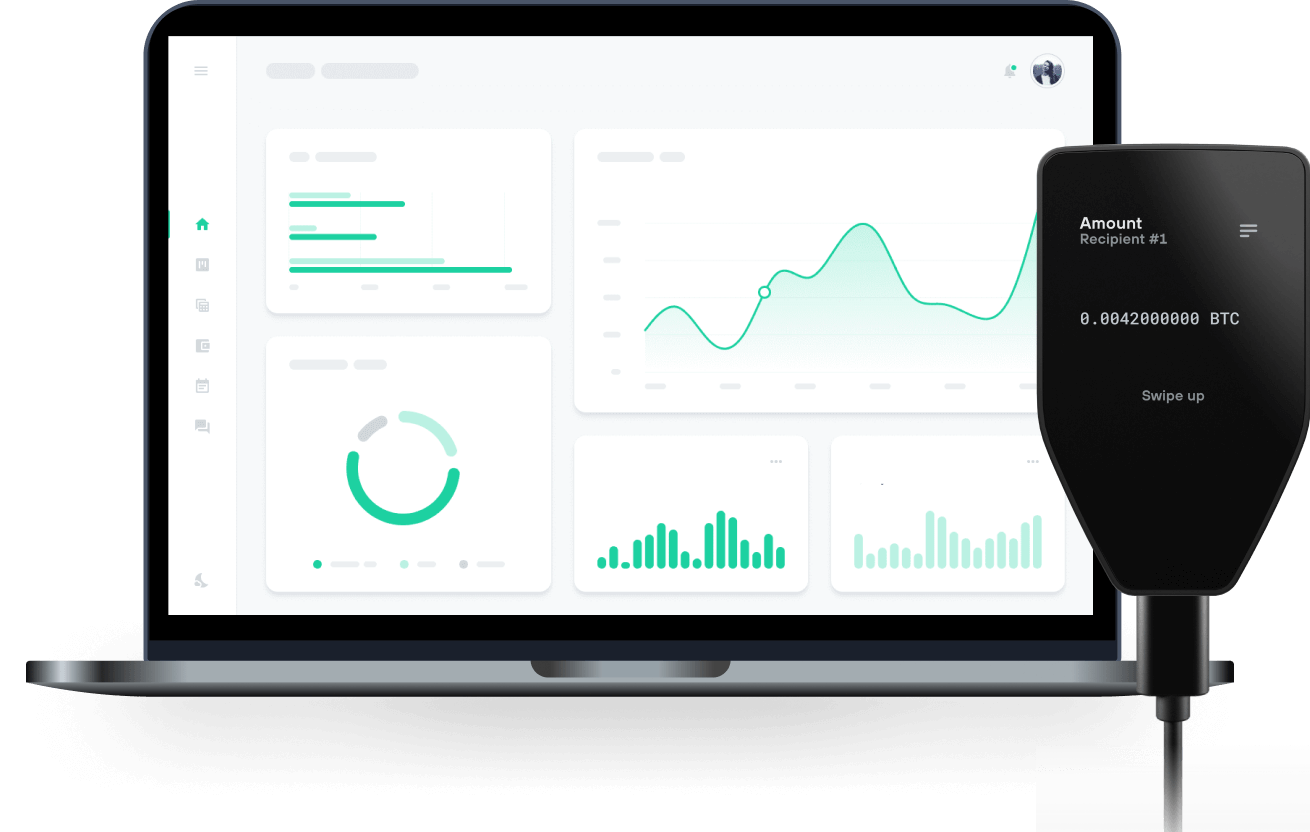
Sende & empfange deinen Feathercoin mit den Trezor Hardware-Wallets

Sende & empfange
Trezor Hardware-Wallet, die Feathercoin unterstützen
Unterstütztes Feathercoin Netzwerk
- Feathercoin
Warum eine Hardware-Wallet?
Gehe offline mit Trezor
- Du besitzt 100 % deiner Coins
- Deine Wallet ist offline zu 100 % sicher
- Deine Daten sind zu 100 % anonym
- Deine Coins sind an keine Firma gebunden
Online-Börsen
- Wenn ein Umtausch fehlschlägt, verlierst du deine Coins
- Börsen sind Ziele von Hackern
- Deine persönlichen Daten könnten offengelegt werden
- Du besitzt deine Coins nicht wirklich
Wie man FTC auf Trezor
Verbinde deinen Trezor
Öffne eine Drittanbieter-Wallet-App
Verwalte dein Vermögen
Mache das Beste aus deinen FTC
Trezor hält dein FTC sicher
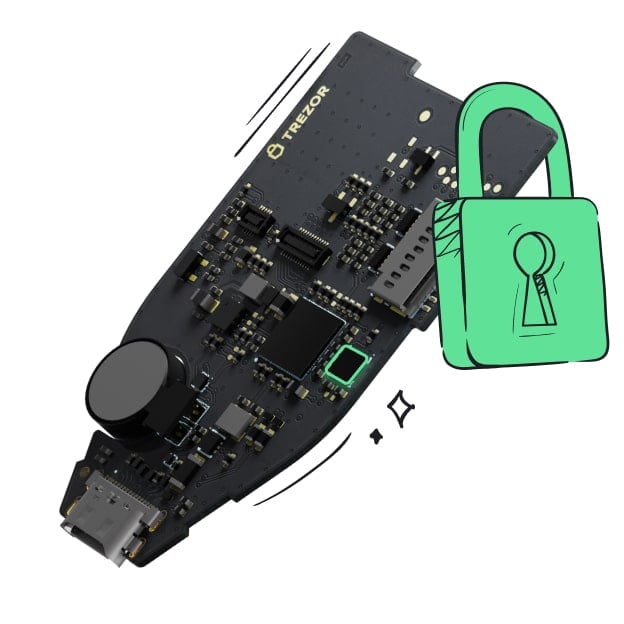 Geschützt durch Secure Element
Die beste Verteidigung gegen beides, online und offline Bedrohungen
 Deine Token, deine Kontrolle
Absolute Kontrolle über jede Transaktion mit Bestätigung auf dem Gerät
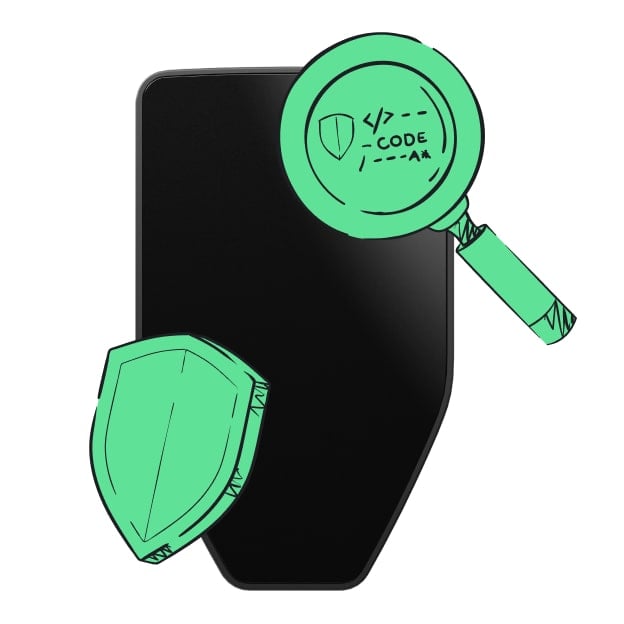 Sicherheit beginnt mit Open-Source
Das transparente Wallet-Design macht deinen Trezor besser und sicherer
 Übersichtliches & einfaches Wallet-Backup
Stelle deinen Zugriff auf deine digitalen Assets wieder her mit einem neuen Backup-Standard
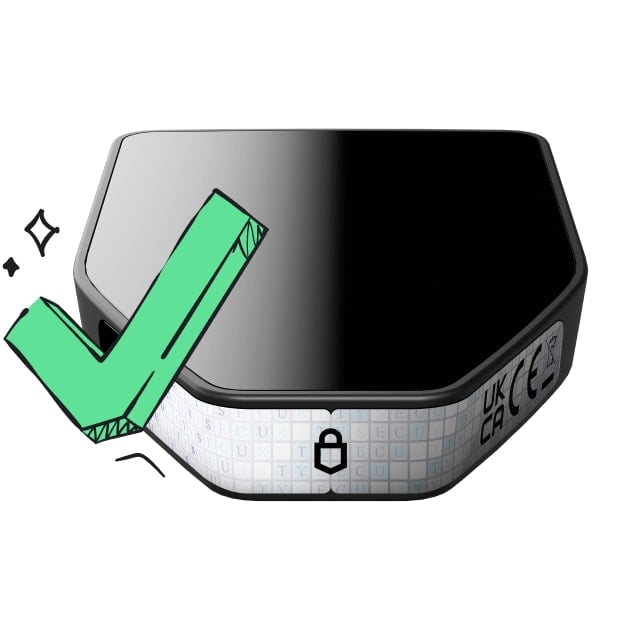 Vertrauen vom ersten Tag an
Verpackungs- & Gerätesicherheitssiegel schützen die Integrität deines Trezors
Feathercoin (FTC or ₣) is an open source cryptocurrency, published under the license of MIT / X11.1, based on the Litecoin protocol. On 16 April 2013 Feathercoin successfully forked from Litecoin by the creation of its genesis block. As a cryptocurrency, creation and transfer of coins is based on an open source cryptographic protocol (the blockchain) and is not managed by any central authority. The hashing algorithm chosen for Feathercoin was the Proof-of-Work NeoScrypt, which had premiered on Phoenixcoin. NeoScrypt is 25% more memory intense, which makes it less feasible to create ASICs for it.
The main programmer is Peter Bushnell, at the time running the information technology for the Brasenose College of Oxford University. He explained his motivation for developing the coin in an interview with Vitalik Buterin. One month after launching Feathercoin, Peter Bushnell left his job as head of IT at the Brasenose College of Oxford University and lived off his Litecoin savings. Feathercoin was launched on 16th April 2013 and as developed by Peter Bushnell. It was forked from Litecoin, with the aim of making Feathercoin what Litecoin was supposed to be: a faster, more secure, and stable version of Bitcoin.
The consensus mechanism is based on the Proof of Work (PoW) concept. The Feathercoin network runs on the NeoScrypt hashing algorithm, making it much easier and faster to mine. Feathercoin enjoyed rapid adoption by users soon after its launch, gaining immense popularity, and establishing itself as a worthy contender in a BTC/LTC dominated market.
Feathercoin can be mined using either processors (CPUs) or graphics cards (GPUs). Due to the hashing algorithm of FTC, it cannot be mined with an ASIC card. Mining software is available for download at their official site. Wallets for FTC can be found over at their official website, including both desktop and mobile wallets..
While the paper money you are used to carrying around is (or can be) stored in a physical wallet, cryptocurrencies, like all digital currencies, have to be stored in a software-based digital wallet. Although you will find links to feathercoin wallets throughout the web, the only safe way to know that you're downloading the latest and correct version is by scrolling to the bottom of the coin's official home page and selecting the button for your particular operating system. Feathercoin wallets are available for Android, Linux, macOS and Windows platforms.