Sichere & geschützte 2080 Wallet
Übernimm die Kontrolle über deine 2080 Assets mit vollem Vertrauen in das Trezor Ökosystem.
- Gesichert durch deine Hardware-Wallet
- Nutze ihn mit kompatiblen Hot-Wallets
- Über 2 Millionen Kunden vertrauen uns
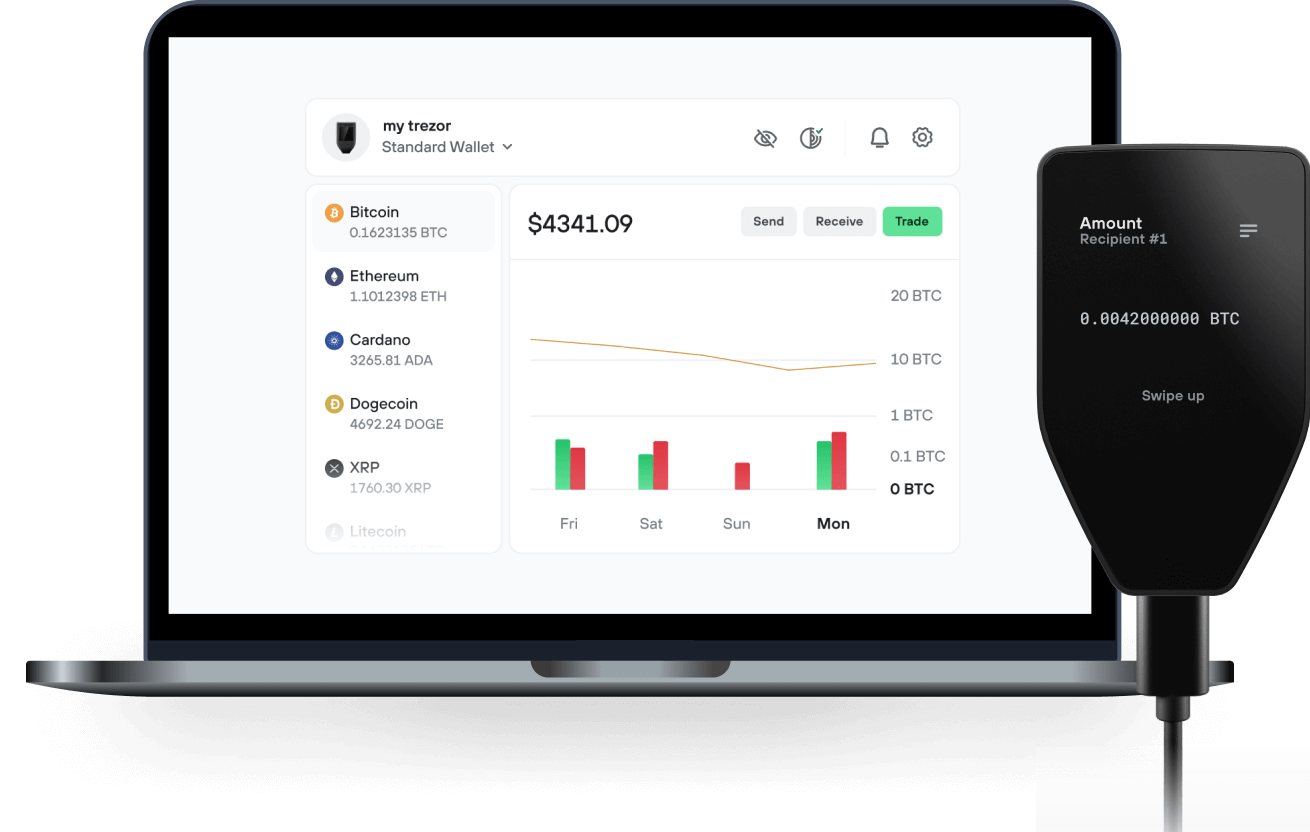
Sende & empfange deinen 2080 mit der Trezor Suite App

Sende & empfange
Trezor Hardware-Wallet, die 2080 unterstützen
Synchronisiere Trezor mit Wallet-Apps
Verwalte deine 2080 mit deiner Trezor Hardware-Wallet, die mit mehreren Wallet-Apps synchronisiert ist.
Trezor Suite
MetaMask
Backpack
Rabby
NuFi
Unterstütztes 2080 Netzwerk
- Neon EVM
- Solana
Warum eine Hardware-Wallet?
Gehe offline mit Trezor
- Du besitzt 100 % deiner Coins
- Deine Wallet ist offline zu 100 % sicher
- Deine Daten sind zu 100 % anonym
- Deine Coins sind an keine Firma gebunden
Online-Börsen
- Wenn ein Umtausch fehlschlägt, verlierst du deine Coins
- Börsen sind Ziele von Hackern
- Deine persönlichen Daten könnten offengelegt werden
- Du besitzt deine Coins nicht wirklich
Wie man 2080 auf Trezor
Verbinde deinen Trezor
Öffne eine Drittanbieter-Wallet-App
Verwalte dein Vermögen
Mache das Beste aus deinen 2080
Trezor hält dein 2080 sicher
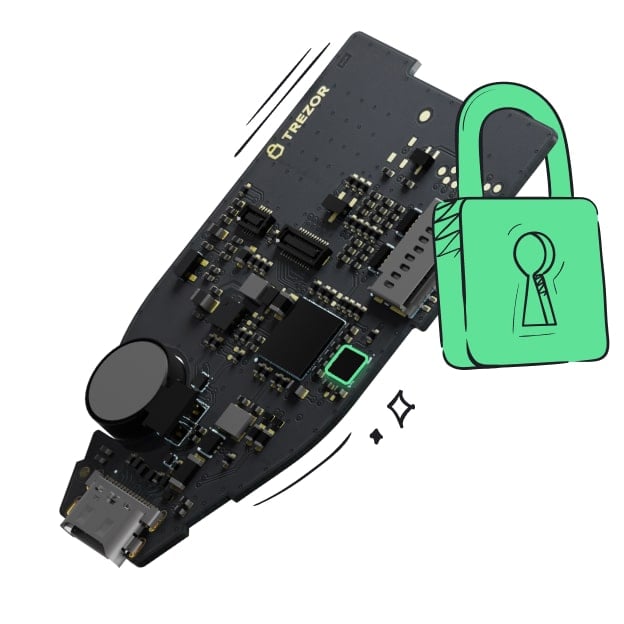 Geschützt durch Secure Element
Die beste Verteidigung gegen beides, online und offline Bedrohungen
 Deine Token, deine Kontrolle
Absolute Kontrolle über jede Transaktion mit Bestätigung auf dem Gerät
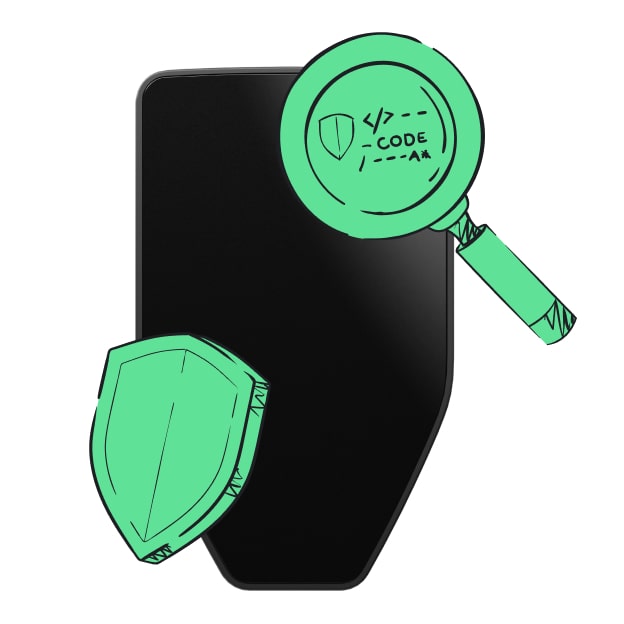 Sicherheit beginnt mit Open-Source
Das transparente Wallet-Design macht deinen Trezor besser und sicherer
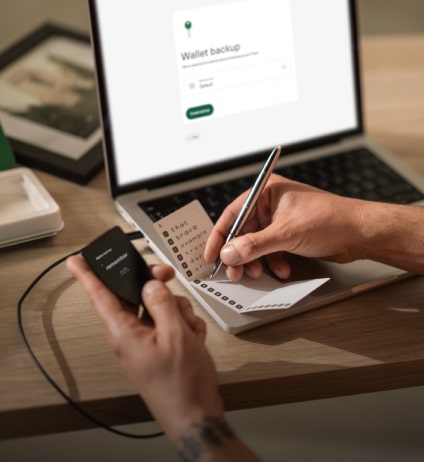 Übersichtliches & einfaches Wallet-Backup
Stelle deinen Zugriff auf deine digitalen Assets wieder her mit einem neuen Backup-Standard
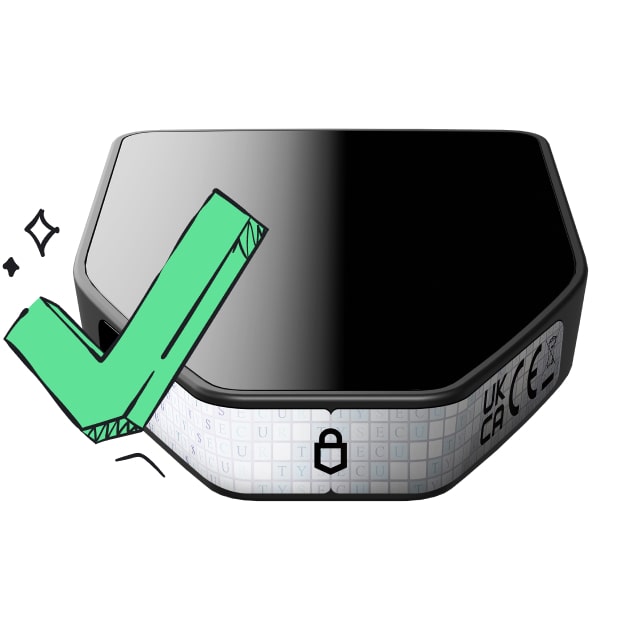 Vertrauen vom ersten Tag an
Verpackungs- & Gerätesicherheitssiegel schützen die Integrität deines Trezors
What is the project about? $2080 is the utility token of Tidal Flats Studio and its post-apocalyptic IP Fidelion.
$2080 can be used - or will be used - in the following products:
- Black Market: a strategic, gamified staking for web3 [LIVE]
- Mega Road: a roguelike ARPG mobile game for web2 [Soft launch in September]
What makes your project unique? What makes $2080 unique is the sustainable infrastructure it lies upon. While expecting and building for a web3 future, Tidal Flats is also developing web2-first products for revenue and onboarding. $2080 acts as the bridge for these pursuits.
History of your project. $2080 was birthed from Fidelion - an NFT collection with a 9,000 supply on Solana - released in late April 2023. $2080 was first tradeable on Solana on September 13th (UTC) 2023 for $0.01.
2080 represents the Year where the post-apocalyptic storyline of Fidelion takes place.
What’s next for your project? The long-term vision for Tidal Flats is to build - and Fidelion to become - a multi-media brand franchise, leveraging the respective strengths of web2 and web3 under a single IP.
Each step of Tidal Flats' roadmap exists to reach one step closer to this goal, starting with Black Market and Mega Road.
What can your token be used for? In the Black Market, $2080 is the ecosystem currency. Fidelion NFT holders can either earn it as a passive reward by basic staking or an active staking by Looting. The latter is a more complex and more rewarding option, where users strategize their own path to success.
In Mega Road, after the first iteration, $2080 will be swappable for the in-game currency W Coin.