Atenção: nossos artigos do blog estão disponíveis somente em inglês no momento.
We rebuilt Trade in Trezor Suite. Here’s what’s new

The rebuilt Trade section in Trezor Suite brings fewer steps, a cleaner interface and a choice of DEXs or swap providers, without the usual round trip through an exchange. On Ethereum and EVM chains, clear signing on compatible devices and transaction simulation help you review supported trades before approval. Trezor Suite also offers stablecoin yield, staking and Suite Sync for your wallet labels, so you can do more with your crypto in one app.
No more round trips to exchanges
When was the last time you used Trezor Suite to trade?
Maybe you use a Trezor to hold your crypto assets in cold storage, then move your funds elsewhere for trading, and it became a habit.
Well, our Trade section in Trezor Suite has seen major upgrades in usability and security, with a cleaner layout and fewer steps, so you can trade from the app you already use. You might not be aware that DEX swaps are in Trezor Suite at all!
Before, you might have followed one of these options for trading:
- Send to a centralized exchange, trade, withdraw back to the Trezor
- Connect the Trezor to a third-party wallet app and swap there
- Use a DEX, bridge or cross-chain protocol directly
- Keep some trading funds on an exchange permanently 😢
Today, our Trade section has full functionality, so you don’t have to make round trips… sending coins to and from exchanges, pasting more addresses, and picking another network (with a chance of getting it wrong).
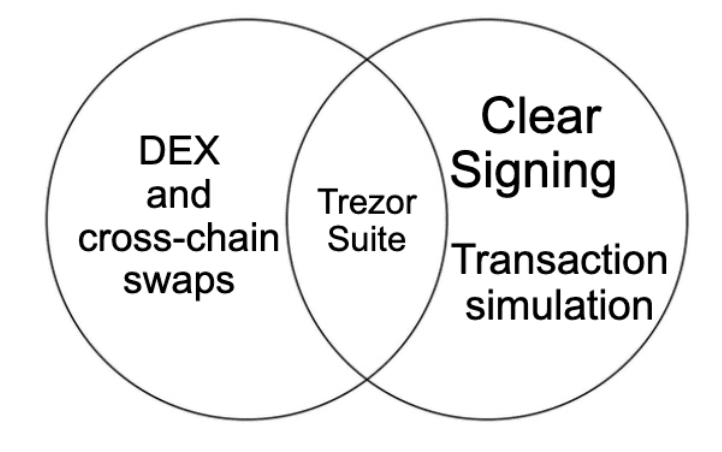
Want to swap across a wide range of networks through a DEX or swap provider, without leaving the security of Trezor Suite? Now you can.

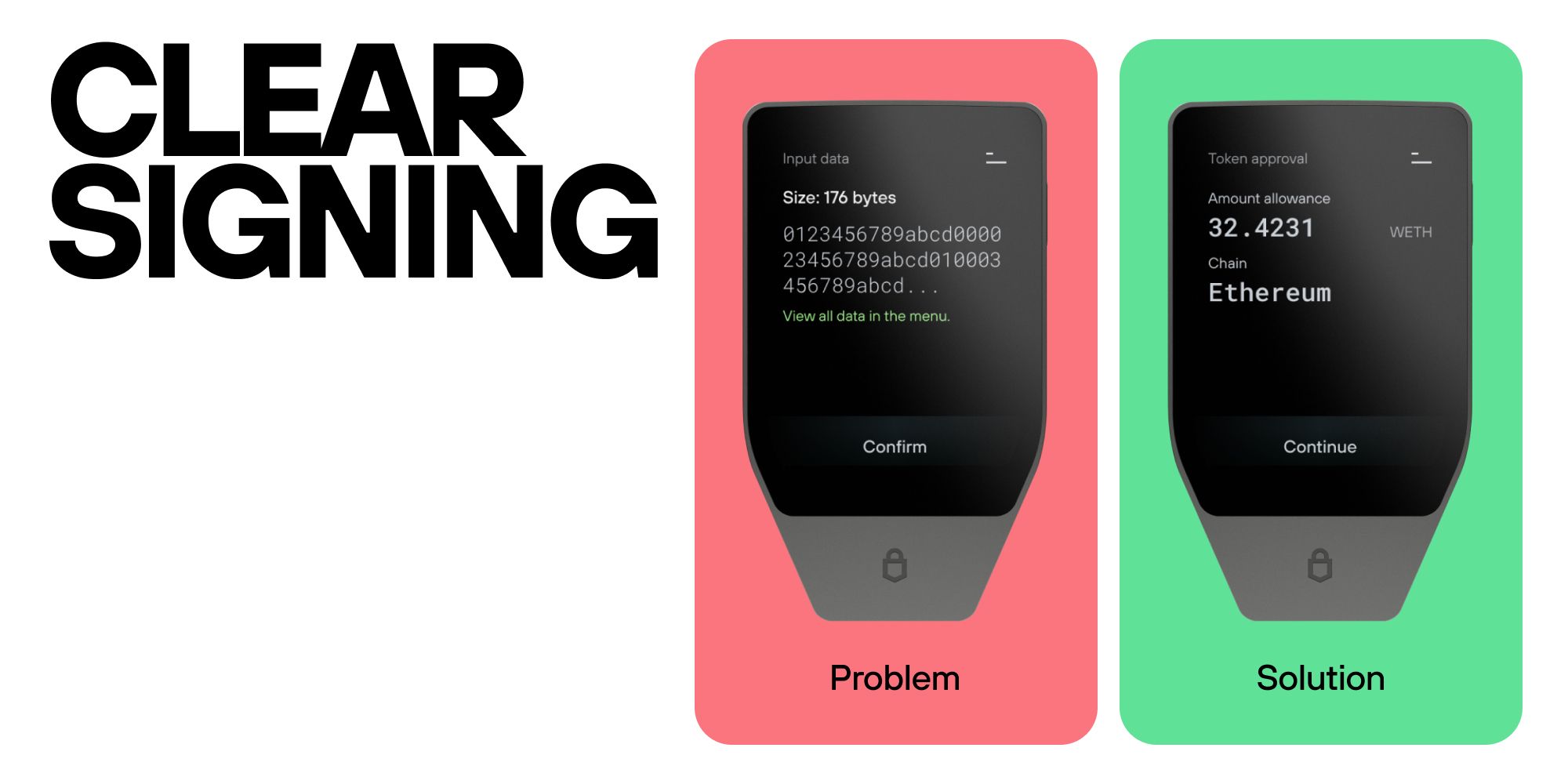
And for added security, Ethereum and EVM chains now support Clear Signing and transaction simulation, so you know exactly what you’re signing and what it will do. Catch a bad trade before it happens.
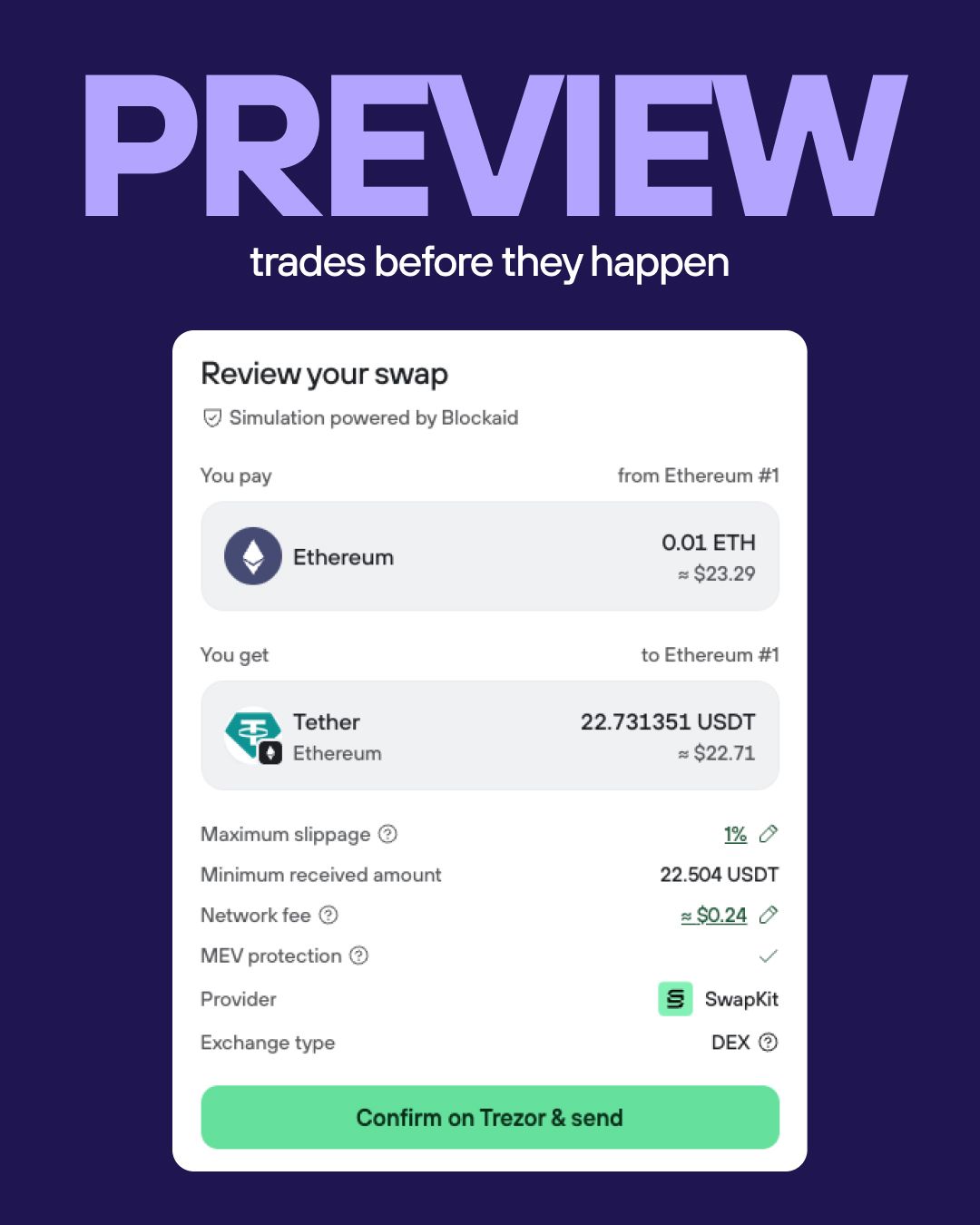
The redesigned interface brings everything together in one place, making it easier to find the asset you need, see which account you're trading from, and complete transactions in fewer steps.
You can now swap across a wide range of networks using a swap provider, or trade directly through a DEX without KYC on Bitcoin, Ethereum and EVM chains, Solana, Zcash, XRP, Tron, Litecoin and Dogecoin. With SwapKit now integrated and LI.FI expanding to Bitcoin, you have even more ways to swap. Both options are available side by side, so you can choose the approach that works best for you. We also support 1inch DEX for EVMs.
The partners behind Trade
Trade in Suite brings together established DEX and swap providers, so you get more ways to swap without leaving the app.
SwapKit: A non-custodial DEX aggregator that finds a route for your swap across networks and builds the transaction for you to approve on your Trezor. Every step happens on-chain, and its smart contracts are open source, so anyone can check how they work.
LI.FI: Now available on Bitcoin as well as Ethereum and EVM chains. LI.FI routes your swap across DEXs and bridges, so you can move between networks in one trade instead of several.
1inch: A DEX aggregator for Ethereum and EVM chains that routes your swap across multiple DEXs. Changelly and ChangeNOW: Swap providers covering a wide range of networks.
Blockaid: Powers transaction simulation on Ethereum and EVM chains, so you can see what a swap is expected to return and catch a bad trade before you approve it on your Trezor.
Tip: use Suite Sync to label your accounts and transactions, for example, to keep DEX and swap provider trades apart, and your labels stay synced across desktop, mobile and web.
2 ways to earn in Trezor Suite
It’s not just our Trade section that’s gotten an upgrade; we’ve also expanded the ways you can put your crypto to work without leaving Suite.
DeFi yield - Earning stablecoin yield shouldn’t mean guessing your way through dApps and browser extensions. You can now put your USDC and USDT to work directly in Trezor Suite, with every step clear-signed on your Trezor. You keep control of your keys and you can withdraw anytime.
Staking - We recently added TRX staking, which is available alongside ETH, SOL, and ADA directly from Trezor Suite while keeping control of your assets.
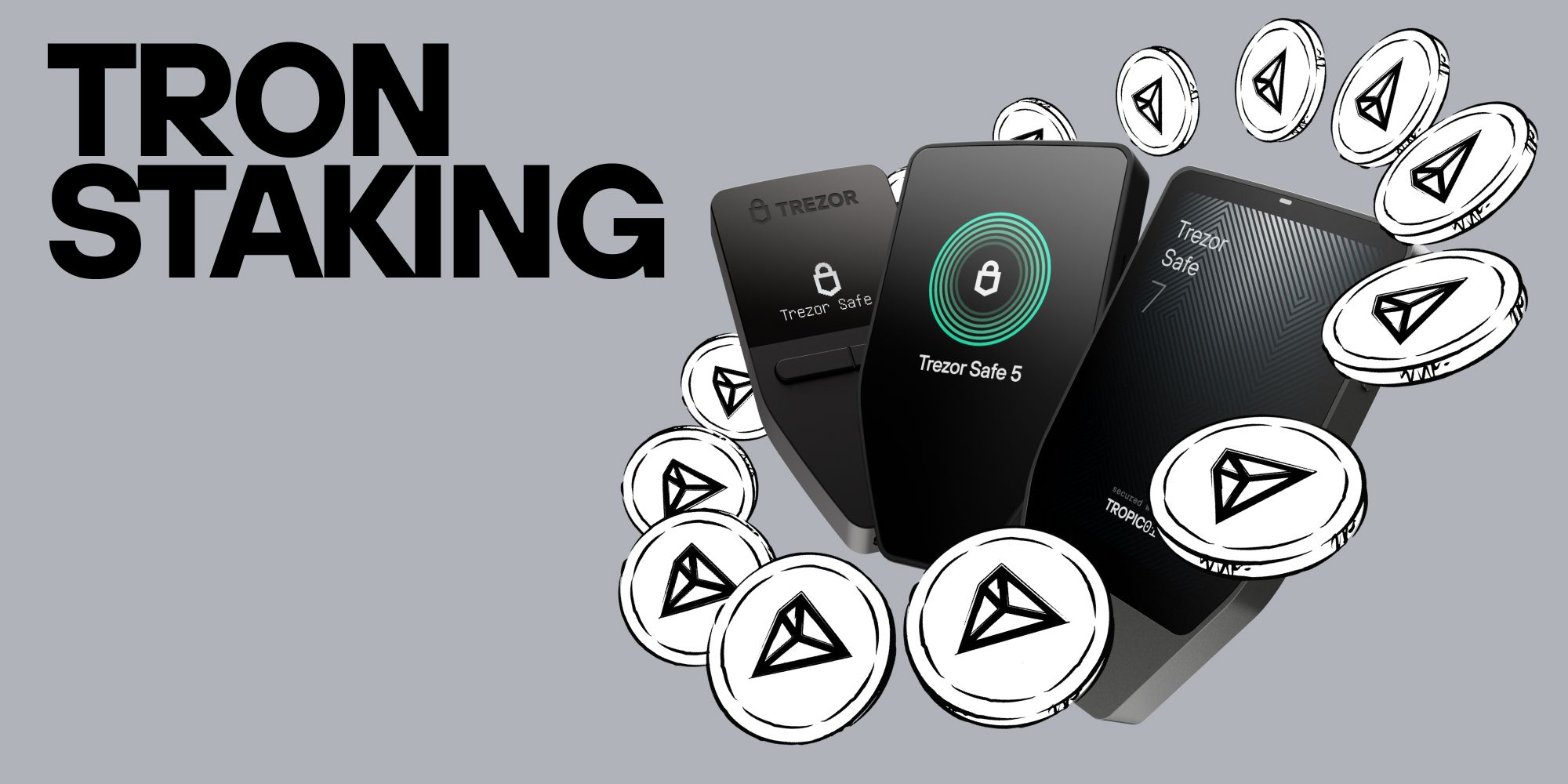
We’re building more ways to use your crypto directly within a secure environment, with your keys protected on your Trezor and transactions approved on your device.
Your questions, answered (FAQs)
What’s changed in Trade in Trezor Suite?
The rebuilt Trade section brings a cleaner layout, a new token picker, an account selector and a clear post-trade summary. You can find the asset you need, see which account you’re trading from and complete your trade in fewer steps, without leaving Suite.
Do I need to send my coins to an exchange and back?
No. You can arrange a swap directly in Trezor Suite through a DEX or swap provider. What you receive is sent straight back to you, without a separate withdrawal from an exchange account. You also don’t need to connect another wallet app to use Trade in Suite.
Which networks can I trade on?
Swap providers support a wide range of networks. DEX swaps are available on Bitcoin, Ethereum and EVM chains, Solana, Zcash, XRP, Tron, Litecoin and Dogecoin. Both routes appear side by side in Suite, so you can choose the option that fits your trade.
How do clear signing and transaction simulation help?
For supported transactions on Ethereum and EVM chains, clear signing displays transaction details in plain language on compatible Trezor devices.
Transaction simulation shows what the transaction is expected to do before you approve it, helping you catch unexpected outcomes before they affect your funds. Together, they help you spot a mismatch or an unfavorable trade before signing, rather than discovering it afterward.
Does using Trezor Suite remove the risks of staking or DeFi?
No. Hardware-based signing protects your keys and transaction approval, but it does not eliminate the risks of the protocol or provider you use. DeFi deposits can lose value, and withdrawals may be delayed. Staked ETH, for example, enters Everstake’s pool and is no longer secured directly by your Trezor. Review the relevant risks and withdrawal conditions before proceeding.