Veuillez noter : nos articles ne sont actuellement disponibles qu’en anglais.
Pay with a payment link in Trezor Suite
Click a payment link and Trezor Suite opens with the address and amount already filled in.
Which networks are supported
Payment links open Trezor Suite for Bitcoin, Litecoin, Bitcoin Cash, Dogecoin and Zcash.
Some of these networks are supported through QR codes instead. See QR codes in Trezor Suite.
Pay from a payment link
Clicking a payment link opens Trezor Suite on your computer.
When you install it, it becomes the default app for opening these links
1. Let your browser open Trezor Suite
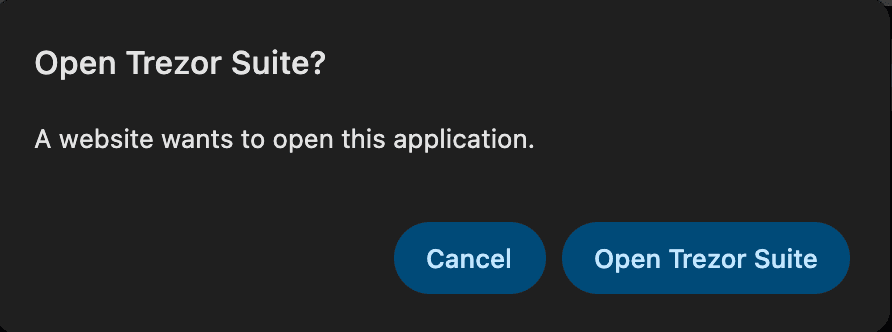
Your browser asks before passing the link to another app. Click Open Trezor Suite.
2. Check the details and pick an account
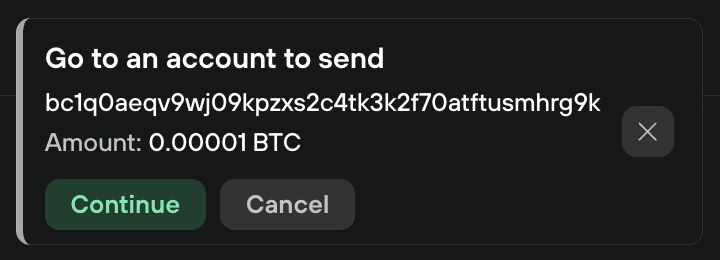
Trezor Suite shows the address and amount it read from the link. Check them, and click Continue.
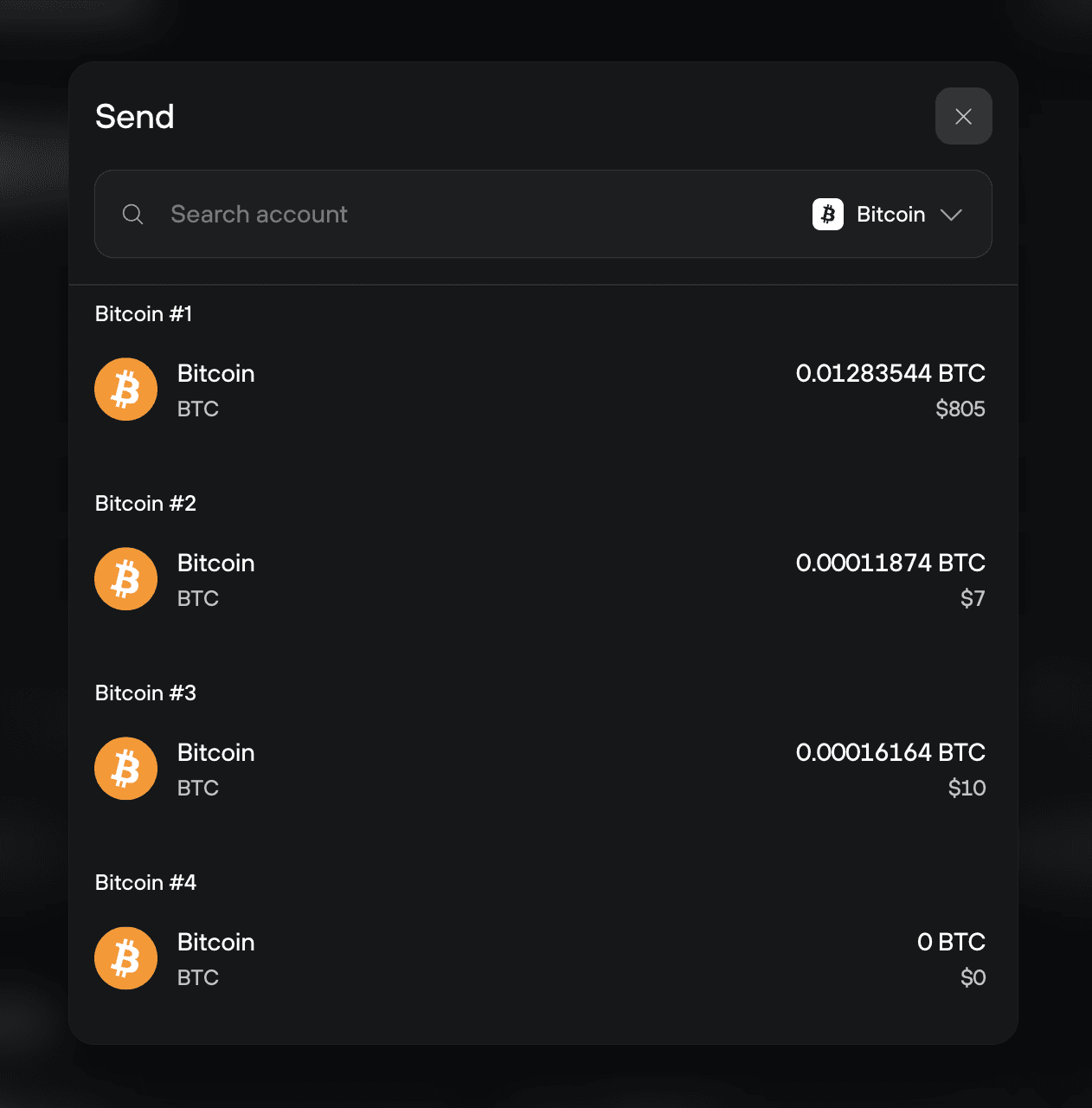
Choose the account you want to pay from.
3. Review and send
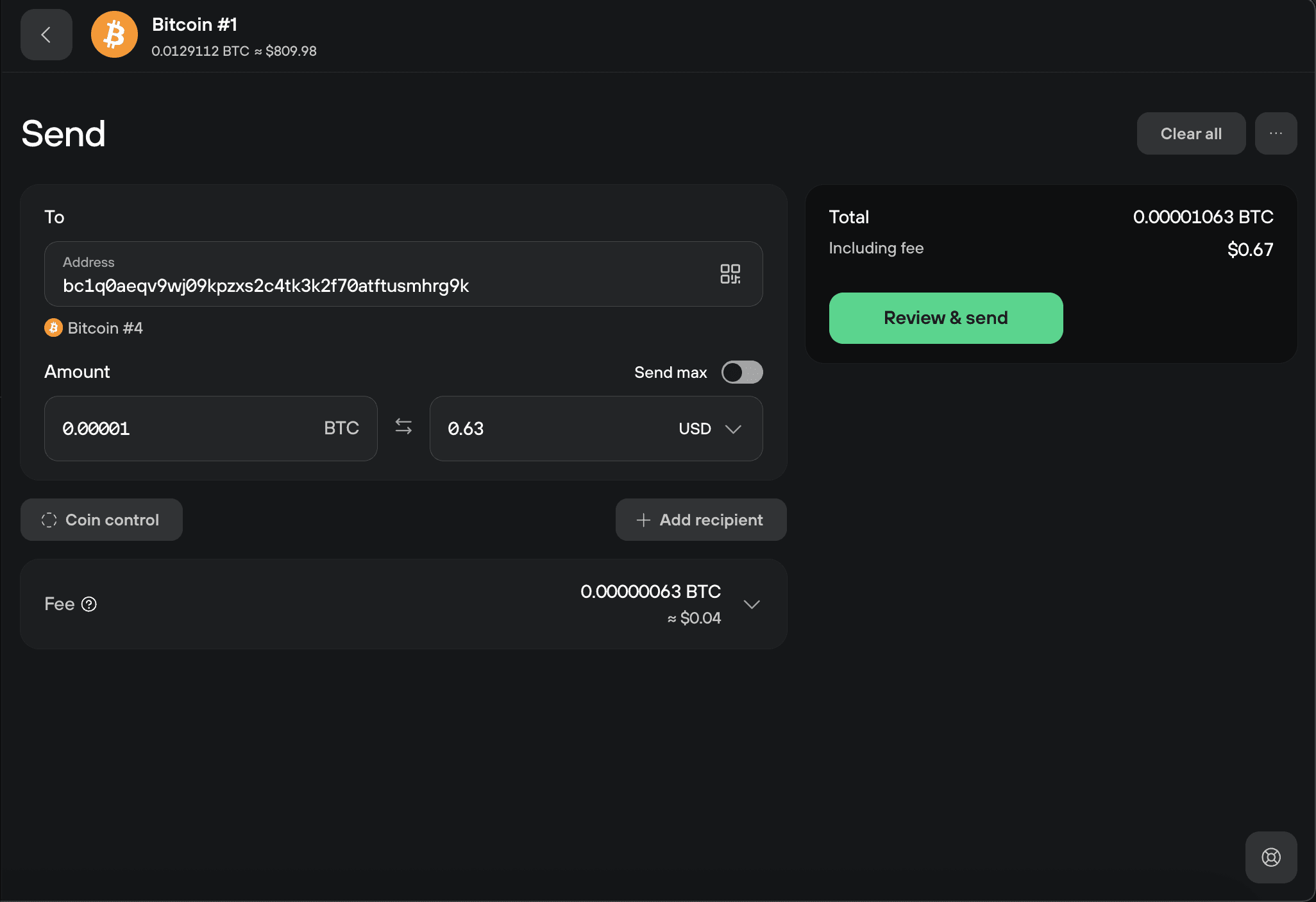
The send form opens with the recipient address filled in, and the amount if the link included one.
The link's label or message does not carry over. Add your own note using labels in Trezor Suite, or write a message directly into the transaction with OP_RETURN in Trezor Suite.
If nothing happens
- Check the coin the payment link is for. Only Bitcoin, Litecoin, Bitcoin Cash, Dogecoin and Zcash links open Trezor Suite
- If a different wallet app opens instead, it is set as the default for these links. Change the default in your browser or system settings
- Try pasting the link into your browser's address bar and pressing enter
If the link still does nothing, contact Chatbot Hal.
Payment link format
This section is for anyone creating payment links.
Bitcoin payment links follow BIP-321, which replaced BIP-21. The address comes first, then optional details:
bitcoin:<address>?amount=0.00001
Trezor Suite reads amount, label and message, but only amount reaches the send form. Use a period as the decimal separator and a value above zero.
An address is required, and no parameter may appear twice. Anything else in the link is ignored.
The format works for other networks too, including Litecoin, Bitcoin Cash, Dogecoin and Zcash, plus short forms such as ltc: and doge:.
dogecoin:<address>?amount=3