Portefeuille sûr et sécurisé Yieldly
Utilisez la sécurité de votre portefeuille matériel Trezor pour gérer vos Yieldly en toute sécurité.
- Sécurisé par votre portefeuille matériel
- Adopté par plus de 2 millions de clients
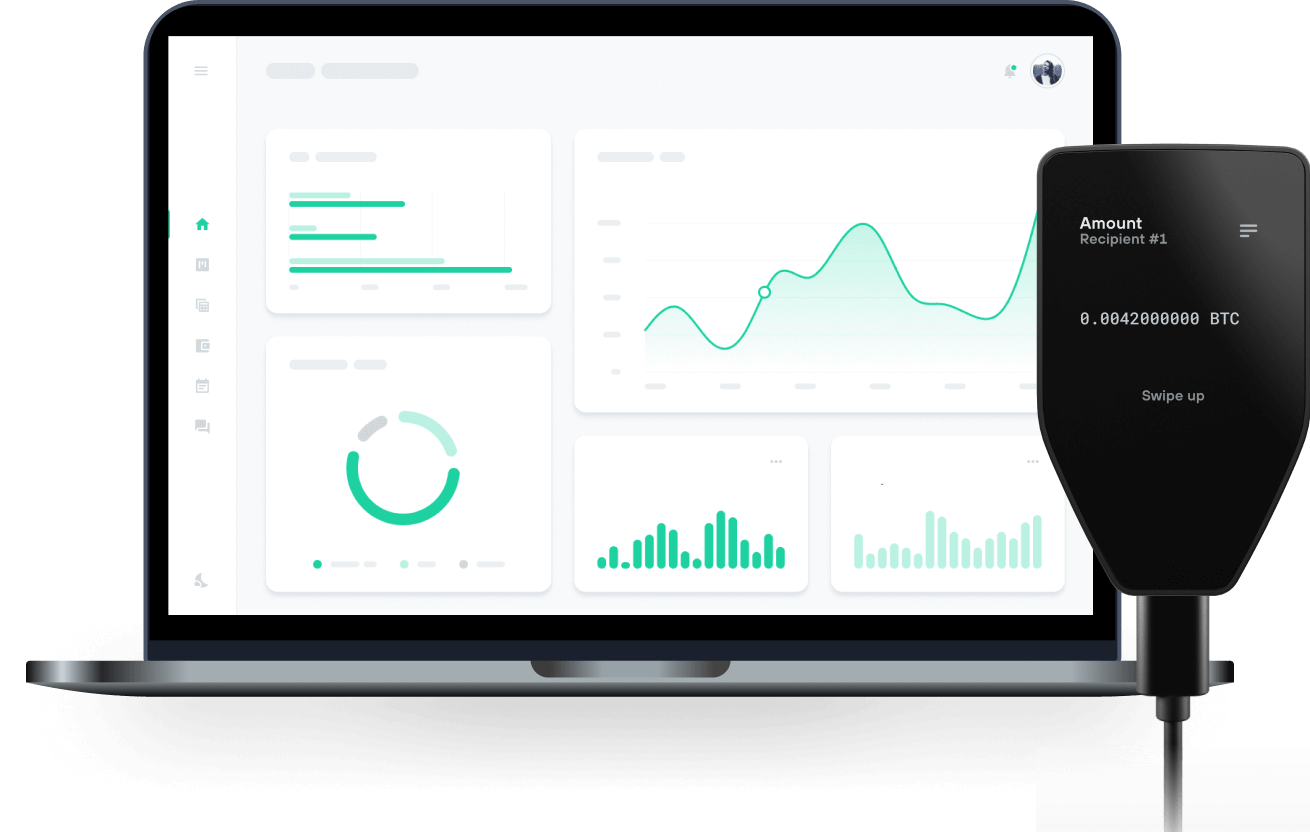
Envoyez et recevez vos Yieldly avec les portefeuilles matériels Trezor

Envoyer et recevoir
Portefeuilles matériels Trezor qui supportent Yieldly
Synchronisez votre Trezor avec des applications de portefeuille
Gérez vos Yieldly avec votre portefeuille matériel Trezor synchronisé avec plusieurs applications de portefeuilles.
MetaMask
Rabby
Yieldly Réseau supporté
Pourquoi un portefeuille matériel ?

Allez hors ligne avec Trezor
- Vous possédez 100% de vos cryptos
- Votre portefeuille est 100% sécurisé hors ligne
- Vos données sont 100 % anonymes
- Vos cryptos ne dépendent d’aucune entreprise
Échanges en ligne
- Si un échange échoue, vous perdez vos cryptos
- Les échanges sont des cibles pour les pirates
- Vos données personnelles peuvent être exposées
- Vous ne possédez pas réellement vos cryptos
Comment utiliser YLDY sur Trezor
Connectez votre Trezor
Ouvrez une application de portefeuille tierce
Gérez vos actifs
Profitez pleinement de votre YLDY
Trezor garde vos YLDY en sécurité
 Protégé par Élément Sécurisé
La meilleure défense contre les menaces en ligne et hors ligne
 Vos jetons, votre contrôle
Contrôle absolu de chaque transaction avec confirmation sur l'appareil
 La sécurité commence par l'open source
Le design de portefeuille transparent rend votre Trezor meilleur et plus sûr
 Sauvegarde de portefeuille claire et simple
Récupérez l’accès à vos actifs digitaux avec un nouveau standard de sauvegarde
 Confiance depuis le premier jour
Les sceaux de sécurité sur l’emballage et l’appareil protègent l’intégrité de votre Trezor
Yieldly wants to help people re-conceptualize value and the way it is exchanged. Yieldly believes digital value should be exchanged swiftly, simply, and safely and are working to set the industry standards by which people will transact interact with blockchain technology.
The Yieldly DeFi ecosystem is comprised of four foundational pillars built on the Algorand blockchain. First, Yieldly’s purpose-built smart contracts enable developers of ASA tokens (“Algorand Standard Assets” comparable to ERC20 on Ethereum) to easily create staking and rewards systems on top of Algorand. This opens up the Algorand ecosystem for many use cases that are currently booming on other blockchains such as yield farming, NFT distribution, and social rewards systems. Next, Yieldly has built the first no-loss lottery designed to harness Algorand’s rewards system, aggregate rewards, and distribute them to users. Akin to PankcakeSwap and PoolTogether on their respective ecosystems, Yieldly’s no-loss lottery will unlock deep liquidity on Algorand. Third, Yieldly wants to make it easy for anyone to access Algorand and experience the many benefits of DeFi. To that end, Yieldly will release a cross-chain token bridge in June that will allow swapping of ASA YLDY for ERC-20 YLDY. Finally, Yieldly will build out further bridges to expand the pathways for any ASA native token holder. This will drive new users and more liquidity to Algorand. After the smart contracts enable users to build staking and rewards systems and open pathways for more liquidity to flow into the Algorand Network, Yieldly will unite the ecosystem via an automatic market maker (otherwise known as a Decentralized Exchange or DEX). This component has the potential to elevate Algorand to achieve mass adoption as a leading DeFi protocol.