Portefeuille sûr et sécurisé Wrapped GLQ
Utilisez la sécurité de votre portefeuille matériel Trezor pour gérer vos Wrapped GLQ en toute sécurité.
- Sécurisé par votre portefeuille matériel
- Adopté par plus de 2 millions de clients
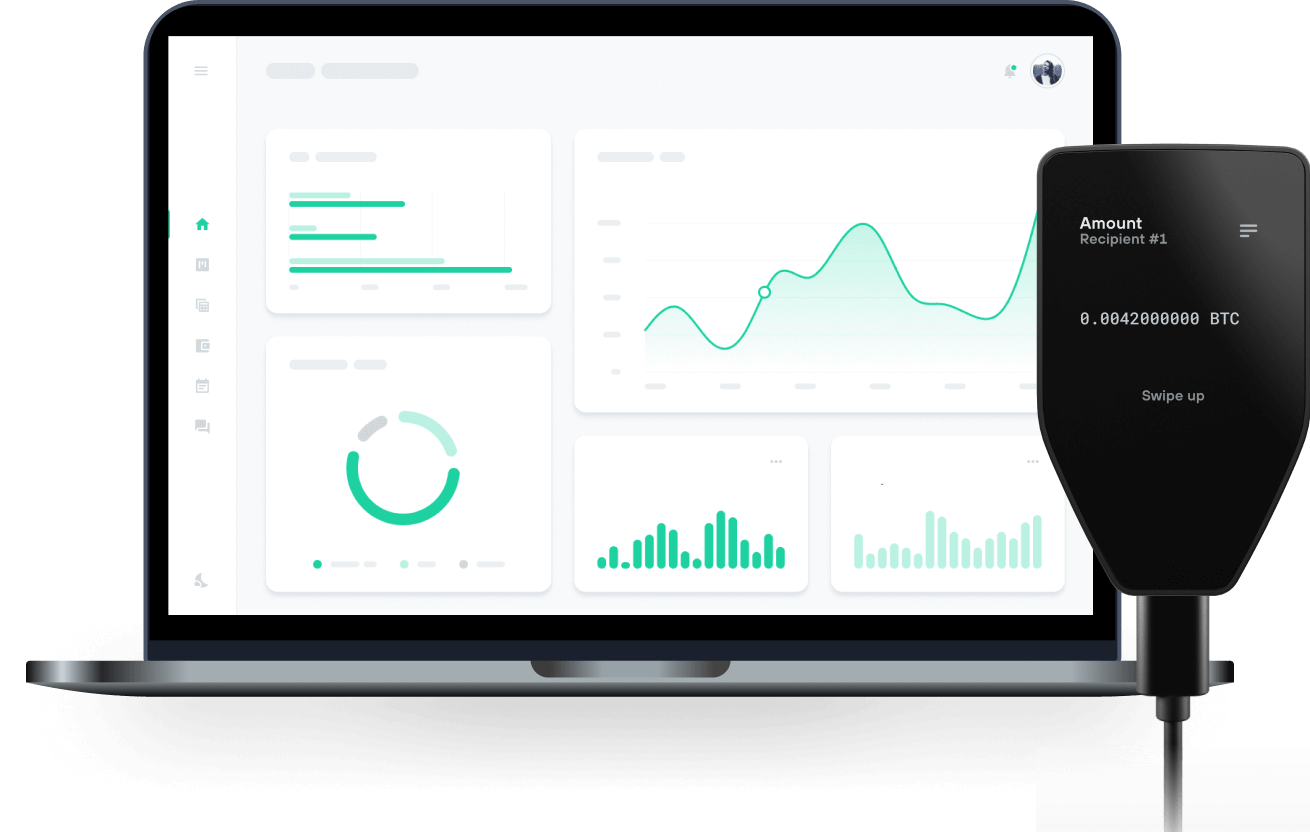
Envoyez et recevez vos Wrapped GLQ avec les portefeuilles matériels Trezor

Envoyer et recevoir
Portefeuilles matériels Trezor qui supportent Wrapped GLQ
Synchronisez votre Trezor avec des applications de portefeuille
Gérez vos Wrapped GLQ avec votre portefeuille matériel Trezor synchronisé avec plusieurs applications de portefeuilles.
MetaMask
Rabby
Wrapped GLQ Réseau supporté
Pourquoi un portefeuille matériel ?

Allez hors ligne avec Trezor
- Vous possédez 100% de vos cryptos
- Votre portefeuille est 100% sécurisé hors ligne
- Vos données sont 100 % anonymes
- Vos cryptos ne dépendent d’aucune entreprise
Échanges en ligne
- Si un échange échoue, vous perdez vos cryptos
- Les échanges sont des cibles pour les pirates
- Vos données personnelles peuvent être exposées
- Vous ne possédez pas réellement vos cryptos
Comment utiliser WGLQ sur Trezor
Connectez votre Trezor
Ouvrez une application de portefeuille tierce
Gérez vos actifs
Profitez pleinement de votre WGLQ
Trezor garde vos WGLQ en sécurité
 Protégé par Élément Sécurisé
La meilleure défense contre les menaces en ligne et hors ligne
 Vos jetons, votre contrôle
Contrôle absolu de chaque transaction avec confirmation sur l'appareil
 La sécurité commence par l'open source
Le design de portefeuille transparent rend votre Trezor meilleur et plus sûr
 Sauvegarde de portefeuille claire et simple
Récupérez l’accès à vos actifs digitaux avec un nouveau standard de sauvegarde
 Confiance depuis le premier jour
Les sceaux de sécurité sur l’emballage et l’appareil protègent l’intégrité de votre Trezor
WGLQ is the wrapped version of GLQ, the native asset of the GraphLinq Chain. This token is utilized for all financial transactions on the protocol and to fulfill community needs. It can be used on the GraphLinq Hub, the DeFi core product of the GLQ Chain, which features its own decentralized exchange (DEX). To trade on this platform, you need to wrap GLQ into WGLQ. Additionally, GLQ is required to pay transaction gas fees, which are very low.
The GraphLinq Hub offers features that appeal to experienced traders and newcomers, making their experience smoother, easier, and more rewarding.
What features await you in GraphLinq Hub?
• Supplying Liquidity and Earning LP Trading Fees As a cornerstone of DeFi, liquidity provision is central to GraphLinq Hub's functionality. Users can become liquidity providers (LPs) through its robust liquidity pool ecosystem. By supplying liquidity, you enhance market efficiency, earn trading fees as a reward, and support a liquid ecosystem on the GraphLinq Chain.
• Swapping ERC20/GraphLinq Chain Tokens Smooth token swaps are crucial for seamless transactions. GraphLinq Hub aims to provide a streamlined solution for swapping ERC20 and GraphLinq Chain tokens.
• Earning Yields Through Farming Pools Farming pools on GraphLinq Hub allow you to earn yields by staking your tokens. This is an excellent way to maximize your ROI and benefit from the potential growth of the GraphLinq ecosystem.