Portefeuille sûr et sécurisé UX Chain
Prenez le contrôle de vos UX Chain actifs en toute confiance dans l’écosystème Trezor.
- Sécurisé par votre portefeuille matériel
- Utiliser avec des hot wallets compatibles
- Adopté par plus de 2 millions de clients
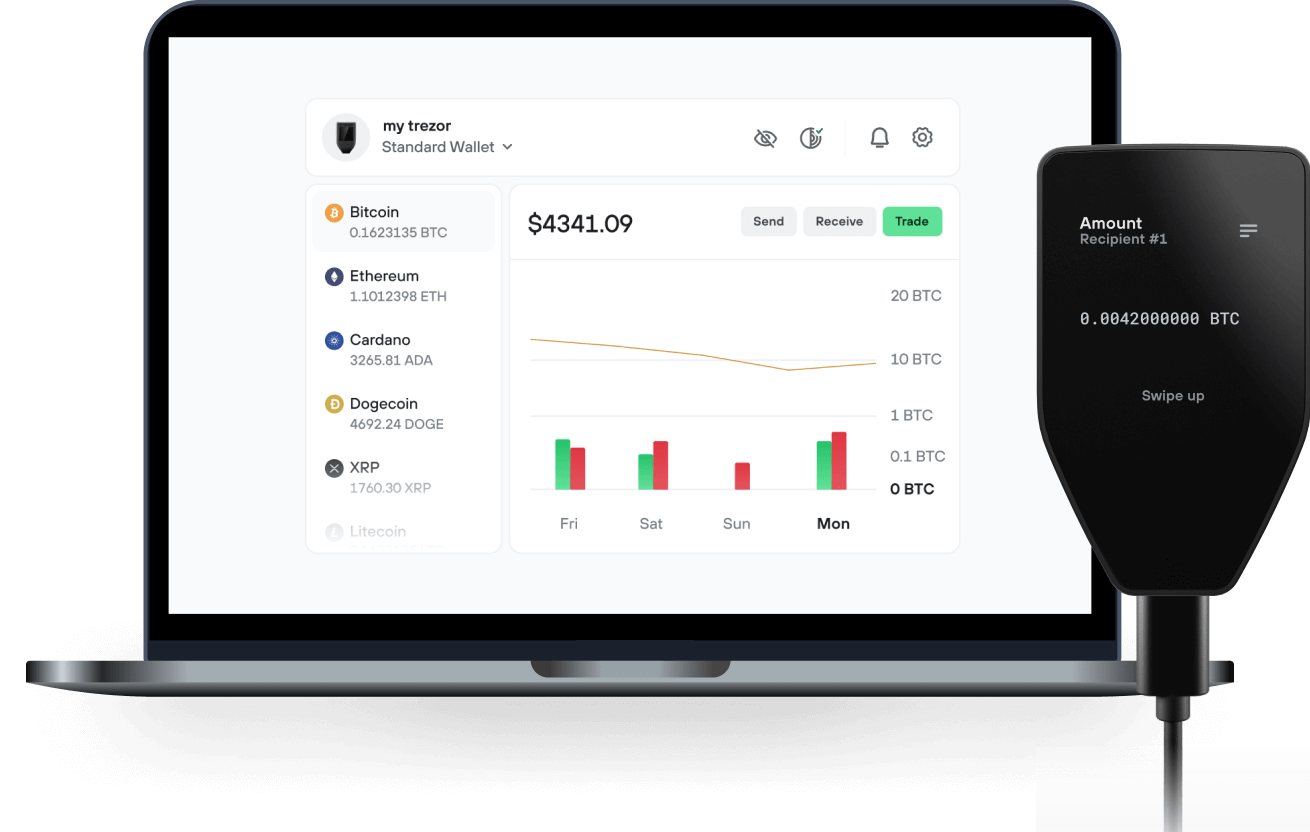
Envoyez et recevez vos UX Chain avec l'application Trezor Suite

Envoyer et recevoir
Portefeuilles matériels Trezor qui supportent UX Chain
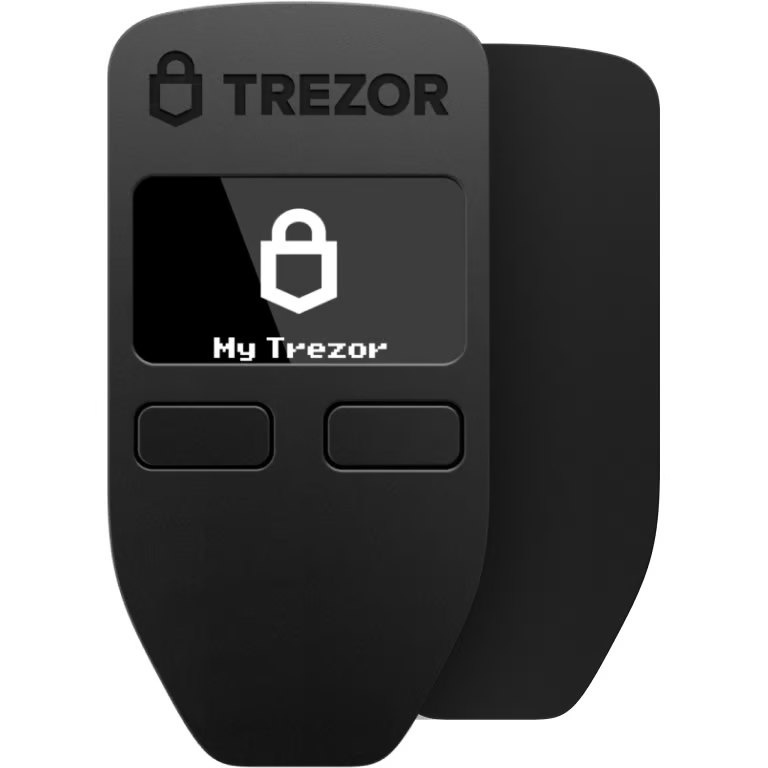

Synchronisez votre Trezor avec des applications de portefeuille
Gérez vos UX Chain avec votre portefeuille matériel Trezor synchronisé avec plusieurs applications de portefeuilles.
Trezor Suite
MetaMask
Rabby
UX Chain Réseau supporté
- Ethereum
Pourquoi un portefeuille matériel ?
Allez hors ligne avec Trezor
- Vous possédez 100% de vos cryptos
- Votre portefeuille est 100% sécurisé hors ligne
- Vos données sont 100 % anonymes
- Vos cryptos ne dépendent d’aucune entreprise
Échanges en ligne
- Si un échange échoue, vous perdez vos cryptos
- Les échanges sont des cibles pour les pirates
- Vos données personnelles peuvent être exposées
- Vous ne possédez pas réellement vos cryptos
Comment utiliser UX sur Trezor
Connectez votre Trezor
Ouvrez une application de portefeuille tierce
Gérez vos actifs
Profitez pleinement de votre UX
Trezor garde vos UX en sécurité
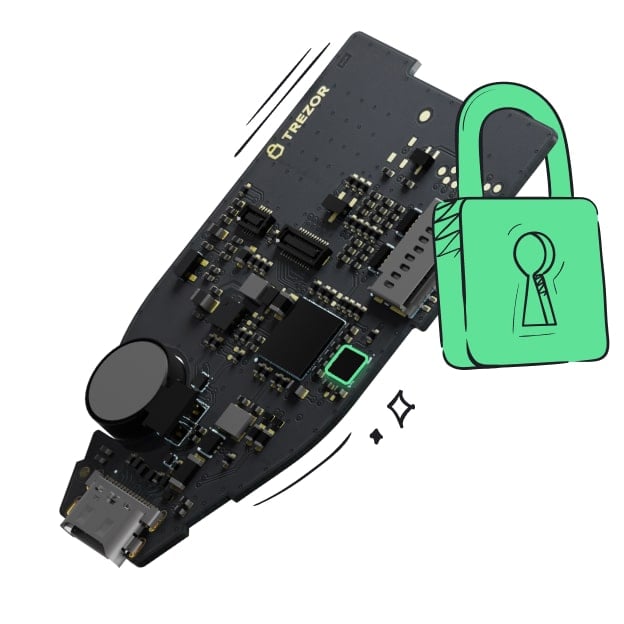 Protégé par Élément Sécurisé
La meilleure défense contre les menaces en ligne et hors ligne
 Vos jetons, votre contrôle
Contrôle absolu de chaque transaction avec confirmation sur l'appareil
 La sécurité commence par l'open source
Le design de portefeuille transparent rend votre Trezor meilleur et plus sûr
 Sauvegarde de portefeuille claire et simple
Récupérez l’accès à vos actifs digitaux avec un nouveau standard de sauvegarde
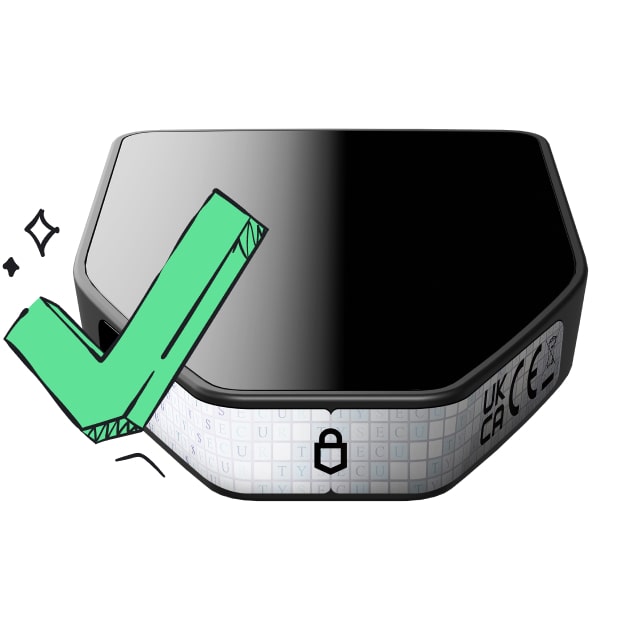 Confiance depuis le premier jour
Les sceaux de sécurité sur l’emballage et l’appareil protègent l’intégrité de votre Trezor
What is UX?
UX is a cross chain DeFi hub that interconnects between blockchains.
As a base layer blockchain, applications and money lego primitives can be built on top of UX to access cross-chain leverage and liquidity. The UX Blockchain facilitates interoperability for a Tendermint Proof of Stake protocol with the Cosmos ecosystem, Ethereum network, side chain architectures, layer two scaling solutions, and alternative base layer protocols.
As a Cosmos SDK blockchain, the UX Chain is interoperable with blockchains including Terra, Crypto.com, Binance Chain, Osmosis, Secret Network, and 30+ other chains, plus Ethereum, from Day 1.
Why was UX created?
UX was created to address three main issues that exist in DeFi:
-
Detached Yields
-
Concentrated Systematic Risks
-
Isolated Capital
UX plans to break the inherent silos between blockchains by utilizing bridging solutions towards interconnecting blockchains and encouraging better capital efficiency. The eventual goals will be to enable interchain lending and borrowing, multi-chain staking and delegations, plus cross chain defi rates.
What is the native UX token?
The native UX token is a Proof of Stake asset that can exist as a Cosmos SDK token and an ERC20 token on Ethereum.
UX tokens are used to pay for network fees on the UX Chain, to provide Proof of Stake consensus to the UX network, and for protocol governance.