Portefeuille sûr et sécurisé sKLAY
Utilisez la sécurité de votre portefeuille matériel Trezor pour gérer vos sKLAY en toute sécurité.
- Sécurisé par votre portefeuille matériel
- Adopté par plus de 2 millions de clients
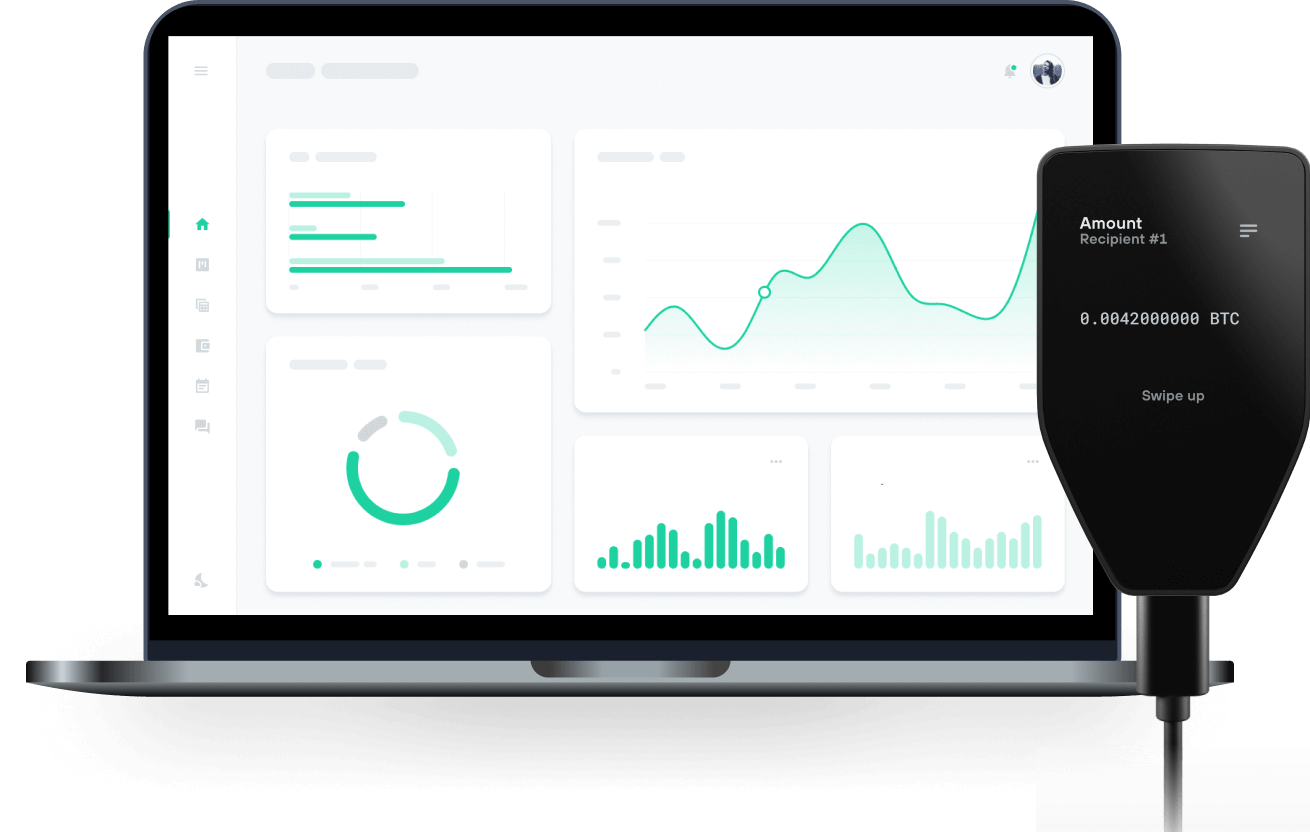
Envoyez et recevez vos sKLAY avec les portefeuilles matériels Trezor

Envoyer et recevoir
Portefeuilles matériels Trezor qui supportent sKLAY
Synchronisez votre Trezor avec des applications de portefeuille
Gérez vos sKLAY avec votre portefeuille matériel Trezor synchronisé avec plusieurs applications de portefeuilles.
MetaMask
Rabby
sKLAY Réseau supporté
Pourquoi un portefeuille matériel ?
Allez hors ligne avec Trezor
- Vous possédez 100% de vos cryptos
- Votre portefeuille est 100% sécurisé hors ligne
- Vos données sont 100 % anonymes
- Vos cryptos ne dépendent d’aucune entreprise
Échanges en ligne
- Si un échange échoue, vous perdez vos cryptos
- Les échanges sont des cibles pour les pirates
- Vos données personnelles peuvent être exposées
- Vous ne possédez pas réellement vos cryptos
Comment utiliser SKLAY sur Trezor
Connectez votre Trezor
Ouvrez une application de portefeuille tierce
Gérez vos actifs
Profitez pleinement de votre SKLAY
Trezor garde vos SKLAY en sécurité
 Protégé par Élément Sécurisé
La meilleure défense contre les menaces en ligne et hors ligne
 Vos jetons, votre contrôle
Contrôle absolu de chaque transaction avec confirmation sur l'appareil
 La sécurité commence par l'open source
Le design de portefeuille transparent rend votre Trezor meilleur et plus sûr
 Sauvegarde de portefeuille claire et simple
Récupérez l’accès à vos actifs digitaux avec un nouveau standard de sauvegarde
 Confiance depuis le premier jour
Les sceaux de sécurité sur l’emballage et l’appareil protègent l’intégrité de votre Trezor
sKLAY is an ownership and liquidity token that is given through smart contracts for KLAY staked through KLAYstation, KLAY’s official staking tool, and can remedy liquidity limitations to grow Klaytn’s Decentralized Finance (DeFi) ecosystem.
As a liquidity token that is based on the value of staked KLAY, sKLAY not only injects direct liquidity to the current Klaytn ecosystem, but also allows the holders of sKLAY to utilize their assets for a variety of revenue opportunities offered by Klaytn’s DeFi protocols while maintaining a staking position. At its core, sKLAY is a token that gives KLAY owners staking through KLAYSTATION the power to exercise rights over their staked assets. The reward that nodes receive after verifying blocks will be shared proportionally based on the amount of sKLAY held. Unstaking will also be based on sKLAY.
sKLAY adheres to the KCT (Klaytn Compatible Token) standard, making transactions possible. This increases efficiency of assets by allowing withdrawals at any time without having to go through KLAY’s unstaking period (7 days). Note that while sKLAY acquired through delegating essentially has the same value as corresponding KLAY, sKLAY acquired through staking KLAY may have a different price at time of trading. This is due to the presence of a time-difference discount rate applied to the supply and demand of the market and the increase in conversion rate due to staking compensation.
Considering KLAY’s value and volatility, sKLAY is a standout, reliable source of liquidity in the Klaytn network in terms of asset value. It particularly is of immense value to users who have been staking KLAY. With sKLAY, these users can take advantage of a variety of investment opportunities offered by DeFi services by additional asset input or liquidation of staked assets.