Portefeuille sûr et sécurisé Shrepe
Prenez le contrôle de vos Shrepe actifs en toute confiance dans l’écosystème Trezor.
- Sécurisé par votre portefeuille matériel
- Utiliser avec des hot wallets compatibles
- Adopté par plus de 2 millions de clients
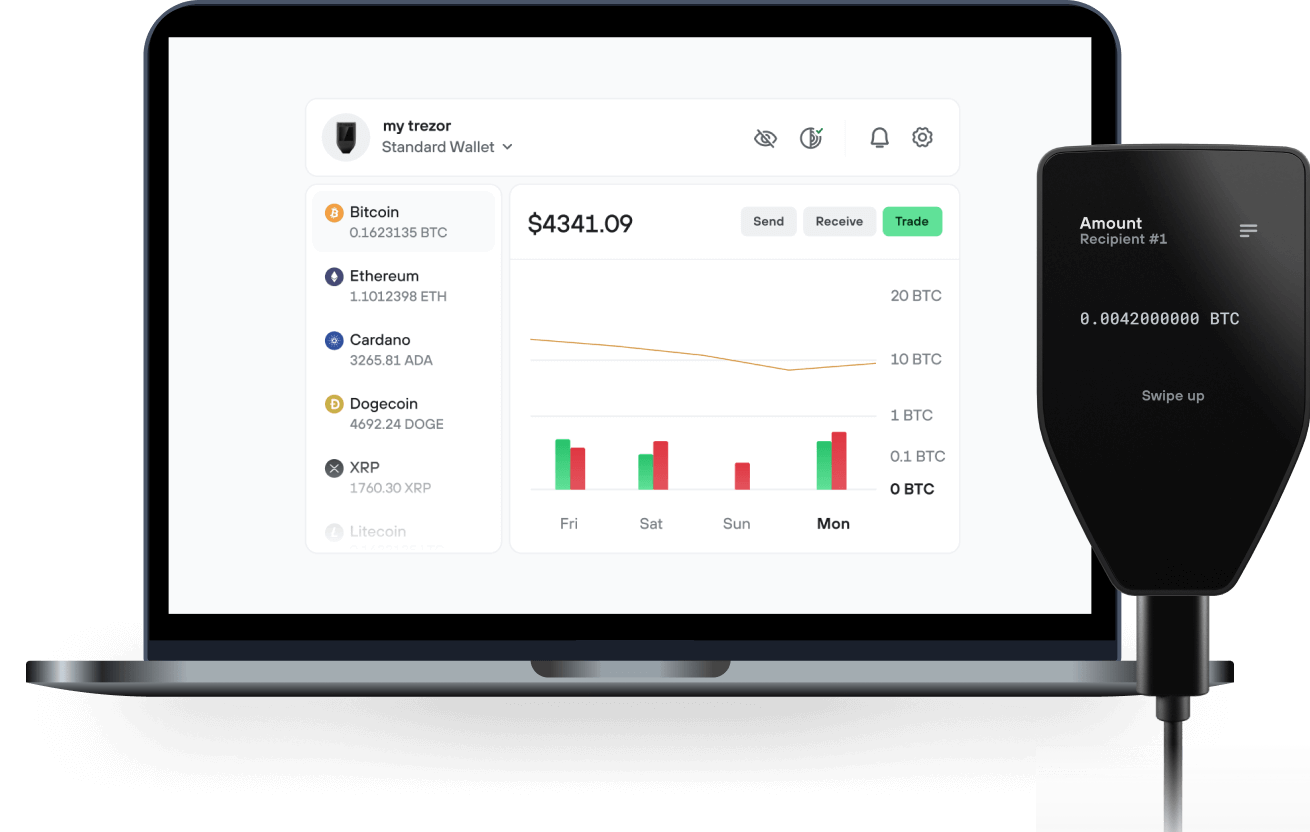
Envoyez et recevez vos Shrepe avec l'application Trezor Suite

Envoyer et recevoir
Portefeuilles matériels Trezor qui supportent Shrepe

Synchronisez votre Trezor avec des applications de portefeuille
Gérez vos Shrepe avec votre portefeuille matériel Trezor synchronisé avec plusieurs applications de portefeuilles.
Trezor Suite
Backpack
NuFi
Shrepe Réseau supporté
- Solana
Pourquoi un portefeuille matériel ?
Allez hors ligne avec Trezor
- Vous possédez 100% de vos cryptos
- Votre portefeuille est 100% sécurisé hors ligne
- Vos données sont 100 % anonymes
- Vos cryptos ne dépendent d’aucune entreprise
Échanges en ligne
- Si un échange échoue, vous perdez vos cryptos
- Les échanges sont des cibles pour les pirates
- Vos données personnelles peuvent être exposées
- Vous ne possédez pas réellement vos cryptos
Comment utiliser SHREPE sur Trezor
Connectez votre Trezor
Ouvrez une application de portefeuille tierce
Gérez vos actifs
Profitez pleinement de votre SHREPE
Trezor garde vos SHREPE en sécurité
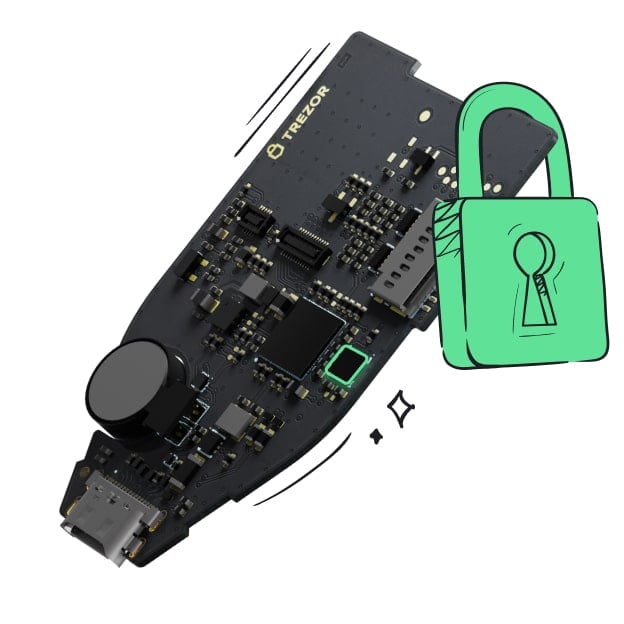 Protégé par Élément Sécurisé
La meilleure défense contre les menaces en ligne et hors ligne
 Vos jetons, votre contrôle
Contrôle absolu de chaque transaction avec confirmation sur l'appareil
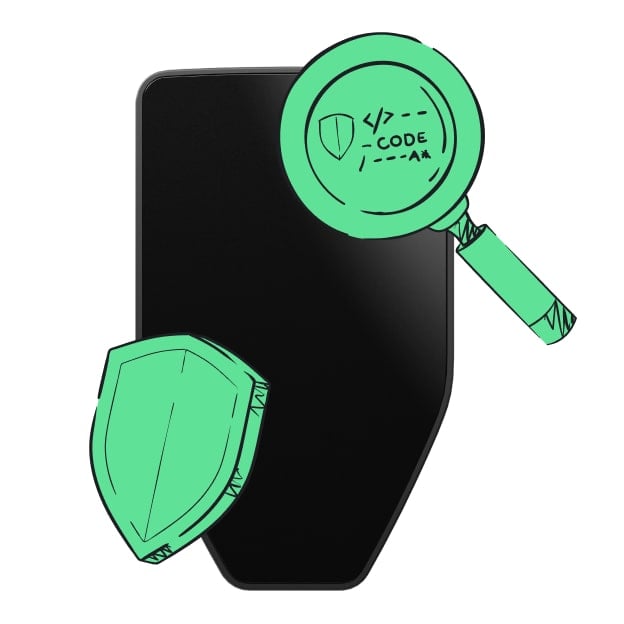 La sécurité commence par l'open source
Le design de portefeuille transparent rend votre Trezor meilleur et plus sûr
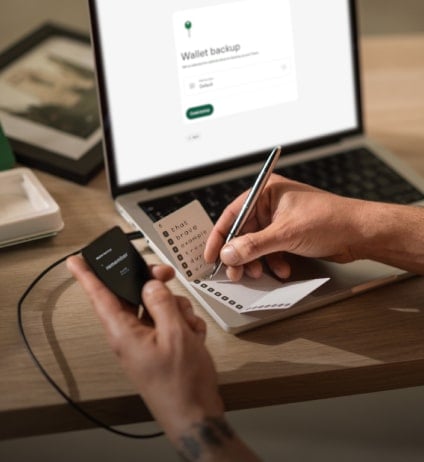 Sauvegarde de portefeuille claire et simple
Récupérez l’accès à vos actifs digitaux avec un nouveau standard de sauvegarde
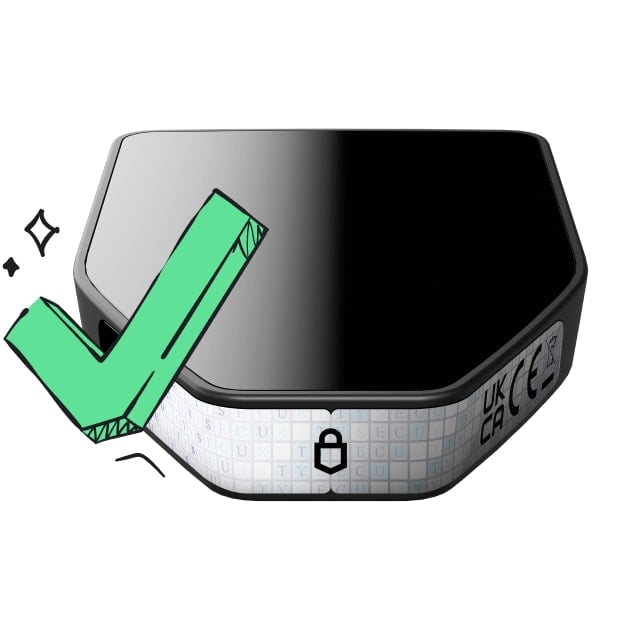 Confiance depuis le premier jour
Les sceaux de sécurité sur l’emballage et l’appareil protègent l’intégrité de votre Trezor
The dogs have barked, the frogs have croaked. It's time for the ogre- lord of all memecoins to take over. This is our swamp now.
Most memecoins are one-dimensional. $SHREPE is different. It has layers. Like an onion. Or an ogre. tired of the fleeting hype and the shallow trends. It's time for a coin with substance, with story, with SWAMP. ca:BiGwCbrNetFGJYZMRJiPMEo3vf5XnLp7ibc1CtmuQGW4 Shrepe is the misunderstood hero of the blockchain, here to protect his territory and reward his loyal followers. Somebody once told me this was the coin to rule them all.
How To Buy
- Set Up Your Wallet Download Phantom or your wallet of choice from the app store or Google Play. For desktop users, get the Phantom Google Chrome extension from Phantom.com.
- Get Some SOL You'll need SOL in your wallet to swap for $SHREPE. You can buy SOL directly on Phantom, transfer it from another wallet, or buy on an exchange and send it to your new wallet address.
- Go to Raydium Connect to Raydium by going to Raydium.io in your browser or within the Phantom app's browser. Connect your wallet. Paste the $SHREPE contract address into the swap form, select $SHREPE, and confirm. When Phantom prompts you for a signature, sign the transaction.
- Swap SOL for $SHREPE Swap your SOL for $SHREPE. We've made it simple. No complex fairy tales here, just a straight path to the swamp.
Tokenomics Ticker SHREPE Supply 1,000,000,000 100% Liquidity Pool 0% Team Tokens It's all ogre now.