Portefeuille sûr et sécurisé PANGEA GOVERNANCE TOKEN
Utilisez la sécurité de votre portefeuille matériel Trezor pour gérer vos PANGEA GOVERNANCE TOKEN en toute sécurité.
- Sécurisé par votre portefeuille matériel
- Adopté par plus de 2 millions de clients
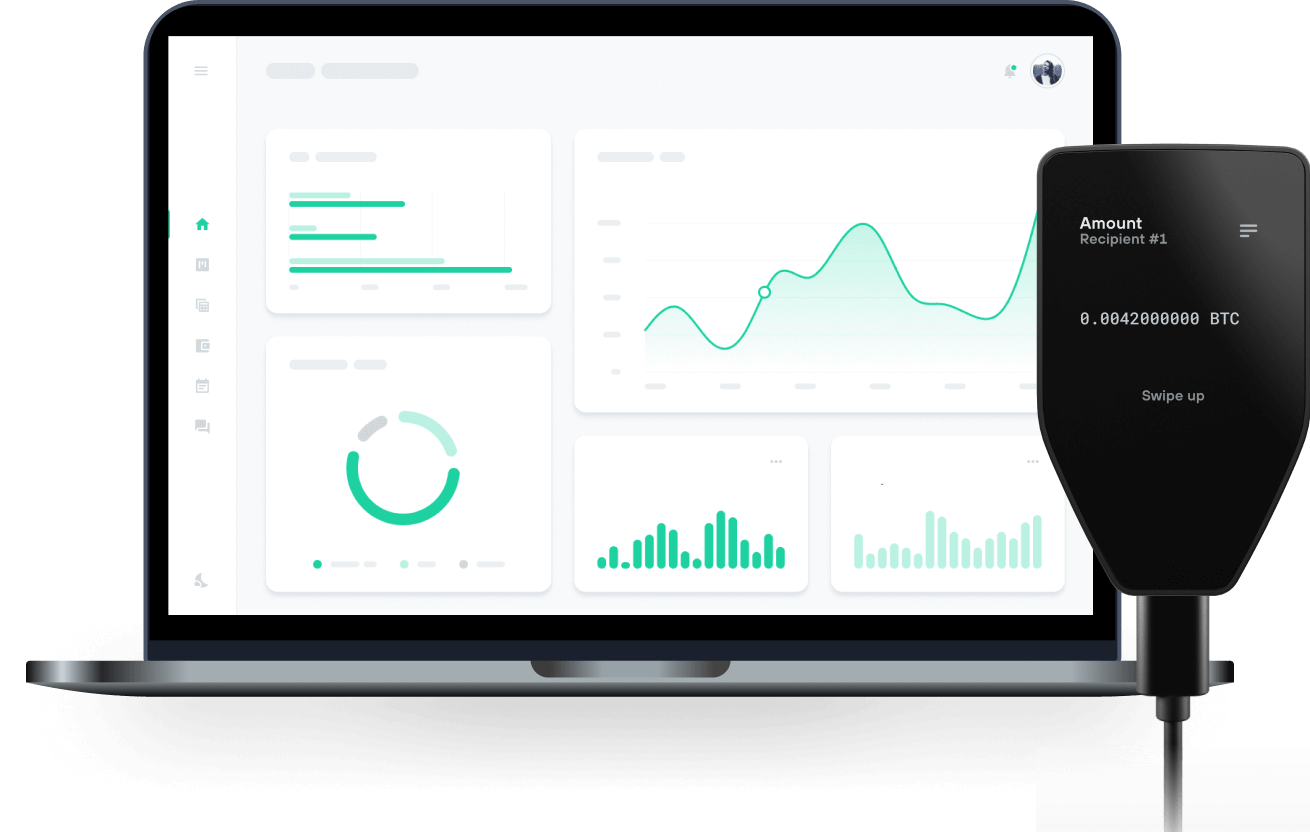
Envoyez et recevez vos PANGEA GOVERNANCE TOKEN avec les portefeuilles matériels Trezor

Envoyer et recevoir
Portefeuilles matériels Trezor qui supportent PANGEA GOVERNANCE TOKEN
Synchronisez votre Trezor avec des applications de portefeuille
Gérez vos PANGEA GOVERNANCE TOKEN avec votre portefeuille matériel Trezor synchronisé avec plusieurs applications de portefeuilles.
MetaMask
Rabby
PANGEA GOVERNANCE TOKEN Réseau supporté
Pourquoi un portefeuille matériel ?

Allez hors ligne avec Trezor
- Vous possédez 100% de vos cryptos
- Votre portefeuille est 100% sécurisé hors ligne
- Vos données sont 100 % anonymes
- Vos cryptos ne dépendent d’aucune entreprise
Échanges en ligne
- Si un échange échoue, vous perdez vos cryptos
- Les échanges sont des cibles pour les pirates
- Vos données personnelles peuvent être exposées
- Vous ne possédez pas réellement vos cryptos
Comment utiliser STONE sur Trezor
Connectez votre Trezor
Ouvrez une application de portefeuille tierce
Gérez vos actifs
Profitez pleinement de votre STONE
Trezor garde vos STONE en sécurité
 Protégé par Élément Sécurisé
La meilleure défense contre les menaces en ligne et hors ligne
 Vos jetons, votre contrôle
Contrôle absolu de chaque transaction avec confirmation sur l'appareil
 La sécurité commence par l'open source
Le design de portefeuille transparent rend votre Trezor meilleur et plus sûr
 Sauvegarde de portefeuille claire et simple
Récupérez l’accès à vos actifs digitaux avec un nouveau standard de sauvegarde
 Confiance depuis le premier jour
Les sceaux de sécurité sur l’emballage et l’appareil protègent l’intégrité de votre Trezor
What Is Pangea Swap (STONE)?
Pangea Swap is the first DEX on the Klaytn network to feature Concentrated Liquidity. Klaytn network had low trading volume compared to its DeFi TVL, partly because of the lazy liquidity in traditional CPMM DEXs. Pangea Swap started with a mission of activating the lazy liquidity by introducing concentrated liquidity to Klaytn network. Only after 2 months from its launch, Pangea Swap achieved +$11M TVL and +$30M 24h Trading Volume, putting itself on No.1 DEX on Klaytn. Furthermore, due to its open-source nature, Pangea Swap is already integrated with various protocols, to name a few, 1inch network, Swapscanner, XY Finance, ISKRA and so on. The team is planning on expanding its ecosystem through various partnerships.
STONE is Pangea Swap’s governance token that can be used for:
- Staking to get STONE reward + revenue sharing fund reward
- Participating in Pangea Swap’s governance
How Many STONE Tokens Are There in Circulation?
STONE has an initial supply of 10 million. After 4 years from the initial issuance, it’ll have a perpetual inflation rate of 0.5% per 90 days. Please refer to this link(https://docs.pangeaswap.com/v/en/governance/stone/distribution-plan) for more detailed information.
You can get stone via 2 ways.
- You can buy it on Pangea Swap
- You can earn(mine) it by providing liquidity to certain pools in Pangea Swap