Portefeuille sûr et sécurisé Laura AI
Prenez le contrôle de vos Laura AI actifs en toute confiance dans l’écosystème Trezor.
- Sécurisé par votre portefeuille matériel
- Utiliser avec des hot wallets compatibles
- Adopté par plus de 2 millions de clients
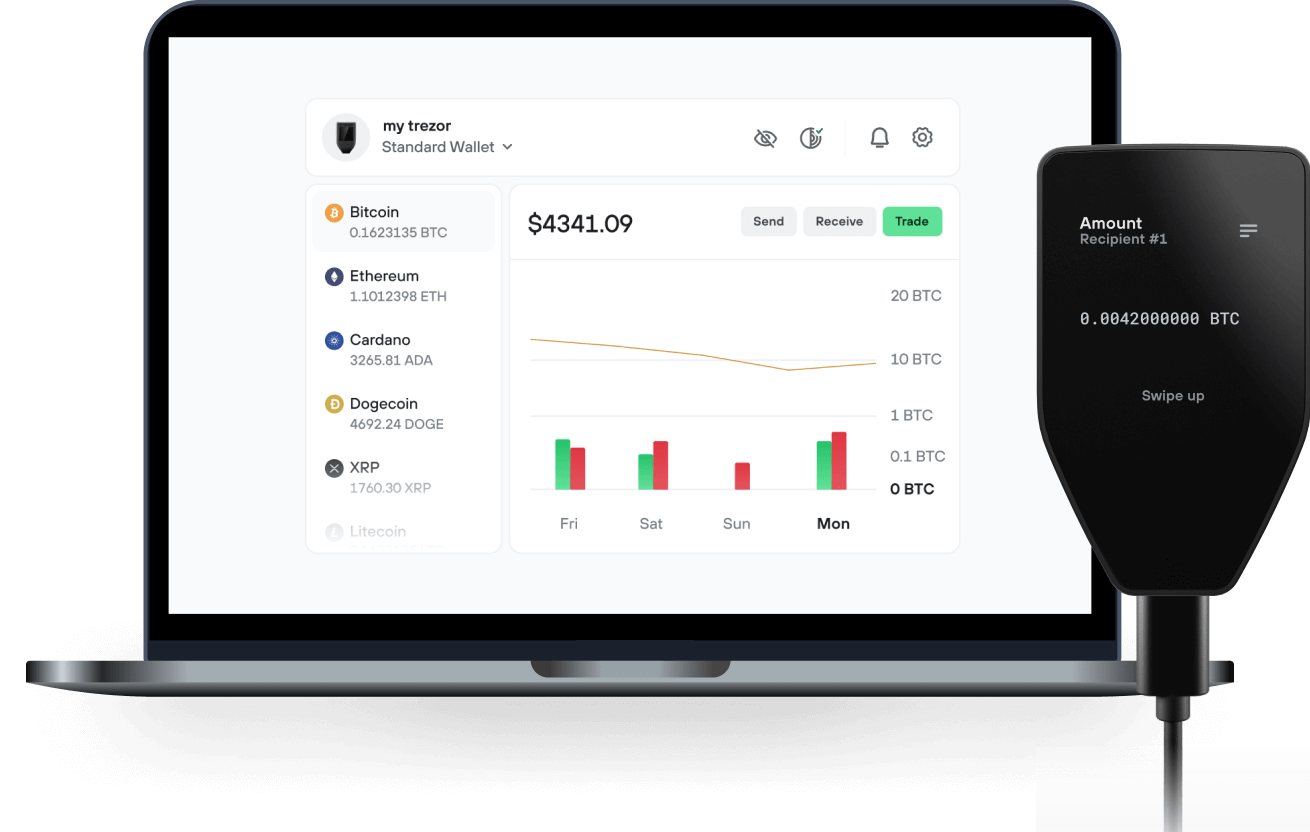
Envoyez et recevez vos Laura AI avec l'application Trezor Suite

Envoyer et recevoir
Portefeuilles matériels Trezor qui supportent Laura AI
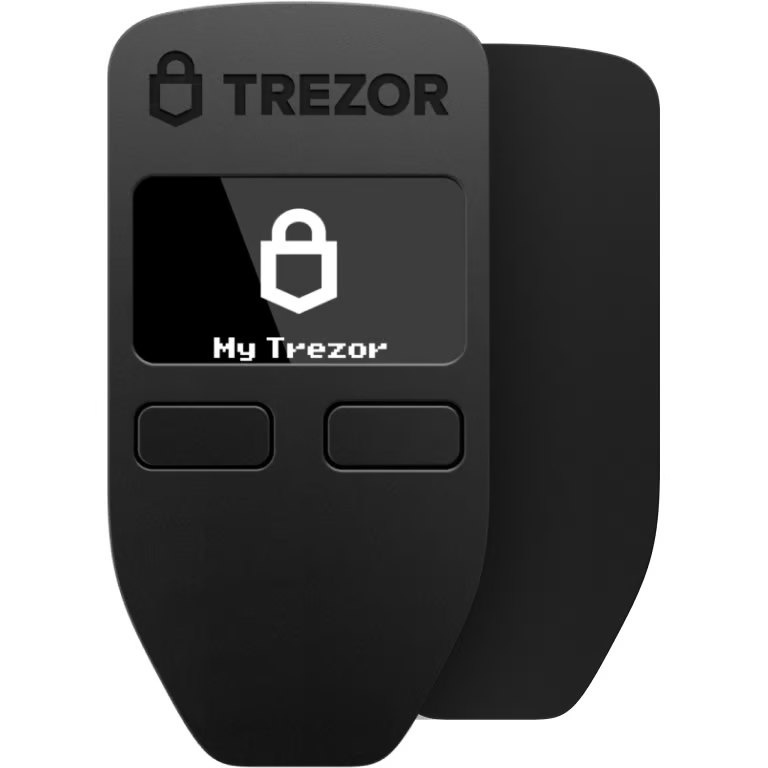

Synchronisez votre Trezor avec des applications de portefeuille
Gérez vos Laura AI avec votre portefeuille matériel Trezor synchronisé avec plusieurs applications de portefeuilles.
Trezor Suite
MetaMask
Rabby
Laura AI Réseau supporté
- Ethereum
Pourquoi un portefeuille matériel ?
Allez hors ligne avec Trezor
- Vous possédez 100% de vos cryptos
- Votre portefeuille est 100% sécurisé hors ligne
- Vos données sont 100 % anonymes
- Vos cryptos ne dépendent d’aucune entreprise
Échanges en ligne
- Si un échange échoue, vous perdez vos cryptos
- Les échanges sont des cibles pour les pirates
- Vos données personnelles peuvent être exposées
- Vous ne possédez pas réellement vos cryptos
Comment utiliser LAURA sur Trezor
Connectez votre Trezor
Ouvrez une application de portefeuille tierce
Gérez vos actifs
Profitez pleinement de votre LAURA
Trezor garde vos LAURA en sécurité
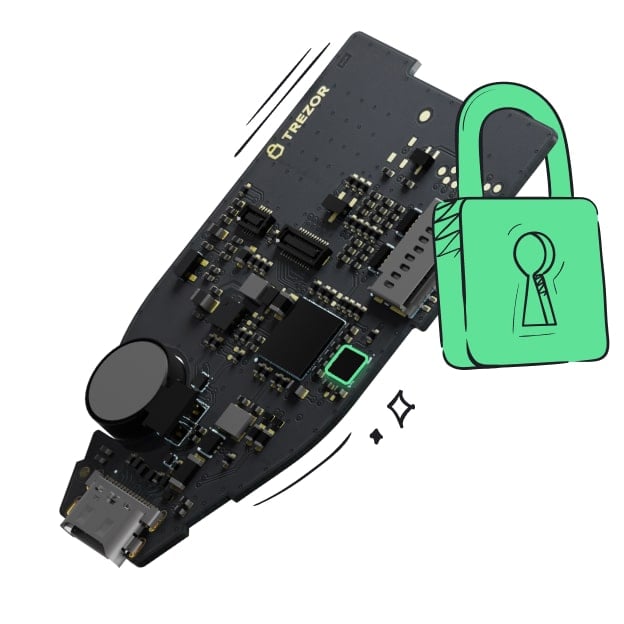 Protégé par Élément Sécurisé
La meilleure défense contre les menaces en ligne et hors ligne
 Vos jetons, votre contrôle
Contrôle absolu de chaque transaction avec confirmation sur l'appareil
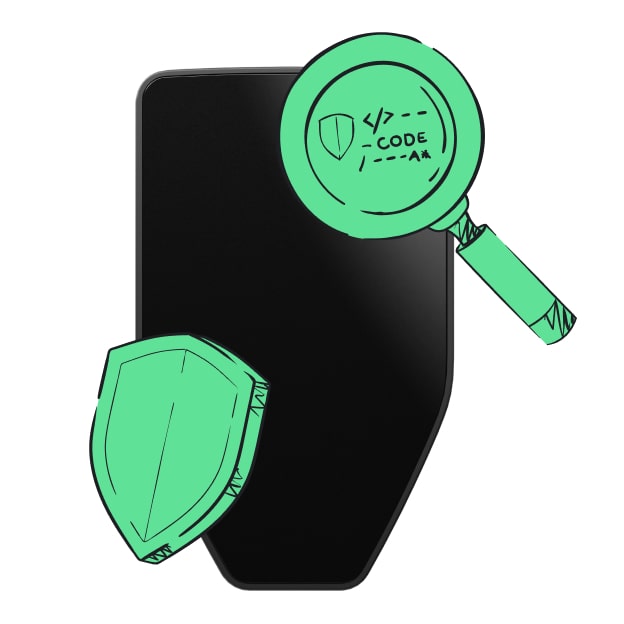 La sécurité commence par l'open source
Le design de portefeuille transparent rend votre Trezor meilleur et plus sûr
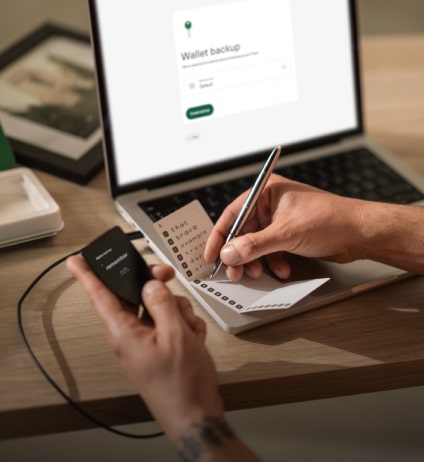 Sauvegarde de portefeuille claire et simple
Récupérez l’accès à vos actifs digitaux avec un nouveau standard de sauvegarde
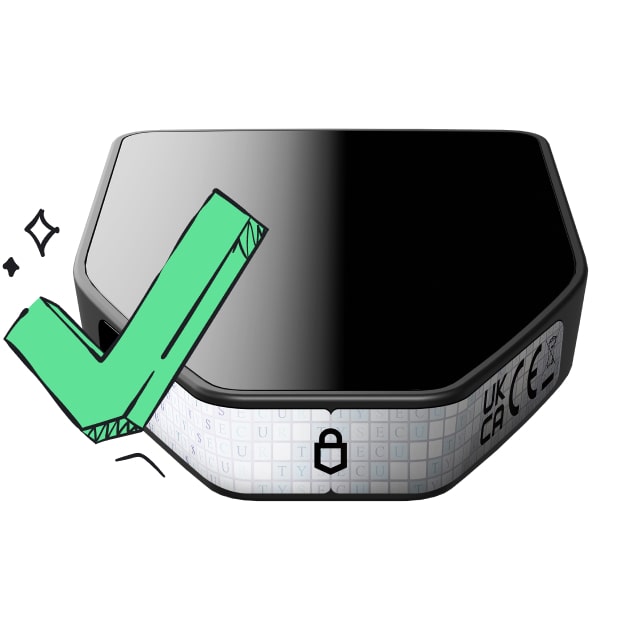 Confiance depuis le premier jour
Les sceaux de sécurité sur l’emballage et l’appareil protègent l’intégrité de votre Trezor
AI Powered Pathfinder Find the best route with | Ai Powered Pathfinder
Laura Aggregator is built on a unique architecture with a pathfinder algorithm. Our unique algorithm's structure can be developed, re-programmed, and has self-learning capabilities.
Pathfinder Structure: 01. Max Output Equation
A mathematical equation is created to get the maximum output from the integrated liquidity providers. The result of this equation gives the best received amount.
It creates an equation in accordance with the pathfinder route finding structure by controlling all liquidity pools. This equation is not fixed, it changes itself according to the terms and conditions. Therefore, it uses many data types as input.
- HCA Data Processing
All required data is instantly accessed and converted to High Conversion Argument (HCA). This converted data is sent to the max output equation.
The data needed to solve the equation are provided. It is then finalized using the HCA module powered by artificial intelligence. It is then forwarded to the next step to find the max output figure.
- Find All Paths
It searches and finds all possible routes between two tokens and filters out unnecessary routes by filtering within certain criteria.
Pathfinder, which is prepared to take a maximum of 5 tokens between the input token and the output token, performs a filtering to reduce the almost infinite number of outputs. It eliminates very low liquidity pools, identifies tokens that can be matched between them, and prepares them to offer a multiple path.
- Laura Pathfinder: Assemble
All obtained data and formulas are sent to AI powered pathfinder algorithm.
All data is assembled at this stage. After many calculations and formula analysis, it brings together the scattered data and creates the data needed to confirm the swap transaction.