Portefeuille sûr et sécurisé IncogniFi
Prenez le contrôle de vos IncogniFi actifs en toute confiance dans l’écosystème Trezor.
- Sécurisé par votre portefeuille matériel
- Utiliser avec des hot wallets compatibles
- Adopté par plus de 2 millions de clients
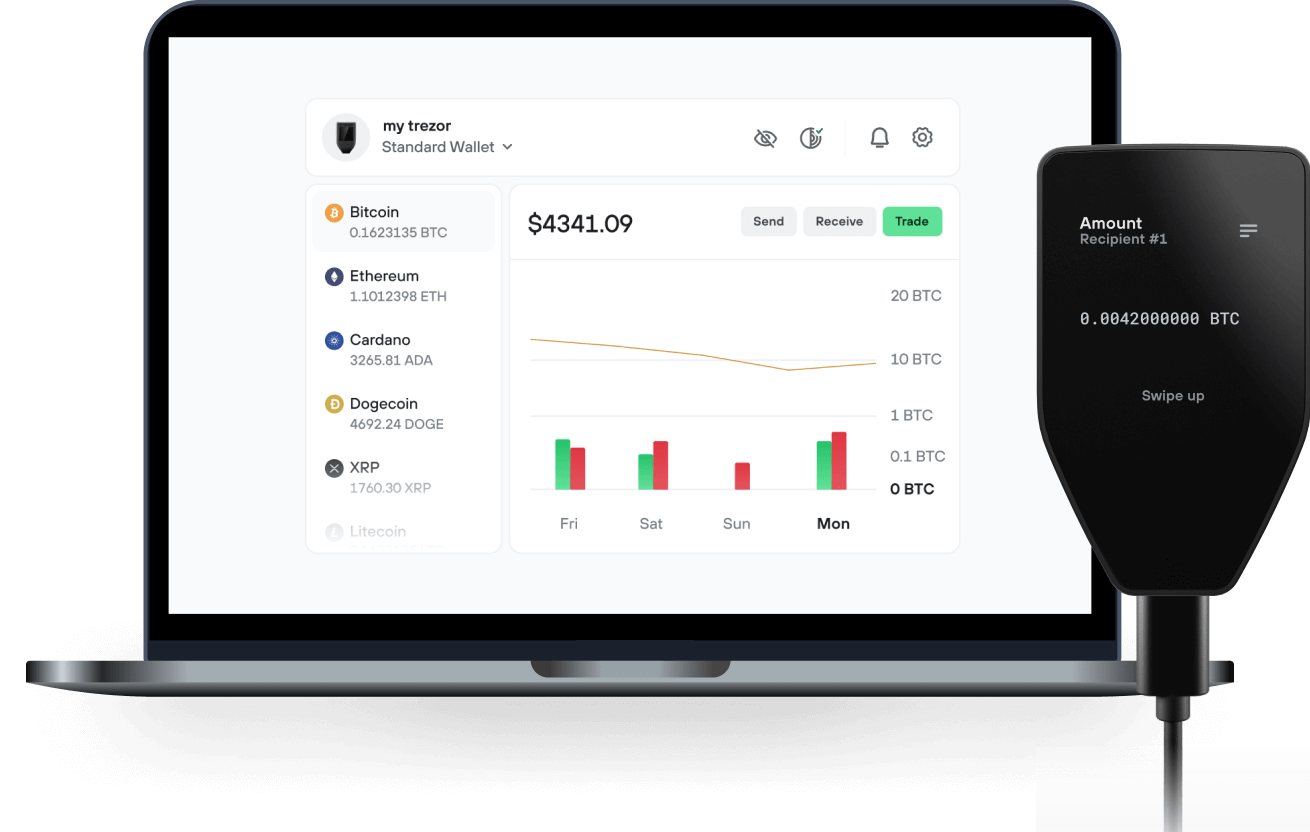
Envoyez et recevez vos IncogniFi avec l'application Trezor Suite

Envoyer et recevoir
Portefeuilles matériels Trezor qui supportent IncogniFi
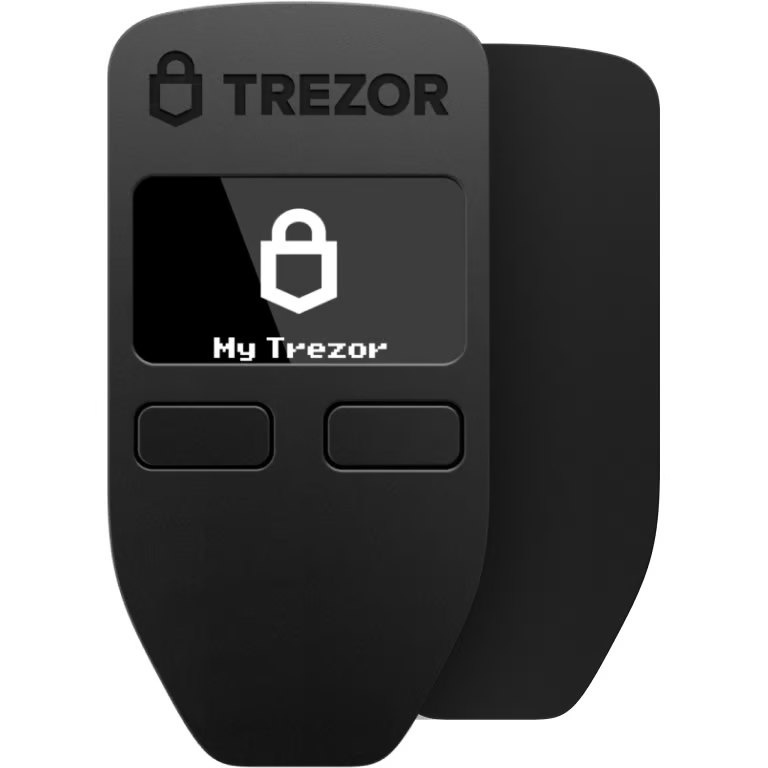

Synchronisez votre Trezor avec des applications de portefeuille
Gérez vos IncogniFi avec votre portefeuille matériel Trezor synchronisé avec plusieurs applications de portefeuilles.
Trezor Suite
MetaMask
Rabby
IncogniFi Réseau supporté
- Ethereum
Pourquoi un portefeuille matériel ?
Allez hors ligne avec Trezor
- Vous possédez 100% de vos cryptos
- Votre portefeuille est 100% sécurisé hors ligne
- Vos données sont 100 % anonymes
- Vos cryptos ne dépendent d’aucune entreprise
Échanges en ligne
- Si un échange échoue, vous perdez vos cryptos
- Les échanges sont des cibles pour les pirates
- Vos données personnelles peuvent être exposées
- Vous ne possédez pas réellement vos cryptos
Comment utiliser INFI sur Trezor
Connectez votre Trezor
Ouvrez une application de portefeuille tierce
Gérez vos actifs
Profitez pleinement de votre INFI
Trezor garde vos INFI en sécurité
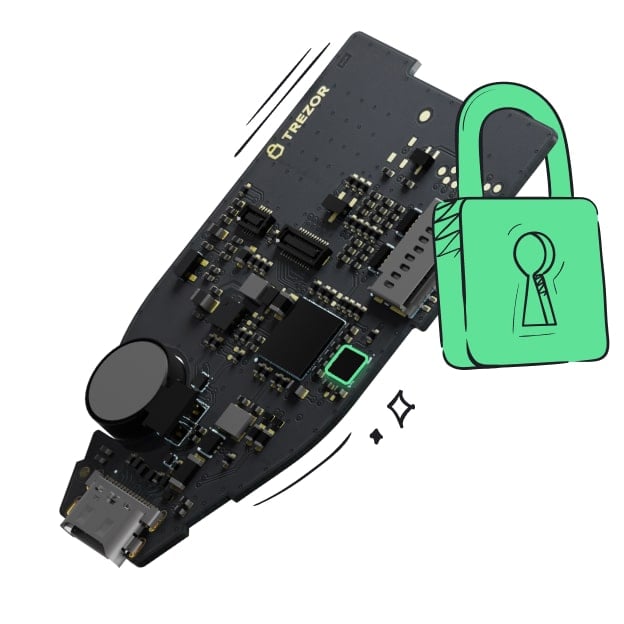 Protégé par Élément Sécurisé
La meilleure défense contre les menaces en ligne et hors ligne
 Vos jetons, votre contrôle
Contrôle absolu de chaque transaction avec confirmation sur l'appareil
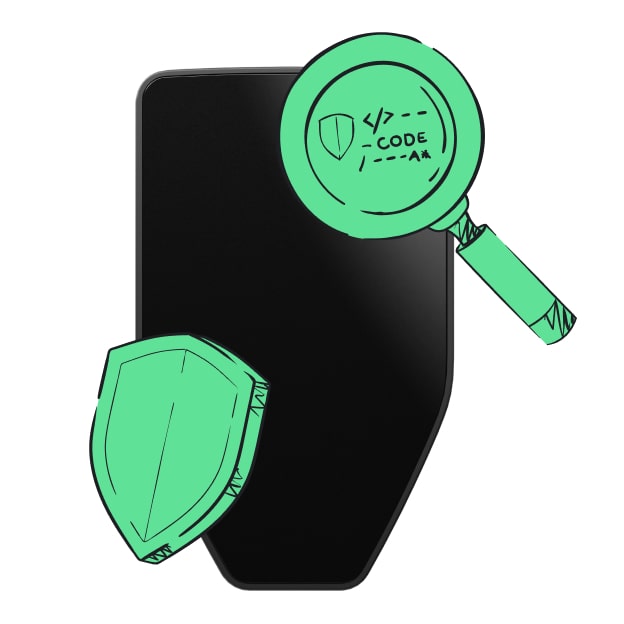 La sécurité commence par l'open source
Le design de portefeuille transparent rend votre Trezor meilleur et plus sûr
 Sauvegarde de portefeuille claire et simple
Récupérez l’accès à vos actifs digitaux avec un nouveau standard de sauvegarde
 Confiance depuis le premier jour
Les sceaux de sécurité sur l’emballage et l’appareil protègent l’intégrité de votre Trezor
As highlighted by Vitalik in a recent article, privacy is simulteanously one of Crypto's most important features, as well as one of its most prominent existential threats. Over the last few years, while providers of privacy tools have gained negative media attention (i.e. Tornado Cash), the importance of safeguarding privacy in a Web3 environment has been highlighted by several high profile kidnapping and robbery cases of wealthy Crypto individuals. Moreover, the rise of bots and copytraders have increased the need for users to be able to transact privately, without anyone following their every move.
As such, while private transactions can be abused by malicious actors and people looking to use cryptocurrency to hide the source of their funds, privacy should be a right and people should not be forced to share their balances, transactions or online movement. This view has been shared by many prominent figure in the Ethereum ecosystem, most importantly by earlier mentioned developer Vitalik Buterin, who is a renowned supporter of dApps such as Railgun and Tornado Cash.
While the importance of privacy in Web3 is thus generally agreed upon, the offering of privacy tools remains fragmented. As described in the next chapter, IncogniFi aims to change that, by creating a one-stop-shop privacy hub for browsing, communicating, transacting and storing crypto in a private way.
IncogniFi is an advanced privacy ecosystem, comprising a fully private, anonymous and secure VPN Browser, a Private W2W Communication Tool, a Password & Key Manager, a Non-Custodial Wallet and a Privacy Dex.
Ecosystem Products
- VPN Browser
- W2W Private Messenger
- Password & Key Manager
- Non-Custodial Wallet
- Privacy Dex