Portefeuille sûr et sécurisé Gemholic
Utilisez la sécurité de votre portefeuille matériel Trezor pour gérer vos Gemholic en toute sécurité.
- Sécurisé par votre portefeuille matériel
- Adopté par plus de 2 millions de clients
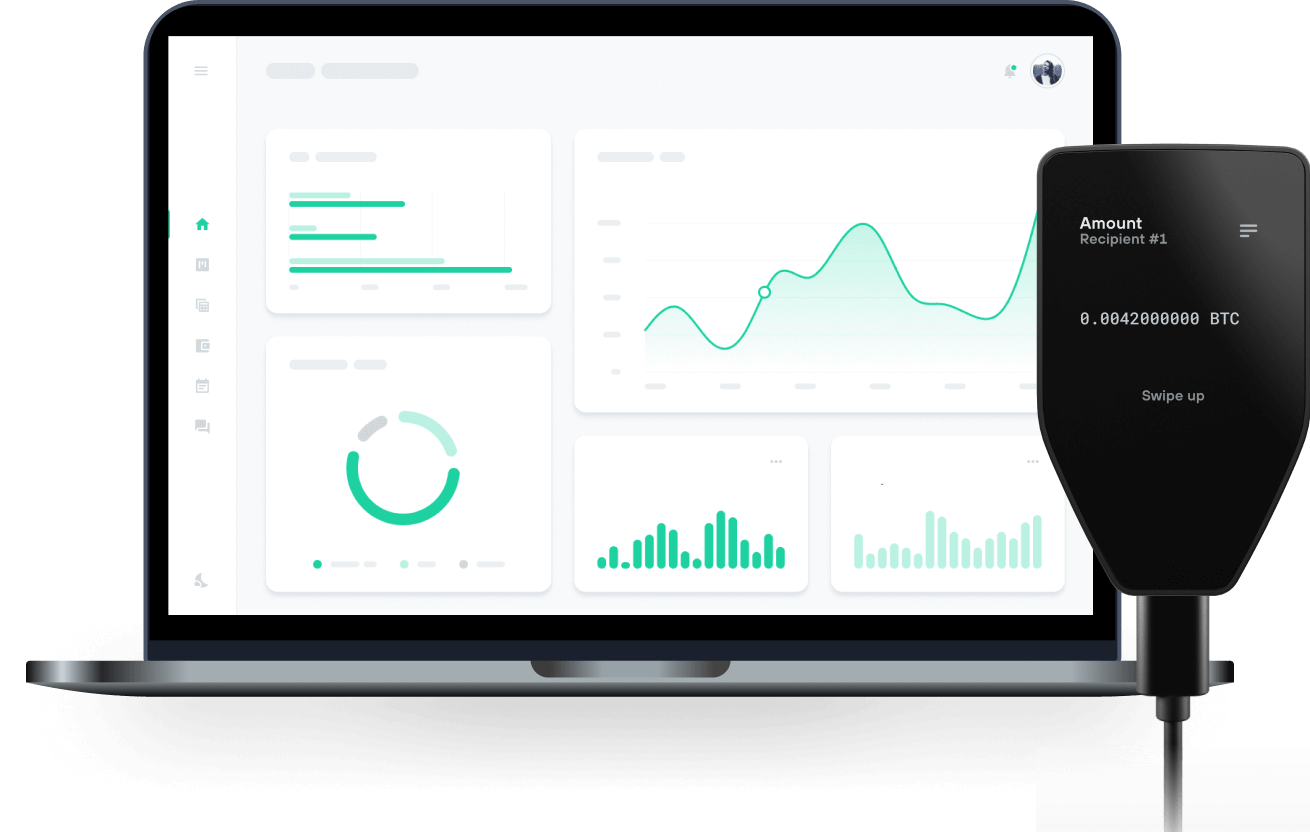
Envoyez et recevez vos Gemholic avec les portefeuilles matériels Trezor

Envoyer et recevoir
Portefeuilles matériels Trezor qui supportent Gemholic
Synchronisez votre Trezor avec des applications de portefeuille
Gérez vos Gemholic avec votre portefeuille matériel Trezor synchronisé avec plusieurs applications de portefeuilles.
MetaMask
Rabby
Gemholic Réseau supporté
Pourquoi un portefeuille matériel ?

Allez hors ligne avec Trezor
- Vous possédez 100% de vos cryptos
- Votre portefeuille est 100% sécurisé hors ligne
- Vos données sont 100 % anonymes
- Vos cryptos ne dépendent d’aucune entreprise
Échanges en ligne
- Si un échange échoue, vous perdez vos cryptos
- Les échanges sont des cibles pour les pirates
- Vos données personnelles peuvent être exposées
- Vous ne possédez pas réellement vos cryptos
Comment utiliser GEMS sur Trezor
Connectez votre Trezor
Ouvrez une application de portefeuille tierce
Gérez vos actifs
Profitez pleinement de votre GEMS
Trezor garde vos GEMS en sécurité
 Protégé par Élément Sécurisé
La meilleure défense contre les menaces en ligne et hors ligne
 Vos jetons, votre contrôle
Contrôle absolu de chaque transaction avec confirmation sur l'appareil
 La sécurité commence par l'open source
Le design de portefeuille transparent rend votre Trezor meilleur et plus sûr
 Sauvegarde de portefeuille claire et simple
Récupérez l’accès à vos actifs digitaux avec un nouveau standard de sauvegarde
 Confiance depuis le premier jour
Les sceaux de sécurité sur l’emballage et l’appareil protègent l’intégrité de votre Trezor
What is the project about? Gemholic Ecosystem consists of product features and mechanisms that support each other while creating new benefits for all parties involved in the ecosystem. Gemholic Ecosystem provides GemLaunchpad, GemStaking, Gem Yield Farming, Gem Mining (Play-to-Earn feature), and Gem Cash (Tonardo Cash) for the entire CoreDAO Chain.
What makes your project unique? The Gemholic Ecosystem uses 8-bit images as its main visual theme. With such a theme and visuals, we will attract many users as well as investors, as it is quite similar to old-school games with 8-bit graphics that make us feel like we're going back to our youth. It will feel like embarking on an adventure to search for treasure and mine resources.
History of your project. We have been developing this project for over a month during the image-building phase, and now we are starting to promote the project within the CoreDAO ecosystem.
What’s next for your project? In the near future, we will launch an IDO (Initial DEX Offering) on one of the reputable DEX platforms within the CoreDAO Chain. We are still in talks to reach agreements with them.
What can your token be used for?
The token of the Gemholic Ecosystem will be used for participating in play-to-earn features, staking, joining IDOs of other projects on GemLaunchPad, and so on.