Portefeuille sûr et sécurisé Fasttoken
Prenez le contrôle de vos Fasttoken actifs en toute confiance dans l’écosystème Trezor.
- Sécurisé par votre portefeuille matériel
- Utiliser avec des hot wallets compatibles
- Adopté par plus de 2 millions de clients
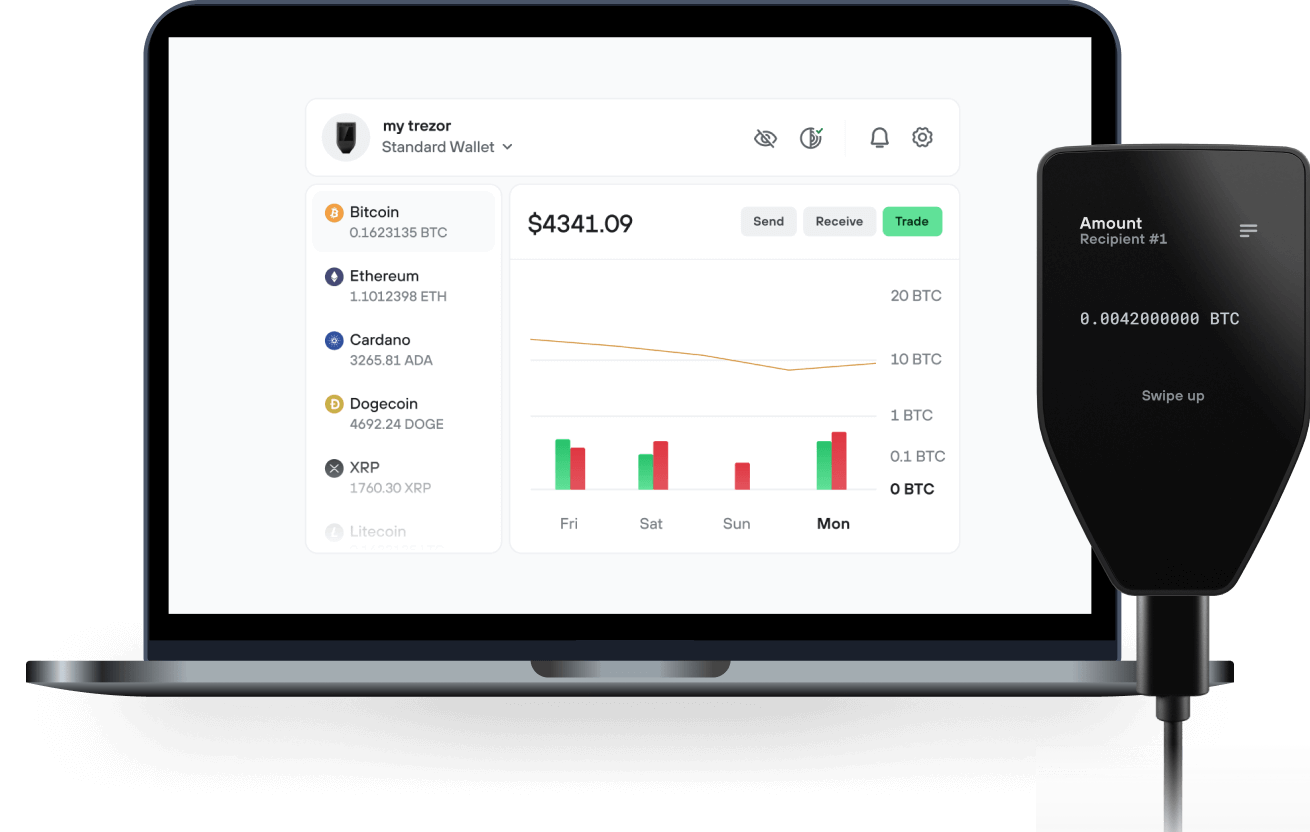
Envoyez et recevez vos Fasttoken avec l'application Trezor Suite

Envoyer et recevoir
Swap
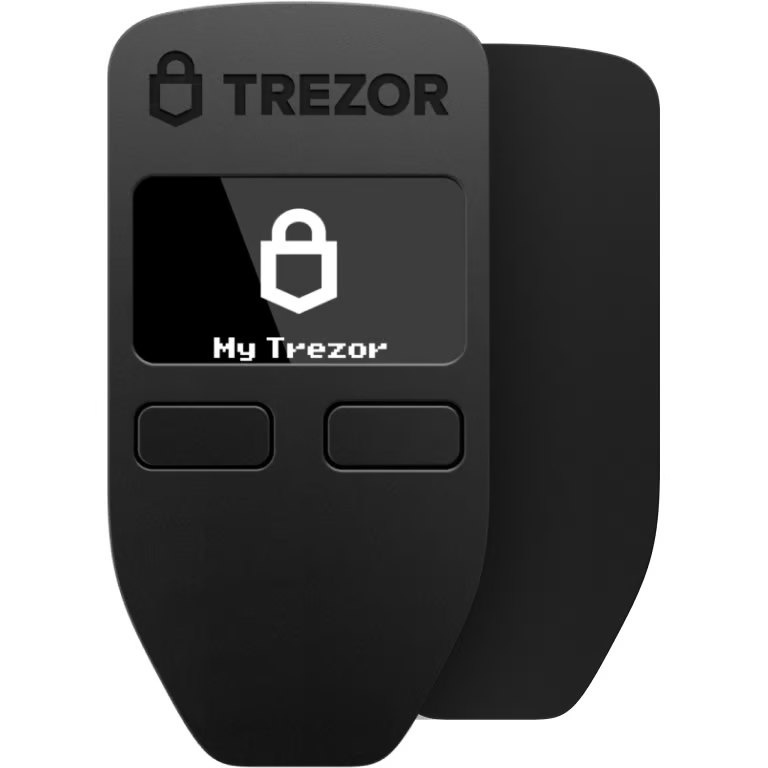
Portefeuilles matériels Trezor qui supportent Fasttoken

Synchronisez votre Trezor avec des applications de portefeuille
Gérez vos Fasttoken avec votre portefeuille matériel Trezor synchronisé avec plusieurs applications de portefeuilles.
Trezor Suite
MetaMask
Rabby
Fasttoken Réseaux supportés
- Base
- Ethereum
- Arbitrum One
- BNB Smart Chain
- Bahamut
Pourquoi un portefeuille matériel ?
Allez hors ligne avec Trezor
- Vous possédez 100% de vos cryptos
- Votre portefeuille est 100% sécurisé hors ligne
- Vos données sont 100 % anonymes
- Vos cryptos ne dépendent d’aucune entreprise
Échanges en ligne
- Si un échange échoue, vous perdez vos cryptos
- Les échanges sont des cibles pour les pirates
- Vos données personnelles peuvent être exposées
- Vous ne possédez pas réellement vos cryptos
Comment utiliser FTN sur Trezor
Connectez votre Trezor
Installez l'application Trezor Suite
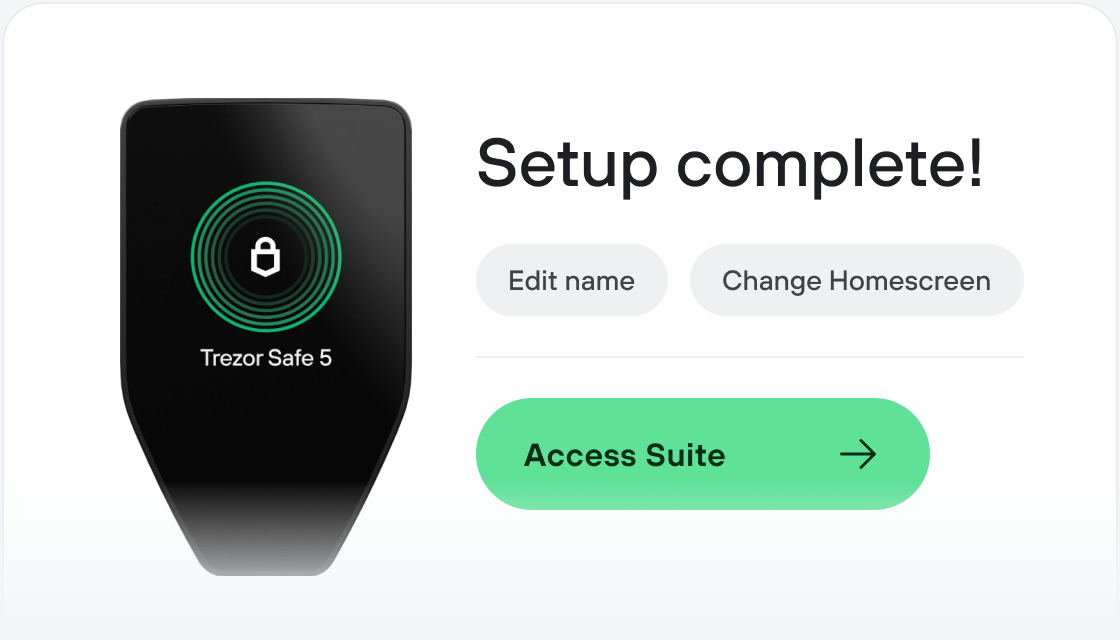
Transférez votre FTN
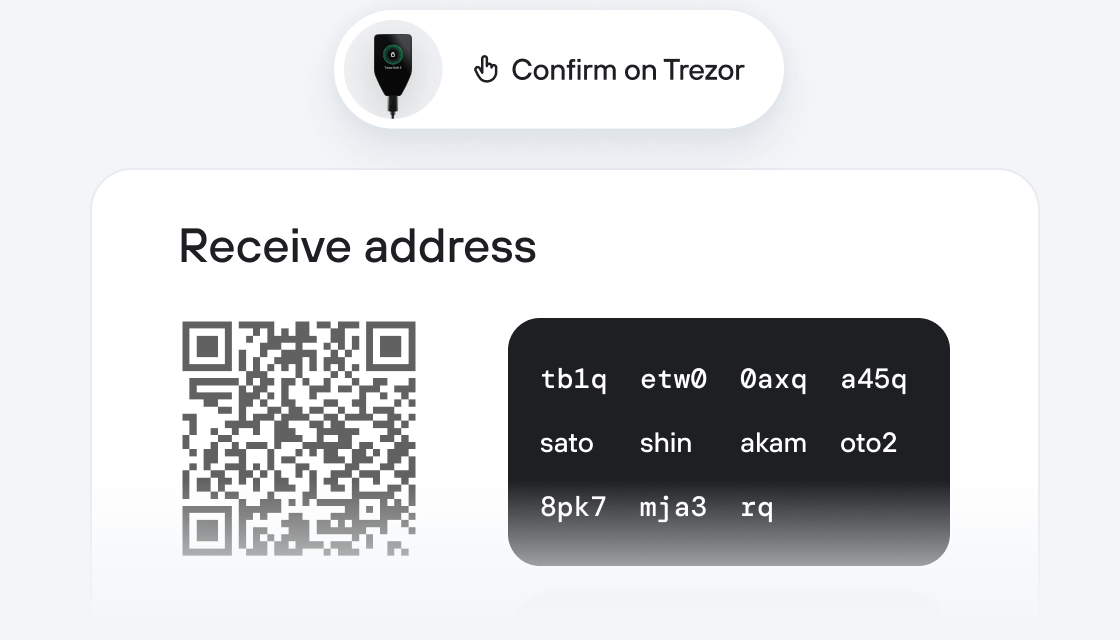
Profitez pleinement de votre FTN
Trezor garde vos FTN en sécurité
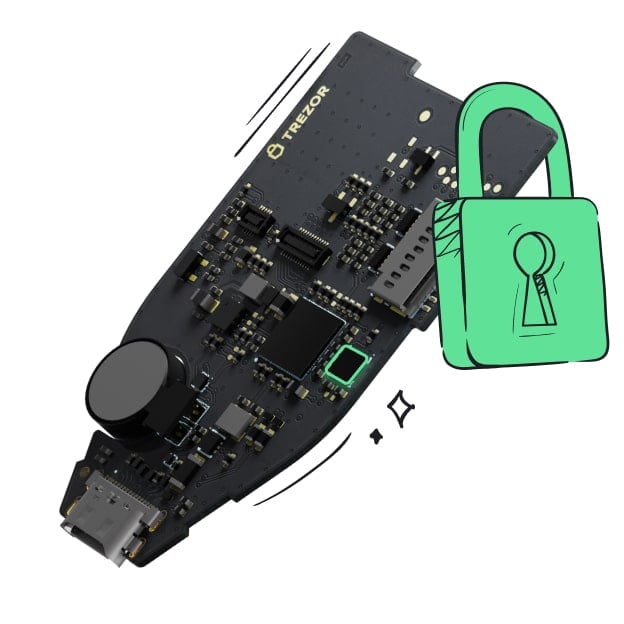 Protégé par Élément Sécurisé
La meilleure défense contre les menaces en ligne et hors ligne
 Vos jetons, votre contrôle
Contrôle absolu de chaque transaction avec confirmation sur l'appareil
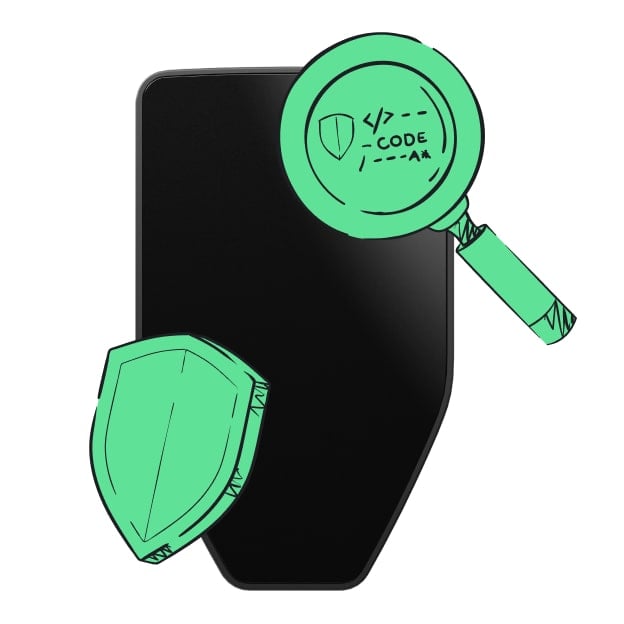 La sécurité commence par l'open source
Le design de portefeuille transparent rend votre Trezor meilleur et plus sûr
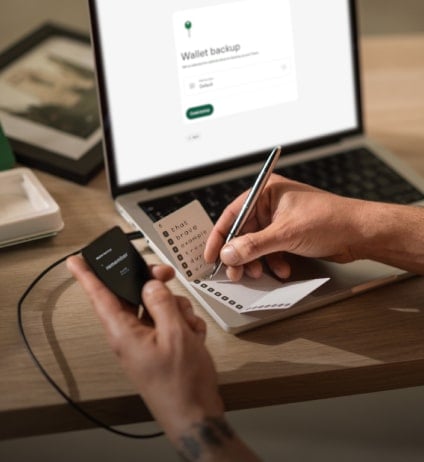 Sauvegarde de portefeuille claire et simple
Récupérez l’accès à vos actifs digitaux avec un nouveau standard de sauvegarde
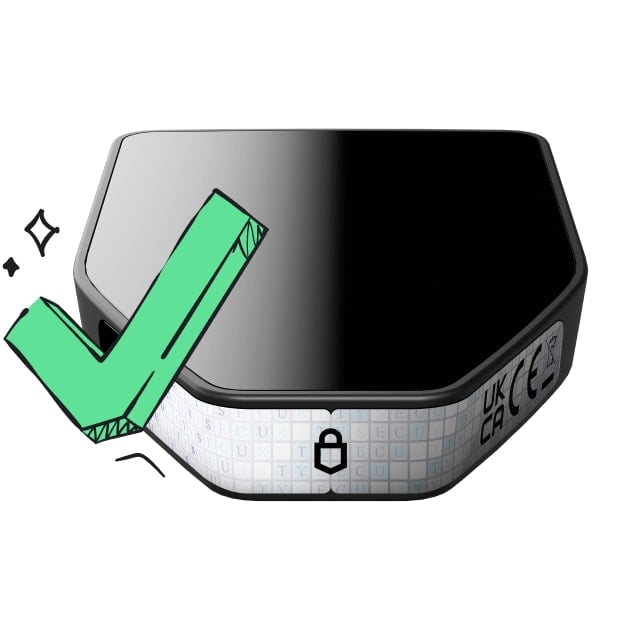 Confiance depuis le premier jour
Les sceaux de sécurité sur l’emballage et l’appareil protègent l’intégrité de votre Trezor
Qu’est-ce que Fasttoken (FTN) ? FTN est la cryptomonnaie native de Bahamut, une blockchain publique Layer 1 basée sur l’EVM, reposant sur un mécanisme de consensus innovant appelé PoSA. PoSA signifie Proof of Stake and Activity, où l’« activité » est représentée par la quantité de gas dépensée par les utilisateurs lorsqu’ils interagissent avec un smart contract déployé par un validateur. Plus un smart contract génère d’utilisation de gas, plus le validateur qui l’a déployé a de chances de devenir producteur de blocs lors des époques suivantes.
Qu’est-ce qui rend Bahamut unique ? Le principal élément distinctif de Bahamut est son consensus PoSA, qui introduit de nouvelles façons pour les entreprises de monétiser leur base d’utilisateurs, tout en préservant l’intégrité et la transparence de l’écosystème web3.
Historique de Fasttoken (FTN) : FTN était à l’origine un jeton ERC20 des écosystèmes SoftConstruct et Fastex. Après le lancement du mainnet de Bahamut le 3 mai 2023, avec FTN comme cryptomonnaie native, le processus de migration d’Ethereum vers Bahamut a débuté et est toujours en cours.
Quelle est la prochaine étape pour Bahamut ? L’infrastructure de Bahamut est en constante évolution : les utilisateurs peuvent s’attendre à l’arrivée de plateformes d’échange décentralisées, de diverses applications, de services de bridge et d’autres composants essentiels sur Bahamut d’ici la fin de l’année. Par ailleurs, le programme de subventions de Bahamut est en cours et ouvrira la porte à tous ceux qui souhaitent construire ensemble un avenir décentralisé plus solide.
À quoi sert Fasttoken (FTN) ? FTN est utilisé par différents acteurs comme jeton de gaming, et constitue également la cryptomonnaie native du réseau Bahamut.