Portefeuille sûr et sécurisé CHELON
Prenez le contrôle de vos CHELON actifs en toute confiance dans l’écosystème Trezor.
- Sécurisé par votre portefeuille matériel
- Utiliser avec des hot wallets compatibles
- Adopté par plus de 2 millions de clients
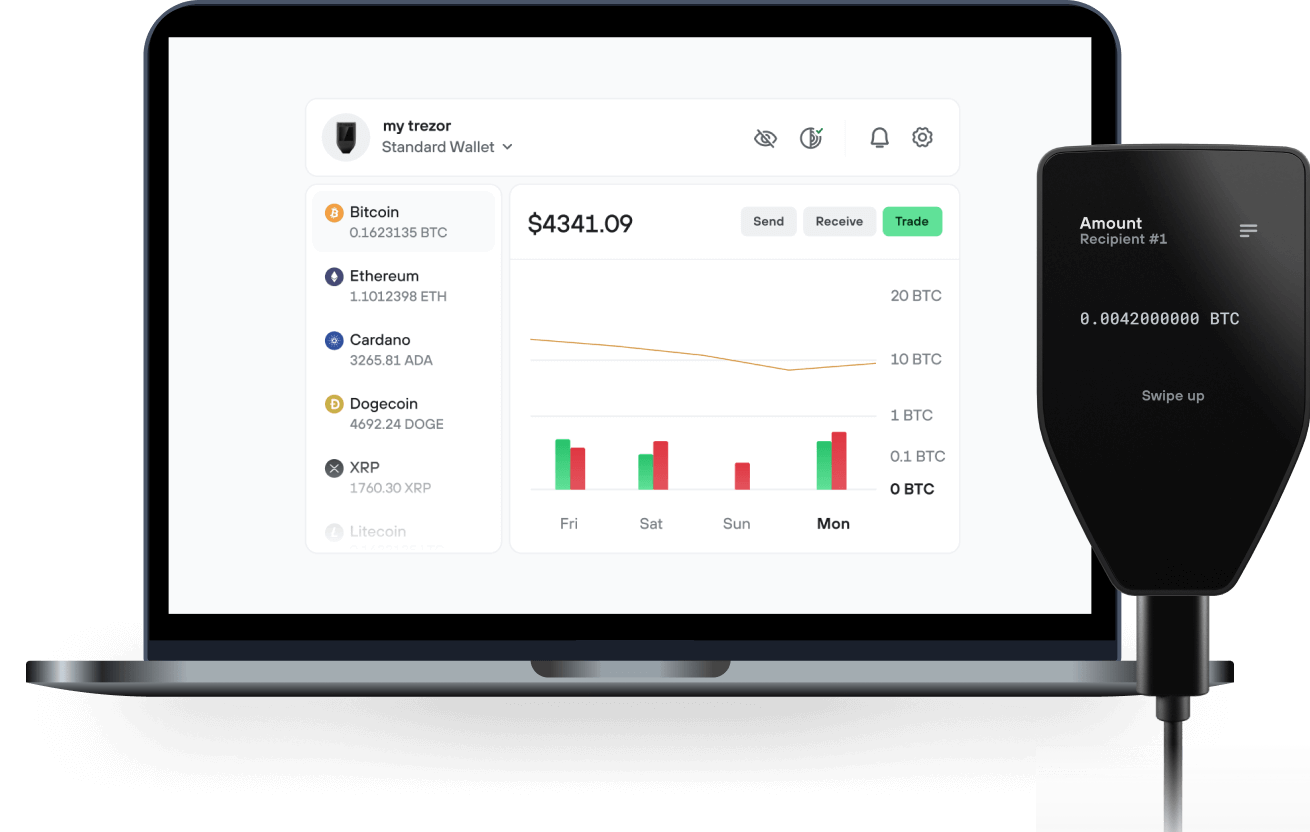
Envoyez et recevez vos CHELON avec l'application Trezor Suite

Envoyer et recevoir
Portefeuilles matériels Trezor qui supportent CHELON

Synchronisez votre Trezor avec des applications de portefeuille
Gérez vos CHELON avec votre portefeuille matériel Trezor synchronisé avec plusieurs applications de portefeuilles.
Trezor Suite
Backpack
NuFi
CHELON Réseau supporté
- Solana
Pourquoi un portefeuille matériel ?
Allez hors ligne avec Trezor
- Vous possédez 100% de vos cryptos
- Votre portefeuille est 100% sécurisé hors ligne
- Vos données sont 100 % anonymes
- Vos cryptos ne dépendent d’aucune entreprise
Échanges en ligne
- Si un échange échoue, vous perdez vos cryptos
- Les échanges sont des cibles pour les pirates
- Vos données personnelles peuvent être exposées
- Vous ne possédez pas réellement vos cryptos
Comment utiliser CHELON sur Trezor
Connectez votre Trezor
Ouvrez une application de portefeuille tierce
Gérez vos actifs
Profitez pleinement de votre CHELON
Trezor garde vos CHELON en sécurité
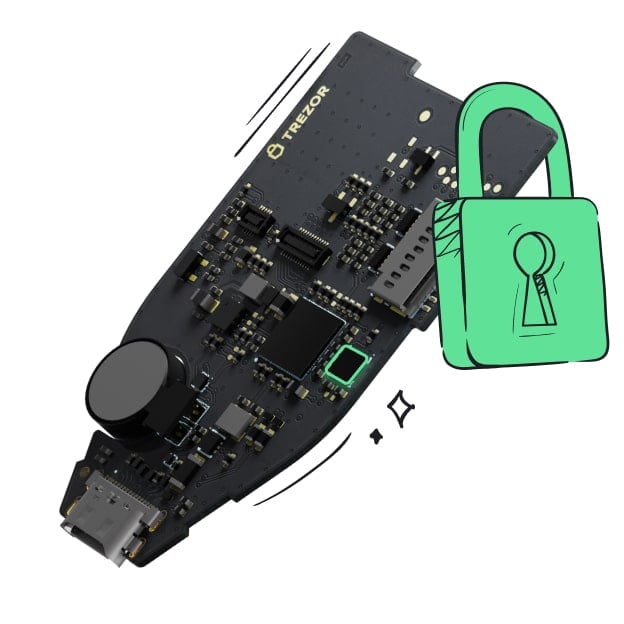 Protégé par Élément Sécurisé
La meilleure défense contre les menaces en ligne et hors ligne
 Vos jetons, votre contrôle
Contrôle absolu de chaque transaction avec confirmation sur l'appareil
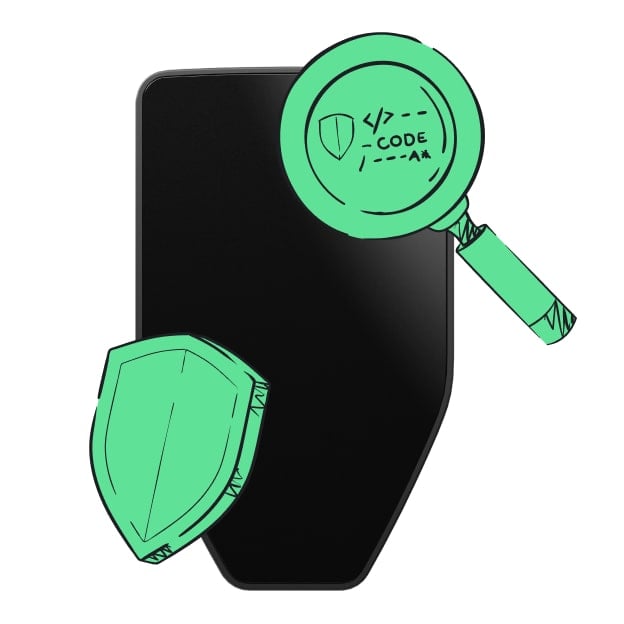 La sécurité commence par l'open source
Le design de portefeuille transparent rend votre Trezor meilleur et plus sûr
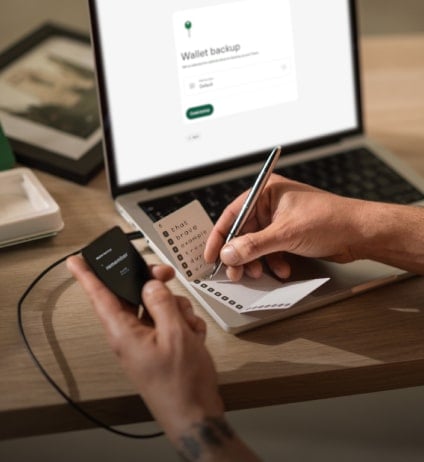 Sauvegarde de portefeuille claire et simple
Récupérez l’accès à vos actifs digitaux avec un nouveau standard de sauvegarde
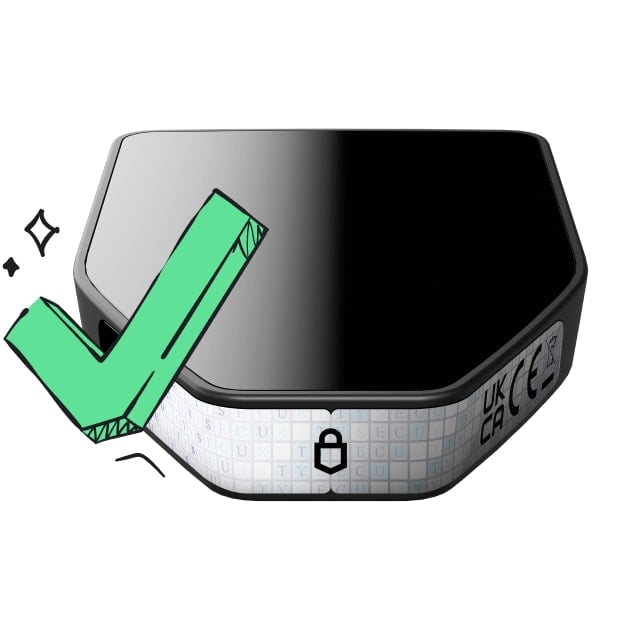 Confiance depuis le premier jour
Les sceaux de sécurité sur l’emballage et l’appareil protègent l’intégrité de votre Trezor
Chelon is driven by an AI agent to unite the U.S. and China. Inspired by Elon Musk and Yilong Ma, the "Chinese Elon Musk," its mission is to fund a meeting between the two and send Yilong Ma to space! Blending community-powered crypto with global unity 🙏
- In the last 72 hours, we saw two monster memes drop, perfectly timed with Trump’s inauguration.
- TikTok was banned and then reinstated for 90 days by Trump.
- Elon Musk was named as a top contender to buy TikTok and is viewed by many in Washington as Trump’s conduit to restoring relations with China.
Meanwhile, “coincidentally,” over the past two weeks, Elon Musk randomly showed interest in meeting his Chinese counterpart, Yilong Ma.
Check this post for proof: https://x.com/elonmusk/status/1876838689457815564
So basically, he’s meeting his Chinese Doppelganger, and rumor has it this meeting is set for later this week, where a major Asian crypto figure will act as moderator. AI Agent called @Chelon_ai launched with the intention of uniting Elon & Yilong (which now seems to be happening) and then sending Yilong to space on a civilian SpaceX flight to bring the US and China together.
AI meme agents with China/USA narratives like CHELON are going to be very helpful.