Billetera Unio Coin segura y protegida
Toma el control de tus Unio Coin activos con total confianza en el ecosistema de Trezor.
- Protegido por tu billetera física
- Usa con billeteras digitales compatibles
- Con la confianza de más de 2 millones de clientes
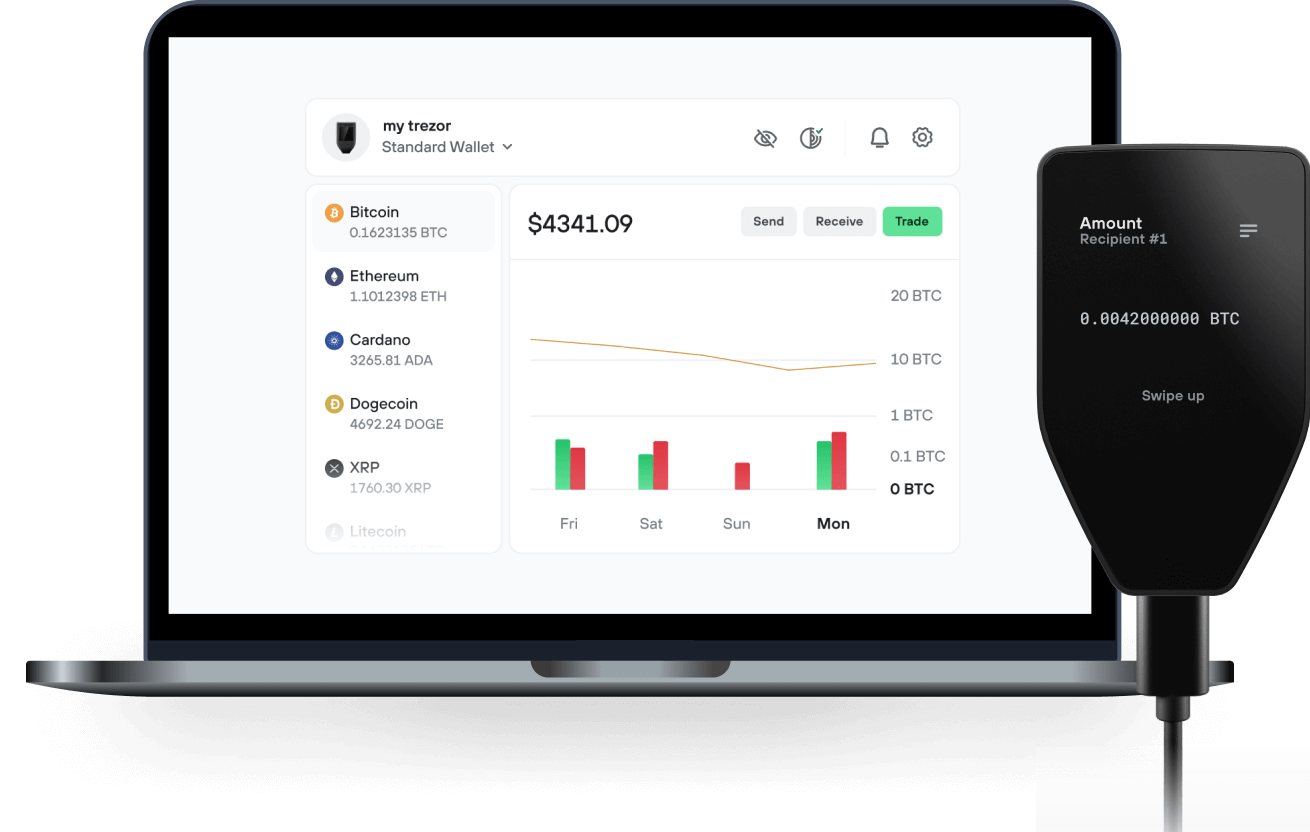
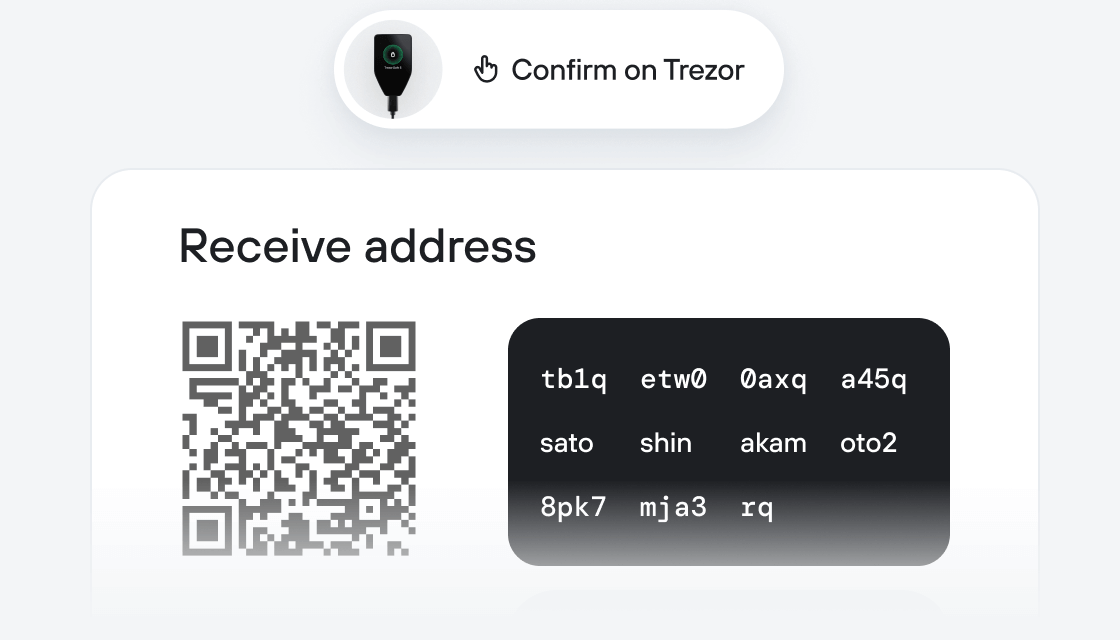
Envía y recibe tu Unio Coin con la app Trezor Suite

Enviar y recibir
Intercambiar
Billeteras físicas Trezor compatibles con Unio Coin
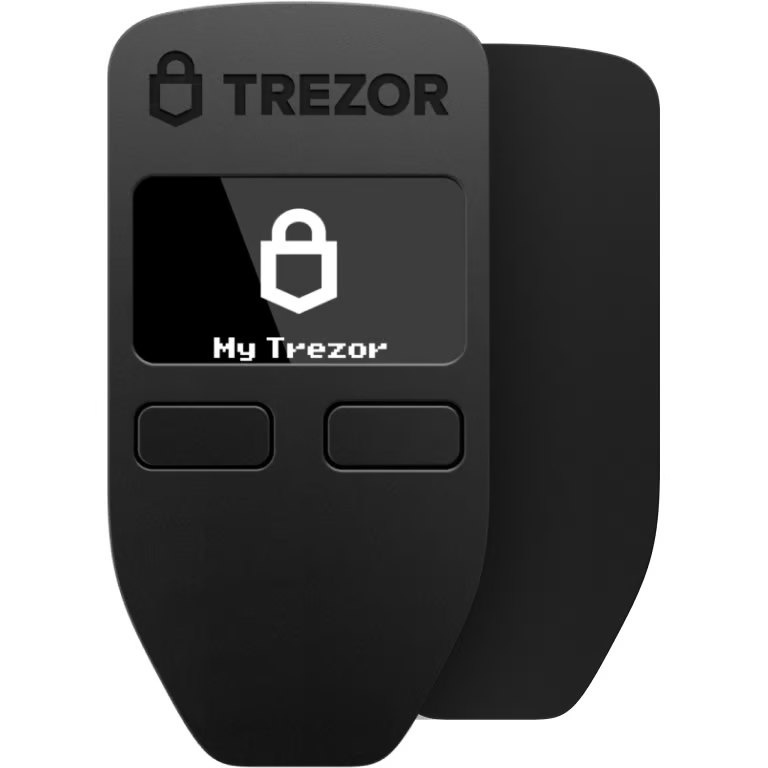

Sincroniza tu Trezor con apps de billeteras
Gestiona tus Unio Coin con tu billetera física Trezor sincronizada con apps de billeteras.
Trezor Suite
MetaMask
Rabby
Redes Unio Coin Compatibles
- Base
- Ethereum
¿Por qué una billetera física?
Desconéctate con Trezor
- Tus monedas son 100% tuyas
- Tu billetera está 100% segura offline
- Tus datos son 100% anónimos
- Tus monedas no están atadas a una compañía
Exchanges en línea
- Si un exchange falla, pierdes tus monedas
- Los exchanges son blanco de los hackers
- Tu información personal puede ser expuesta
- Tus monedas no son realmente tuyas
¿Cómo usar UNIO en Trezor?
Conecta tu Trezor
Instala la app Trezor Suite
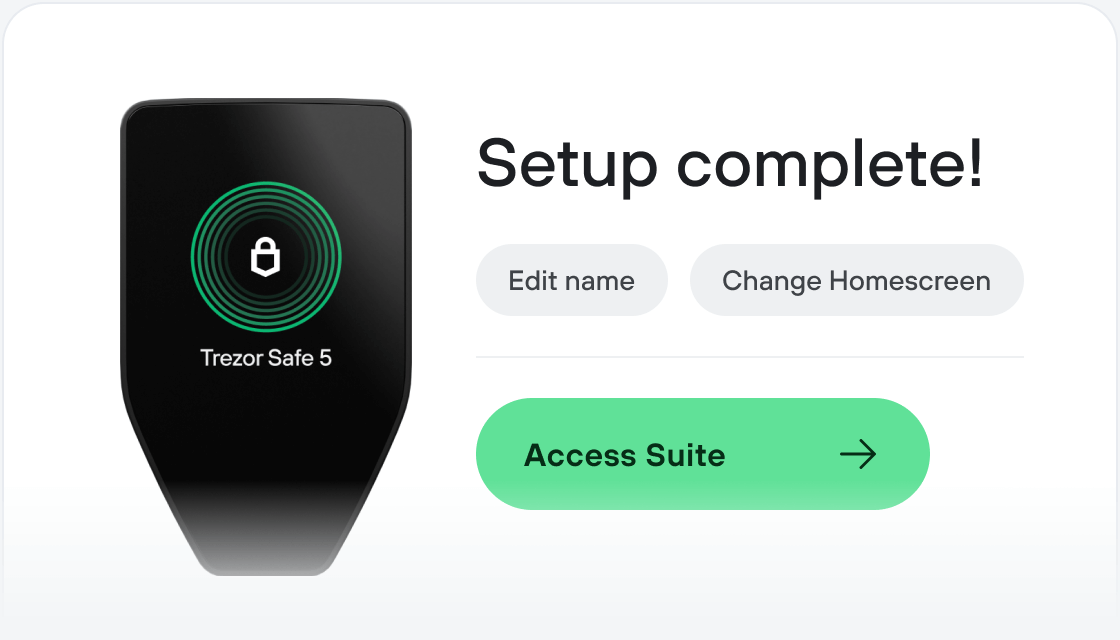
Transfiere tus UNIO
Aprovecha al máximo tus UNIO
Trezor mantiene tus UNIO seguros
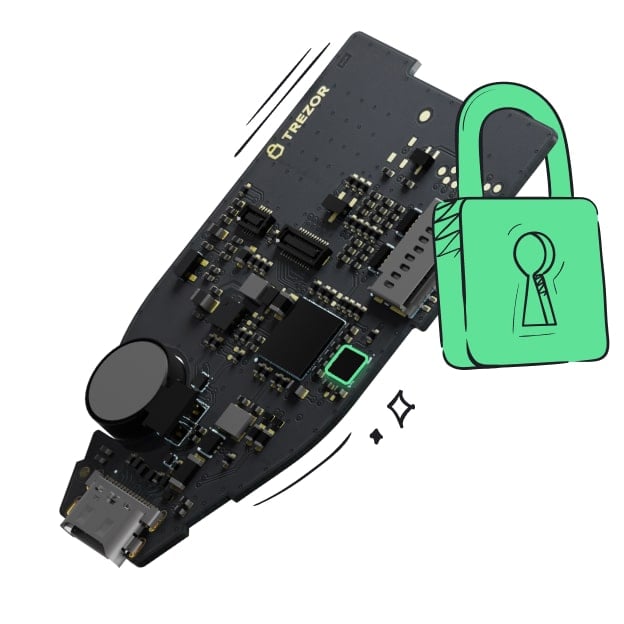 Protegido por Elemento Seguro
La mejor defensa contra amenazas tanto online como offline
 Tus tokens, bajo tu control
Control absoluto de cada transacción con confirmación directa en el dispositivo
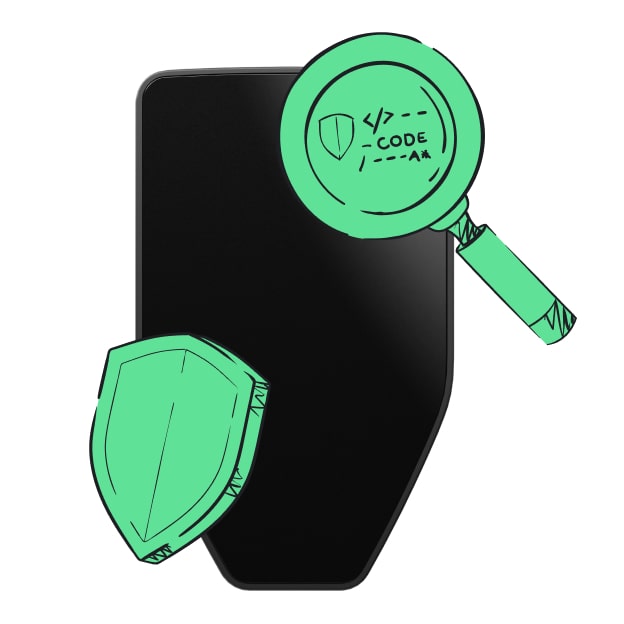 La seguridad empieza por código abierto
Un diseño de billetera de forma transparente hace que tu Trezor sea más seguro y confiable
 Copia de seguridad de billetera clara y sencilla
Recupera el acceso a tus activos digitales con nuevo estándar de copia de seguridad
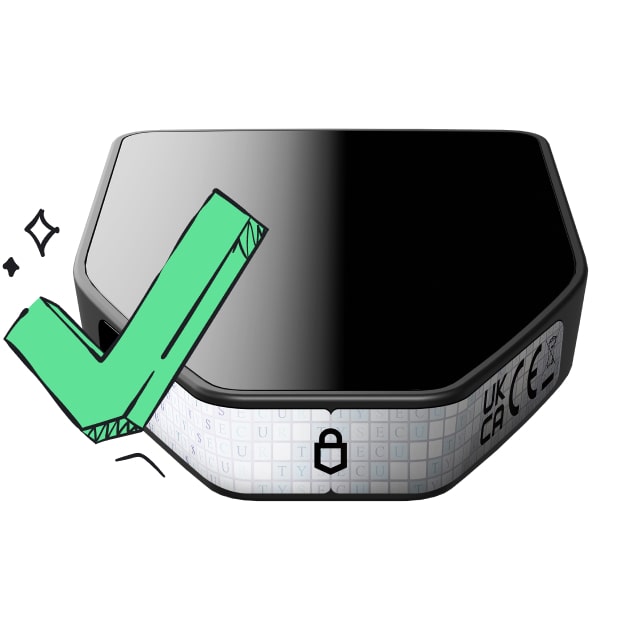 Confianza desde el primer día
El embalaje y los sellos de seguridad del dispositivo protegen la integridad de tu Trezor
What Is UNIO?
The Unio Coin UNIO is an ERC-20 token. It has a fixed supply of 4B tokens and will be bridged between multiple Ethereum chains. UNIO is a utility token issued and controlled by the Unio Foundation. It can be used to create custom game content and access ecosystem benefits that drive growth for creators, developers, and publishers.
The Unio Coin Foundation The Unio Foundation is the steward of UNIO. It is in charge of minting and distributing the supply, overseeing vesting and unlocks, day-to-day administration, bookkeeping and creating ecosystem partnerships that ensure the success of the Unio Coin purpose.
The Unioverse The Unioverse is the first franchise that will use Unio Coin. It is an epic sci-fi world created by critically acclaimed writers of science fiction and horror. It is a game-centric franchise that has widespread rights and assets given back to the community as described here. All game developers are welcome to build in the Unioverse and access its community, content and technology.
Random Games Random Games created the Unioverse and will use the Unio Coin to power the Unioverse’s ecosystem of cross-game, user created content. Random Games will expand the Unioverse, creating new franchise content and assets, technology, and growing the community.