Billetera UX Chain segura y protegida
Toma el control de tus UX Chain activos con total confianza en el ecosistema de Trezor.
- Protegido por tu billetera física
- Usa con billeteras digitales compatibles
- Con la confianza de más de 2 millones de clientes
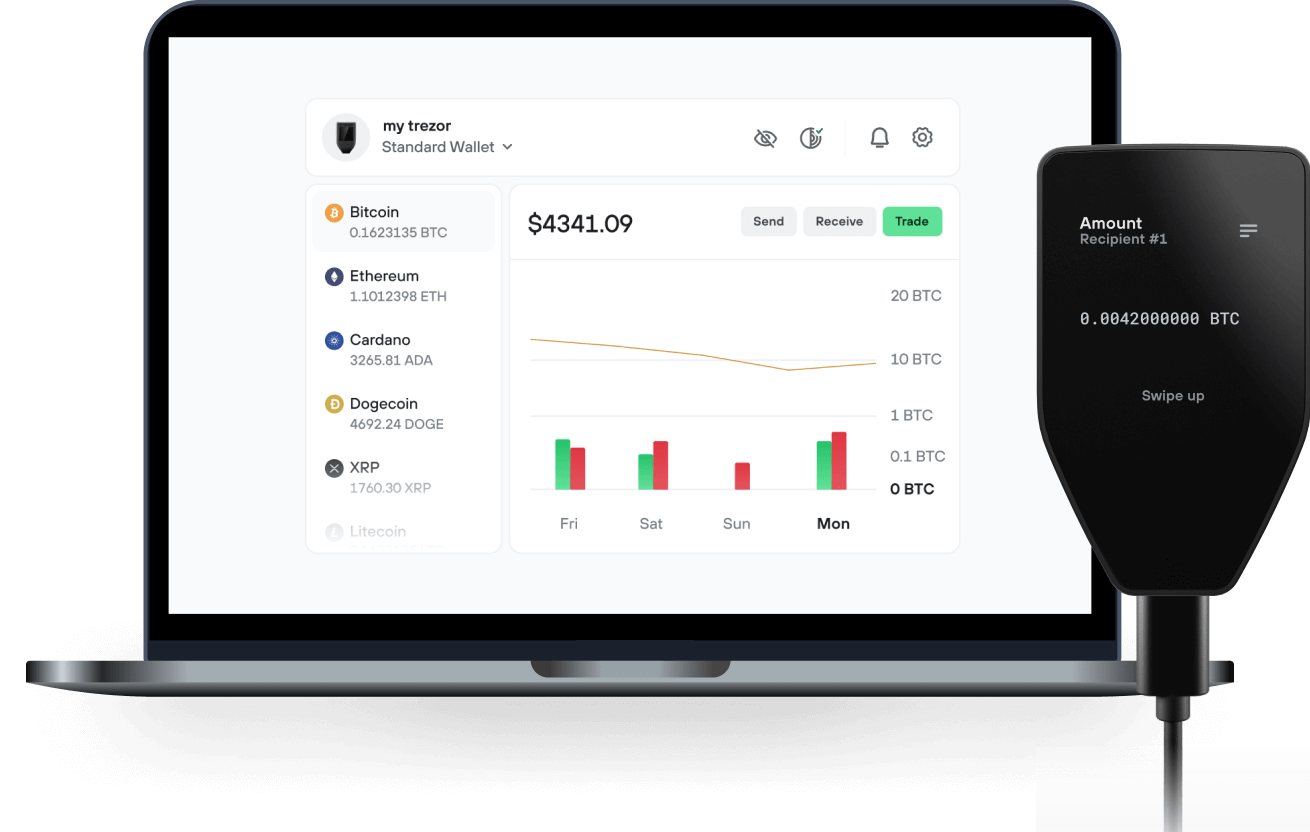
Envía y recibe tu UX Chain con la app Trezor Suite

Enviar y recibir
Billeteras físicas Trezor compatibles con UX Chain
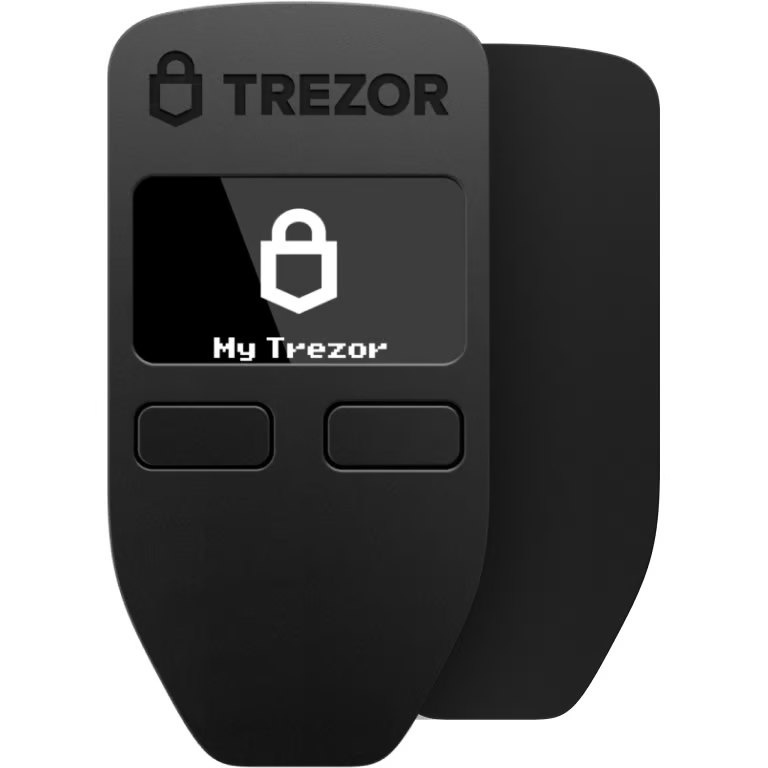

Sincroniza tu Trezor con apps de billeteras
Gestiona tus UX Chain con tu billetera física Trezor sincronizada con apps de billeteras.
Trezor Suite
MetaMask
Rabby
Red UX Chain Compatible
- Ethereum
¿Por qué una billetera física?
Desconéctate con Trezor
- Tus monedas son 100% tuyas
- Tu billetera está 100% segura offline
- Tus datos son 100% anónimos
- Tus monedas no están atadas a una compañía
Exchanges en línea
- Si un exchange falla, pierdes tus monedas
- Los exchanges son blanco de los hackers
- Tu información personal puede ser expuesta
- Tus monedas no son realmente tuyas
¿Cómo usar UX en Trezor?
Conecta tu Trezor
Abre una app de billetera de terceros
Gestiona tus activos
Aprovecha al máximo tus UX
Trezor mantiene tus UX seguros
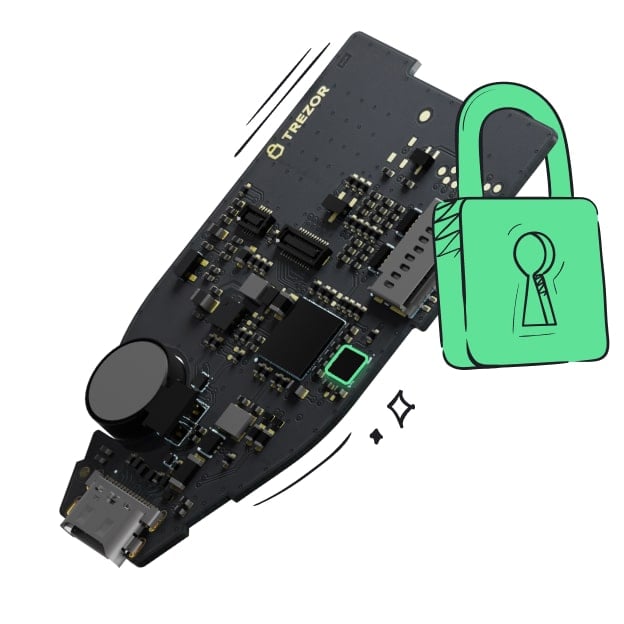 Protegido por Elemento Seguro
La mejor defensa contra amenazas tanto online como offline
 Tus tokens, bajo tu control
Control absoluto de cada transacción con confirmación directa en el dispositivo
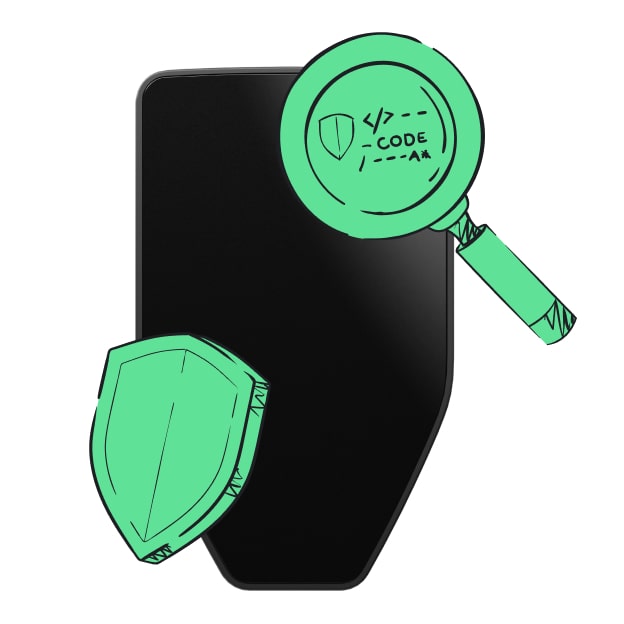 La seguridad empieza por código abierto
Un diseño de billetera de forma transparente hace que tu Trezor sea más seguro y confiable
 Copia de seguridad de billetera clara y sencilla
Recupera el acceso a tus activos digitales con nuevo estándar de copia de seguridad
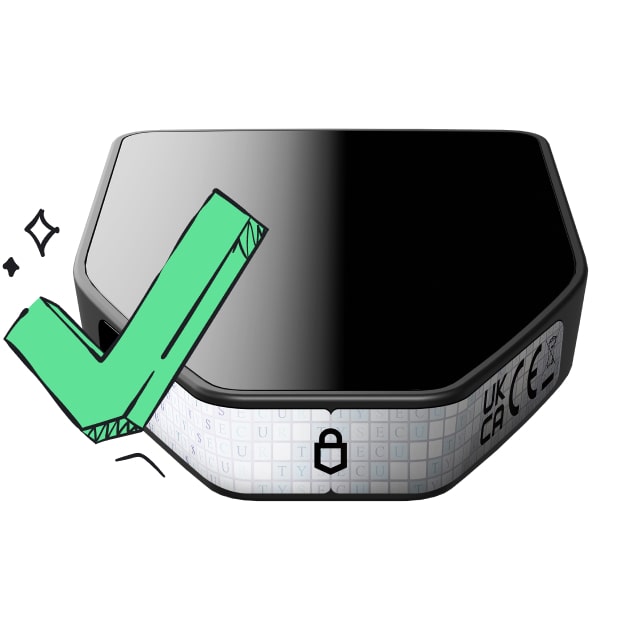 Confianza desde el primer día
El embalaje y los sellos de seguridad del dispositivo protegen la integridad de tu Trezor
What is UX?
UX is a cross chain DeFi hub that interconnects between blockchains.
As a base layer blockchain, applications and money lego primitives can be built on top of UX to access cross-chain leverage and liquidity. The UX Blockchain facilitates interoperability for a Tendermint Proof of Stake protocol with the Cosmos ecosystem, Ethereum network, side chain architectures, layer two scaling solutions, and alternative base layer protocols.
As a Cosmos SDK blockchain, the UX Chain is interoperable with blockchains including Terra, Crypto.com, Binance Chain, Osmosis, Secret Network, and 30+ other chains, plus Ethereum, from Day 1.
Why was UX created?
UX was created to address three main issues that exist in DeFi:
-
Detached Yields
-
Concentrated Systematic Risks
-
Isolated Capital
UX plans to break the inherent silos between blockchains by utilizing bridging solutions towards interconnecting blockchains and encouraging better capital efficiency. The eventual goals will be to enable interchain lending and borrowing, multi-chain staking and delegations, plus cross chain defi rates.
What is the native UX token?
The native UX token is a Proof of Stake asset that can exist as a Cosmos SDK token and an ERC20 token on Ethereum.
UX tokens are used to pay for network fees on the UX Chain, to provide Proof of Stake consensus to the UX network, and for protocol governance.