Billetera The Bitcoin Mascot segura y protegida
Toma el control de tus The Bitcoin Mascot activos con total confianza en el ecosistema de Trezor.
- Protegido por tu billetera física
- Usa con billeteras digitales compatibles
- Con la confianza de más de 2 millones de clientes

Envía y recibe tu The Bitcoin Mascot con la app Trezor Suite

Enviar y recibir

Intercambiar
Billeteras físicas Trezor compatibles con The Bitcoin Mascot
Sincroniza tu Trezor con apps de billeteras
Gestiona tus The Bitcoin Mascot con tu billetera física Trezor sincronizada con apps de billeteras.
Trezor Suite
Backpack
NuFi
Red The Bitcoin Mascot Compatible
¿Por qué una billetera física?

Desconéctate con Trezor
- Tus monedas son 100% tuyas
- Tu billetera está 100% segura offline
- Tus datos son 100% anónimos
- Tus monedas no están atadas a una compañía
Exchanges en línea
- Si un exchange falla, pierdes tus monedas
- Los exchanges son blanco de los hackers
- Tu información personal puede ser expuesta
- Tus monedas no son realmente tuyas
¿Cómo usar BITTY en Trezor?
Conectar tu Trezor
Instala la app Trezor Suite
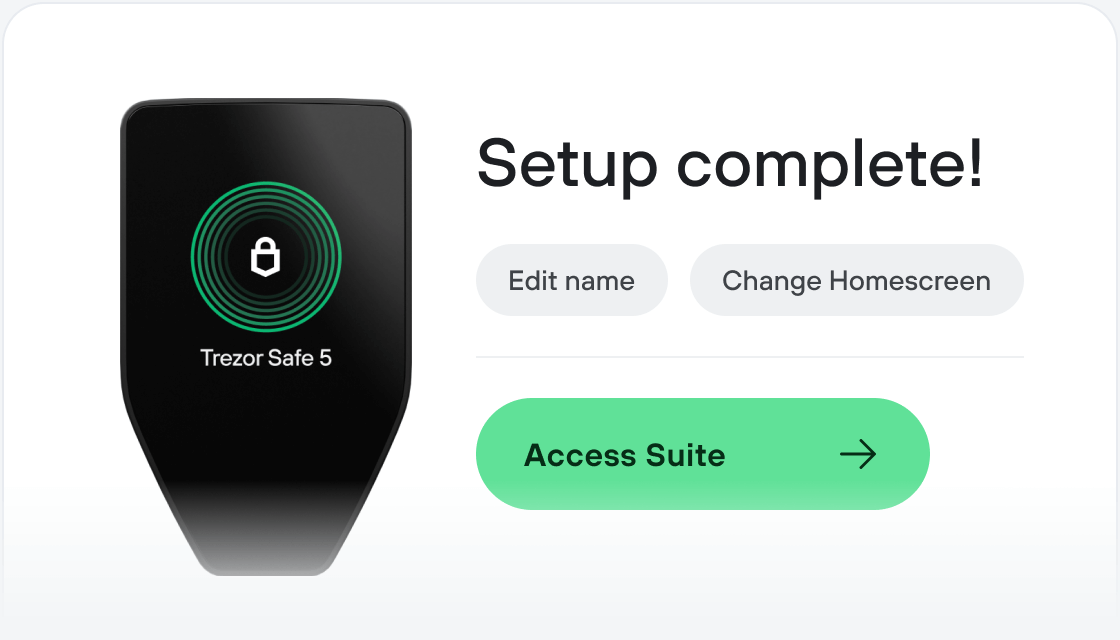
Transfiere tus BITTY
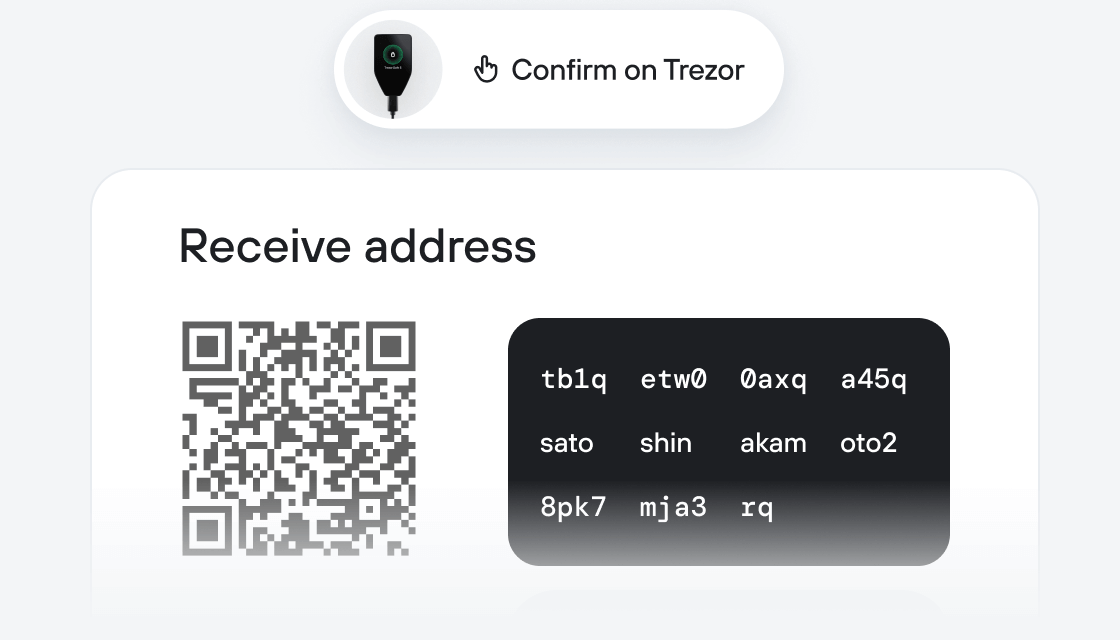
Aprovecha al máximo tus BITTY
Trezor mantiene tus BITTY seguros
 Protegido por Elemento Seguro
La mejor defensa contra amenazas tanto online como offline
 Tus tokens, bajo tu control
Control absoluto de cada transacción con confirmación directa en el dispositivo
 La seguridad empieza por código abierto
Un diseño de billetera de forma transparente hace que tu Trezor sea más seguro y confiable
 Copia de seguridad de billetera clara y sencilla
Recupera el acceso a tus activos digitales con nuevo estándar de copia de seguridad
 Confianza desde el primer día
El embalaje y los sellos de seguridad del dispositivo protegen la integridad de tu Trezor
Bitty is the forgotten Bitcoin mascot living on the official website since 2015 https://bitcoin.org/en/bitcoin-for-businesses (scroll down to see him pop out!) The BITTY token is not affiliated with Bitcoin.org but pays tribute to the iconic mascot. Its goal is to foster community engagement, education, and playful interaction around Bitcoin culture. By combining the symbolic character with a digital token, Bitty bridges the gap between serious blockchain technology and lighthearted community creativity.