Billetera Tezos segura y protegida
Usa la seguridad de tu billetera física Trezor para gestionar de forma segura tu Tezos.
- Protegido por tu billetera física
- Con la confianza de más de 2 millones de clientes
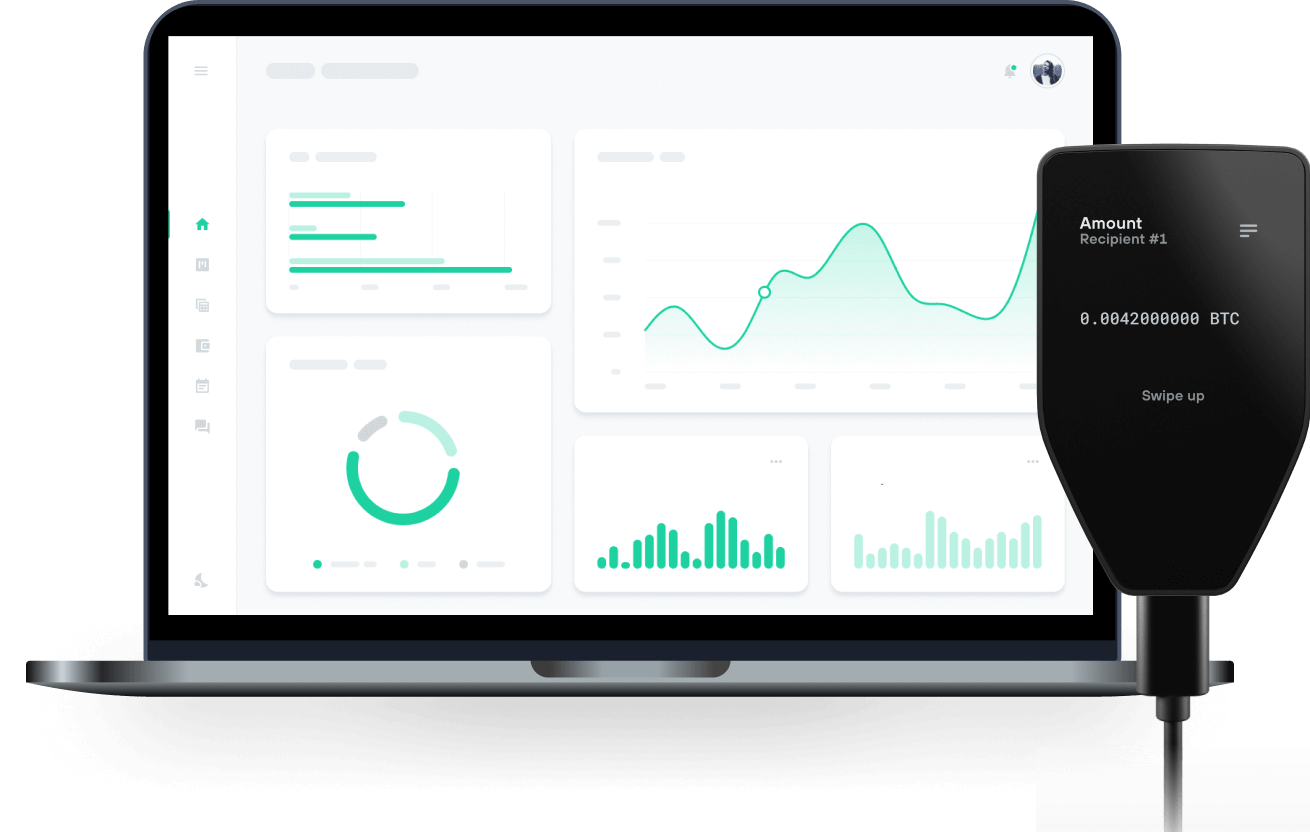
Compra, vende y gestiona tu Tezos con las billeteras físicas de Trzor

Enviar y recibir

Comprar, vender e intercambiar
Billeteras físicas Trezor compatibles con Tezos
Sincroniza tu Trezor con apps de billeteras
Gestiona tus Tezos con tu billetera física Trezor sincronizada con apps de billeteras.
Briskett
Redes Tezos Compatibles
¿Por qué una billetera física?

Desconéctate con Trezor
- Tus monedas son 100% tuyas
- Tu billetera está 100% segura offline
- Tus datos son 100% anónimos
- Tus monedas no están atadas a una compañía
Exchanges en línea
- Si un exchange falla, pierdes tus monedas
- Los exchanges son blanco de los hackers
- Tu información personal puede ser expuesta
- Tus monedas no son realmente tuyas
¿Cómo usar XTZ en Trezor?
Conectar tu Trezor
Abre una app de billetera de terceros
Gestiona tus activos
Aprovecha al máximo tus XTZ
Trezor mantiene tus XTZ seguros
 Protegido por Elemento Seguro
La mejor defensa contra amenazas tanto online como offline
 Tus tokens, bajo tu control
Control absoluto de cada transacción con confirmación directa en el dispositivo
 La seguridad empieza por código abierto
Un diseño de billetera de forma transparente hace que tu Trezor sea más seguro y confiable
 Copia de seguridad de billetera clara y sencilla
Recupera el acceso a tus activos digitales con nuevo estándar de copia de seguridad
 Confianza desde el primer día
El embalaje y los sellos de seguridad del dispositivo protegen la integridad de tu Trezor
¿Qué es Tezos (XTZ)?
Tezos es una cadena de bloques de alto rendimiento y plataforma de código abierto para activos y aplicaciones, con fuerte énfasis en la seguridad del código, la gobernanza en la cadena y la descentralización. Tezos 2.0, la próxima etapa en su evolución, busca mejorar la escalabilidad (a través de capas 2), la composibilidad y el soporte a lenguajes de programación populares (como Javascript, Typescript, Python, entre otros).
Inicialmente creada considerando la verificación formal, el protocolo de Tezos permite a los desarrolladores evitar errores al construir contratos inteligentes, lo que la hace ideal para aplicaciones que requieren un alto grado de seguridad y certeza.
El mecanismo de consenso LPoS (Liquid Proof-of-Stake) de Tezos permite a cualquier participante involucrarse directa o delegadamente en el proceso de consenso y ser recompensado por asegurar la red. De forma única, el sistema de gobernanza en la cadena de Tezos también permite a los participantes crear y votar propuestas de actualización del protocolo, permitiendo que se auto-modifique y actualice sin necesitar bifurcar la cadena, empoderando a la comunidad sin entorpecer la innovación.
Propuesta por primera vez en 2014 y lanzada en 2018, la Tezos Mainnet ha demostrado su funcionamiento ininterrumpido desde entonces, ganando una fuerte reputación por su excelencia técnica y comunidad de apoyo.
¿Quiénes son los fundadores de Tezos? Tezos fue concebida por Arthur y Kathleen Breitman en un white paper de 2014 bajo el seudónimo L.M. Goodman, en alusión a Satoshi Nakamoto y a un periodista que había identificado erróneamente al creador de Bitcoin.
En un artículo previo, los Breitman argumentaron que las mayores limitaciones de Bitcoin eran la ausencia de un proceso de gobernanza abierto a su comunidad, costos y centralización derivados de la Prueba de Trabajo (PoW), el lenguaje de programación poco expresivo que no permite contratos inteligentes y problemas de seguridad.