Billetera TenX segura y protegida
Toma el control de tus TenX activos con total confianza en el ecosistema de Trezor.
- Protegido por tu billetera física
- Usa con billeteras digitales compatibles
- Con la confianza de más de 2 millones de clientes
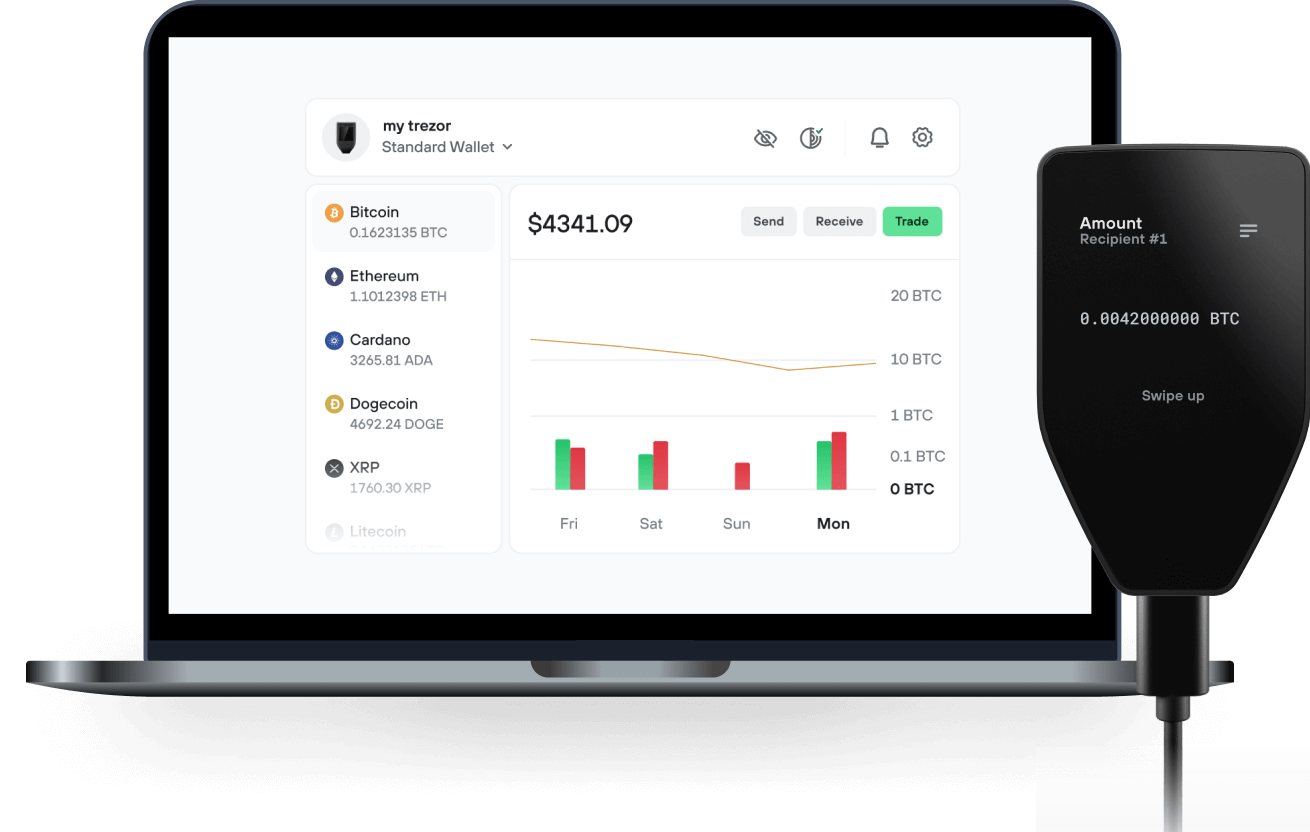
Envía y recibe tu TenX con la app Trezor Suite

Enviar y recibir
Intercambiar
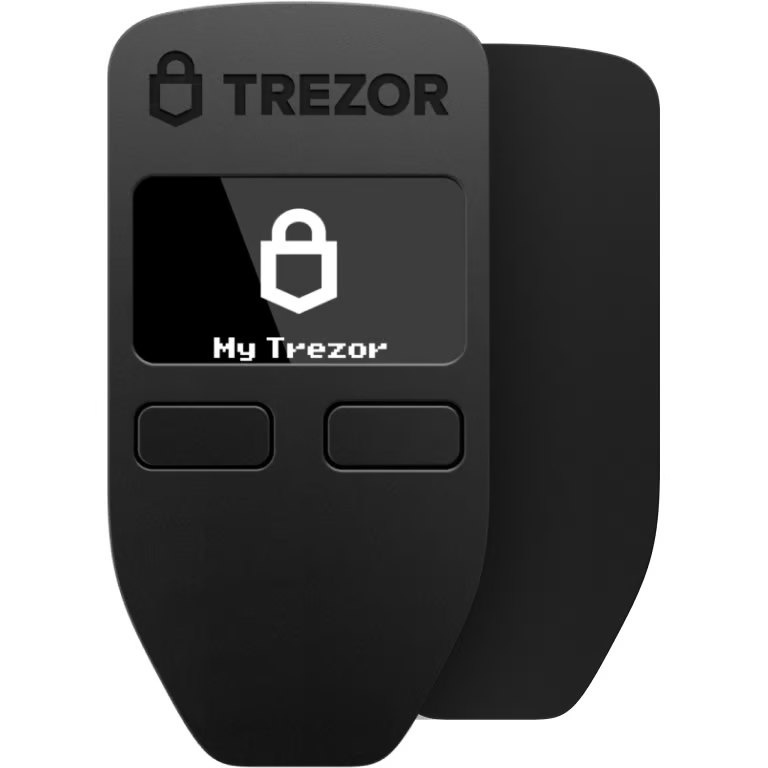
Billeteras físicas Trezor compatibles con TenX

Sincroniza tu Trezor con apps de billeteras
Gestiona tus TenX con tu billetera física Trezor sincronizada con apps de billeteras.
Trezor Suite
MetaMask
Rabby
Red TenX Compatible
- Ethereum
¿Por qué una billetera física?
Desconéctate con Trezor
- Tus monedas son 100% tuyas
- Tu billetera está 100% segura offline
- Tus datos son 100% anónimos
- Tus monedas no están atadas a una compañía
Exchanges en línea
- Si un exchange falla, pierdes tus monedas
- Los exchanges son blanco de los hackers
- Tu información personal puede ser expuesta
- Tus monedas no son realmente tuyas
¿Cómo usar PAY en Trezor?
Conecta tu Trezor
Instala la app Trezor Suite
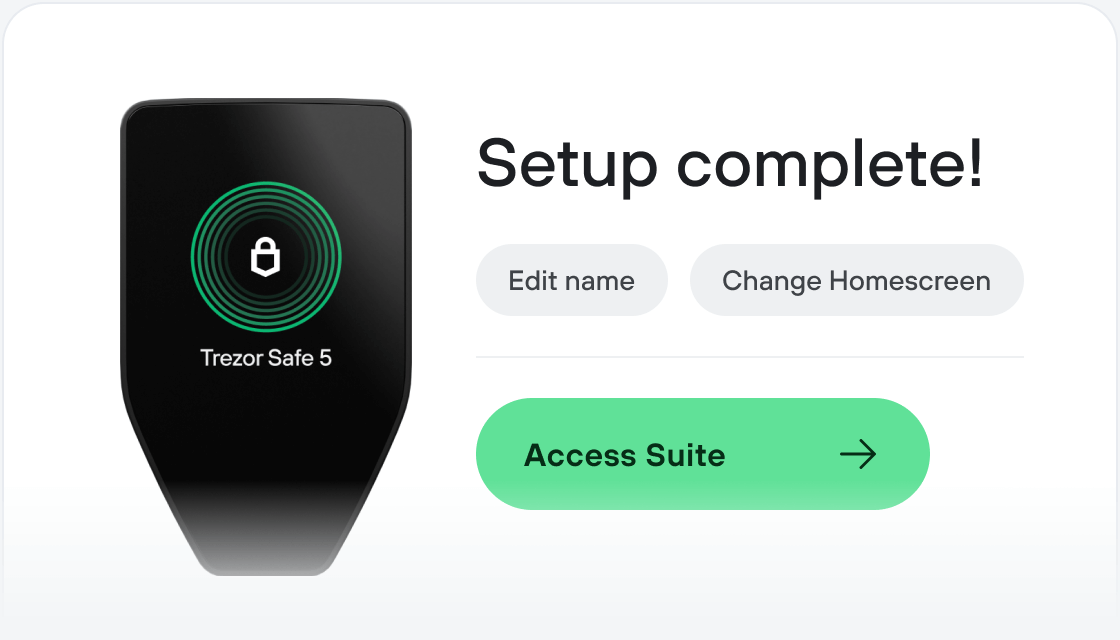
Transfiere tus PAY
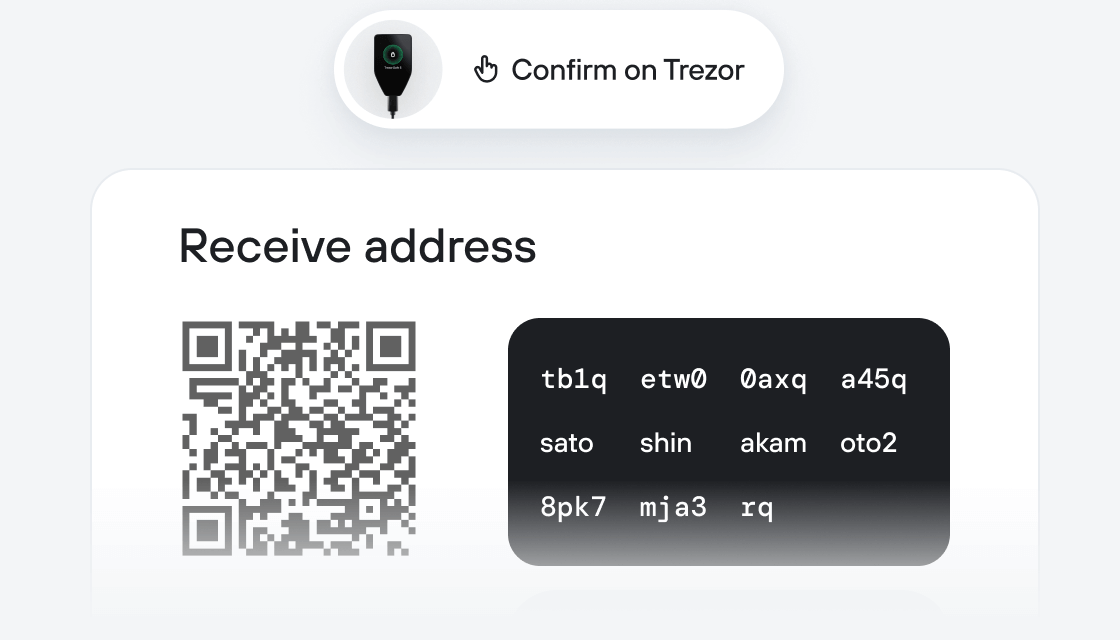
Aprovecha al máximo tus PAY
Trezor mantiene tus PAY seguros
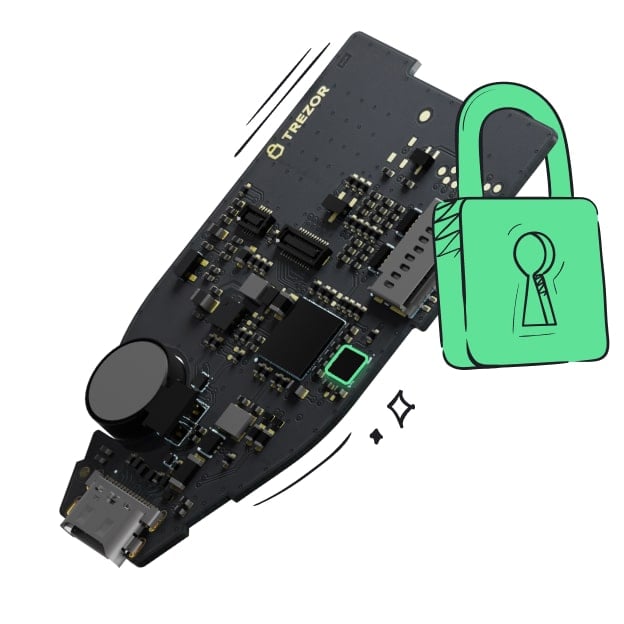 Protegido por Elemento Seguro
La mejor defensa contra amenazas tanto online como offline
 Tus tokens, bajo tu control
Control absoluto de cada transacción con confirmación directa en el dispositivo
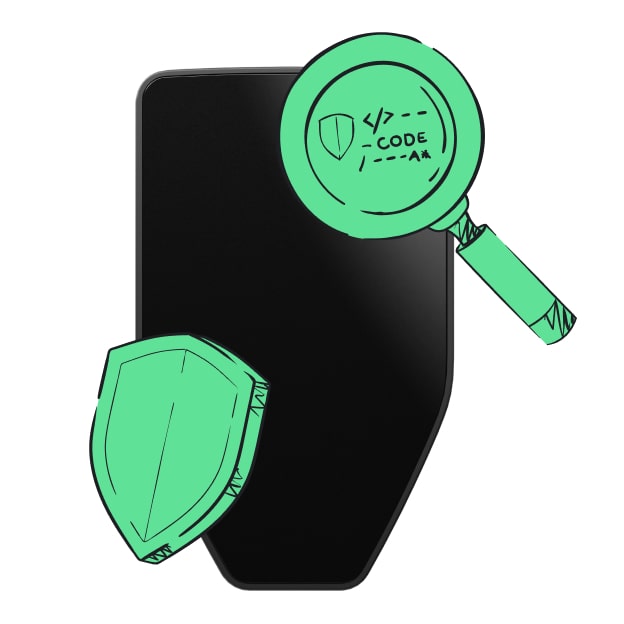 La seguridad empieza por código abierto
Un diseño de billetera de forma transparente hace que tu Trezor sea más seguro y confiable
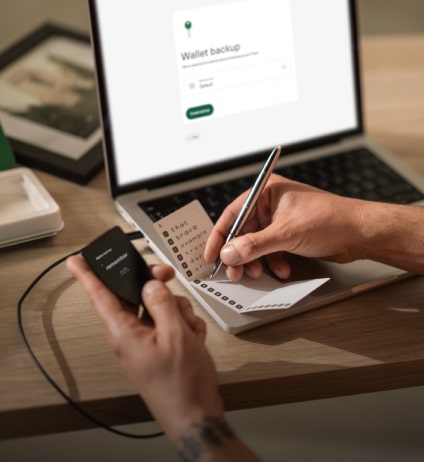 Copia de seguridad de billetera clara y sencilla
Recupera el acceso a tus activos digitales con nuevo estándar de copia de seguridad
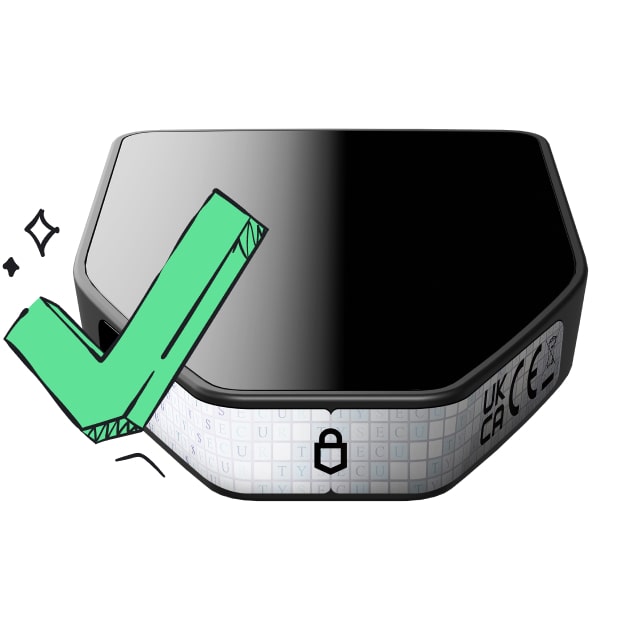 Confianza desde el primer día
El embalaje y los sellos de seguridad del dispositivo protegen la integridad de tu Trezor
TenX is a payment platform that facilitates digital and physical modes of transaction for cryptocurrencies to any merchant, even if they don’t accept cryptocurrencies. Physical and digital modes of course, include bank accounts, wallets, debit cards, cash and much more. The primary agenda of the company is to make it easier and faster to use cryptocurrency and accelerate adoption for the industry. The TenX blockchain supports the PAY token, which is the fuel that runs the network and is the cryptocurrency using which transactions on the network are made.
TenX came into existence in 2011 and was created by Toby Hoenisch. While at the university, he took a keen interest in cryptography though he believed that there was no success for cryptocurrencies.In 2012, Toby started trading Bitcoin when he got to know a member of bitcoin-community who was not able to open an account in bank and used TenX crypto currency instead. Toby Hoenisch and Michael Sperk started a one-bit start up in 2015 and introduced us to a debit card, through which payments with bitcoin could be done.
Cryptocurrency adoption is a longstanding problem - with most cryptocurrencies remaining relegated to the realms of hype and not seeing real-world usage, not as much as the enthusiasts would like, at least. This is an important problem being solved by the TenX coin, which seeks to make it easy for the end user to use cryptocurrencies by removing the hurdles associated with keeping different wallets and using them separately. As with all other investments, it is wise to do your own research, but seeing that TenX seems to be solving unique problems, it may certainly be worth a look.