Billetera Syscoin segura y protegida
Usa la seguridad de tu billetera física Trezor para gestionar de forma segura tu Syscoin.
- Protegido por tu billetera física
- Con la confianza de más de 2 millones de clientes
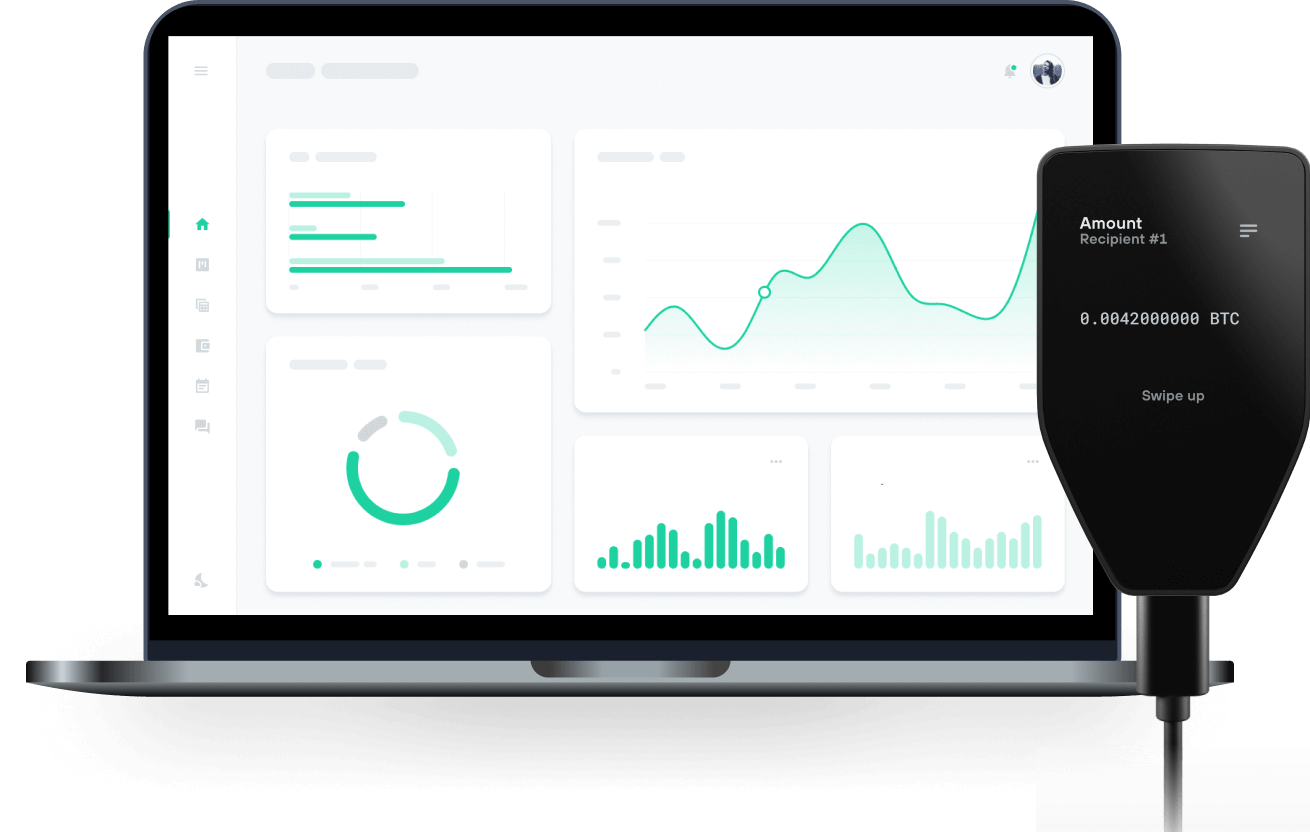
Envía y recibe tu Syscoin con las billeteras físicas de Trzor

Enviar y recibir

Intercambiar
Billeteras físicas Trezor compatibles con Syscoin
Sincroniza tu Trezor con apps de billeteras
Gestiona tus Syscoin con tu billetera física Trezor sincronizada con apps de billeteras.
MetaMask
Rabby
Redes Syscoin Compatibles
¿Por qué una billetera física?

Desconéctate con Trezor
- Tus monedas son 100% tuyas
- Tu billetera está 100% segura offline
- Tus datos son 100% anónimos
- Tus monedas no están atadas a una compañía
Exchanges en línea
- Si un exchange falla, pierdes tus monedas
- Los exchanges son blanco de los hackers
- Tu información personal puede ser expuesta
- Tus monedas no son realmente tuyas
¿Cómo usar SYS en Trezor?
Conecta tu Trezor
Abre una app de billetera de terceros
Gestiona tus activos
Aprovecha al máximo tus SYS
Trezor mantiene tus SYS seguros
 Protegido por Elemento Seguro
La mejor defensa contra amenazas tanto online como offline
 Tus tokens, bajo tu control
Control absoluto de cada transacción con confirmación directa en el dispositivo
 La seguridad empieza por código abierto
Un diseño de billetera de forma transparente hace que tu Trezor sea más seguro y confiable
 Copia de seguridad de billetera clara y sencilla
Recupera el acceso a tus activos digitales con nuevo estándar de copia de seguridad
 Confianza desde el primer día
El embalaje y los sellos de seguridad del dispositivo protegen la integridad de tu Trezor
What Is Syscoin (SYS)?
Founded in 2014 as a fork of Bitcoin, Syscoin (SYS) is a trailblazing blockchain network that synergizes the robust security of Bitcoin's Proof of Work (PoW) consensus algorithm with the versatility of Ethereum's smart contract functionality. Syscoin is not just a blockchain; it's a full-stack, modular ecosystem that includes Rollux, the industry's most competitive EVM Layer 2 rollup solution. Due to its modularity, it is worth noting that Syscoin has three chains, its UTXO and [N]EVM chains comprise its Layer 1, and its Layer 2 currently consists of Rollux.
Rollux sets a new standard for Ethereum-compatible dApps by being the only EVM L2 secured by Bitcoin through merged mining. It's grounded in OP Stack and features PoDA (Proof-of-Data Availability), the most advanced data availability solution in the industry. This unique architecture makes Rollux the most secure, performant, affordable, and scalable rollup for Ethereum-compatible dApps.
Syscoin aims to be at the forefront of smart contract applications, spanning Metaverse, IoT, Smart Cities, and even interplanetary economies. Looking forward, its roadmap is rich with cutting-edge technologies, including various ZK technologies like rollups, and DAOSYS—a revolutionary DAO model designed for governance-free treasury management and self-sovereignty for all participants.
Envisioning a world with unprecedented financial inclusion, Syscoin seeks to empower every individual and business to benefit from Web3 and beyond. It brings together the capabilities of Ethereum and the original vision of Satoshi Nakamoto for Bitcoin, opening up unparalleled possibilities for a decentralized future.
Syscoin offers its unique version of EVM, known as Network Enhanced Virtual Machine (NEVM), allowing it to host Ethereum-compatible smart contracts and rollups. In addition to Rollux, Syscoin features other Layer-2 solutions like Z-DAG and the Syscoin Bridge, further enhancing its scalability, interoperability, and performance.