Billetera Step Staked SOL segura y protegida
Toma el control de tus Step Staked SOL activos con total confianza en el ecosistema de Trezor.
- Protegido por tu billetera física
- Usa con billeteras digitales compatibles
- Con la confianza de más de 2 millones de clientes
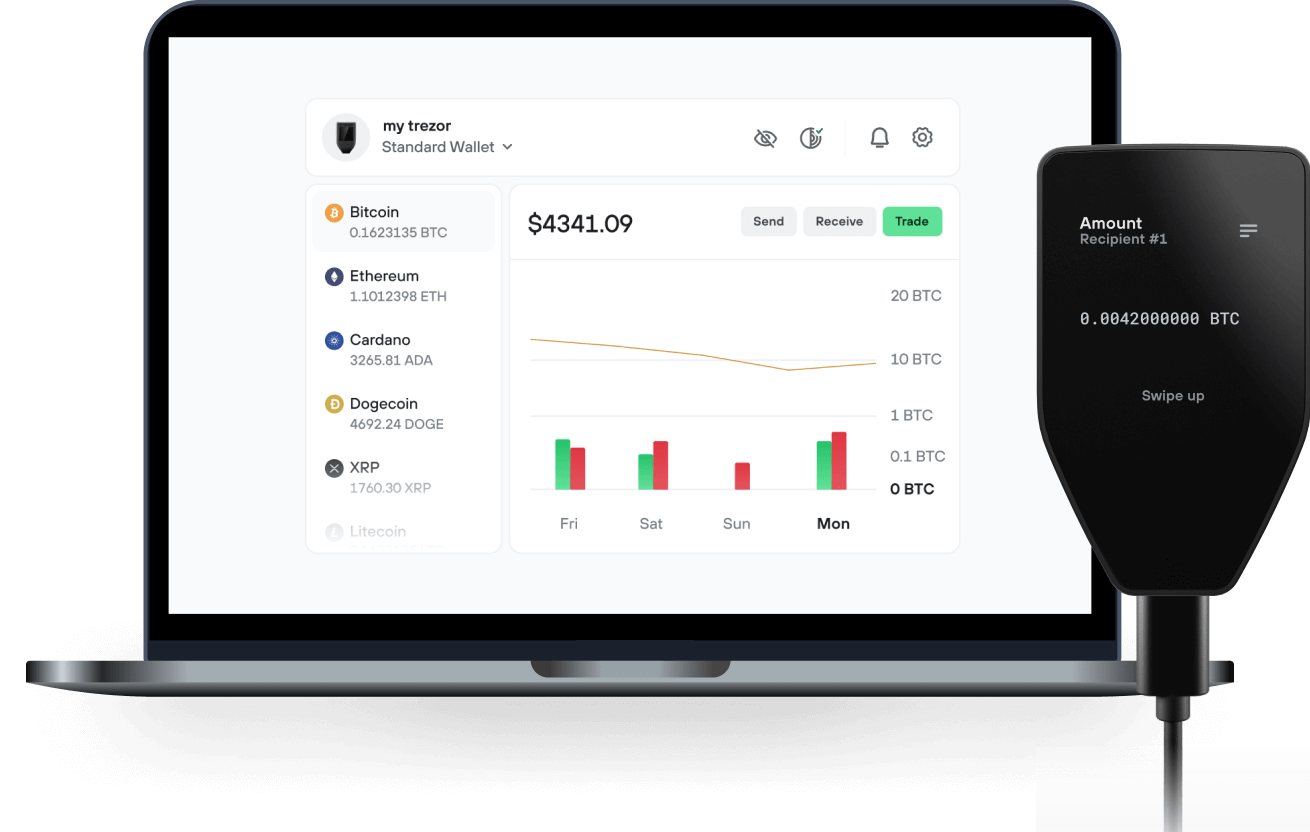
Envía y recibe tu Step Staked SOL con la app Trezor Suite

Enviar y recibir
Intercambiar
Billeteras físicas Trezor compatibles con Step Staked SOL

Sincroniza tu Trezor con apps de billeteras
Gestiona tus Step Staked SOL con tu billetera física Trezor sincronizada con apps de billeteras.
Trezor Suite
Backpack
NuFi
Red Step Staked SOL Compatible
- Solana
¿Por qué una billetera física?
Desconéctate con Trezor
- Tus monedas son 100% tuyas
- Tu billetera está 100% segura offline
- Tus datos son 100% anónimos
- Tus monedas no están atadas a una compañía
Exchanges en línea
- Si un exchange falla, pierdes tus monedas
- Los exchanges son blanco de los hackers
- Tu información personal puede ser expuesta
- Tus monedas no son realmente tuyas
¿Cómo usar STEPSOL en Trezor?
Conecta tu Trezor
Instala la app Trezor Suite
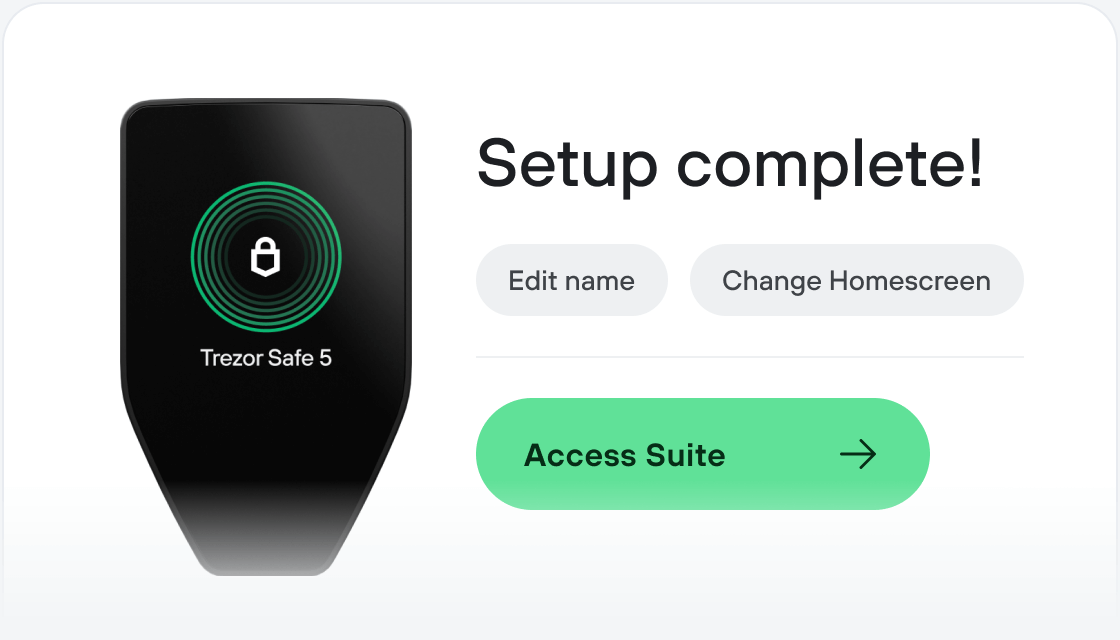
Transfiere tus STEPSOL
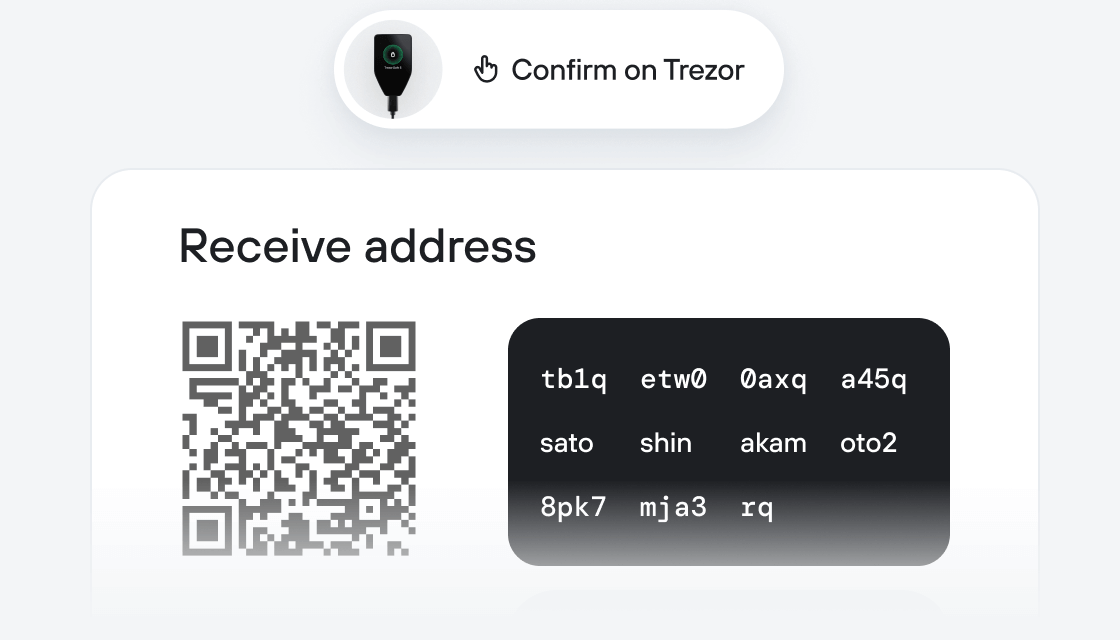
Aprovecha al máximo tus STEPSOL
Trezor mantiene tus STEPSOL seguros
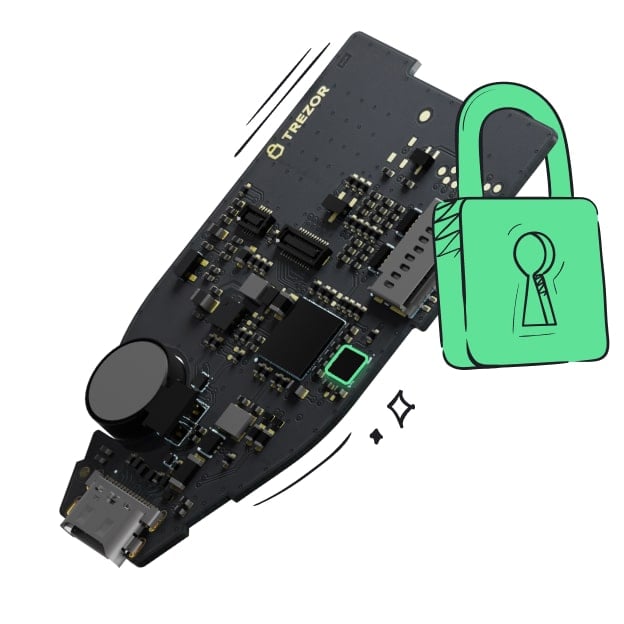 Protegido por Elemento Seguro
La mejor defensa contra amenazas tanto online como offline
 Tus tokens, bajo tu control
Control absoluto de cada transacción con confirmación directa en el dispositivo
 La seguridad empieza por código abierto
Un diseño de billetera de forma transparente hace que tu Trezor sea más seguro y confiable
 Copia de seguridad de billetera clara y sencilla
Recupera el acceso a tus activos digitales con nuevo estándar de copia de seguridad
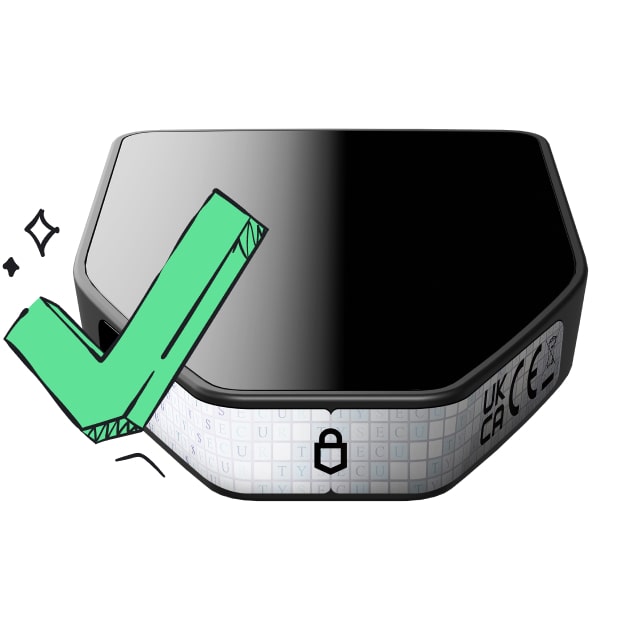 Confianza desde el primer día
El embalaje y los sellos de seguridad del dispositivo protegen la integridad de tu Trezor
Step Finance is a portfolio dashboard on Solana that provides data insights about your wallet and the rest of the ecosystem. Step makes it easy for anyone to monitor their portfolio token balances, AMM LPs, yield farms, and more, covering about 95% of the Solana ecosystem. Step Finance also allows various on-chain actions like staking, sending, swapping, and more.
Step also owns and operates many sub-projects and brands including:
Step Analytics - Building on Step's extensive data integrations is the Analytics product for Solana ecosystem-specific data.
NFT Analytics - Solana Largest NFT Data Analytics and News website.
SolanaFloor - Solana No.1 News Source
Solana Crossroads - Solana's first and largest community conference held annually in Istanbul, Turkey.
Solana Allstars - IRL twice monthly events in cities across the world focused on education and introducing new users to the Solana ecosystem and Allstars partner products. Similar to Binance Angels.
The Next Billion - Step's podcast focuses on the builders and entrepreneurs onboarding the next billion people into crypto.