Billetera Staked LINK segura y protegida
Toma el control de tus Staked LINK activos con total confianza en el ecosistema de Trezor.
- Protegido por tu billetera física
- Usa con billeteras digitales compatibles
- Con la confianza de más de 2 millones de clientes

Envía y recibe tu Staked LINK con la app Trezor Suite

Enviar y recibir

Intercambiar
Billeteras físicas Trezor compatibles con Staked LINK
Sincroniza tu Trezor con apps de billeteras
Gestiona tus Staked LINK con tu billetera física Trezor sincronizada con apps de billeteras.
Trezor Suite
MetaMask
Rabby
Red Staked LINK Compatible
¿Por qué una billetera física?
Desconéctate con Trezor
- Tus monedas son 100% tuyas
- Tu billetera está 100% segura offline
- Tus datos son 100% anónimos
- Tus monedas no están atadas a una compañía
Exchanges en línea
- Si un exchange falla, pierdes tus monedas
- Los exchanges son blanco de los hackers
- Tu información personal puede ser expuesta
- Tus monedas no son realmente tuyas
¿Cómo usar STLINK en Trezor?
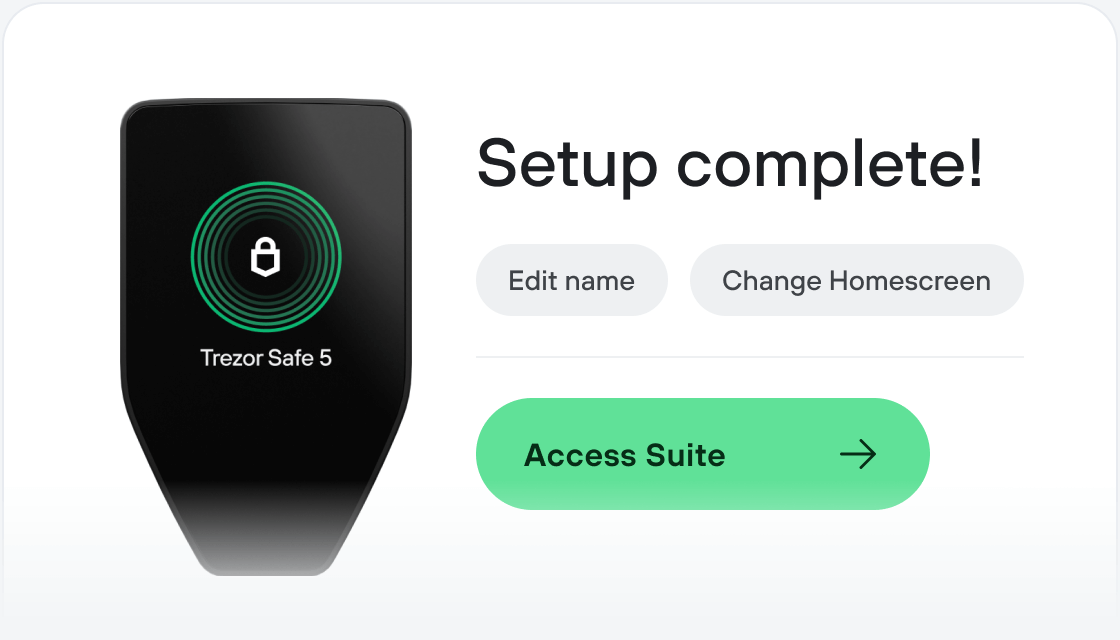
Conecta tu Trezor
Instala la app Trezor Suite
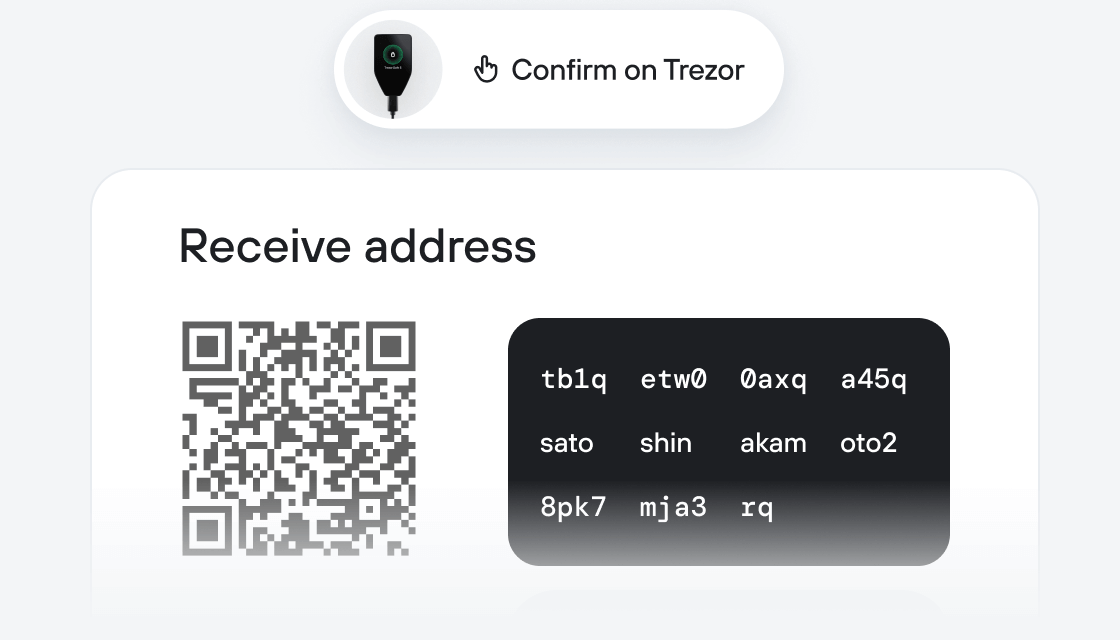
Transfiere tus STLINK
Aprovecha al máximo tus STLINK
Trezor mantiene tus STLINK seguros
 Protegido por Elemento Seguro
La mejor defensa contra amenazas tanto online como offline
 Tus tokens, bajo tu control
Control absoluto de cada transacción con confirmación directa en el dispositivo
 La seguridad empieza por código abierto
Un diseño de billetera de forma transparente hace que tu Trezor sea más seguro y confiable
 Copia de seguridad de billetera clara y sencilla
Recupera el acceso a tus activos digitales con nuevo estándar de copia de seguridad
 Confianza desde el primer día
El embalaje y los sellos de seguridad del dispositivo protegen la integridad de tu Trezor
stake.link is the first of its kind delegated liquid staking protocol for the industry standard decentralized oracle network, Chainlink. It allows users to earn rewards by increasing the security guarantees and user assurances of oracle services by backing them with staked LINK tokens. The protocol is powered by the SDL token, which also governs the platform, ensuring decentralized decision-making and fairness. The protocol also enables DeFi interoperability through stLINK, a liquid staking receipt token. This allows anyone to easily participate in the staking process by providing LINK collateral, while receiving a share of the rewards generated by the most reliable and performant Chainlink node operators. With stake.link, users can participate in the security and reliability of the Chainlink network, while earning rewards for their contributions.