Billetera Parrot USD segura y protegida
Toma el control de tus Parrot USD activos con total confianza en el ecosistema de Trezor.
- Protegido por tu billetera física
- Usa con billeteras digitales compatibles
- Con la confianza de más de 2 millones de clientes
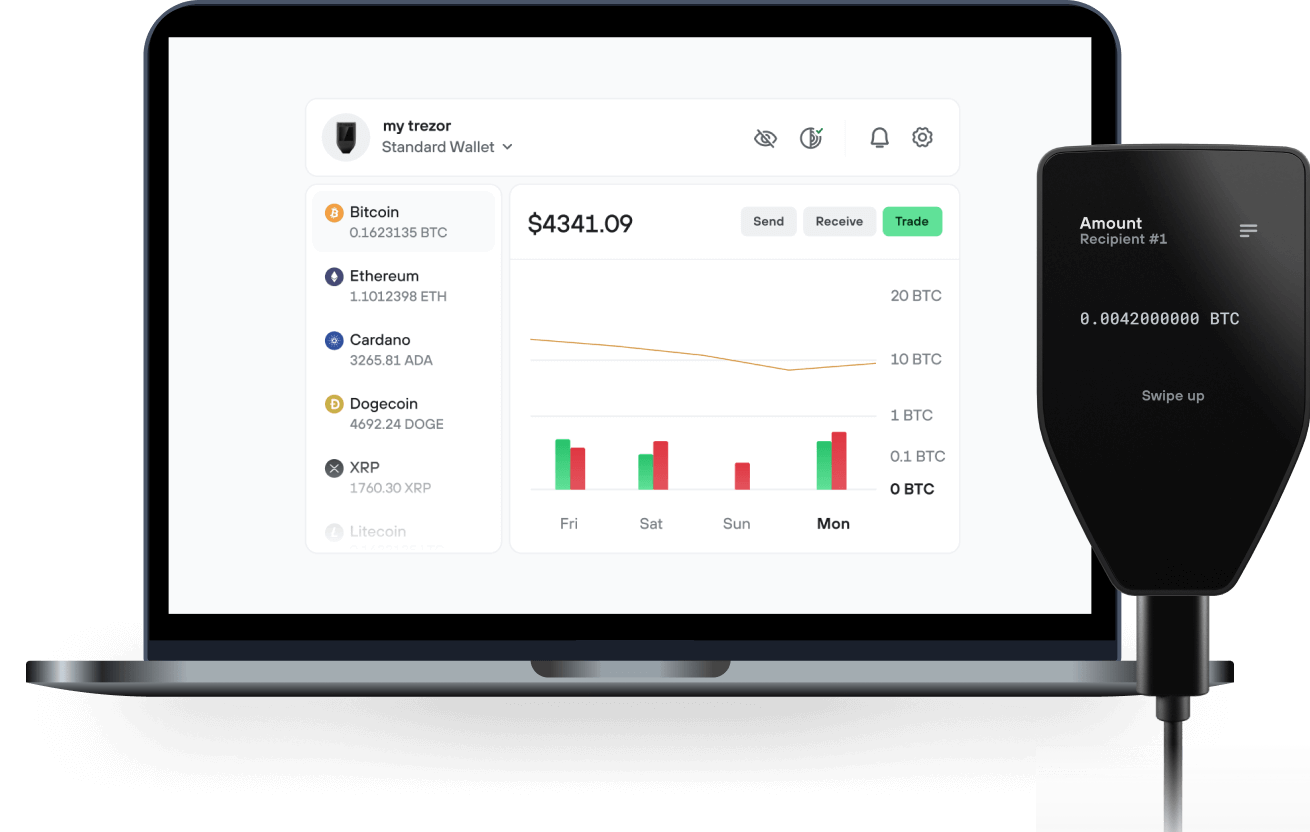
Envía y recibe tu Parrot USD con la app Trezor Suite

Enviar y recibir
Intercambiar
Billeteras físicas Trezor compatibles con Parrot USD

Sincroniza tu Trezor con apps de billeteras
Gestiona tus Parrot USD con tu billetera física Trezor sincronizada con apps de billeteras.
Trezor Suite
Backpack
NuFi
Red Parrot USD Compatible
- Solana
¿Por qué una billetera física?
Desconéctate con Trezor
- Tus monedas son 100% tuyas
- Tu billetera está 100% segura offline
- Tus datos son 100% anónimos
- Tus monedas no están atadas a una compañía
Exchanges en línea
- Si un exchange falla, pierdes tus monedas
- Los exchanges son blanco de los hackers
- Tu información personal puede ser expuesta
- Tus monedas no son realmente tuyas
¿Cómo usar PAI en Trezor?
Conecta tu Trezor
Instala la app Trezor Suite
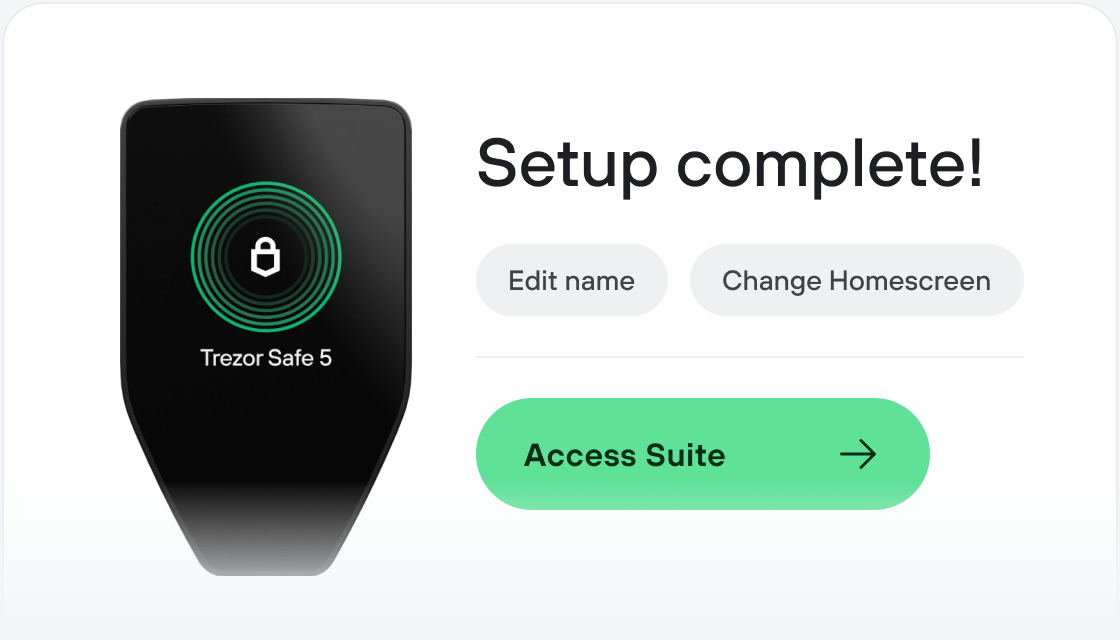
Transfiere tus PAI
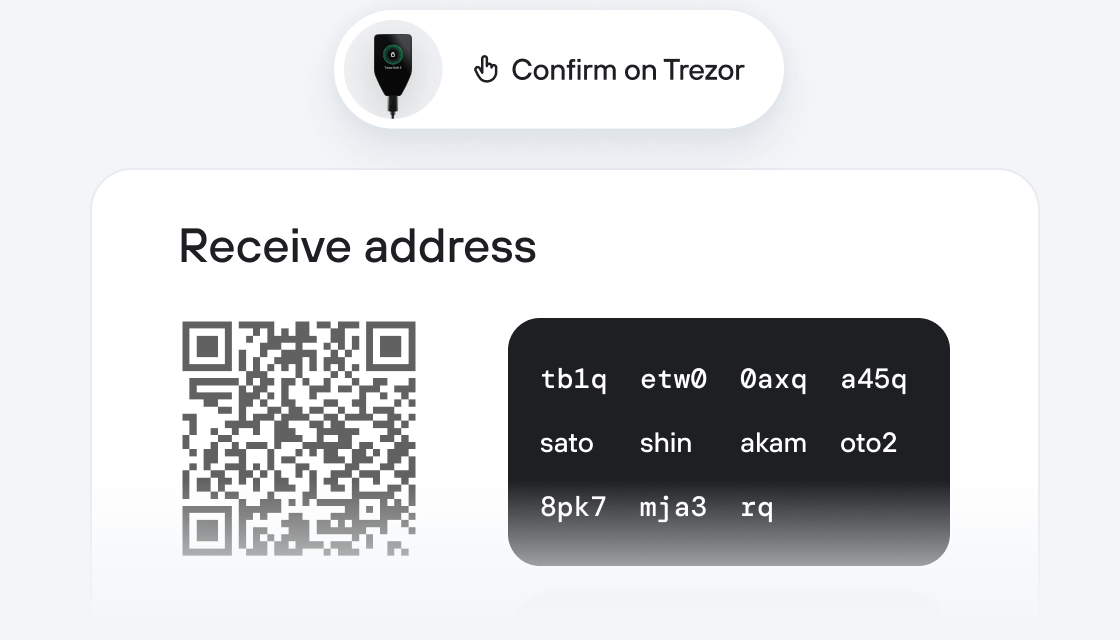
Aprovecha al máximo tus PAI
Trezor mantiene tus PAI seguros
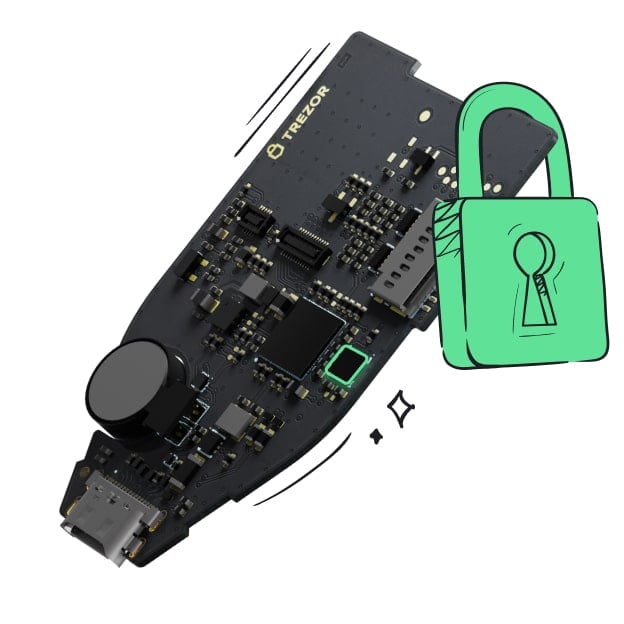 Protegido por Elemento Seguro
La mejor defensa contra amenazas tanto online como offline
 Tus tokens, bajo tu control
Control absoluto de cada transacción con confirmación directa en el dispositivo
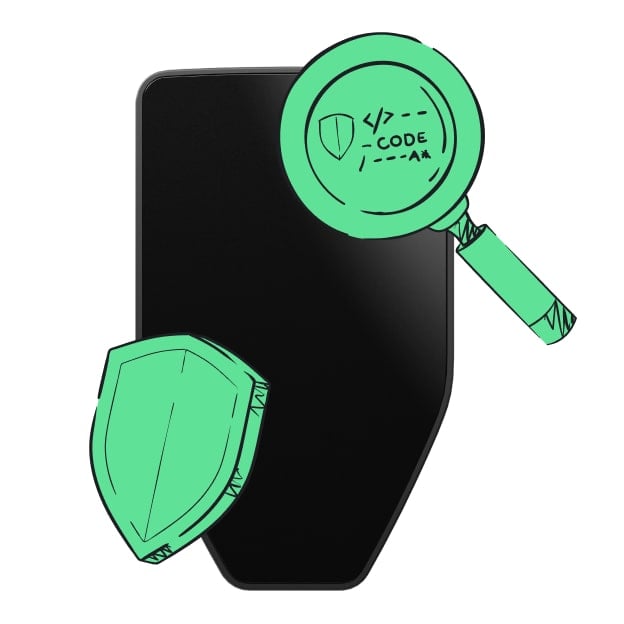 La seguridad empieza por código abierto
Un diseño de billetera de forma transparente hace que tu Trezor sea más seguro y confiable
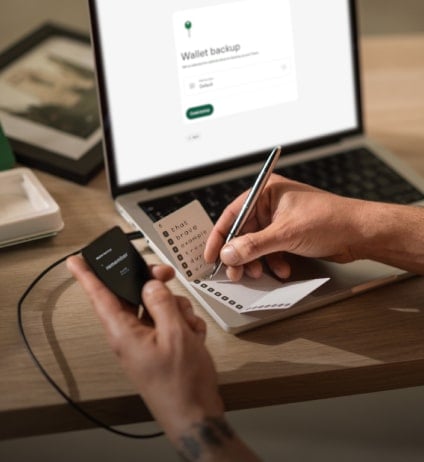 Copia de seguridad de billetera clara y sencilla
Recupera el acceso a tus activos digitales con nuevo estándar de copia de seguridad
 Confianza desde el primer día
El embalaje y los sellos de seguridad del dispositivo protegen la integridad de tu Trezor
The Parrot Protocol is a DeFi network built on Solana that will include the stablecoin PAI, a non-custodial lending market, and a margin trading vAMM. These are all use cases designed to solve one single problem: making value locked in DeFi systems accessible.
Today billions of dollars of value are locked in hundreds of DeFi systems, and converted into different yield generating tokens, such as the Uniswap LP tokens, or the AAVE interest bearing tokens. There aren’t many use cases available for these LP tokens. The value locked in DeFi as LP tokens are inaccessible, because their risks are opaque, and their units of account unsuitable for human consumption.
The Parrot Protocol is setting out to make value locked in LP tokens accessible, by creating a liquidity & lending network collateralized by these LP tokens. The Secret Parrot Master Plan (just between you and me):
Create the PAI stablecoin, backed by LP tokens as collaterals. This creates a common unit of account to make it easy for holders of different types of LP tokens to transact with each other. Create the Parrot Lending market, taking LP tokens as collaterals. This allows LP holders to access their locked value by borrowing against lender liquidity. Create a margin trading product (virtual AMM) using PAI as the common unit of account. This allows the Parrot community to collect fees, and feed the family.