Billetera Ness Lab segura y protegida
Toma el control de tus Ness Lab activos con total confianza en el ecosistema de Trezor.
- Protegido por tu billetera física
- Usa con billeteras digitales compatibles
- Con la confianza de más de 2 millones de clientes

Envía y recibe tu Ness Lab con la app Trezor Suite

Enviar y recibir
Intercambiar
Billeteras físicas Trezor compatibles con Ness Lab
Sincroniza tu Trezor con apps de billeteras
Gestiona tus Ness Lab con tu billetera física Trezor sincronizada con apps de billeteras.
Trezor Suite
MetaMask
Rabby
Red Ness Lab Compatible
¿Por qué una billetera física?

Desconéctate con Trezor
- Tus monedas son 100% tuyas
- Tu billetera está 100% segura offline
- Tus datos son 100% anónimos
- Tus monedas no están atadas a una compañía
Exchanges en línea
- Si un exchange falla, pierdes tus monedas
- Los exchanges son blanco de los hackers
- Tu información personal puede ser expuesta
- Tus monedas no son realmente tuyas
¿Cómo usar NESS en Trezor?
Conecta tu Trezor
Instala la app Trezor Suite
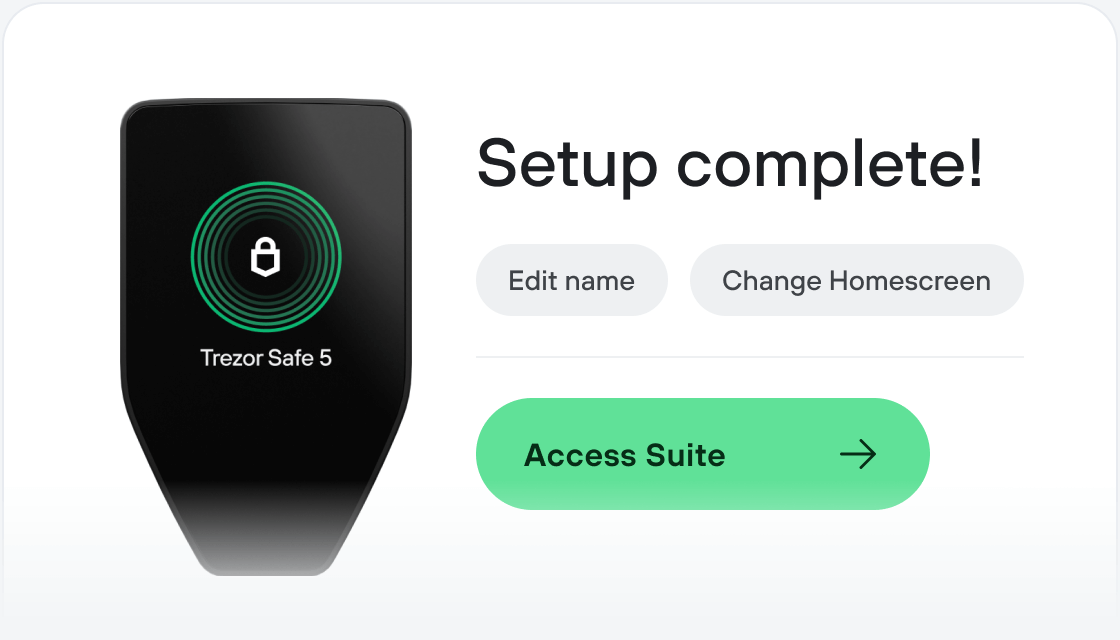
Transfiere tus NESS
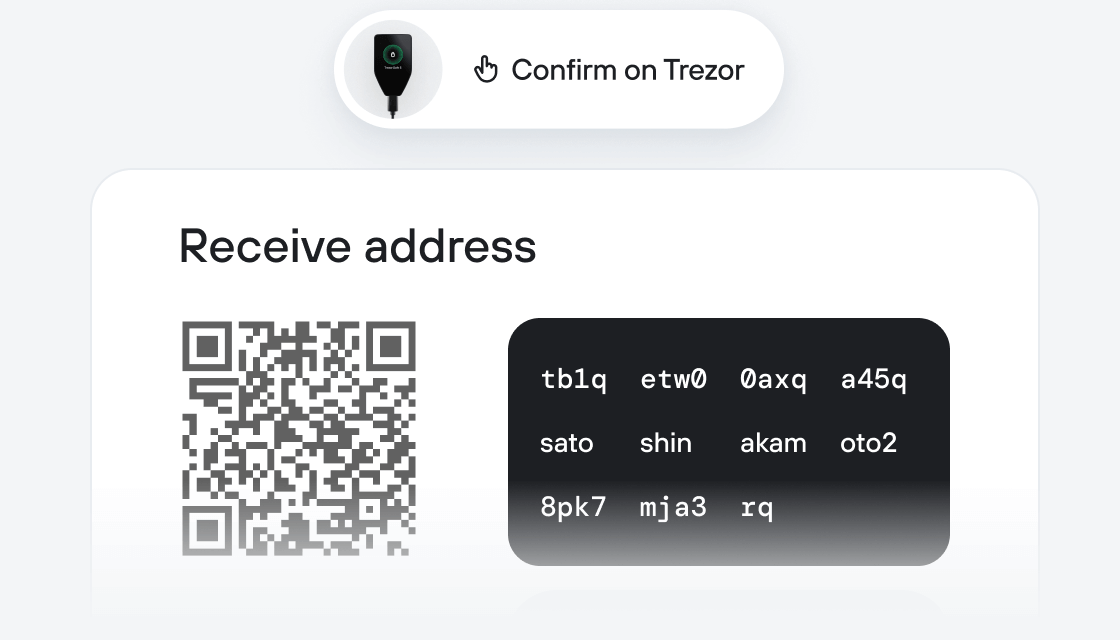
Aprovecha al máximo tus NESS
Trezor mantiene tus NESS seguros
 Protegido por Elemento Seguro
La mejor defensa contra amenazas tanto online como offline
 Tus tokens, bajo tu control
Control absoluto de cada transacción con confirmación directa en el dispositivo
 La seguridad empieza por código abierto
Un diseño de billetera de forma transparente hace que tu Trezor sea más seguro y confiable
 Copia de seguridad de billetera clara y sencilla
Recupera el acceso a tus activos digitales con nuevo estándar de copia de seguridad
 Confianza desde el primer día
El embalaje y los sellos de seguridad del dispositivo protegen la integridad de tu Trezor
Ness LAB is committed to building an information economy around CoinNess, where the creation, consumption, and distribution of abundant information are powered by the blockchain and Web3 ecosystem, and are able to connect and transcend geographical boundaries.
NESS is the native token of Ness Lab. It is designed to connect users with stakeholders, and offer a unique rewards system to incentivize active participation and contribution to the platform's growth.
The NESS token plays a key role in incentivizing and aligning the interests of all parties within the ecosystem. By creating a system of rewards and incentive system that benefits service providers, users, and business partners alike, NESS can help to foster collaboration and innovation within the ecosystem, ultimately leading to its long-term growth and success.