Billetera Memecoin segura y protegida
Toma el control de tus Memecoin activos con total confianza en el ecosistema de Trezor.
- Protegido por tu billetera física
- Usa con billeteras digitales compatibles
- Con la confianza de más de 2 millones de clientes
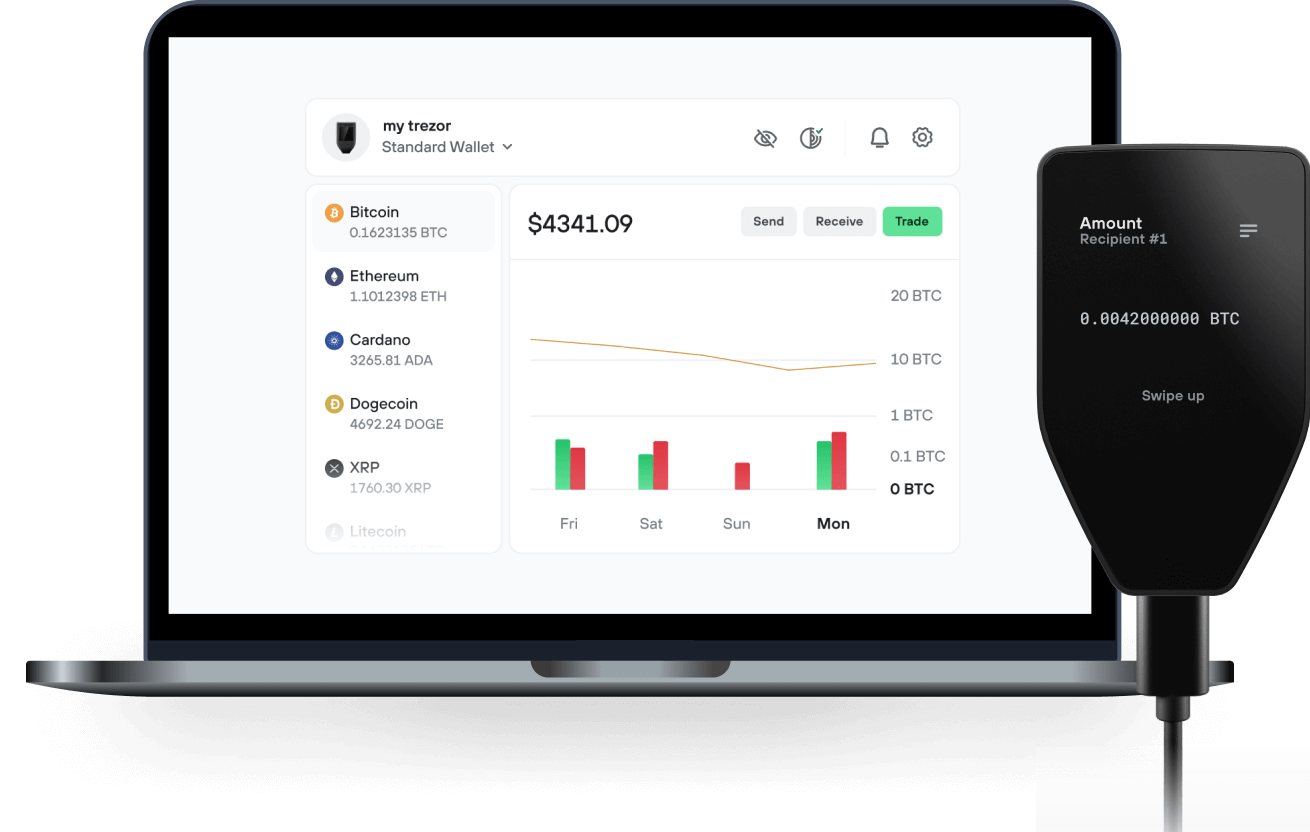
Envía y recibe tu Memecoin con la app Trezor Suite

Enviar y recibir
Intercambiar
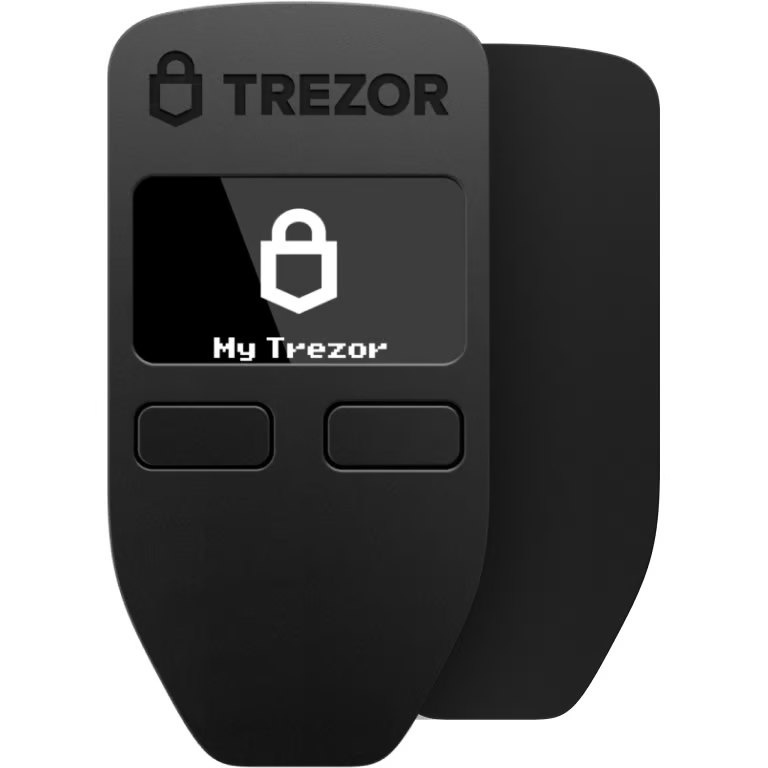
Billeteras físicas Trezor compatibles con Memecoin

Sincroniza tu Trezor con apps de billeteras
Gestiona tus Memecoin con tu billetera física Trezor sincronizada con apps de billeteras.
Trezor Suite
MetaMask
Rabby
Redes Memecoin Compatibles
- Polygon POS
- Ethereum
¿Por qué una billetera física?
Desconéctate con Trezor
- Tus monedas son 100% tuyas
- Tu billetera está 100% segura offline
- Tus datos son 100% anónimos
- Tus monedas no están atadas a una compañía
Exchanges en línea
- Si un exchange falla, pierdes tus monedas
- Los exchanges son blanco de los hackers
- Tu información personal puede ser expuesta
- Tus monedas no son realmente tuyas
¿Cómo usar MEM en Trezor?
Conecta tu Trezor
Instala la app Trezor Suite
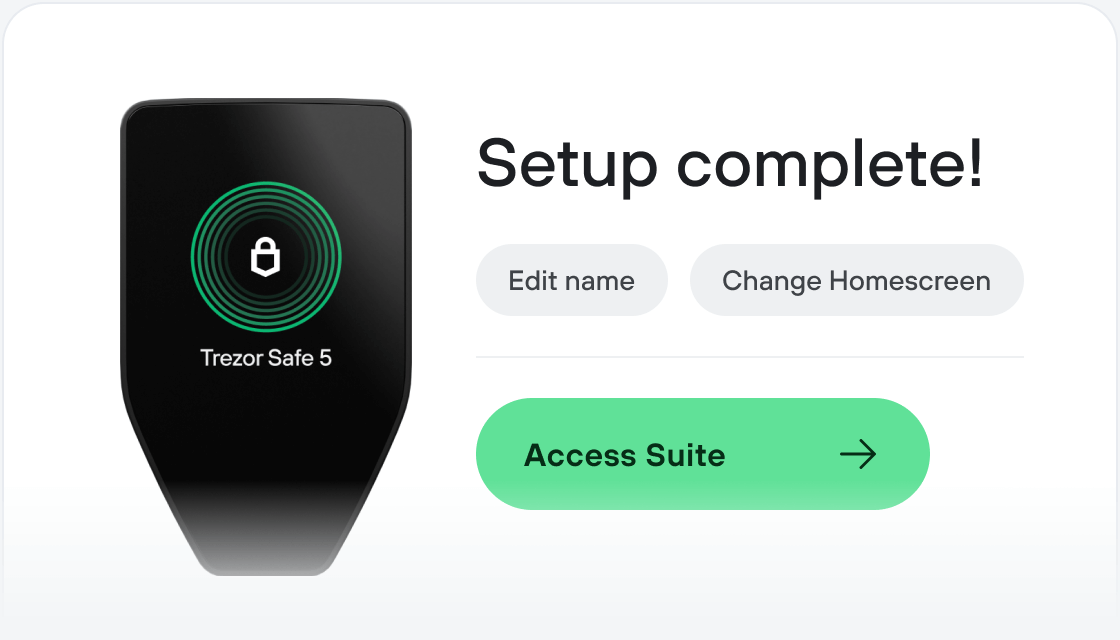
Transfiere tus MEM
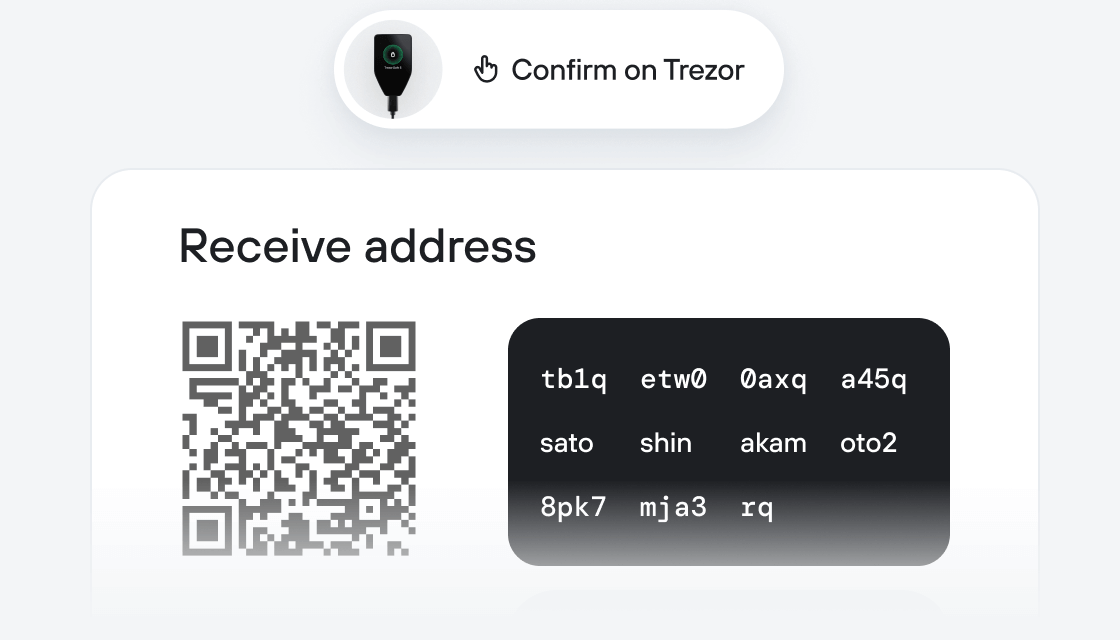
Aprovecha al máximo tus MEM
Trezor mantiene tus MEM seguros
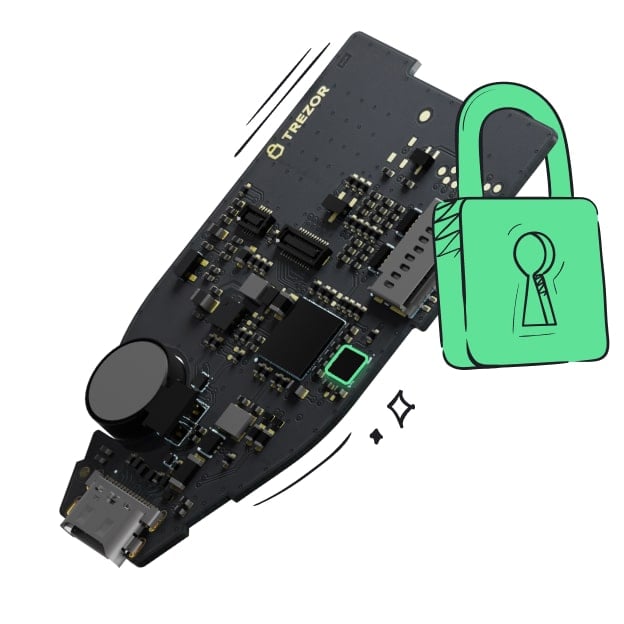 Protegido por Elemento Seguro
La mejor defensa contra amenazas tanto online como offline
 Tus tokens, bajo tu control
Control absoluto de cada transacción con confirmación directa en el dispositivo
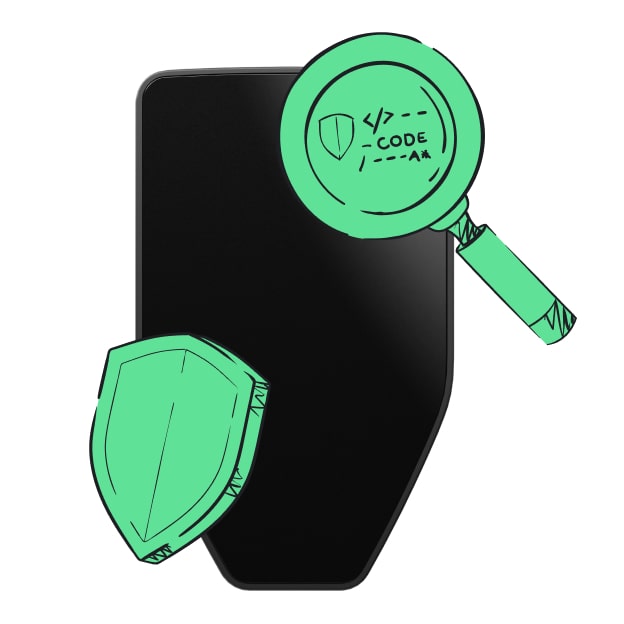 La seguridad empieza por código abierto
Un diseño de billetera de forma transparente hace que tu Trezor sea más seguro y confiable
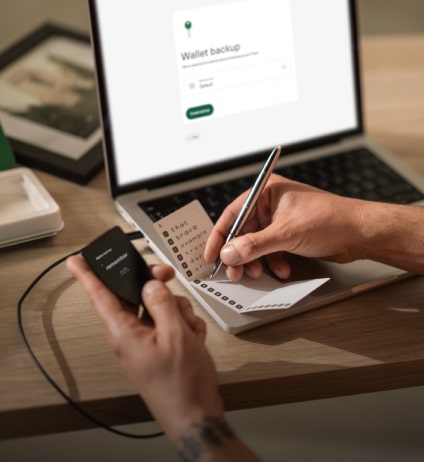 Copia de seguridad de billetera clara y sencilla
Recupera el acceso a tus activos digitales con nuevo estándar de copia de seguridad
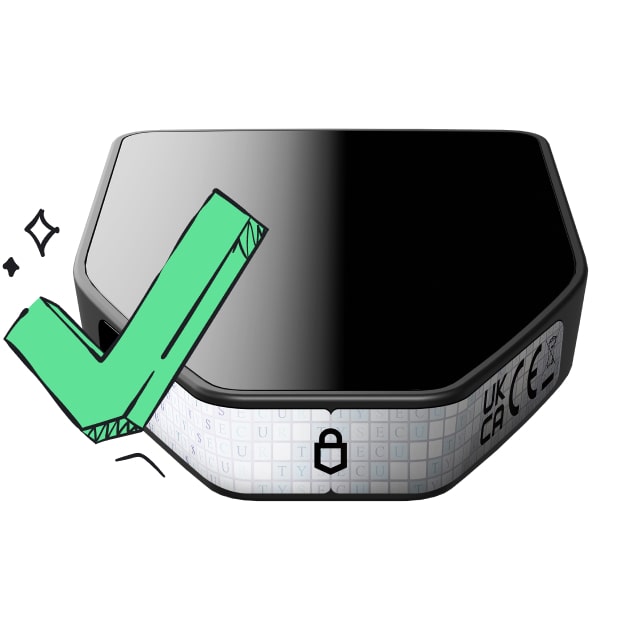 Confianza desde el primer día
El embalaje y los sellos de seguridad del dispositivo protegen la integridad de tu Trezor
Memecoin is the official token for Meme.com and our underlying asset layers.
Meme is a Memetic Asset Protocol that lives on our website. (https://meme.com/) Memetic assets are financial instruments in the form of ERC-20 smart contracts known as “mTokens” representing any particular meme. These mTokens are purchased, swapped and traded on our platforms Meme Markets. Memecoin can be swapped for any mToken (e.g. mDoge, mPepe, mWojak) on a token bonding curve.
Markets can be discovered and created by anyone with Memecoin. Use Memecoin to build your portfolio and sponsor your favorite memes. Create a market around the next trend you perceive is going to flourish. Earn rewards in the form of tokens and NFTs for supporting the best performing memes and trends.
Meme.com creates the ability to quantify all information and their network effects in a trustless way. This is done using several different data streams including our NFT layer MarbleCards. (https://marble.cards/)
Welcome to a new asset class in blockchain, an open market for and around content where anyone can get exposure to things they believe in!