Billetera HowToPay segura y protegida
Toma el control de tus HowToPay activos con total confianza en el ecosistema de Trezor.
- Protegido por tu billetera física
- Usa con billeteras digitales compatibles
- Con la confianza de más de 2 millones de clientes
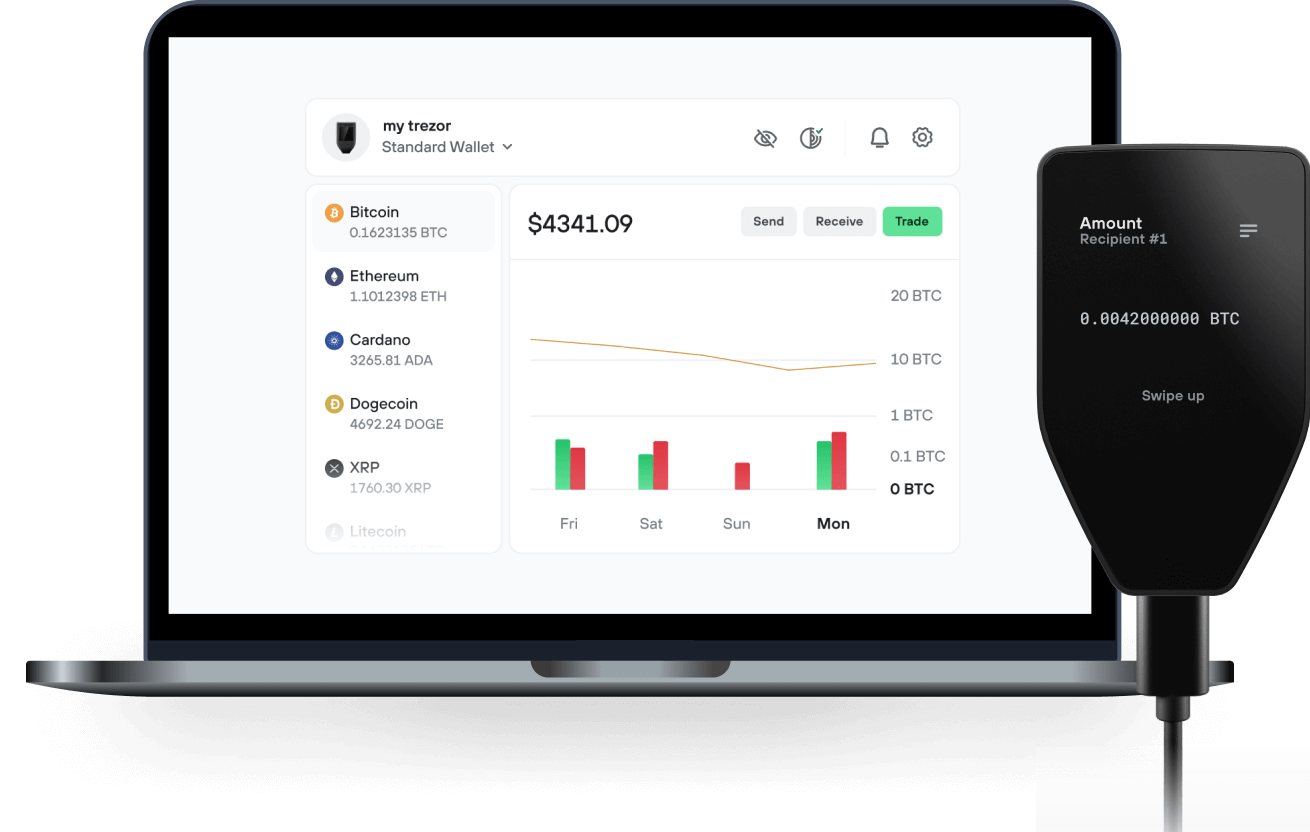
Envía y recibe tu HowToPay con la app Trezor Suite

Enviar y recibir

Comprar y vender
Billeteras físicas Trezor compatibles con HowToPay
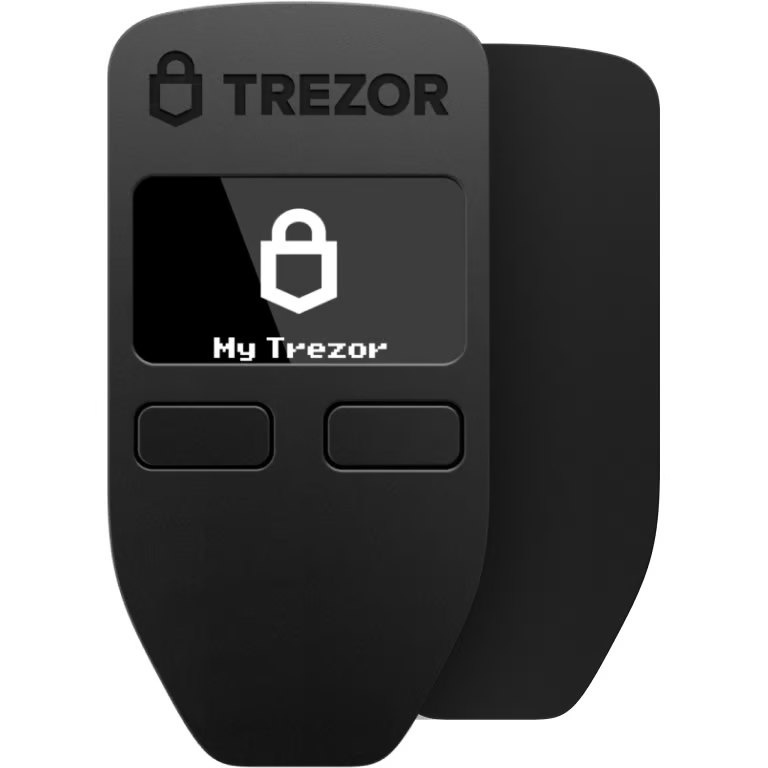

Sincroniza tu Trezor con apps de billeteras
Gestiona tus HowToPay con tu billetera física Trezor sincronizada con apps de billeteras.
Trezor Suite
MetaMask
Rabby
Red HowToPay Compatible
- BNB Smart Chain
¿Por qué una billetera física?
Desconéctate con Trezor
- Tus monedas son 100% tuyas
- Tu billetera está 100% segura offline
- Tus datos son 100% anónimos
- Tus monedas no están atadas a una compañía
Exchanges en línea
- Si un exchange falla, pierdes tus monedas
- Los exchanges son blanco de los hackers
- Tu información personal puede ser expuesta
- Tus monedas no son realmente tuyas
¿Cómo usar HTP en Trezor?
Conecta tu Trezor
Instala la app Trezor Suite
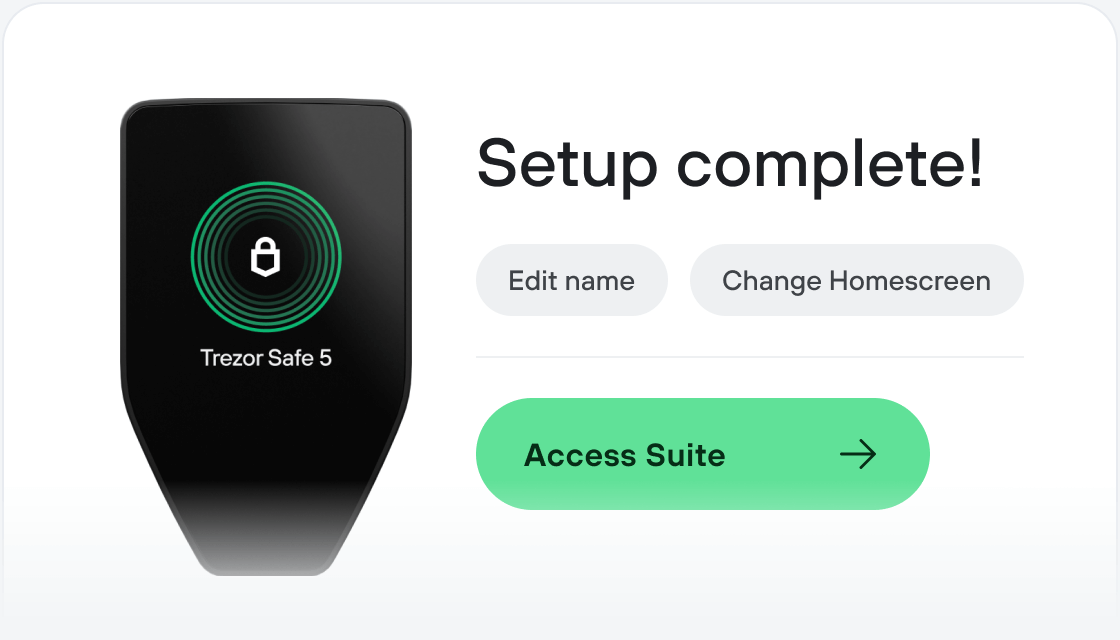
Transfiere tus HTP
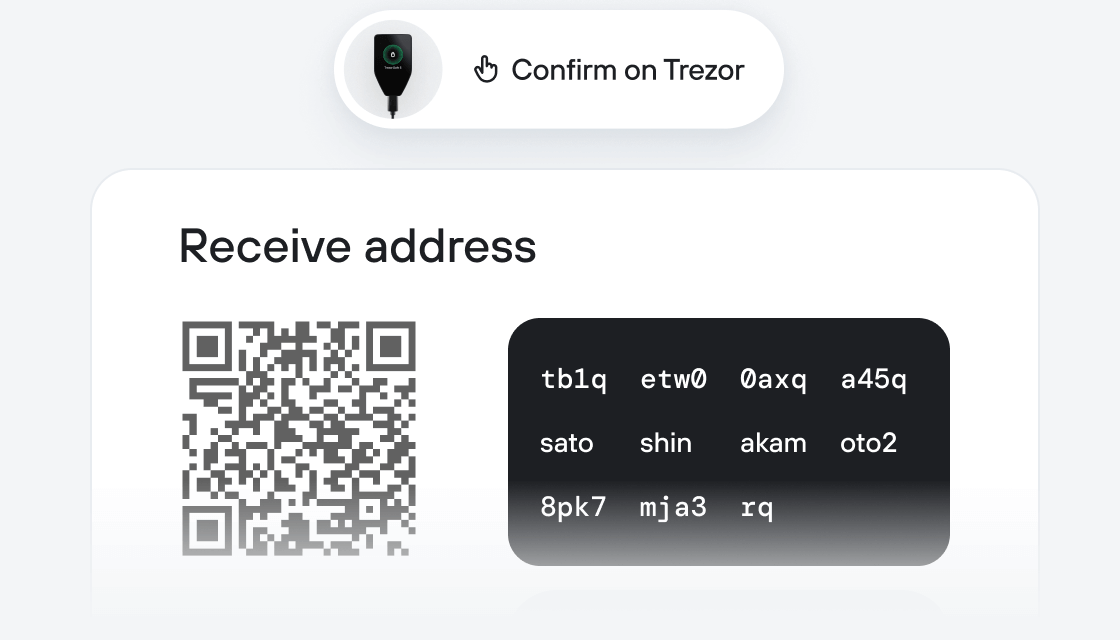
Aprovecha al máximo tus HTP
Trezor mantiene tus HTP seguros
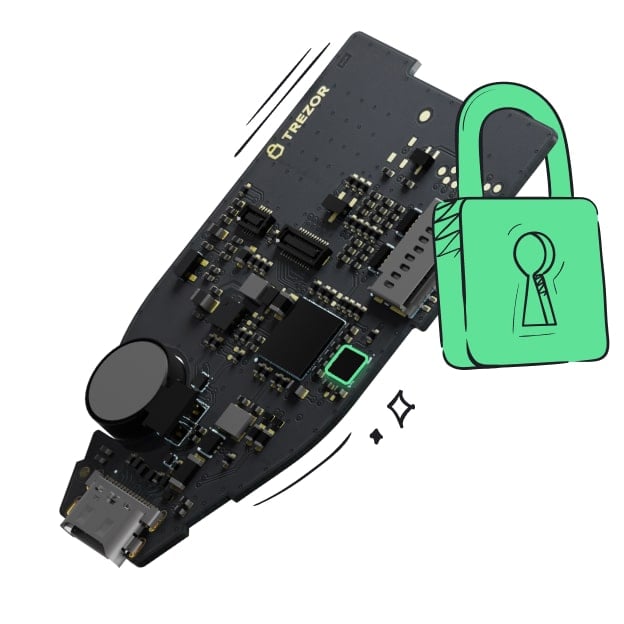 Protegido por Elemento Seguro
La mejor defensa contra amenazas tanto online como offline
 Tus tokens, bajo tu control
Control absoluto de cada transacción con confirmación directa en el dispositivo
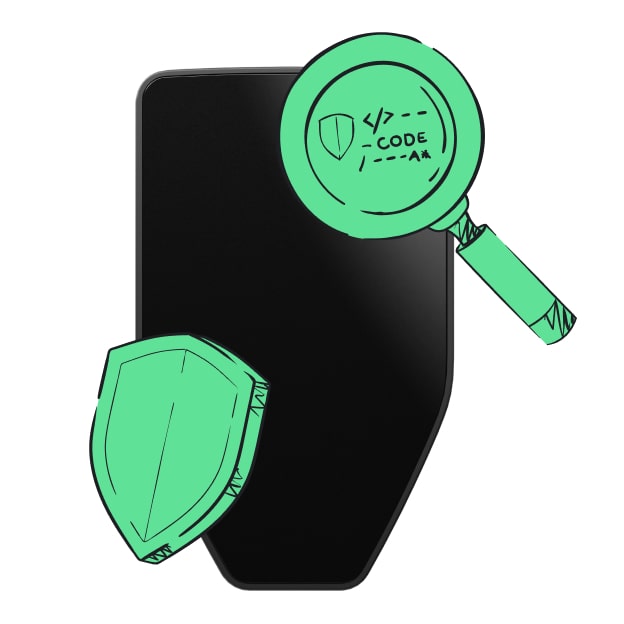 La seguridad empieza por código abierto
Un diseño de billetera de forma transparente hace que tu Trezor sea más seguro y confiable
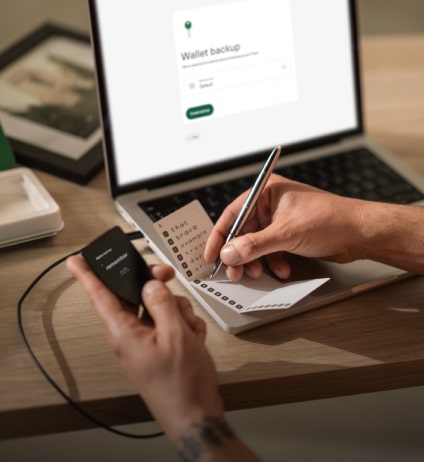 Copia de seguridad de billetera clara y sencilla
Recupera el acceso a tus activos digitales con nuevo estándar de copia de seguridad
 Confianza desde el primer día
El embalaje y los sellos de seguridad del dispositivo protegen la integridad de tu Trezor
The HowToPay (HTP) token is a cryptocurrency developed by Confidia Limited to enhance digital payment solutions within the HowToPay ecosystem. Launched in May 2020, Confidia has established itself as a trusted provider of payment services, and the introduction of the HTP token aims to facilitate more efficient domestic and cross-border transactions.
HTP tokens are designed to offer quick, secure, and low-cost payments across the HowToPay POS network. Users can utilize these tokens for in-store purchases via Point-of-Sale (POS) systems or for online transactions, ensuring seamless financial exchanges within the ecosystem. The token supports both domestic and international payments, making it a versatile tool for global commerce. HOW TO PAY
Beyond facilitating transactions, HTP tokens provide several utilities within the HowToPay platform:
Discounted Fees: Token holders benefit from reduced transaction costs when processing payments through HowToPay's services, making it more cost-effective for frequent users.
Network Growth Incentives: Users can earn rewards by promoting and increasing engagement with the platform, contributing to its expansion and stability.
The HTP token is built on the Binance Smart Chain, ensuring fast, secure, and low-cost transactions.
As of November 2024, the token is trading on global exchanges, including Dex-Trade, providing accessibility to a wide audience.
In summary, the HowToPay HTP token project aims to revolutionise digital payments by offering a comprehensive solution that integrates seamless transactions, cost savings, and user engagement incentives within a secure and efficient ecosystem.