Billetera Flare segura y protegida
Usa la seguridad de tu billetera física Trezor para gestionar de forma segura tu Flare.
- Protegido por tu billetera física
- Con la confianza de más de 2 millones de clientes
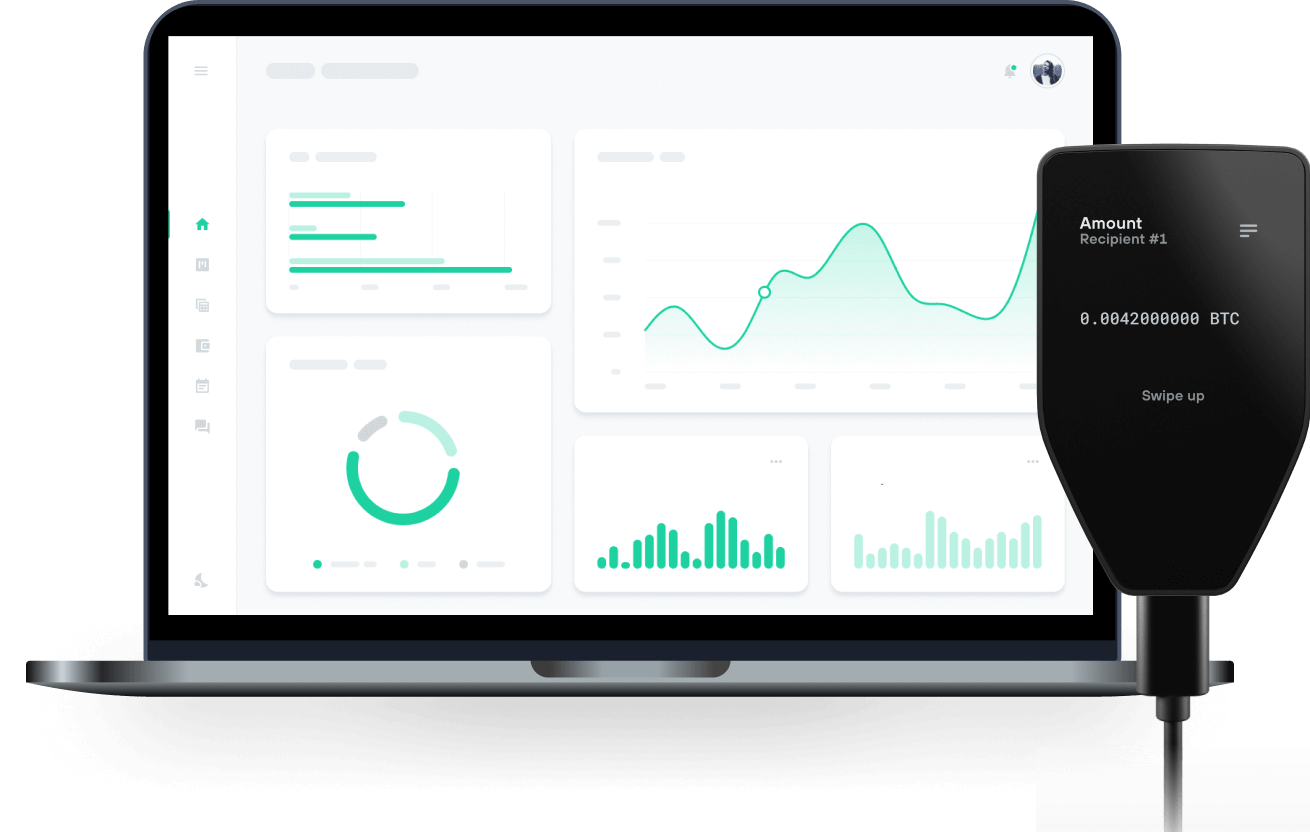
Envía y recibe tu Flare con las billeteras físicas de Trzor

Enviar y recibir

Intercambiar
Billeteras físicas Trezor compatibles con Flare
Sincroniza tu Trezor con apps de billeteras
Gestiona tus Flare con tu billetera física Trezor sincronizada con apps de billeteras.
MetaMask
Rabby
Red Flare Compatible
¿Por qué una billetera física?

Desconéctate con Trezor
- Tus monedas son 100% tuyas
- Tu billetera está 100% segura offline
- Tus datos son 100% anónimos
- Tus monedas no están atadas a una compañía
Exchanges en línea
- Si un exchange falla, pierdes tus monedas
- Los exchanges son blanco de los hackers
- Tu información personal puede ser expuesta
- Tus monedas no son realmente tuyas
¿Cómo usar FLR en Trezor?
Conecta tu Trezor
Abre una app de billetera de terceros
Gestiona tus activos
Aprovecha al máximo tus FLR
Trezor mantiene tus FLR seguros
 Protegido por Elemento Seguro
La mejor defensa contra amenazas tanto online como offline
 Tus tokens, bajo tu control
Control absoluto de cada transacción con confirmación directa en el dispositivo
 La seguridad empieza por código abierto
Un diseño de billetera de forma transparente hace que tu Trezor sea más seguro y confiable
 Copia de seguridad de billetera clara y sencilla
Recupera el acceso a tus activos digitales con nuevo estándar de copia de seguridad
 Confianza desde el primer día
El embalaje y los sellos de seguridad del dispositivo protegen la integridad de tu Trezor
Flare es una cadena de bloques para construir aplicaciones interoperables con otras cadenas y con internet.
¿Qué es Flare (FLR)?
Flare es una cadena de bloques Layer 1 basada en EVM diseñada para que los desarrolladores creen aplicaciones interoperables entre blockchains y la Web. Al proporcionar acceso descentralizado a datos de alta integridad, Flare habilita nuevos casos de uso y modelos de monetización.
¿Qué hace única a Flare?
Sus protocolos nativos de interoperabilidad, State Connector y FTSO, están asegurados por la propia red, lo que permite entregar datos diversos y externos de forma confiable y descentralizada.
El Flare Time Series Oracle proporciona precios y feeds de datos altamente descentralizados a las dApps en Flare, sin depender de proveedores centralizados.
El protocolo State Connector permite que información de otras cadenas e Internet se utilice de manera segura, escalable y sin necesidad de confianza dentro de contratos inteligentes en Flare.
El riesgo se minimiza al construir esta infraestructura de datos descentralizada de forma nativa en la blockchain, potenciada por una gran cantidad de proveedores de datos independientes.
Al incentivar a conjuntos de proveedores independientes para consultar, adquirir y procesar datos sin depender de fuentes únicas y centralizadas, los protocolos centrales de Flare facilitan el desarrollo de dApps interoperables con un abanico de nuevos y posibles casos de uso.
¿Para qué sirve el token Flare (FLR)?
FLR es el token nativo usado para pagos, comisiones de transacción para prevenir ataques de spam y staking en nodos validadadores. FLR también puede convertirse en un derivado ERC-20, WFLR. Los tokens WFLR tienen varios usos: pueden delegarse a proveedores de datos FTSO, por ejemplo, o stakearse para participar en la gobernanza. Estos dos usos no se excluyen mutuamente y no impiden que estos tokens se utilicen en otras dApps y contratos inteligentes EVM en Flare.
WFLR puede acuñarse depositando FLR nativo en un contrato inteligente y retirando el WFLR recién emitido.