Billetera Fasttoken segura y protegida
Toma el control de tus Fasttoken activos con total confianza en el ecosistema de Trezor.
- Protegido por tu billetera física
- Usa con billeteras digitales compatibles
- Con la confianza de más de 2 millones de clientes
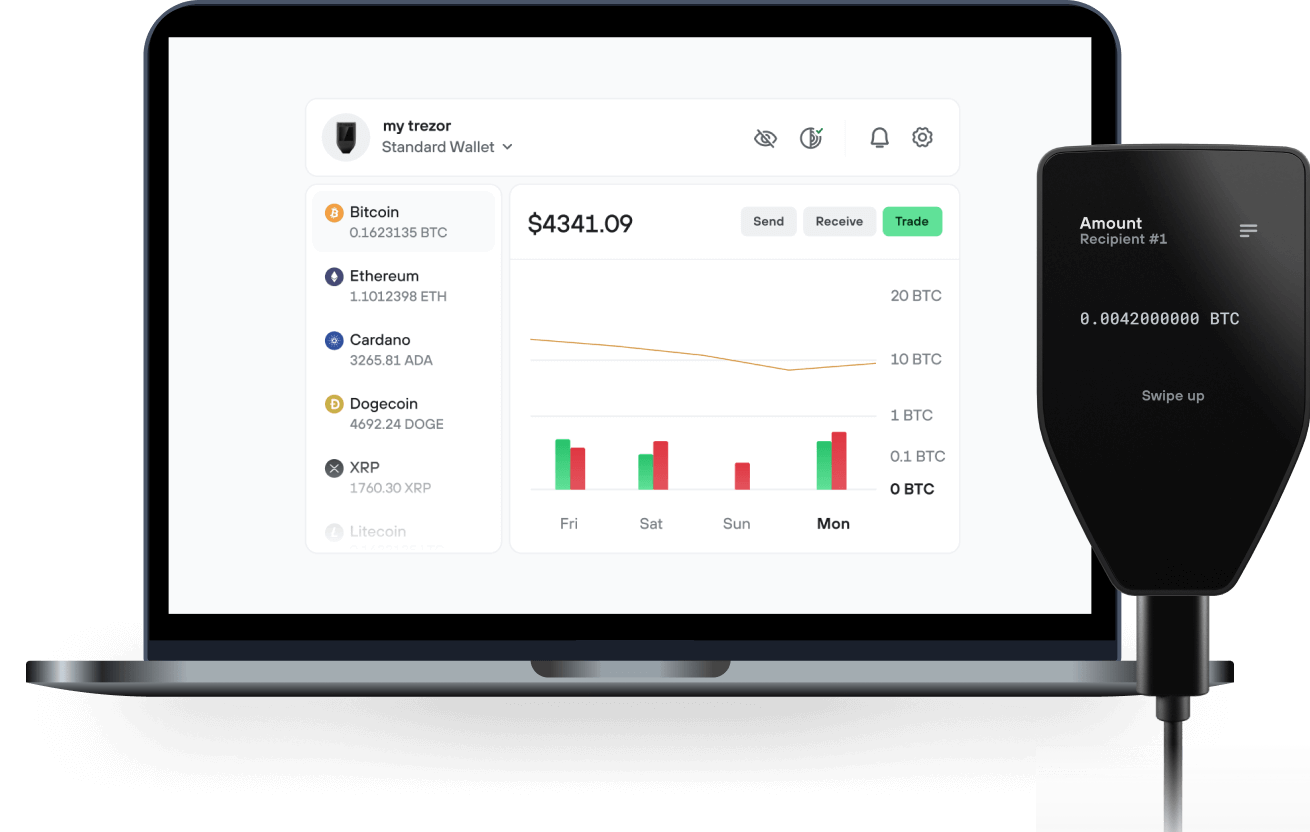
Envía y recibe tu Fasttoken con la app Trezor Suite

Enviar y recibir
Intercambiar
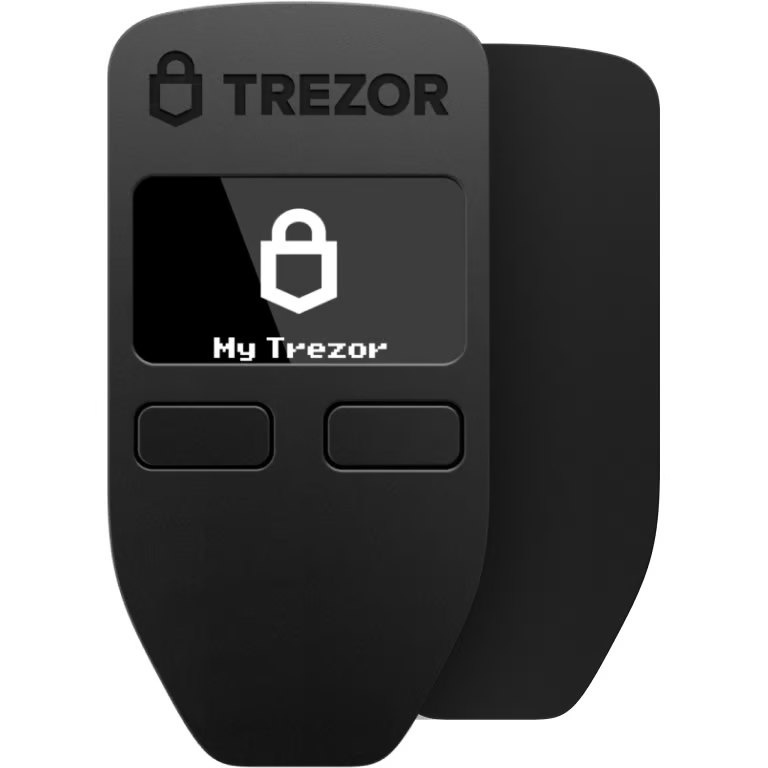
Billeteras físicas Trezor compatibles con Fasttoken

Sincroniza tu Trezor con apps de billeteras
Gestiona tus Fasttoken con tu billetera física Trezor sincronizada con apps de billeteras.
Trezor Suite
MetaMask
Rabby
Redes Fasttoken Compatibles
- Base
- Ethereum
- Arbitrum One
- BNB Smart Chain
- Bahamut
¿Por qué una billetera física?
Desconéctate con Trezor
- Tus monedas son 100% tuyas
- Tu billetera está 100% segura offline
- Tus datos son 100% anónimos
- Tus monedas no están atadas a una compañía
Exchanges en línea
- Si un exchange falla, pierdes tus monedas
- Los exchanges son blanco de los hackers
- Tu información personal puede ser expuesta
- Tus monedas no son realmente tuyas
¿Cómo usar FTN en Trezor?
Conecta tu Trezor
Instala la app Trezor Suite
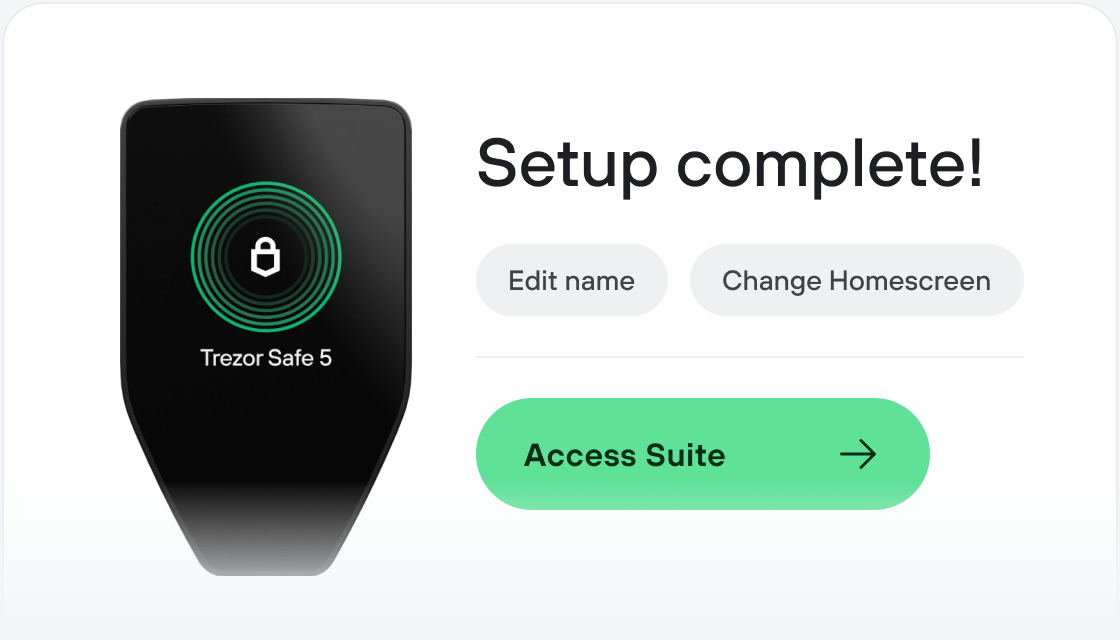
Transfiere tus FTN
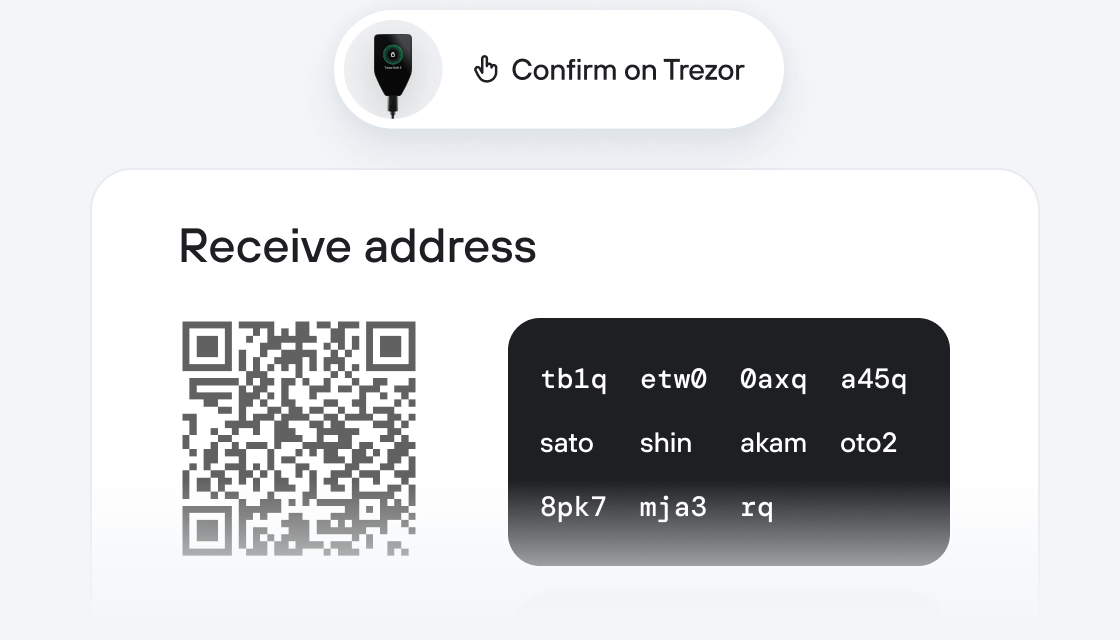
Aprovecha al máximo tus FTN
Trezor mantiene tus FTN seguros
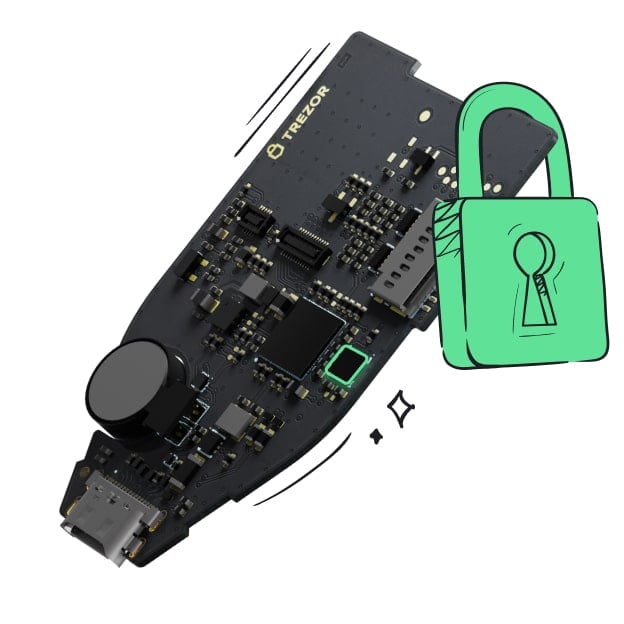 Protegido por Elemento Seguro
La mejor defensa contra amenazas tanto online como offline
 Tus tokens, bajo tu control
Control absoluto de cada transacción con confirmación directa en el dispositivo
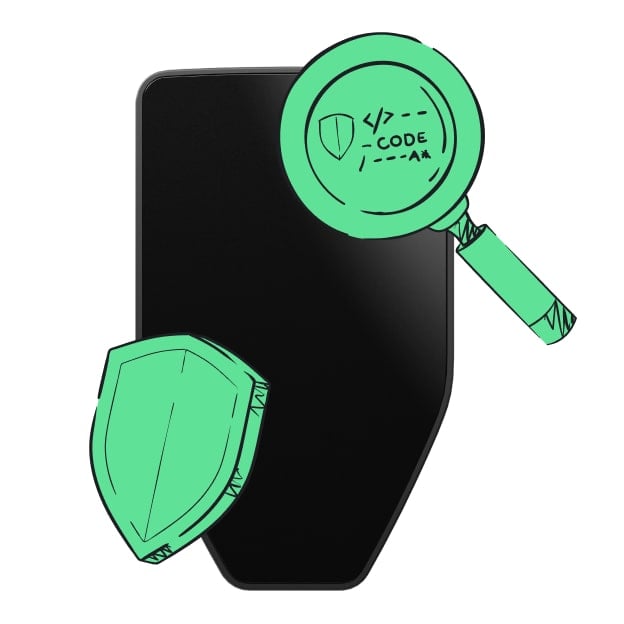 La seguridad empieza por código abierto
Un diseño de billetera de forma transparente hace que tu Trezor sea más seguro y confiable
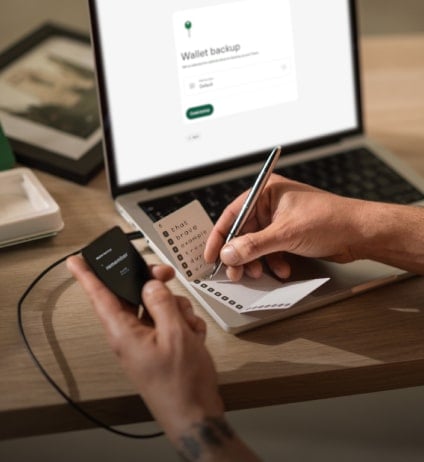 Copia de seguridad de billetera clara y sencilla
Recupera el acceso a tus activos digitales con nuevo estándar de copia de seguridad
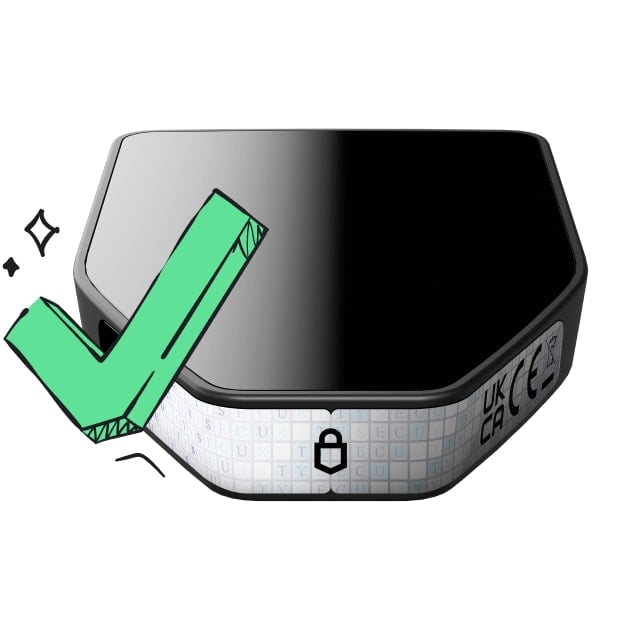 Confianza desde el primer día
El embalaje y los sellos de seguridad del dispositivo protegen la integridad de tu Trezor
¿Qué es Fasttoken (FTN)? FTN es la moneda nativa de Bahamut, una solución pública de cadena de bloques Capa 1 basada en EVM, con un consenso novedoso llamado PoSA. PoSA significa Proof of Stake and Activity (Prueba de Participación y Actividad), donde la Actividad se representa por la cantidad de gas consumida por los usuarios al interactuar con un contrato inteligente desplegado por un validador. Cuanto mayor uso de gas tenga un contrato, más posibilidades tiene su validador de convertirse en productor de bloque en futuros epoch.
¿Qué hace único a Bahamut? El aspecto más singular de Bahamut es el consenso PoSA, que introduce nuevas formas para que las empresas moneticen su base de usuarios al tiempo que mantiene la integridad y transparencia del espacio web3.
Historia de Fasttoken (FTN): FTN fue originalmente un token ERC20 de los ecosistemas SoftConstruct y Fastex. Tras el lanzamiento de la Red Principal Bahamut el 3 de mayo de 2023 con FTN como moneda nativa, comenzó el proceso de migración de Ethereum a Bahamut y sigue en curso.
¿Qué sigue para Bahamut? La infraestructura de Bahamut crece constantemente: los usuarios pueden esperar exchanges descentralizados, diversas apps, servicios de puentes y otros aspectos esenciales antes del final del año. Además, el programa de subvenciones Bahamut está en marcha y pronto abrirá sus puertas a todos los que quieran construir un futuro descentralizado mejor juntos.
¿Para qué se puede usar Fasttoken (FTN)? FTN se utiliza en una variedad de proveedores como token de juego, y también es la moneda nativa para la red Bahamut.