Billetera Confetti Inu segura y protegida
Toma el control de tus Confetti Inu activos con total confianza en el ecosistema de Trezor.
- Protegido por tu billetera física
- Usa con billeteras digitales compatibles
- Con la confianza de más de 2 millones de clientes

Envía y recibe tu Confetti Inu con la app Trezor Suite

Enviar y recibir
Billeteras físicas Trezor compatibles con Confetti Inu
Sincroniza tu Trezor con apps de billeteras
Gestiona tus Confetti Inu con tu billetera física Trezor sincronizada con apps de billeteras.
Trezor Suite
MetaMask
Rabby
Red Confetti Inu Compatible
¿Por qué una billetera física?

Desconéctate con Trezor
- Tus monedas son 100% tuyas
- Tu billetera está 100% segura offline
- Tus datos son 100% anónimos
- Tus monedas no están atadas a una compañía
Exchanges en línea
- Si un exchange falla, pierdes tus monedas
- Los exchanges son blanco de los hackers
- Tu información personal puede ser expuesta
- Tus monedas no son realmente tuyas
¿Cómo usar CONFETTI en Trezor?
Conectar tu Trezor
Abre una app de billetera de terceros
Gestiona tus activos
Aprovecha al máximo tus CONFETTI
Trezor mantiene tus CONFETTI seguros
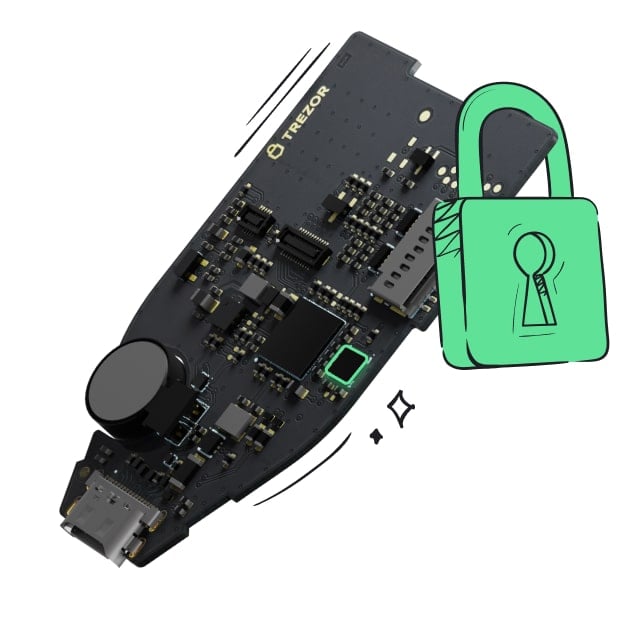 Protegido por Elemento Seguro
La mejor defensa contra amenazas tanto online como offline
 Tus tokens, bajo tu control
Control absoluto de cada transacción con confirmación directa en el dispositivo
 La seguridad empieza por código abierto
Un diseño de billetera de forma transparente hace que tu Trezor sea más seguro y confiable
 Copia de seguridad de billetera clara y sencilla
Recupera el acceso a tus activos digitales con nuevo estándar de copia de seguridad
 Confianza desde el primer día
El embalaje y los sellos de seguridad del dispositivo protegen la integridad de tu Trezor
Confetti Inu ($CONFETTI) is a meme token on Robinhood Chain built around a familiar piece of internet history: the confetti that once appeared in Robinhood’s app when users reached milestones such as their first trade. On March 31, 2021, Robinhood announced that it would replace the confetti design with new visual celebrations. The change came amid criticism that playful features could make investing feel too much like a game. Confetti Inu takes that visual memory, gives it four paws, and invites the community to have fun with it. Longtime users may recognize the reference immediately. For newcomers, the idea is easy to grasp: a dog in a party hat keeps throwing the celebration that once appeared on a trading screen. The project’s mascot is an original Shiba Inu with confetti caught in its fur, a party hat on its head, and a confetti popper in its mouth. Its response to almost everything is the same: pop the confetti. A good day calls for a celebration. A rough day might need one too. The joke stays a joke; a burst of color does not change the risks of a trade.