Billetera Bunker Mode segura y protegida
Toma el control de tus Bunker Mode activos con total confianza en el ecosistema de Trezor.
- Protegido por tu billetera física
- Usa con billeteras digitales compatibles
- Con la confianza de más de 2 millones de clientes
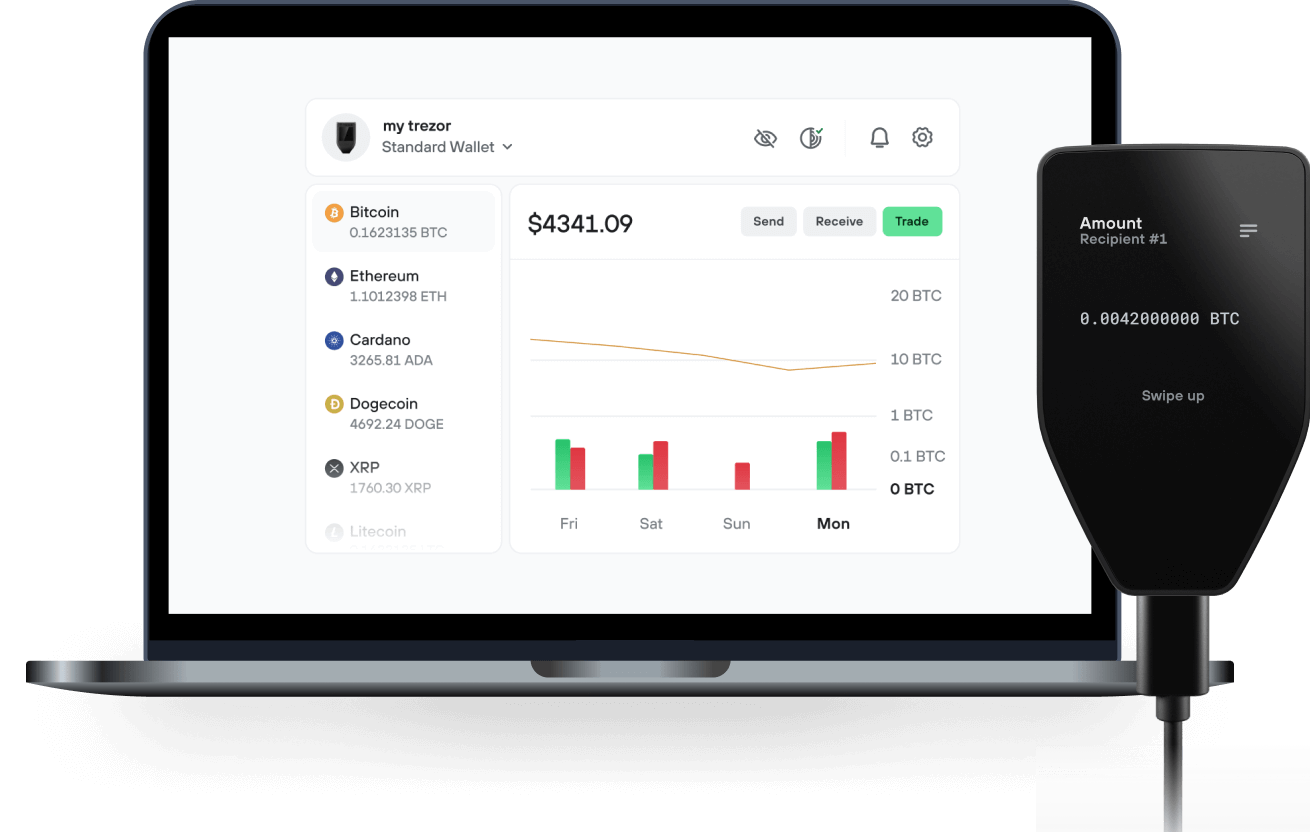
Envía y recibe tu Bunker Mode con la app Trezor Suite

Enviar y recibir
Billeteras físicas Trezor compatibles con Bunker Mode
Sincroniza tu Trezor con apps de billeteras
Gestiona tus Bunker Mode con tu billetera física Trezor sincronizada con apps de billeteras.
Trezor Suite
MetaMask
Rabby
Red Bunker Mode Compatible
¿Por qué una billetera física?
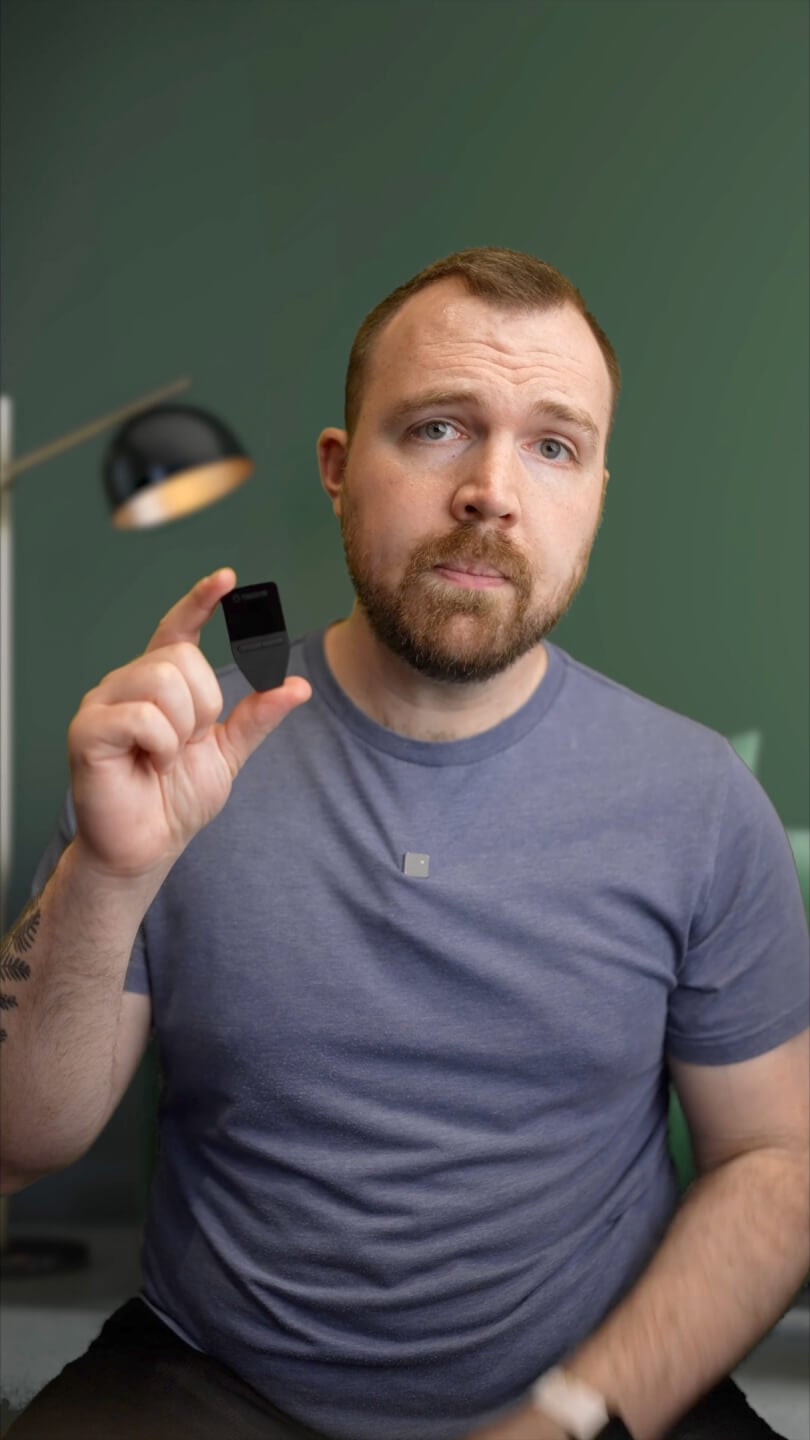
Desconéctate con Trezor
- Tus monedas son 100% tuyas
- Tu billetera está 100% segura offline
- Tus datos son 100% anónimos
- Tus monedas no están atadas a una compañía
Exchanges en línea
- Si un exchange falla, pierdes tus monedas
- Los exchanges son blanco de los hackers
- Tu información personal puede ser expuesta
- Tus monedas no son realmente tuyas
¿Cómo usar BUNKER en Trezor?
Conectar tu Trezor
Abre una app de billetera de terceros
Gestiona tus activos
Aprovecha al máximo tus BUNKER
Trezor mantiene tus BUNKER seguros
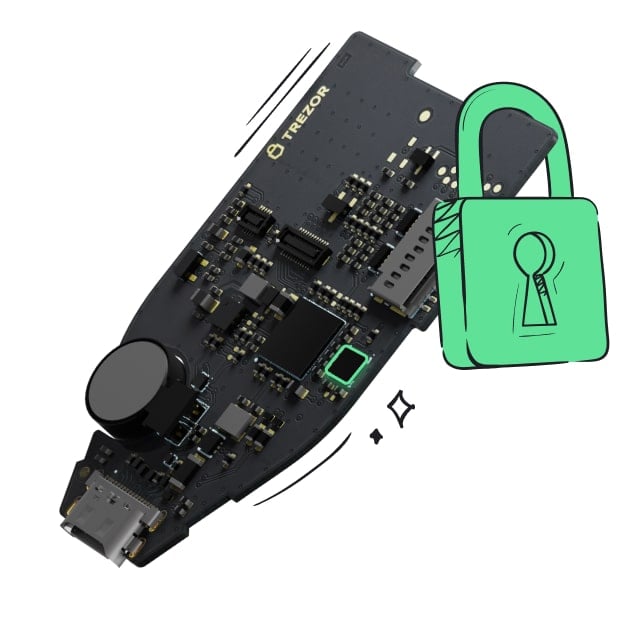 Protegido por Elemento Seguro
La mejor defensa contra amenazas tanto online como offline
 Tus tokens, bajo tu control
Control absoluto de cada transacción con confirmación directa en el dispositivo
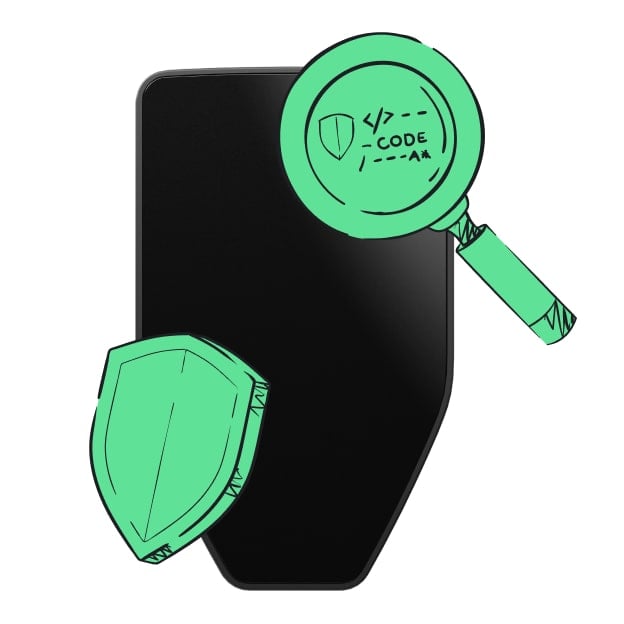 La seguridad empieza por código abierto
Un diseño de billetera de forma transparente hace que tu Trezor sea más seguro y confiable
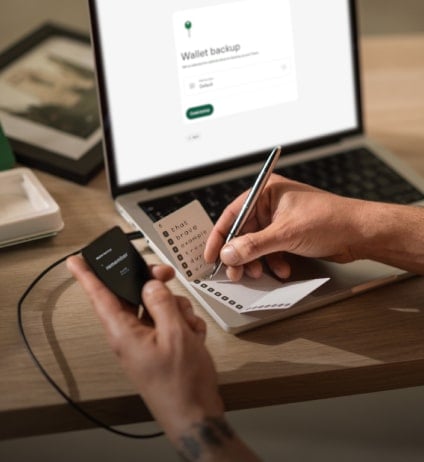 Copia de seguridad de billetera clara y sencilla
Recupera el acceso a tus activos digitales con nuevo estándar de copia de seguridad
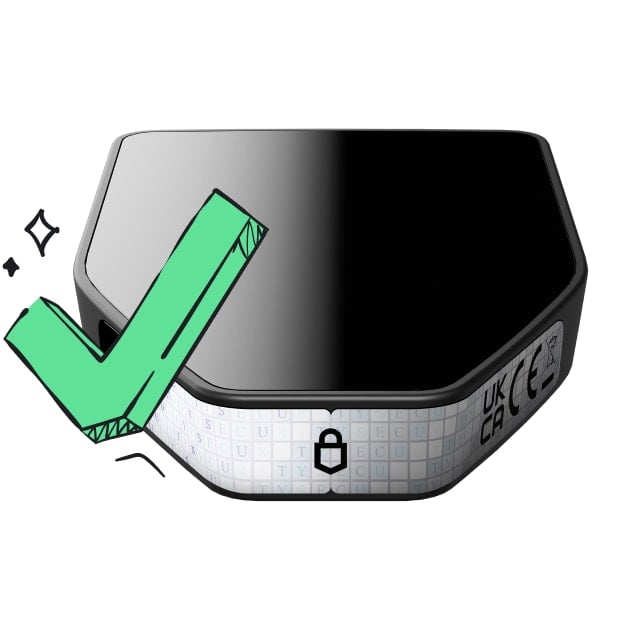 Confianza desde el primer día
El embalaje y los sellos de seguridad del dispositivo protegen la integridad de tu Trezor
Bunker Mode ($BUNKER) is a community-driven memecoin launched on the Ethereum blockchain, inspired by a widely discussed cryptocurrency security conversation about preparing for "bunker mode" and using fresh wallet addresses that have never signed a transaction.
The project transforms this memorable concept into a crypto-native meme, combining blockchain culture, internet humor, and the growing conversation around digital asset security.
Built around the phrase "Never signed. Never exposed," Bunker Mode represents the intersection of serious blockchain discussions and the spontaneous creativity of meme culture. Its identity features a futuristic Ethereum bunker, symbolizing the original narrative while creating a distinctive visual brand.
Bunker Mode is not a wallet, security protocol, or financial protection service. It is an independent memecoin created for entertainment, cultural expression, and community participation within the Ethereum ecosystem. The project is not affiliated with the researcher or organizations associated with the original discussion.
Its defining message is simple: "The key stays hidden. The meme doesn't."