Billetera Boardwalk segura y protegida
Toma el control de tus Boardwalk activos con total confianza en el ecosistema de Trezor.
- Protegido por tu billetera física
- Usa con billeteras digitales compatibles
- Con la confianza de más de 2 millones de clientes

Envía y recibe tu Boardwalk con la app Trezor Suite

Enviar y recibir
Intercambiar
Billeteras físicas Trezor compatibles con Boardwalk
Sincroniza tu Trezor con apps de billeteras
Gestiona tus Boardwalk con tu billetera física Trezor sincronizada con apps de billeteras.
Trezor Suite
MetaMask
Rabby
Redes Boardwalk Compatibles
¿Por qué una billetera física?
Desconéctate con Trezor
- Tus monedas son 100% tuyas
- Tu billetera está 100% segura offline
- Tus datos son 100% anónimos
- Tus monedas no están atadas a una compañía
Exchanges en línea
- Si un exchange falla, pierdes tus monedas
- Los exchanges son blanco de los hackers
- Tu información personal puede ser expuesta
- Tus monedas no son realmente tuyas
¿Cómo usar BMX en Trezor?
Conecta tu Trezor
Instala la app Trezor Suite
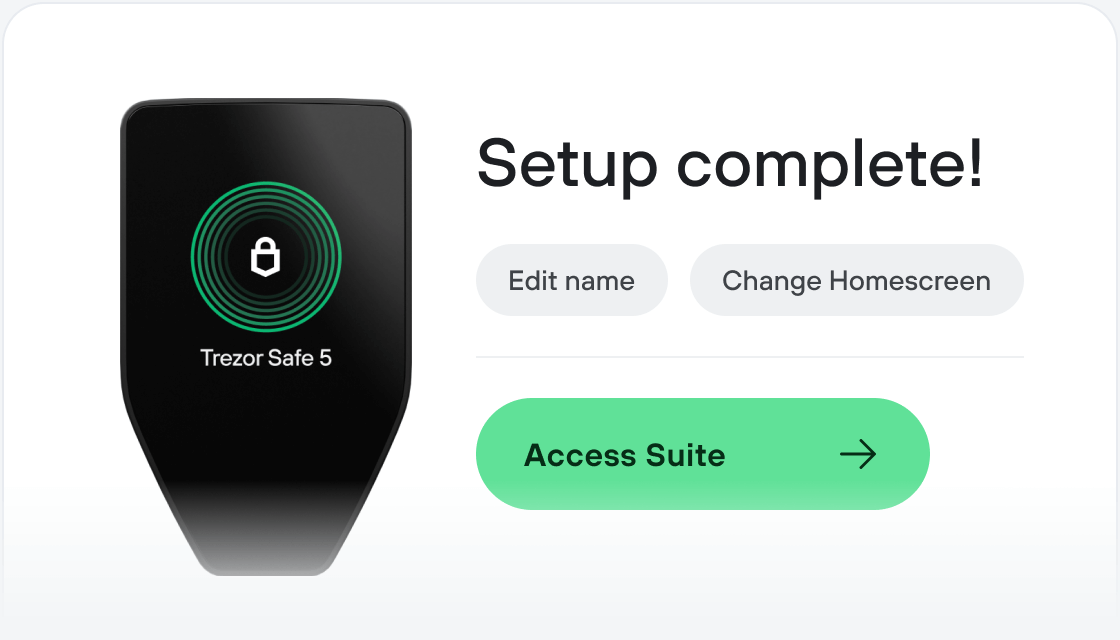
Transfiere tus BMX
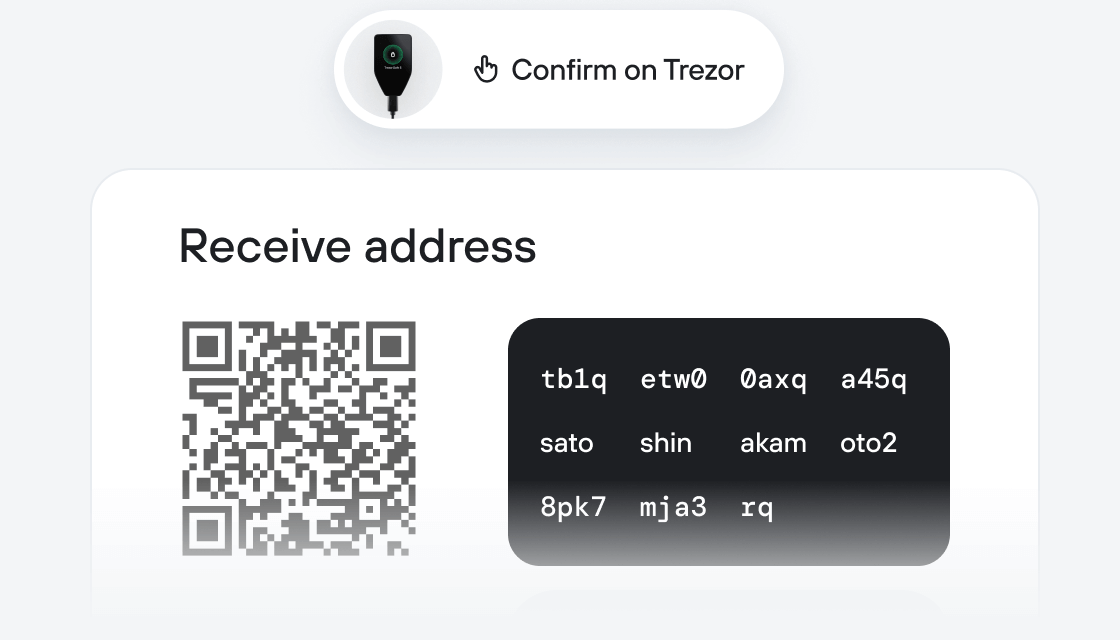
Aprovecha al máximo tus BMX
Trezor mantiene tus BMX seguros
 Protegido por Elemento Seguro
La mejor defensa contra amenazas tanto online como offline
 Tus tokens, bajo tu control
Control absoluto de cada transacción con confirmación directa en el dispositivo
 La seguridad empieza por código abierto
Un diseño de billetera de forma transparente hace que tu Trezor sea más seguro y confiable
 Copia de seguridad de billetera clara y sencilla
Recupera el acceso a tus activos digitales con nuevo estándar de copia de seguridad
 Confianza desde el primer día
El embalaje y los sellos de seguridad del dispositivo protegen la integridad de tu Trezor
Boardwalk is a permissionless, community-centered fee-protection protocol for launching, discovering, and participating in token economies. Issuers create a launch, define its rules up front, and auction a new token under visible mechanics. If the auction reaches its graduation threshold, the raised asset pairs with the token supply to seed permanently locked liquidity, and the token moves into a live economy. If the threshold isn't met, contributors can claim a full refund.
The protocol facilitates launches end-to-end in one place: auction, liquidity seeding, LP participation, fee routing, and vote direction. Issuers choose between two launch paths — Express, a 24-hour auction with streamlined defaults, and Advanced, a 7-day auction with configurable vesting, multiple fee recipients, and an optional referrer. Liquidity providers of tokens launched through Boardwalk can earn from up to three sources: normal swap fees, a dedicated fee-stream from all token swaps and transfers, and a share of the vesting allocation if vesting was configured into the launch. Liquidity providers also earn Participation Points the longer they stay staked, which increase their relative claim on fee and vesting streams over time.
Economies launched through Boardwalk include fee protections at the token level. The fee is built into the token itself, so it applies to onchain movement across any venue where the token trades — not just a single app. This makes it uneconomical for outside actors using sophisticated strategies to take fees away from the intended economy. Once the launch is live, core fee percentages are fixed by protocol design.
Boardwalk is also where the people who support a launch over time come together. Café Boardwalk, a public web forum tied to every launch on the protocol, gives contributors, issuers, and third-party supporters — liquidity providers, growth contributors, security reviewers, treasury-management services, and public-good contributors — a built-in space to ask questions, post updates, and coordinate. The Café is a discussion surface, not an onchain mechanism: participation there does not change launch rules, fee routing, vesting, or voting weight.
BMX is Boardwalk's deflationary protocol token. BMX functions as a consumption token, burned by users across all chains to launch a token economy and influence project discovery through Upvoting and Downvoting. BMX can be staked to vote-direct a portion of protocol fees. Each weekly epoch, stakers vote-direct designated fees toward one of four outcomes — BMX Buy & Burn, Route to Operations Reserve, Perma-Lock BMX/WETH liquidity, and Route to BMX Stakers. Voting is winner-take-all, with votes in one epoch directing the fees collected in the next.
Boardwalk is initially being deployed across Ethereum, Base, Fraxtal, Ink, and Katana.