Veuillez noter : nos articles ne sont actuellement disponibles qu’en anglais.
Trezorctl on Windows
This article describes in detail how to get the low-level command line tool trezorctl working on Windows.
trezorctl commands are tools written in the Python programming language that can be used with the Trezor device using the command line client.
trezorctl is for advanced users. Please proceed with caution.
Prerequisites
Make sure Trezor Suite is installed and running whenever you are using the trezorctl command line tool.
Installation
Installing Python
You will need to download a Python release with active support.
You can download the Python Windows installer here.
Alternatively, navigate to Python releases for Windows and select your preferred installer version.
When the download is finished, run the installer.
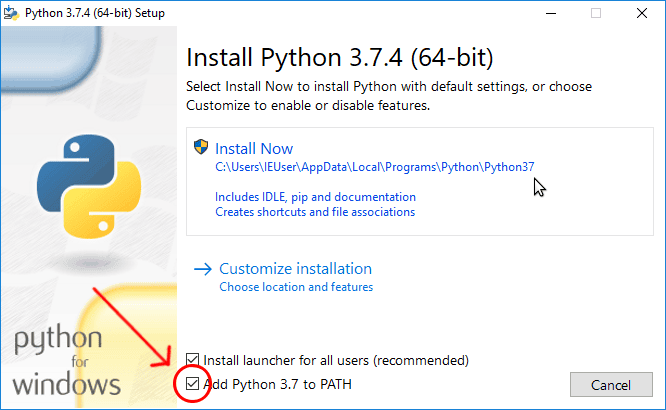
Make sure the "Add Python [version number, e.g. 3.13] to PATH" option is checked. Then click "Install Now".
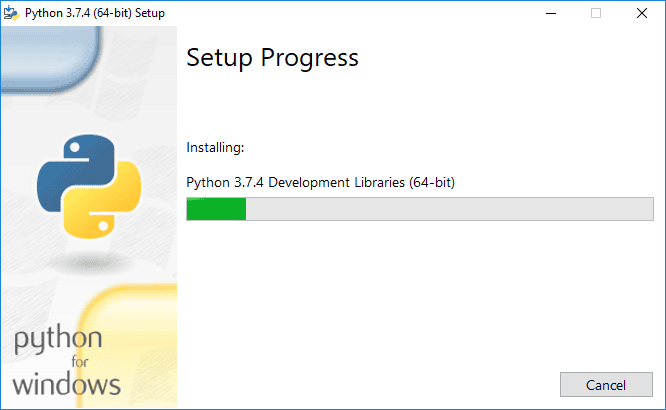
Wait until the installation completes.
Installing trezorctl
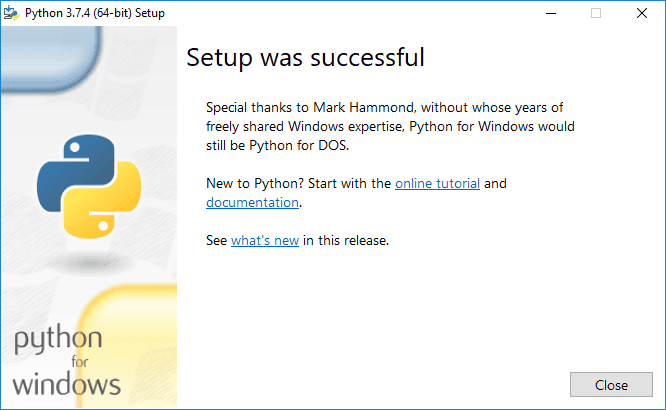
Wait until the Python installer has finished.
If you open the Command Prompt window before the installation is complete, the necessary commands will not be available. You will need to close the window and open it again.
1. Press Win+R to open the "Run" dialog.
Type cmd into the dialog and press Enter, or click "OK".
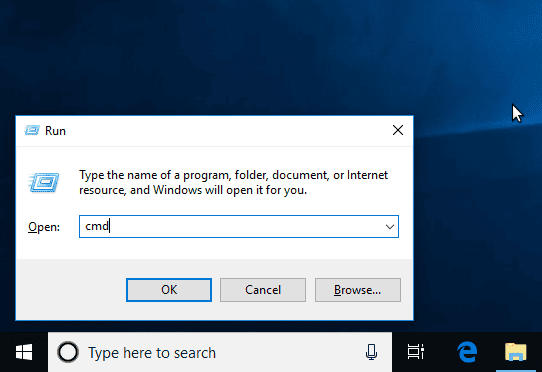
2. At the Command Prompt, enter the following command:
pip install trezor
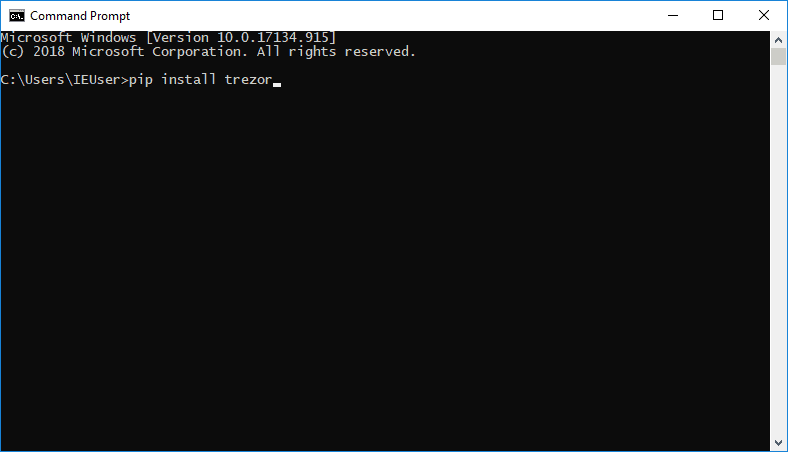
3. Wait until the installation finishes.
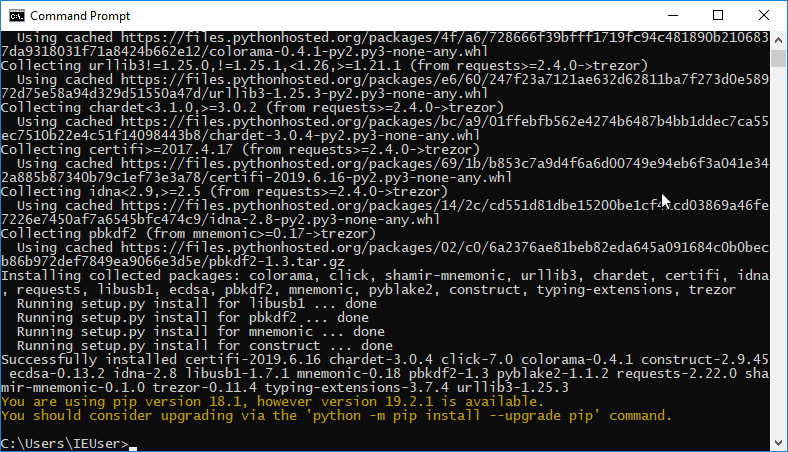
4. Try some sample commands.
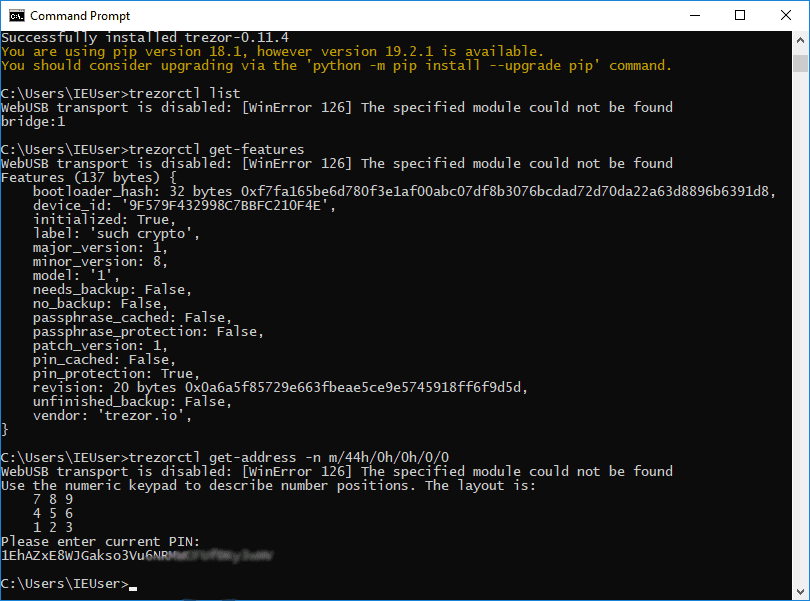
Running trezorctl
When you need to run trezorctl again, just open the Command Prompt and type your trezorctl command.
Step 1: Press Win+R to open the "Run" dialog.
Step 2: Type "cmd" into the dialog and press Enter, or click "OK".
Step 3: Type trezorctl commands